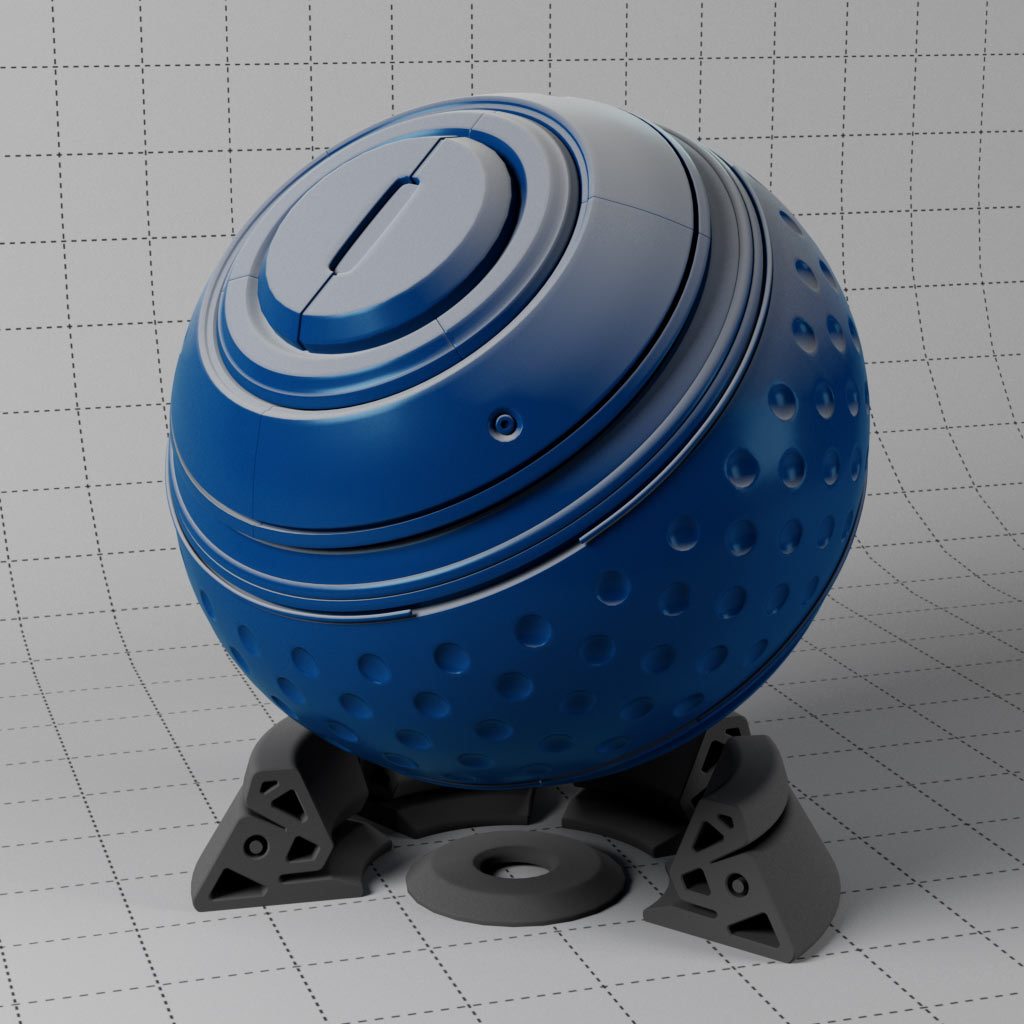
Redshift Essential Materials v3 : C4D
$59.00
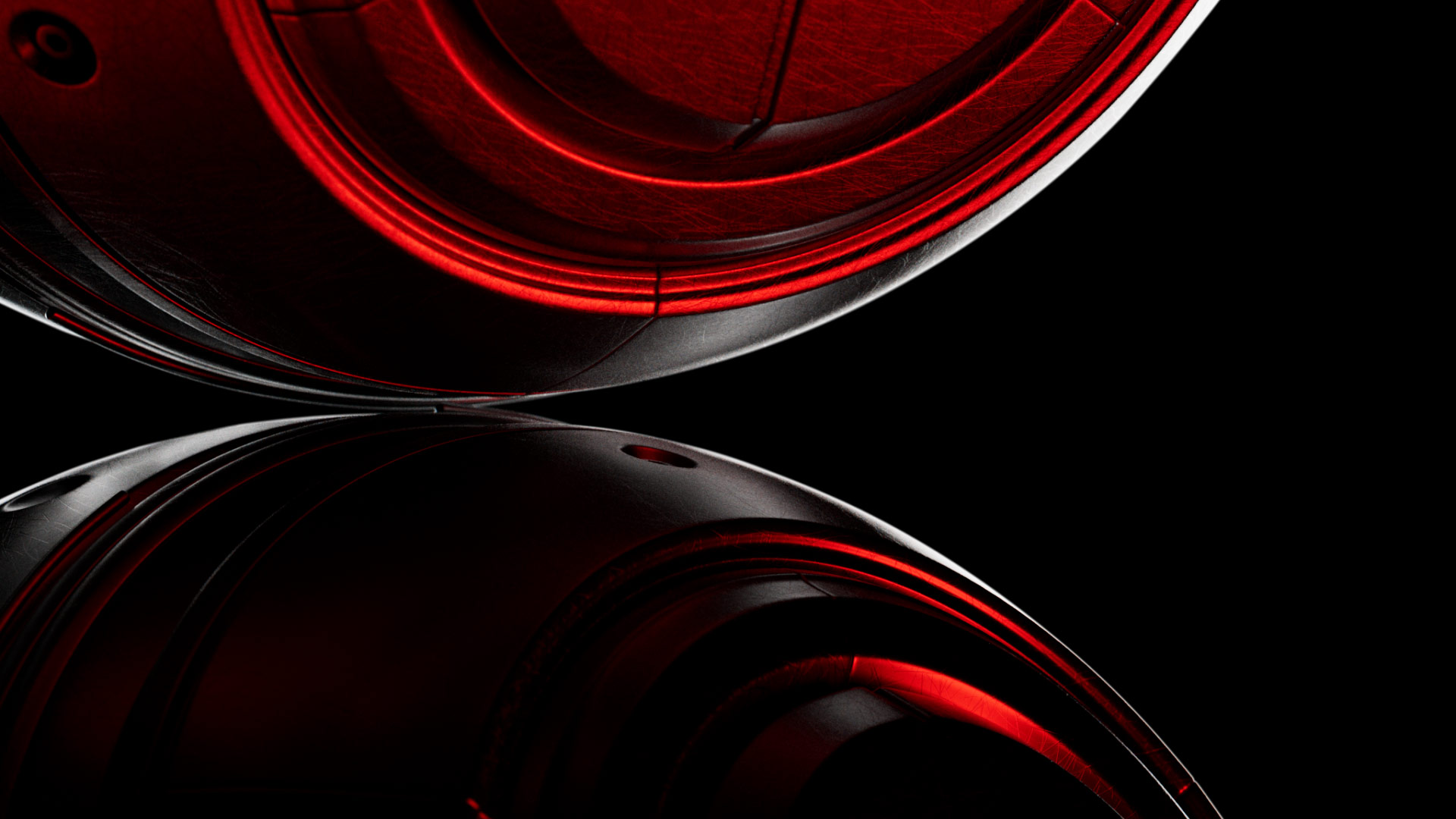
The complete collection has been updated using Redshift 2026.8 with all materials converted to RS Standard and RS OpenPBR Materials. Support for new nodes, UV Context, Standard Volume, Principled Hair, Jitter, Random Switcher, Scratches, Tiles and many more.
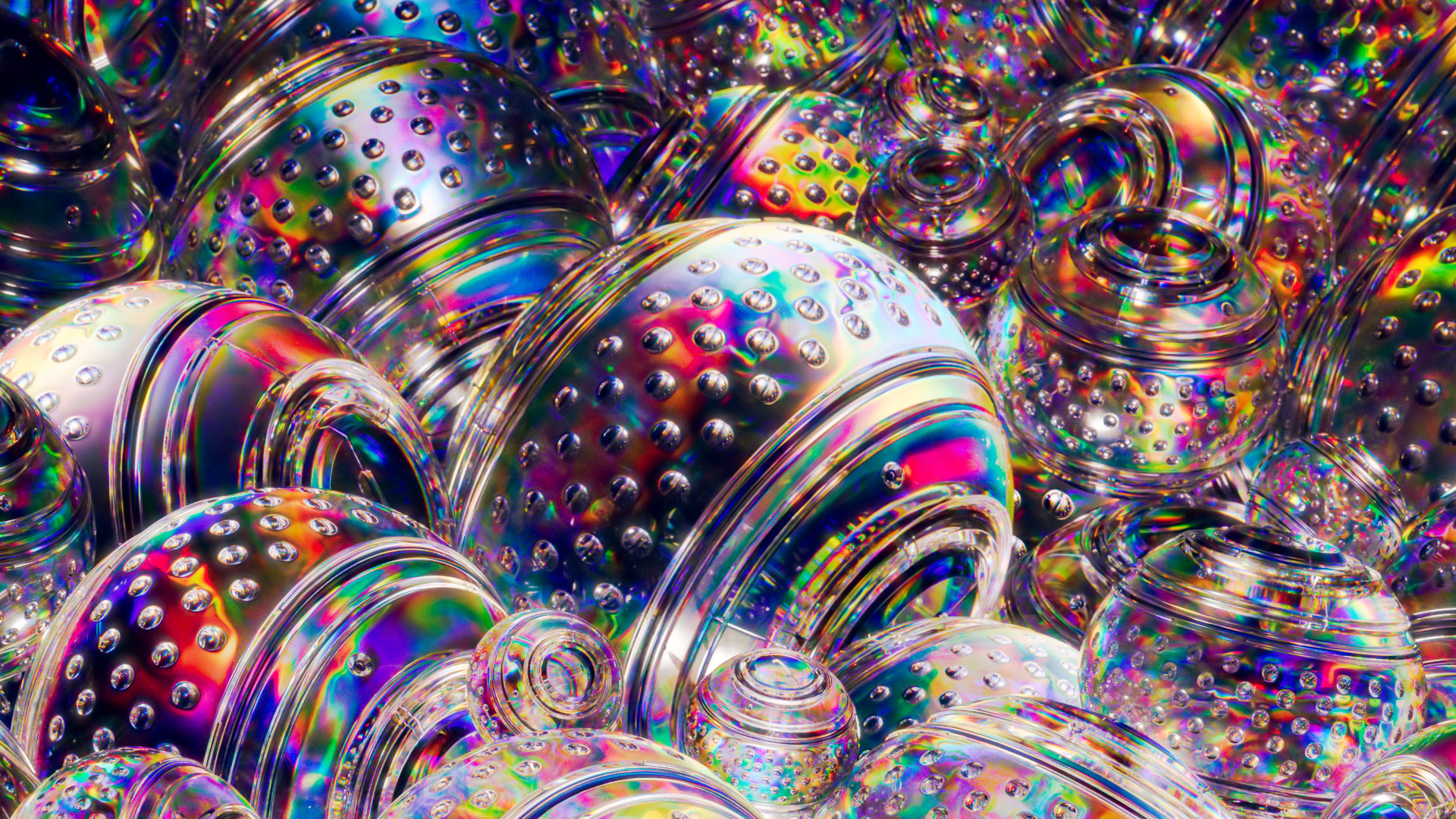
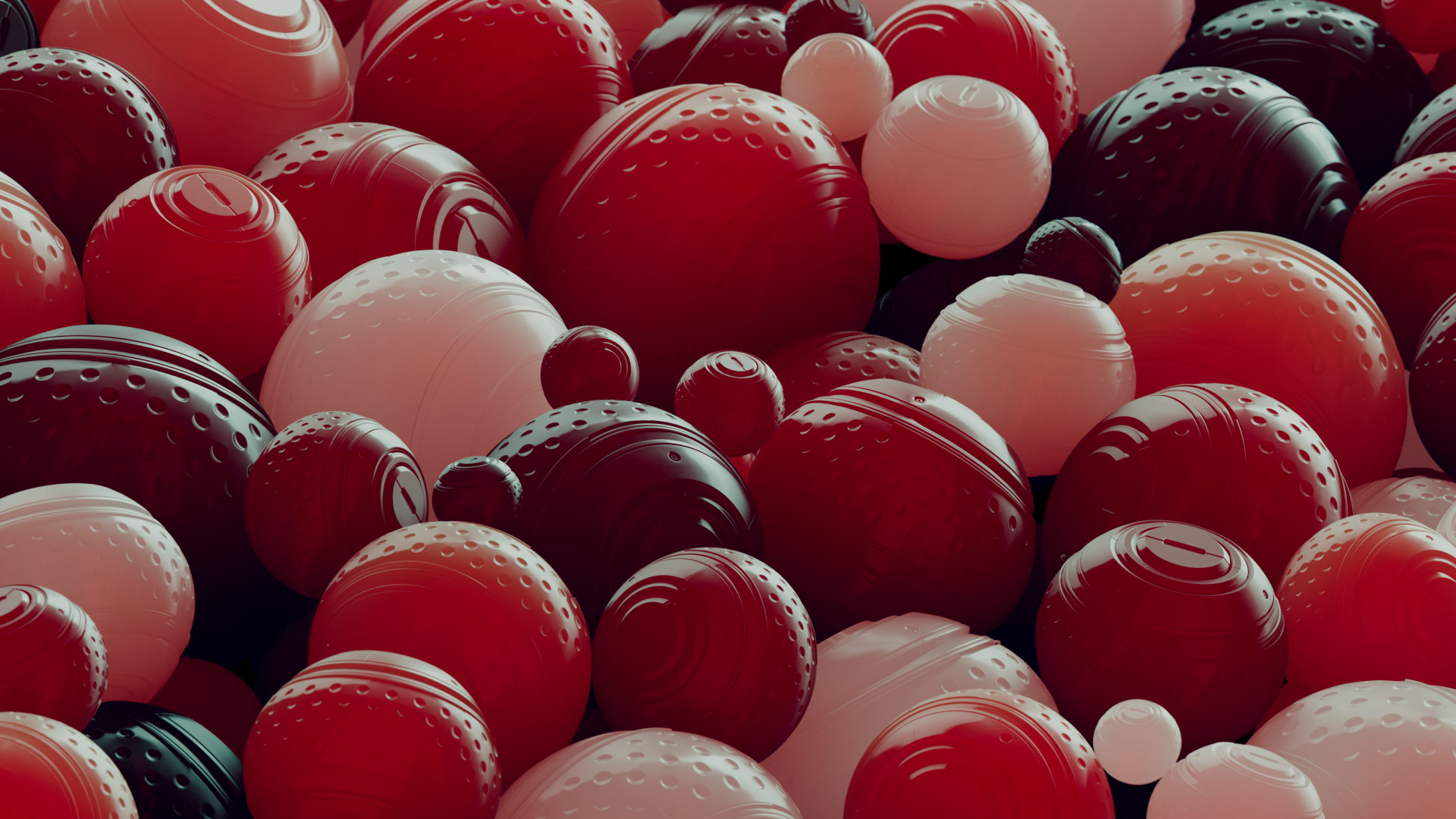
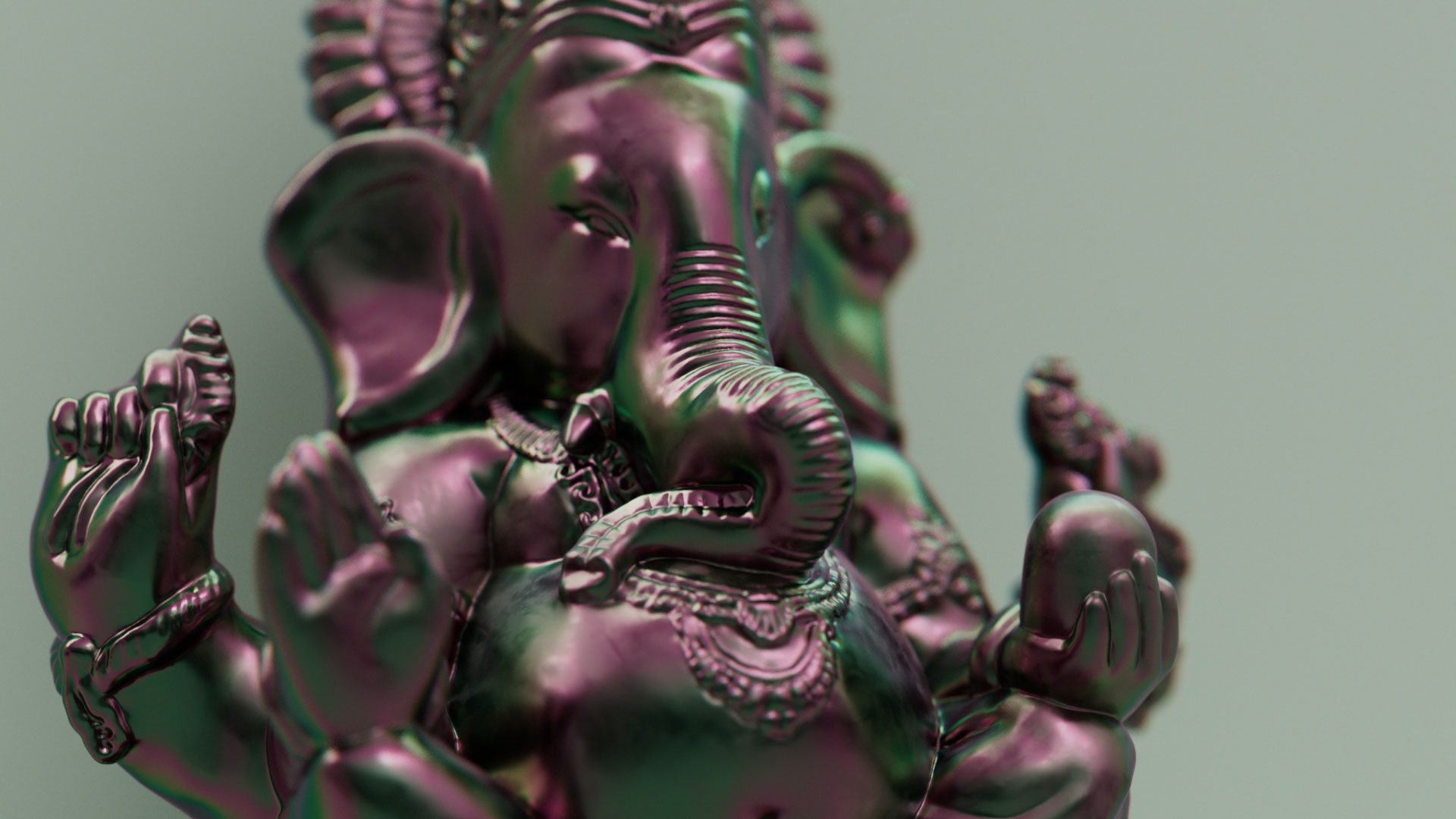
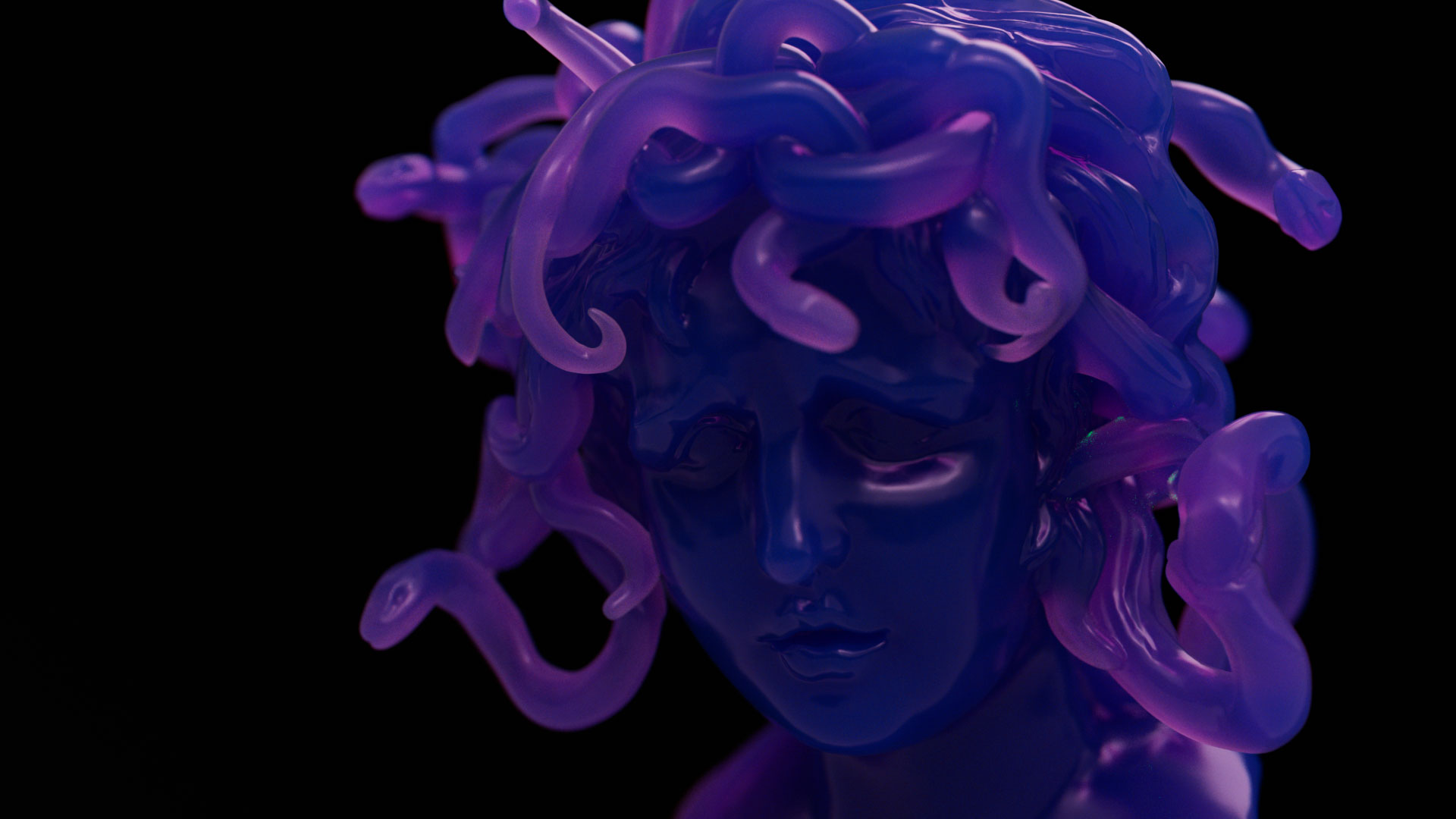
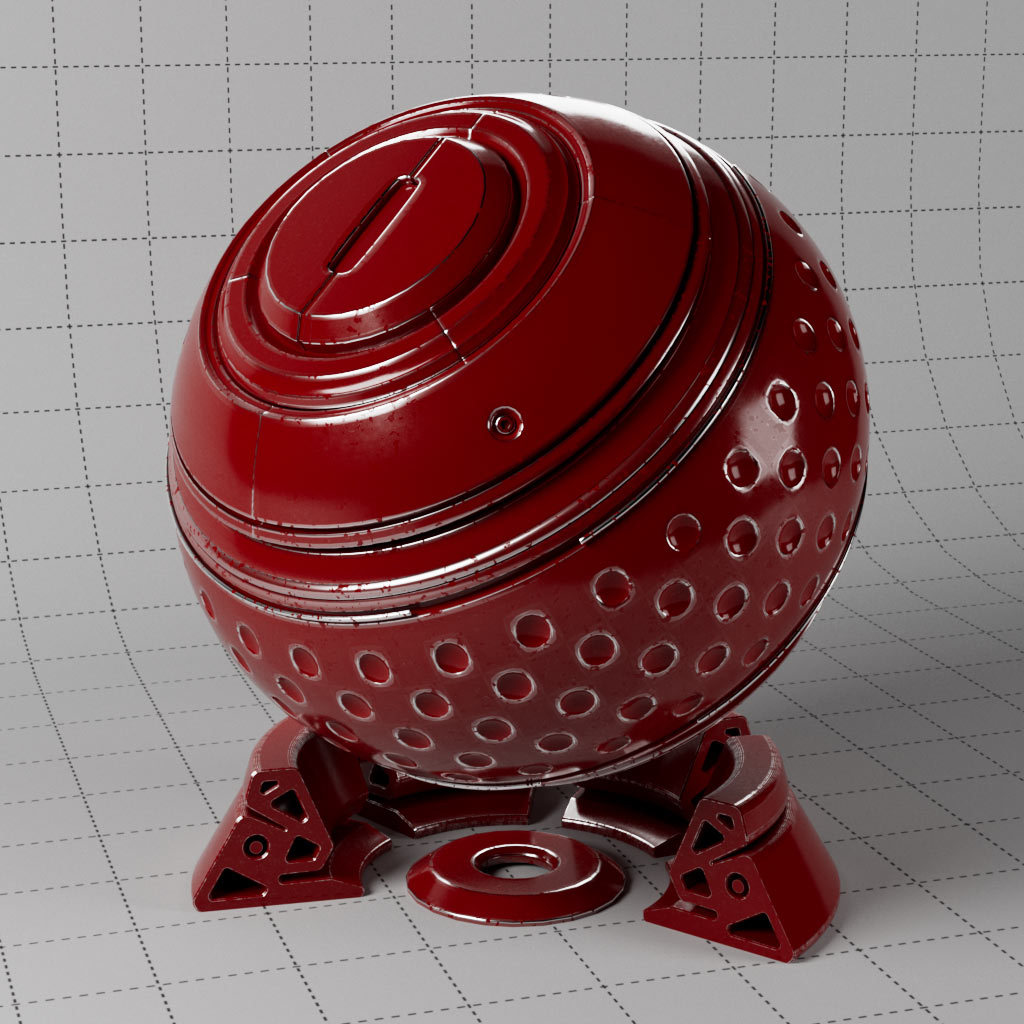
A collection of 130 unique pre-build setups for Cinema 4D which demonstrate Redshift’s most important and useful nodes. Each surface material is supplied as both RS Standard and OpenPBR making a total of 248 materials.
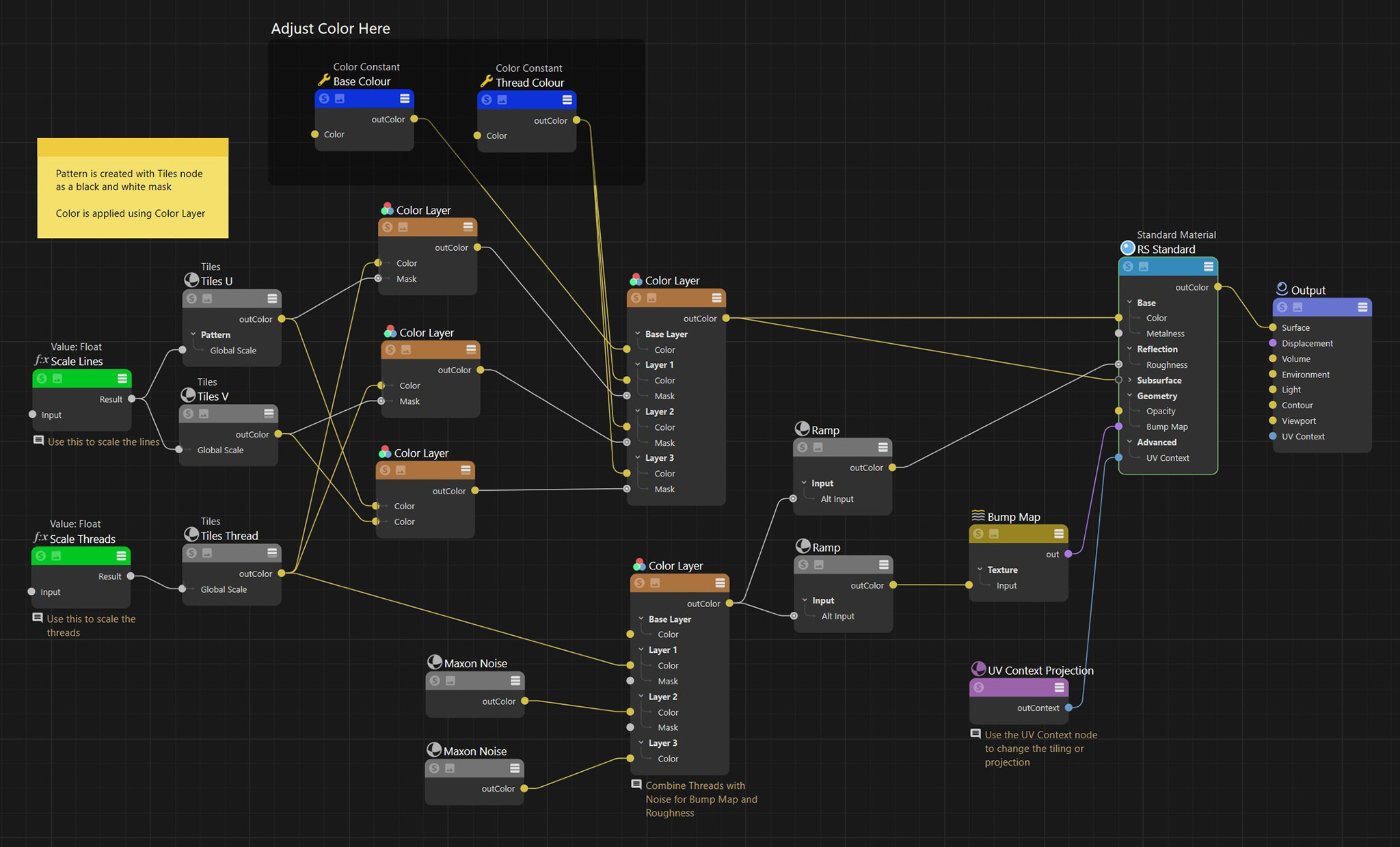
Materials include remarks and notes in the network to explain the nodes. This library is a great way to learn how particular shaders work in combination with specific objects in your scene as many of these examples also require Redshift Objects, Tags and specific setups to function correctly.
Create dispersion, absorption and sub-surface scattering. Explore falloff types, add wear and tear, scratches or dust settling on a surface.
Add variation to your materials per object or with mograph, use random switches and jitter to create more organic results, control attributes with fields and optimise workflow.
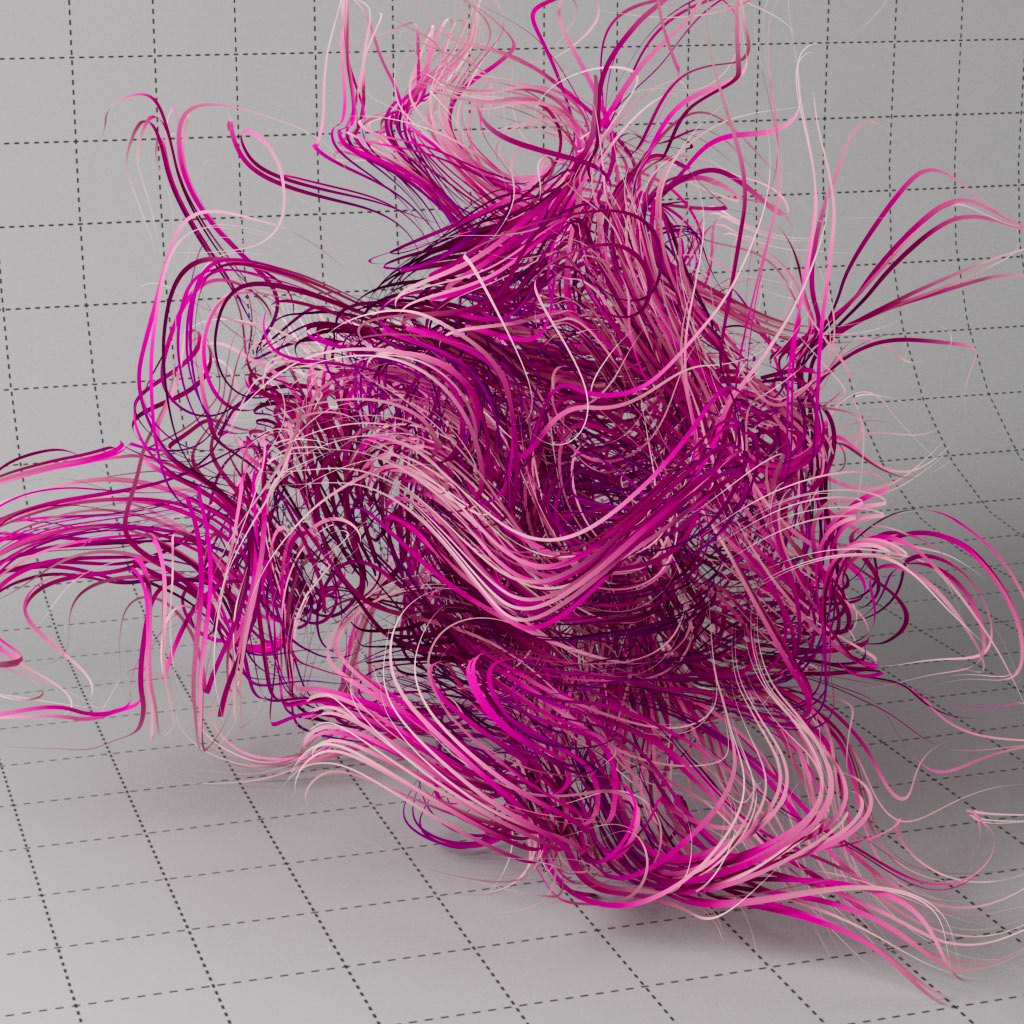
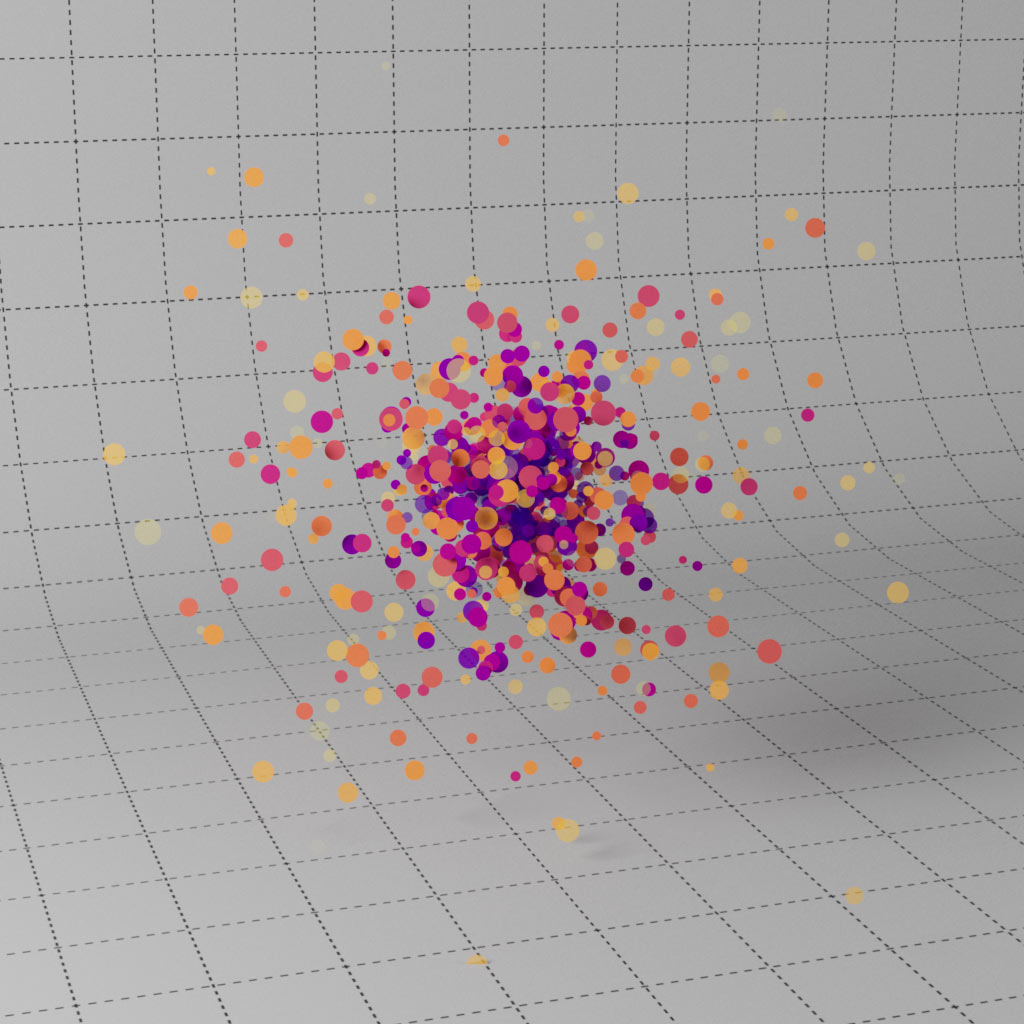
Using the Redshift Object tag allows you to add displacement or render splines, particles and matrices without the need for geometry. Control material parameters with particle attributes such as age, color. As well as C4D native particles, we include four X-Particles example materials too.
Other special cases include the Sprite node, Principled Hair and Standard Volume, plus a section dedicated to AOVs to facilitate efficient comping.
Product Summary
248 Redshift materials with notes
Dispersion, Absorption and SSS effects
Wear & tear, dust & surface techniques
UV projection, normals, camera, object & world space
Jitter and randomise shaders & materials
Mograph setups for enhanced workflow
Render matrices, splines, particles & hair without geometry
X-Particles setup for XP Emitter & XP Trail
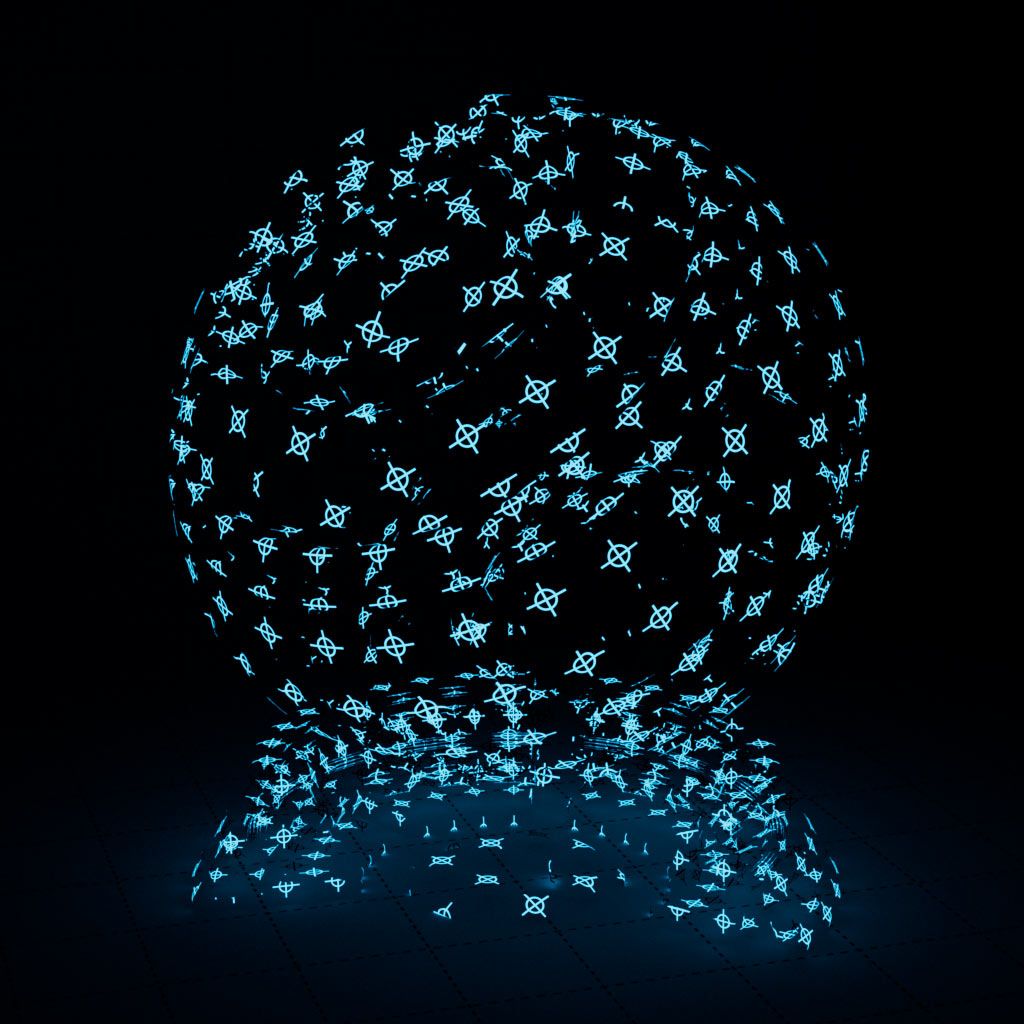
Create wireframes and sprites
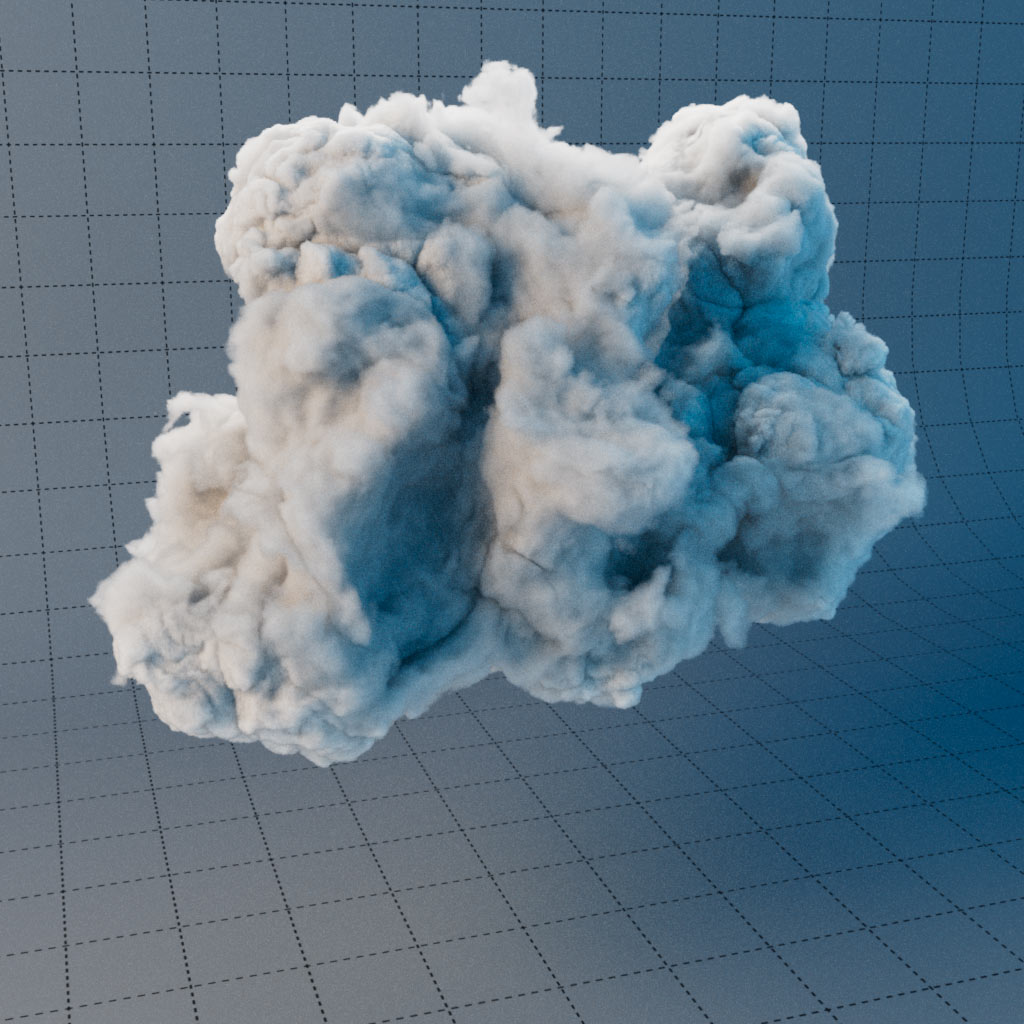
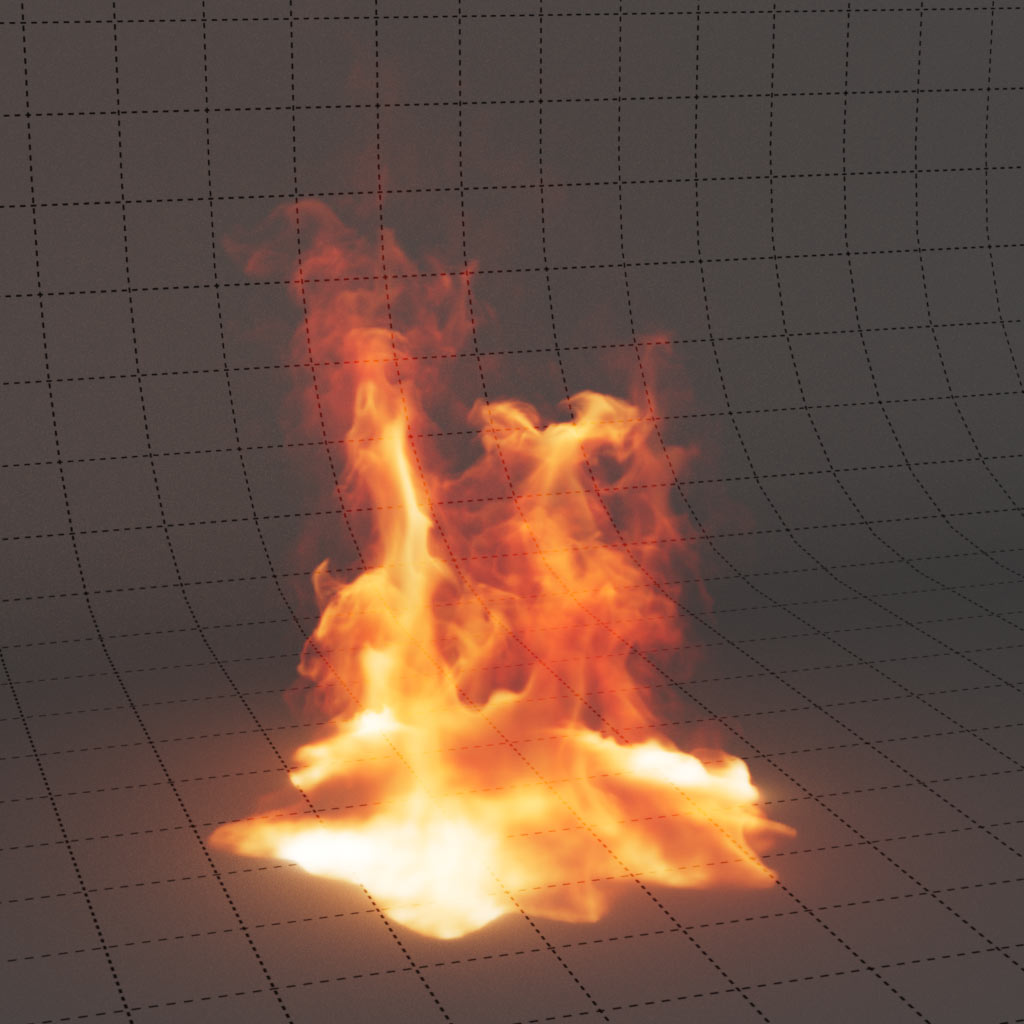
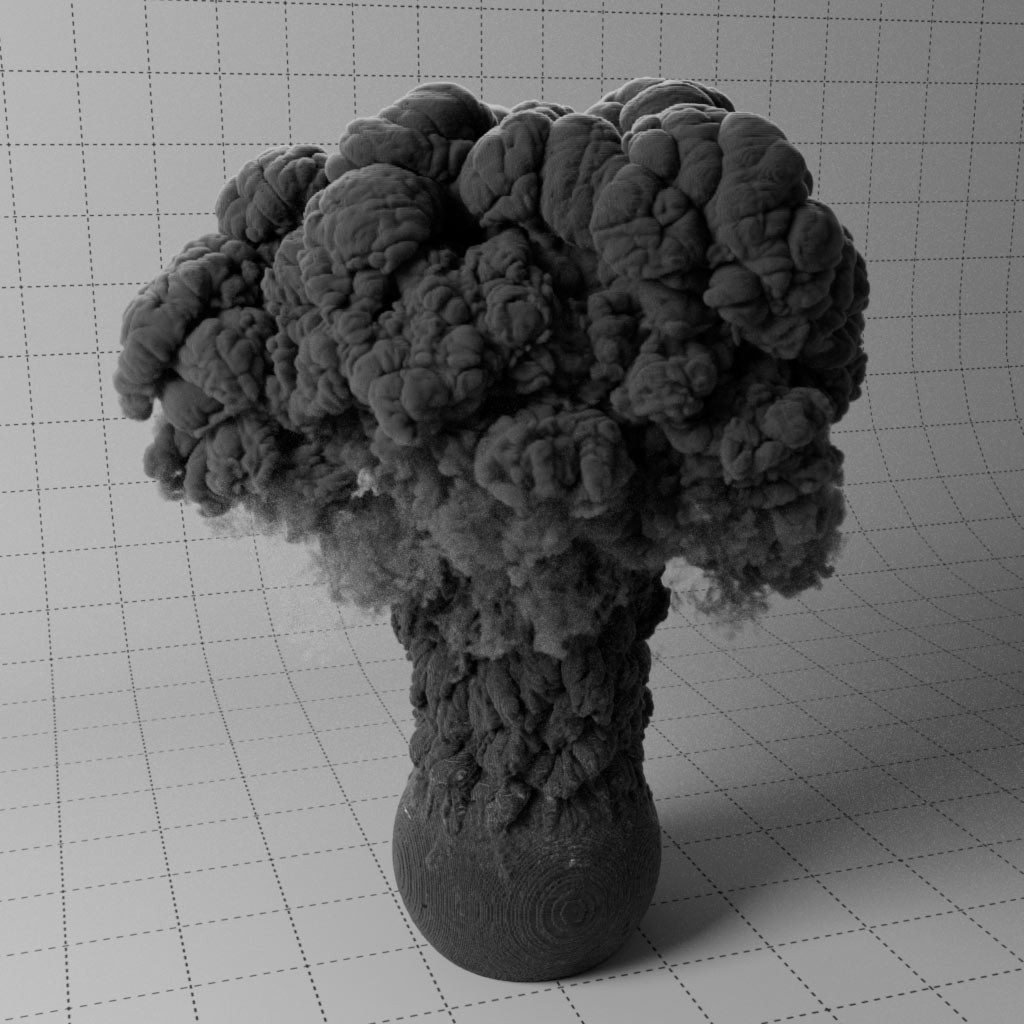
Render Pyro, Volumes & OpenVDB files
Example scenes for Utility AOVs
Example Scenes for C4D Pyro Rendering
C4D project files with Takes for each setup
Recommended requirements
Cinema 4D 2026.3.4
Redshift 2026.8 and above
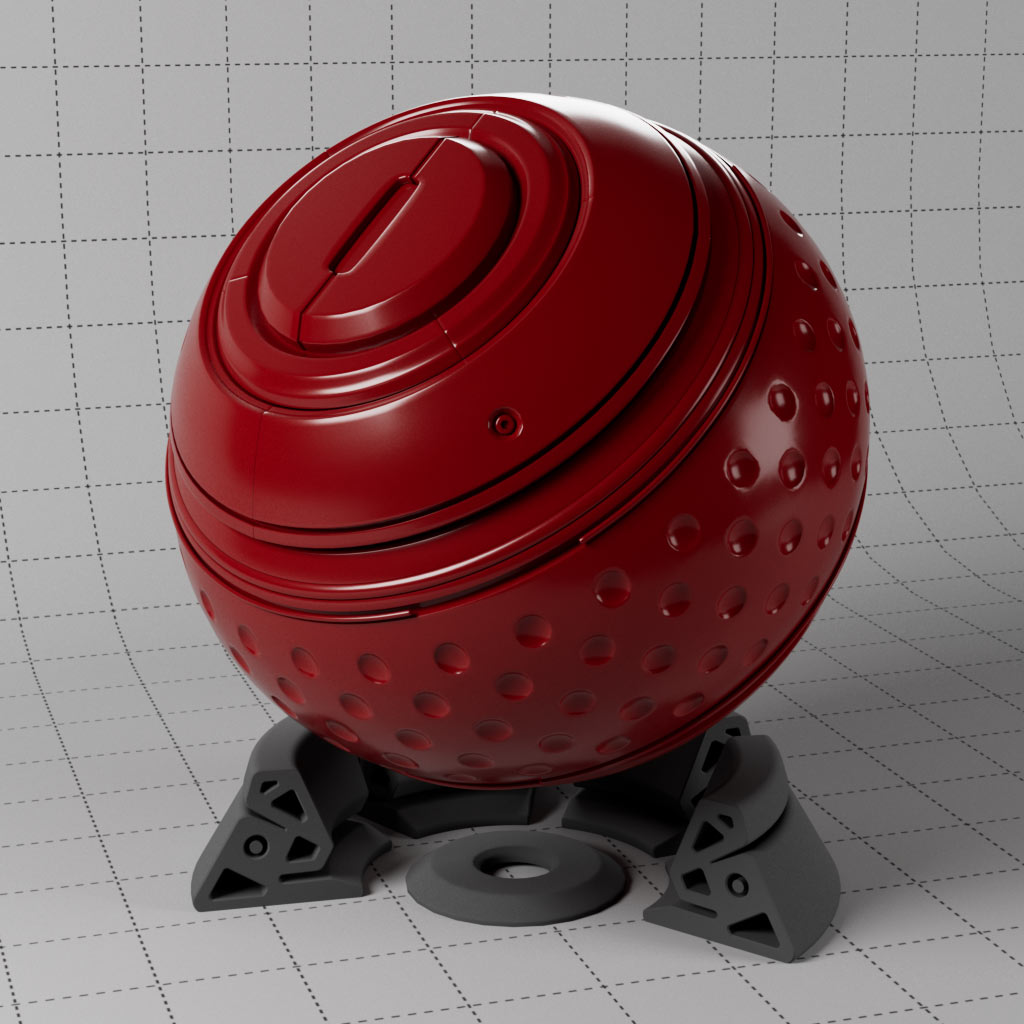
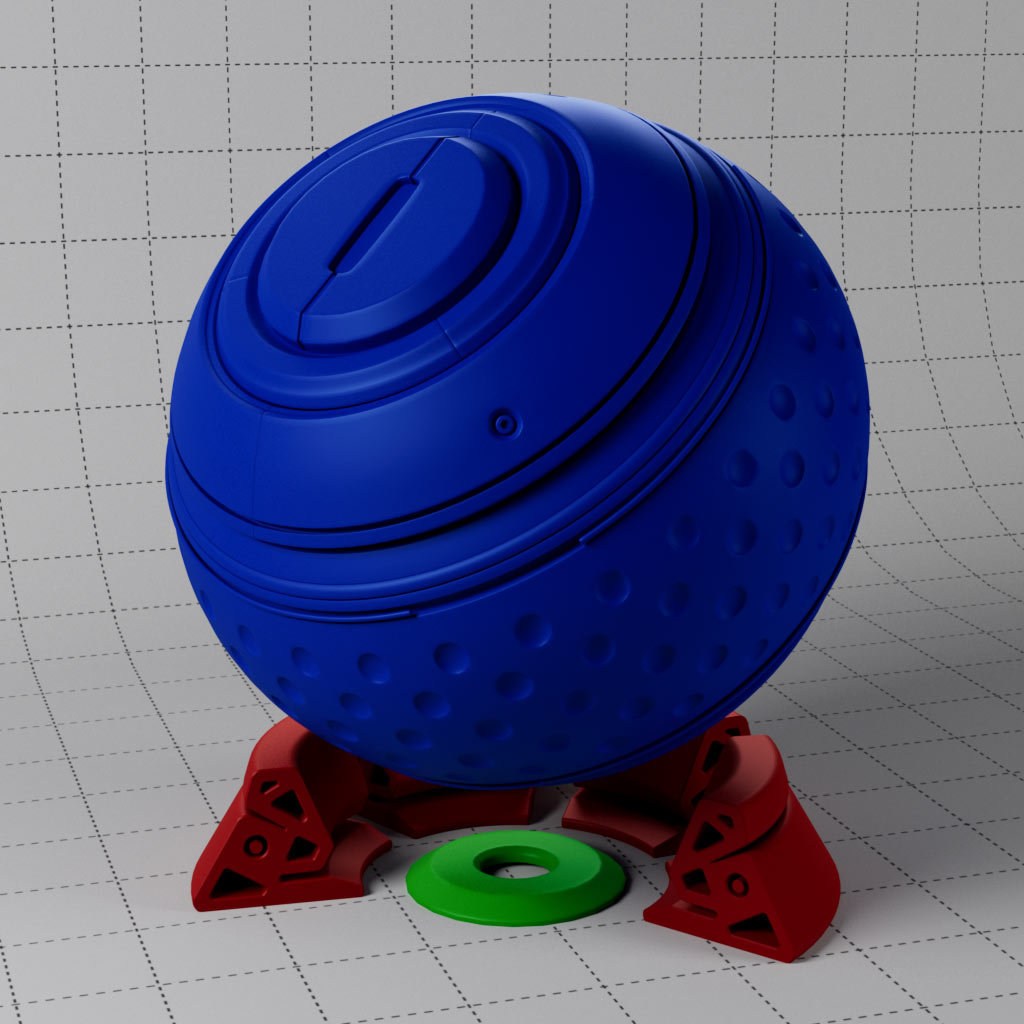
Shaderball scene courtesy of Rich Nosworthy, Thank you!
richnosworthy.tv
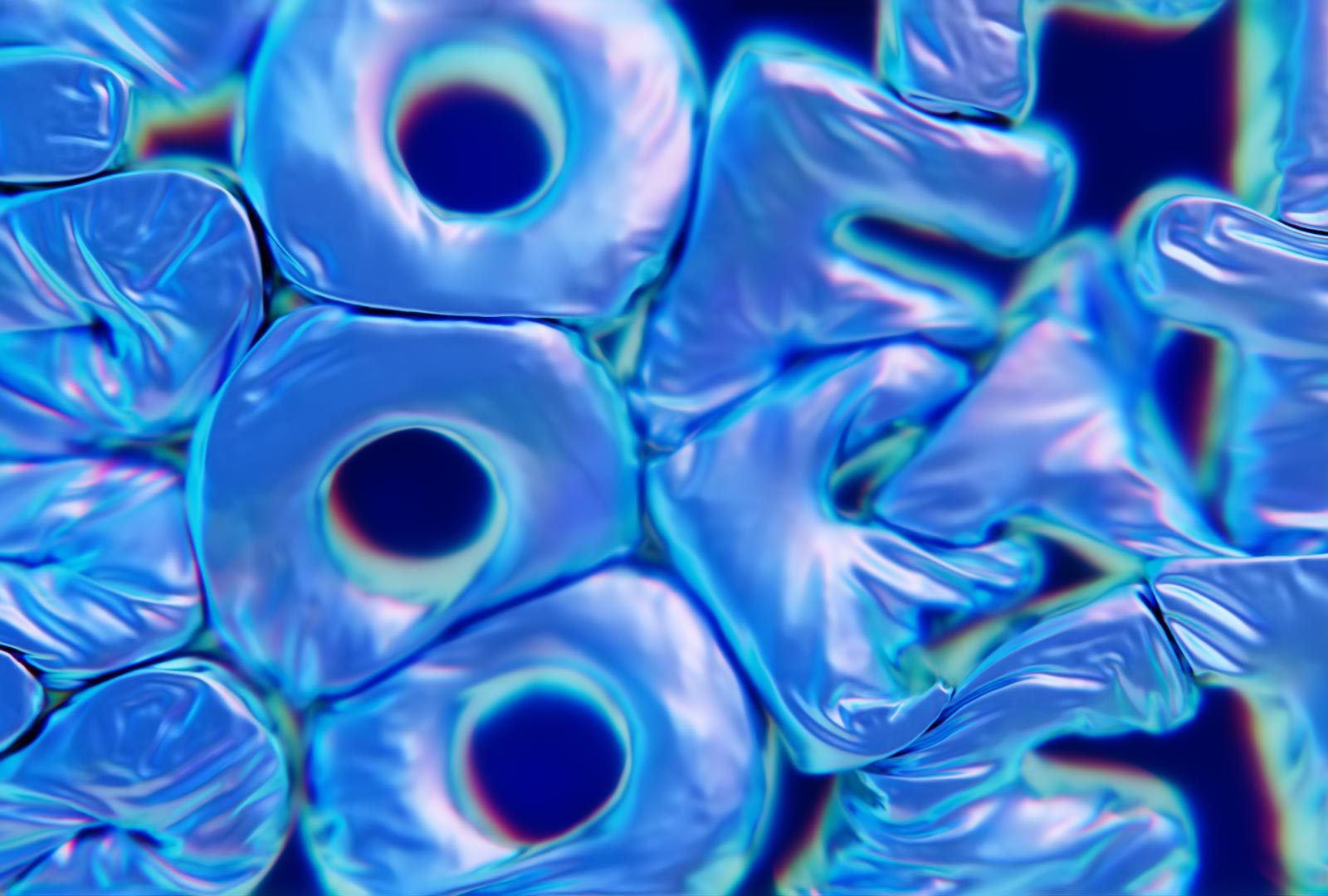
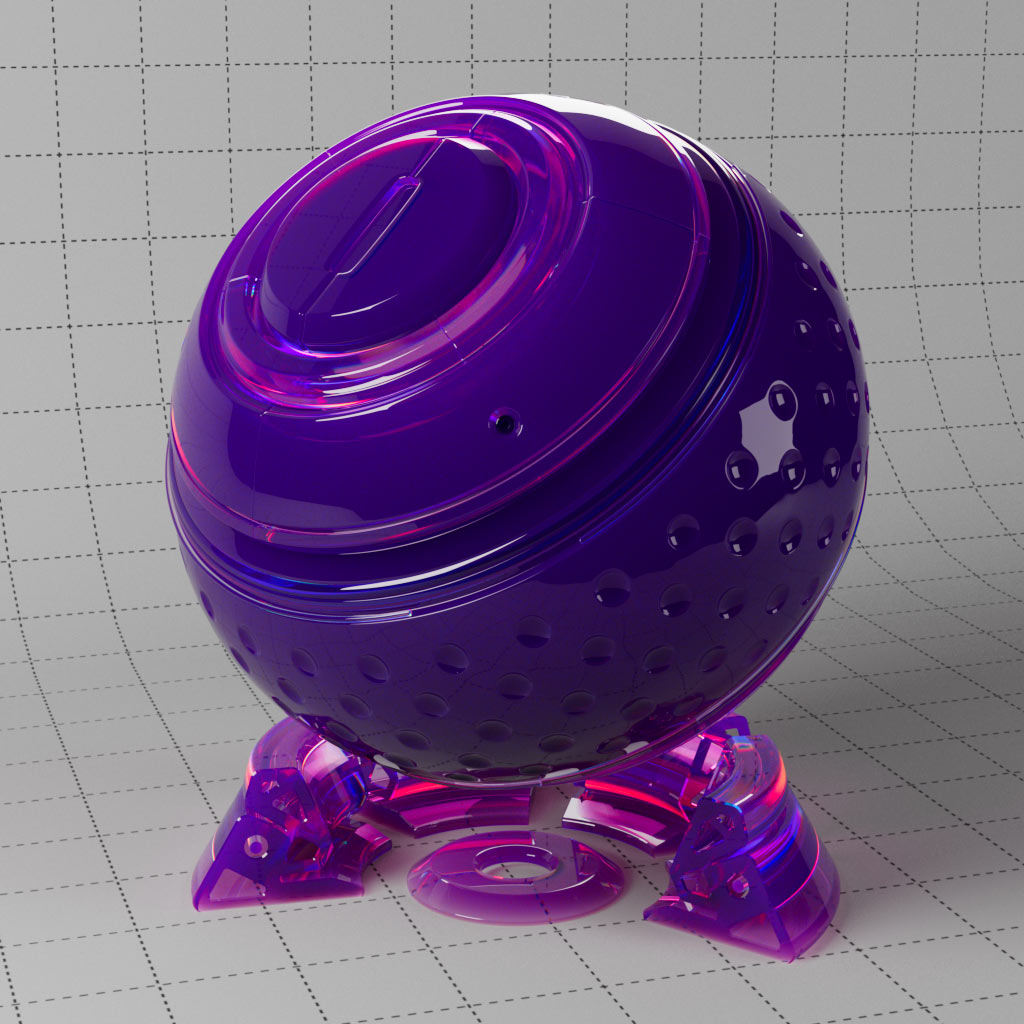
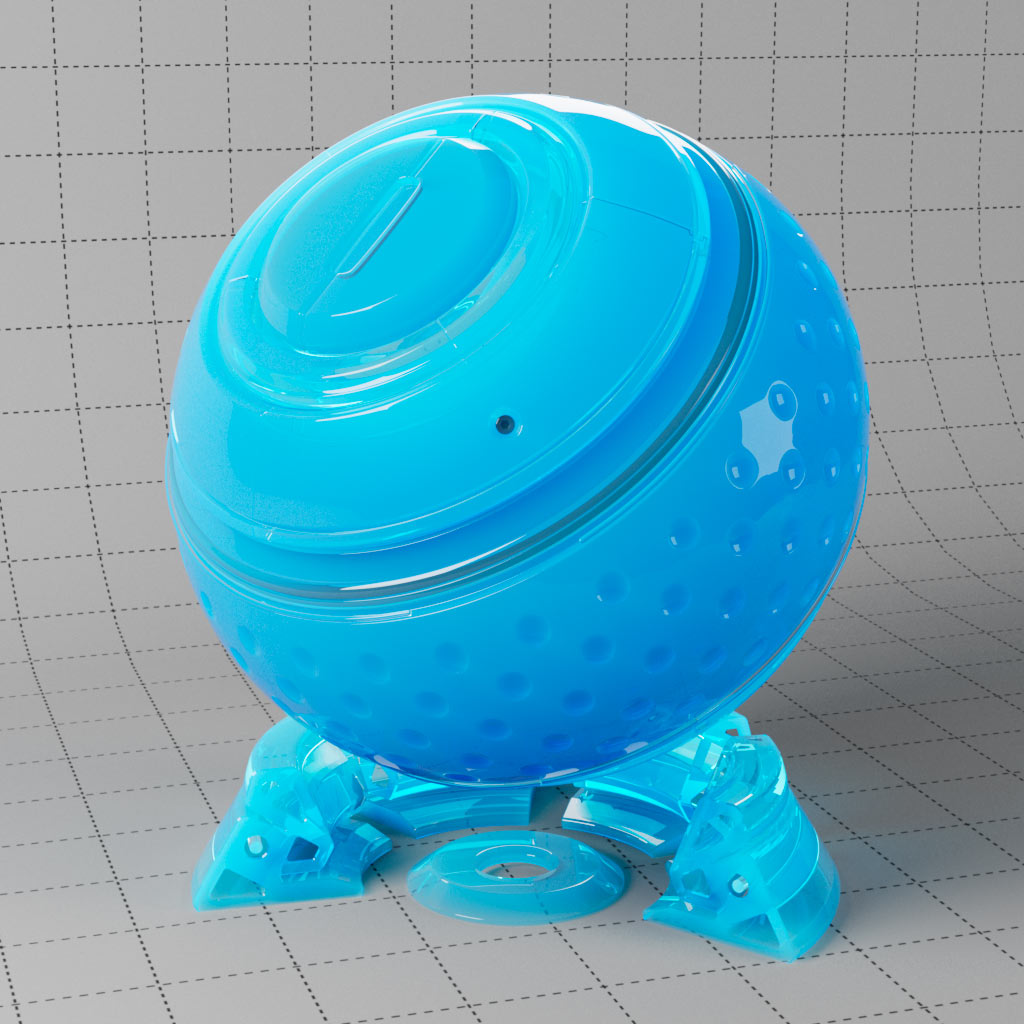
Starting with a basic glass material, this set includes many variations possible using the transmission settings. From adding dispersion or using thin film for iridescent rainbow effects, through to frosting and single sub-surface scattering for more dense coloured glass, plastics and rubber.
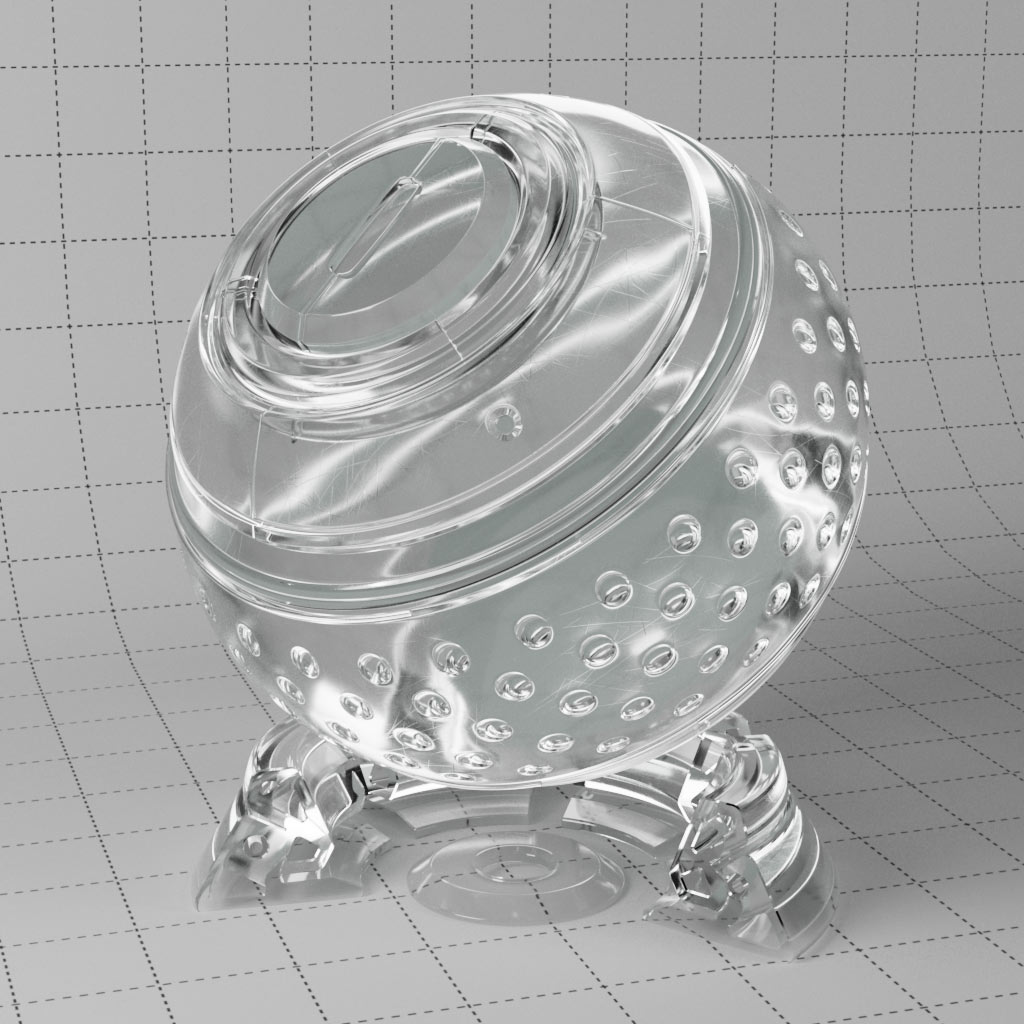
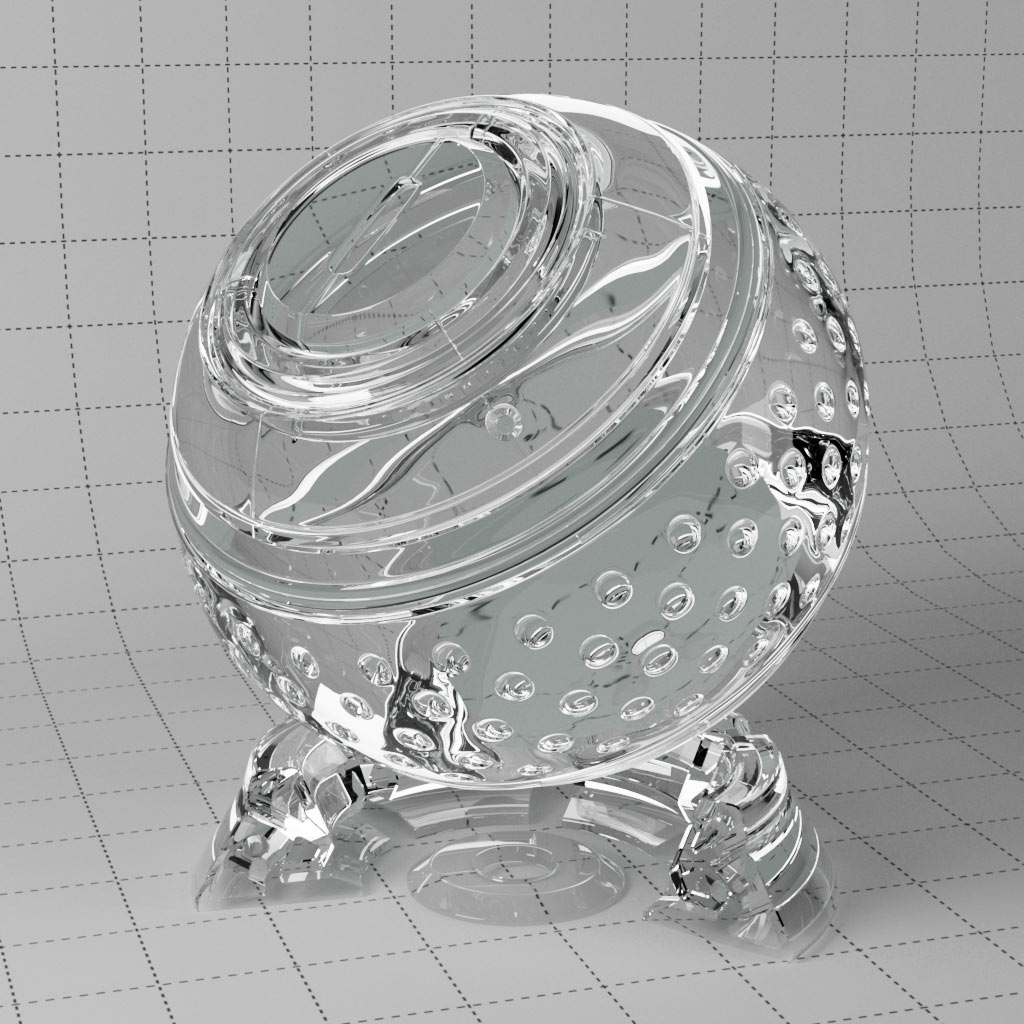
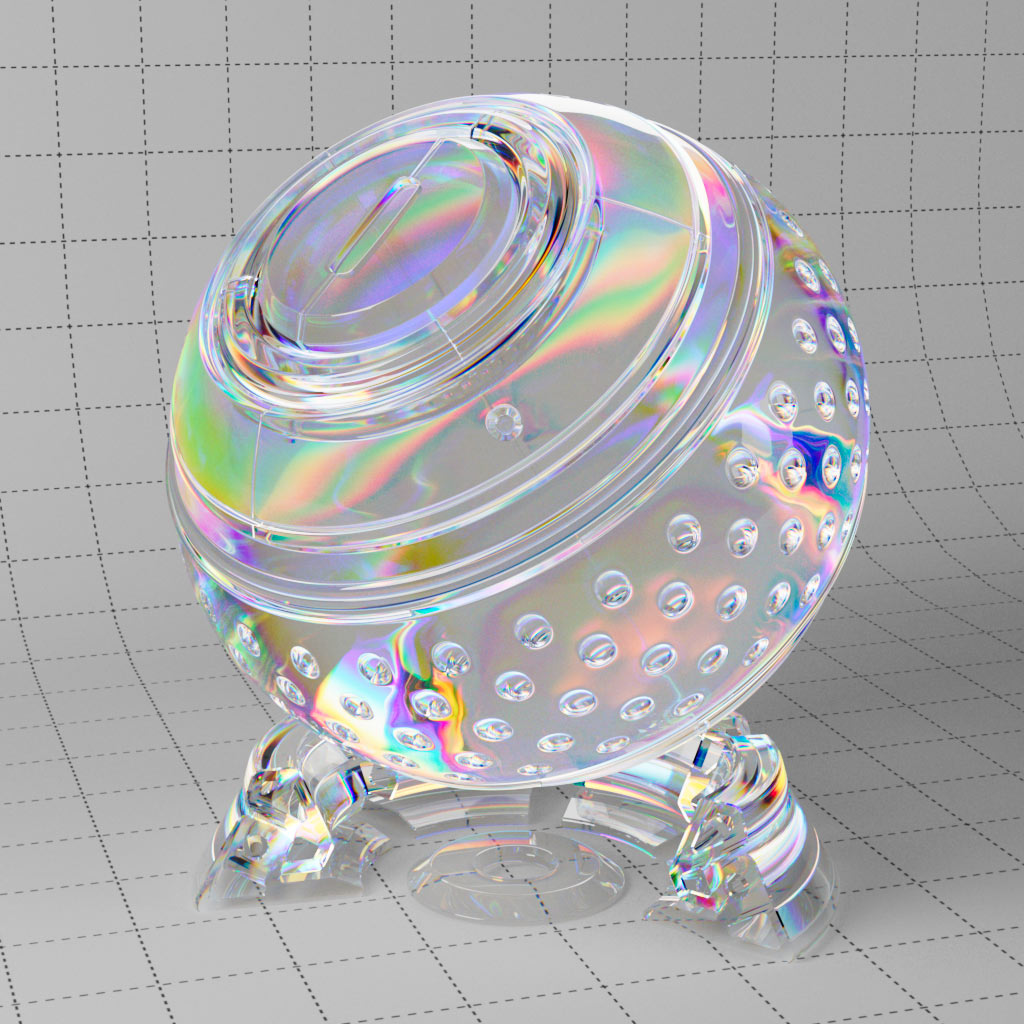
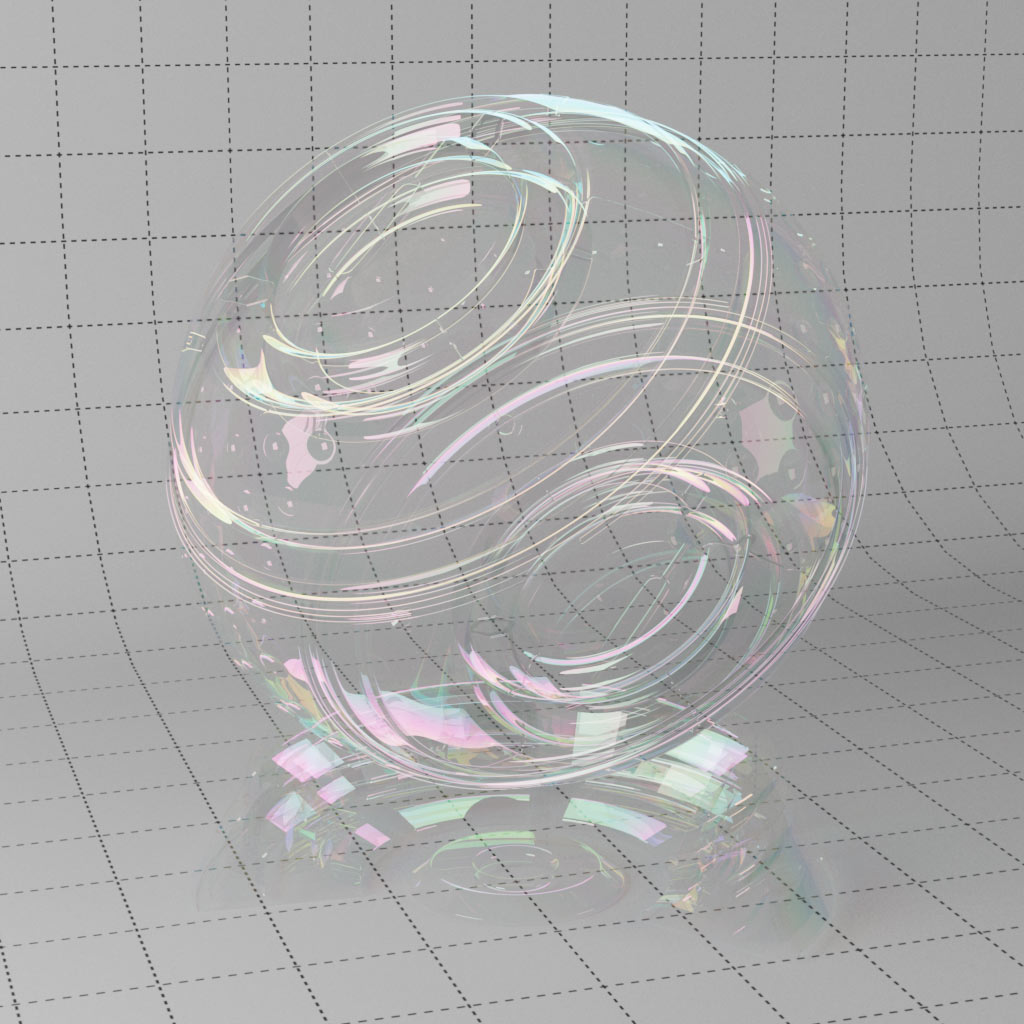
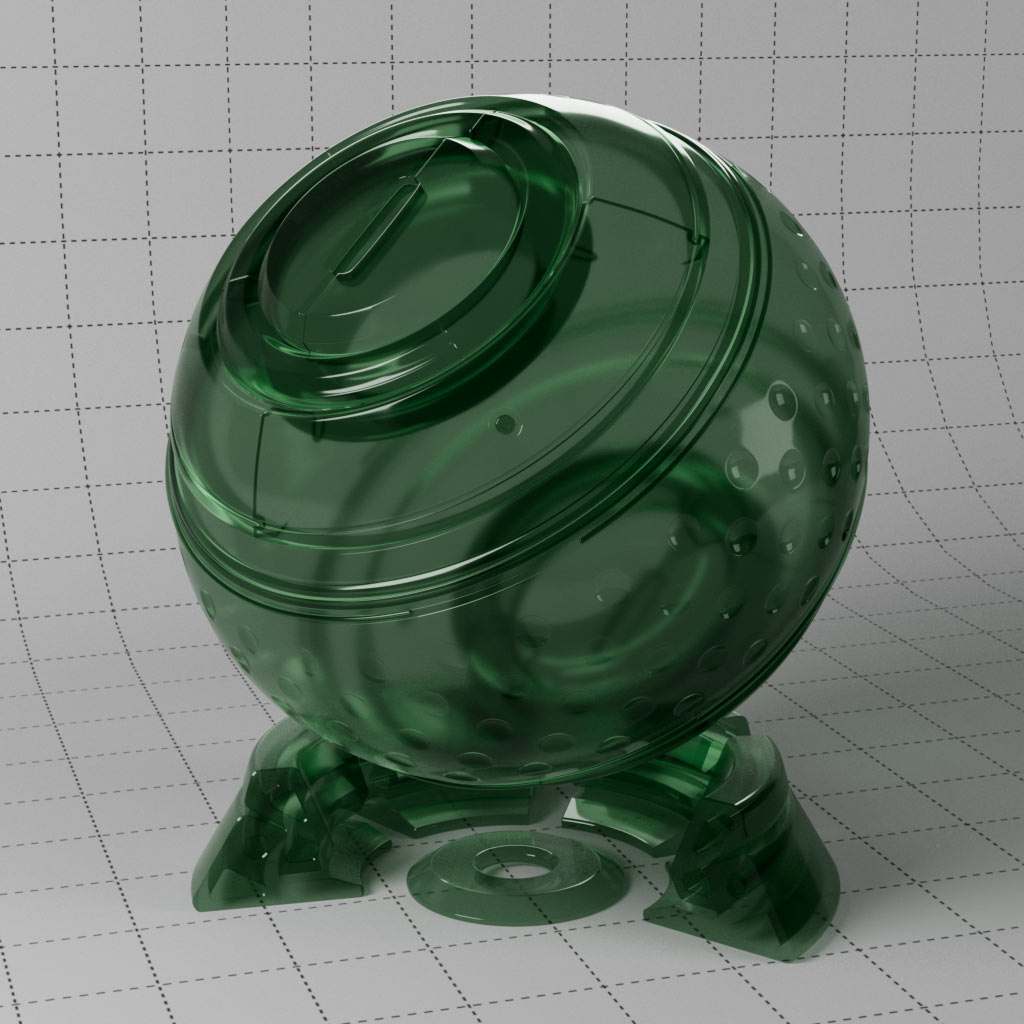
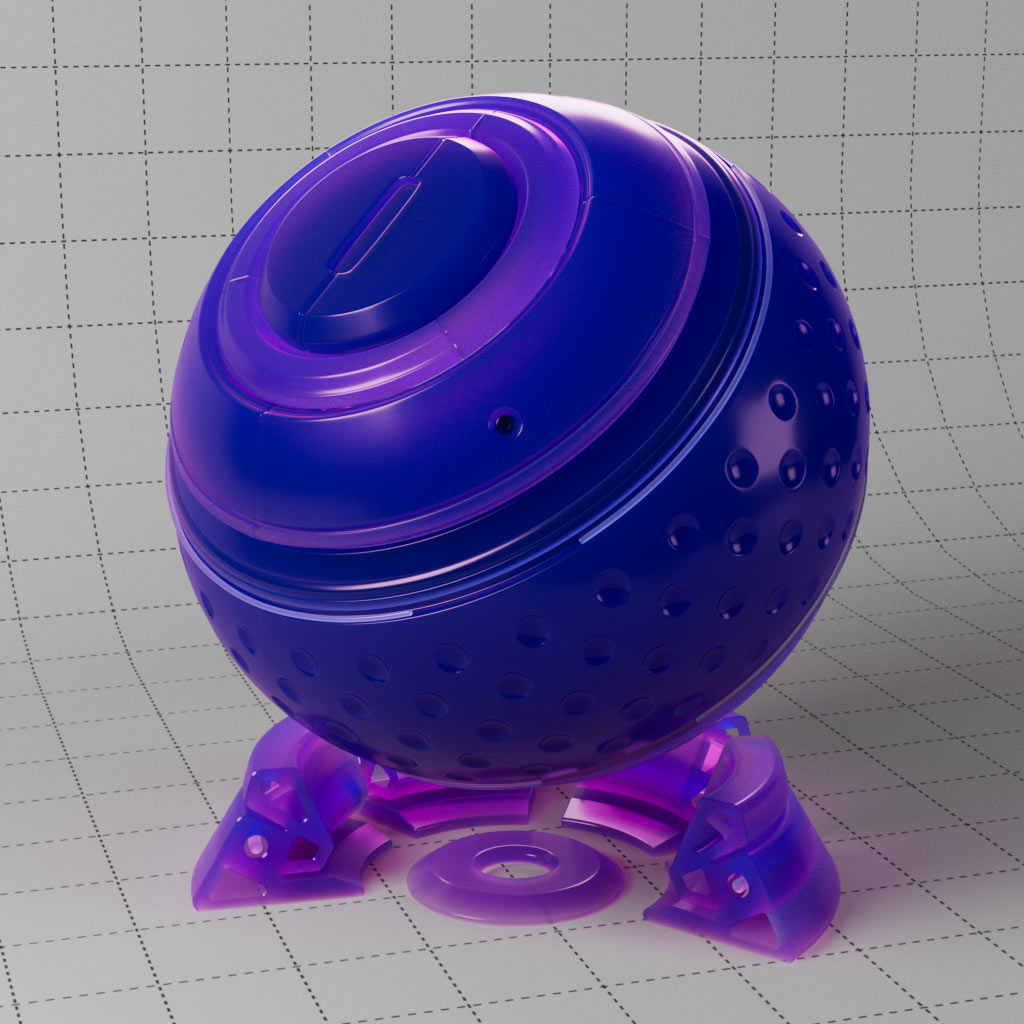
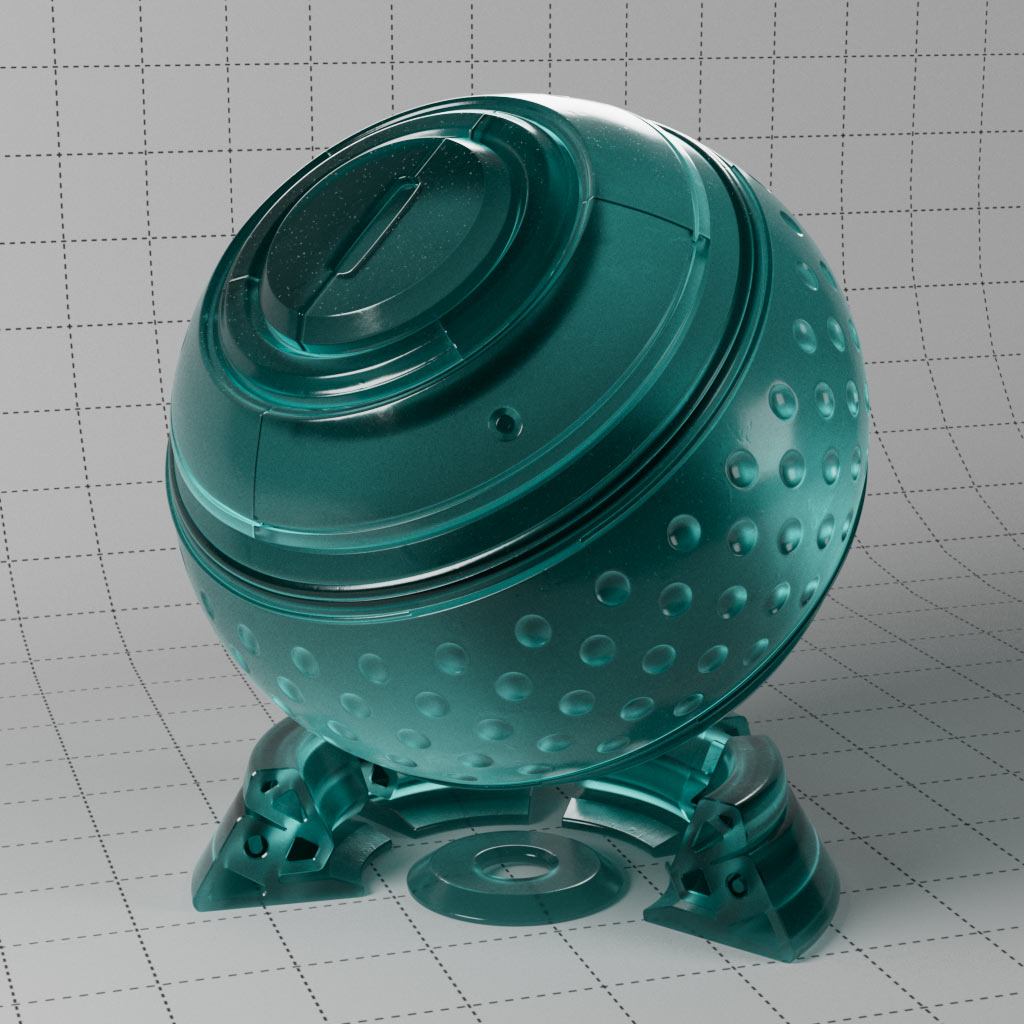
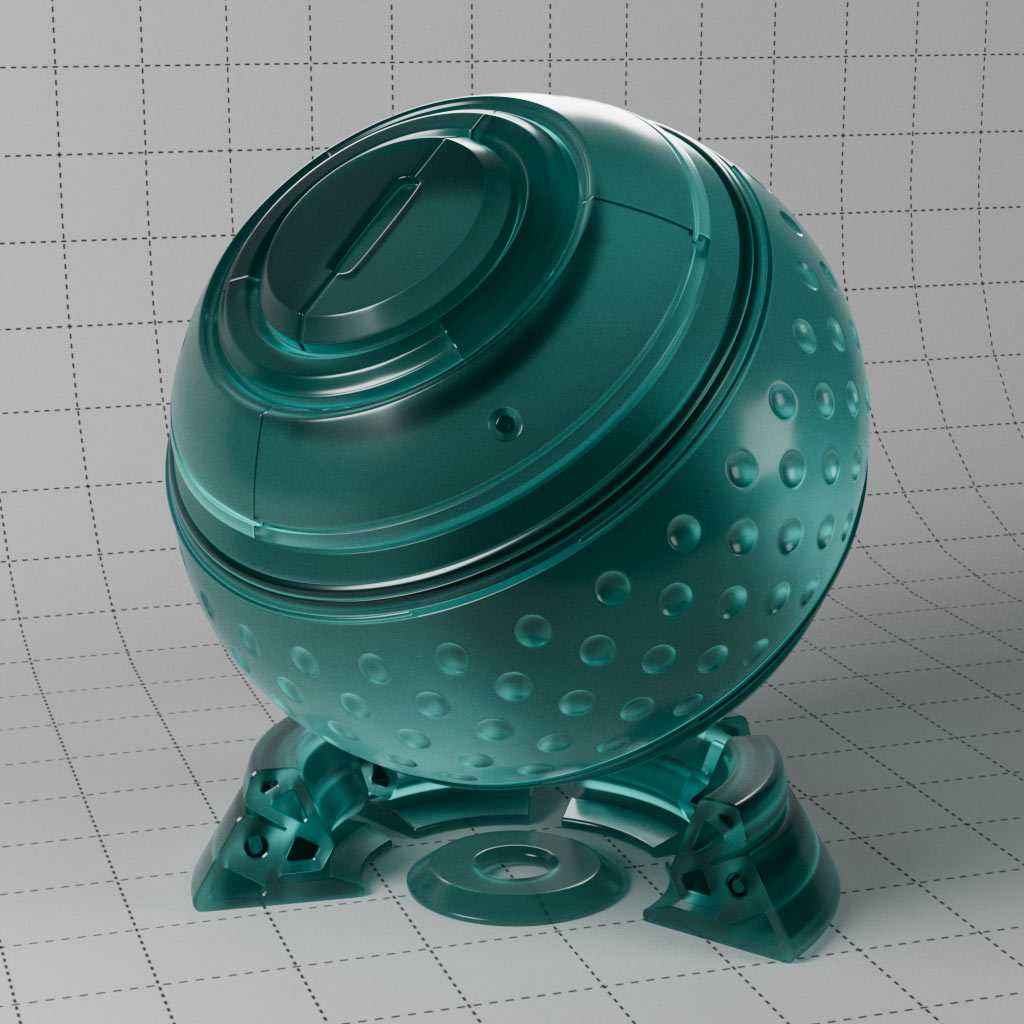
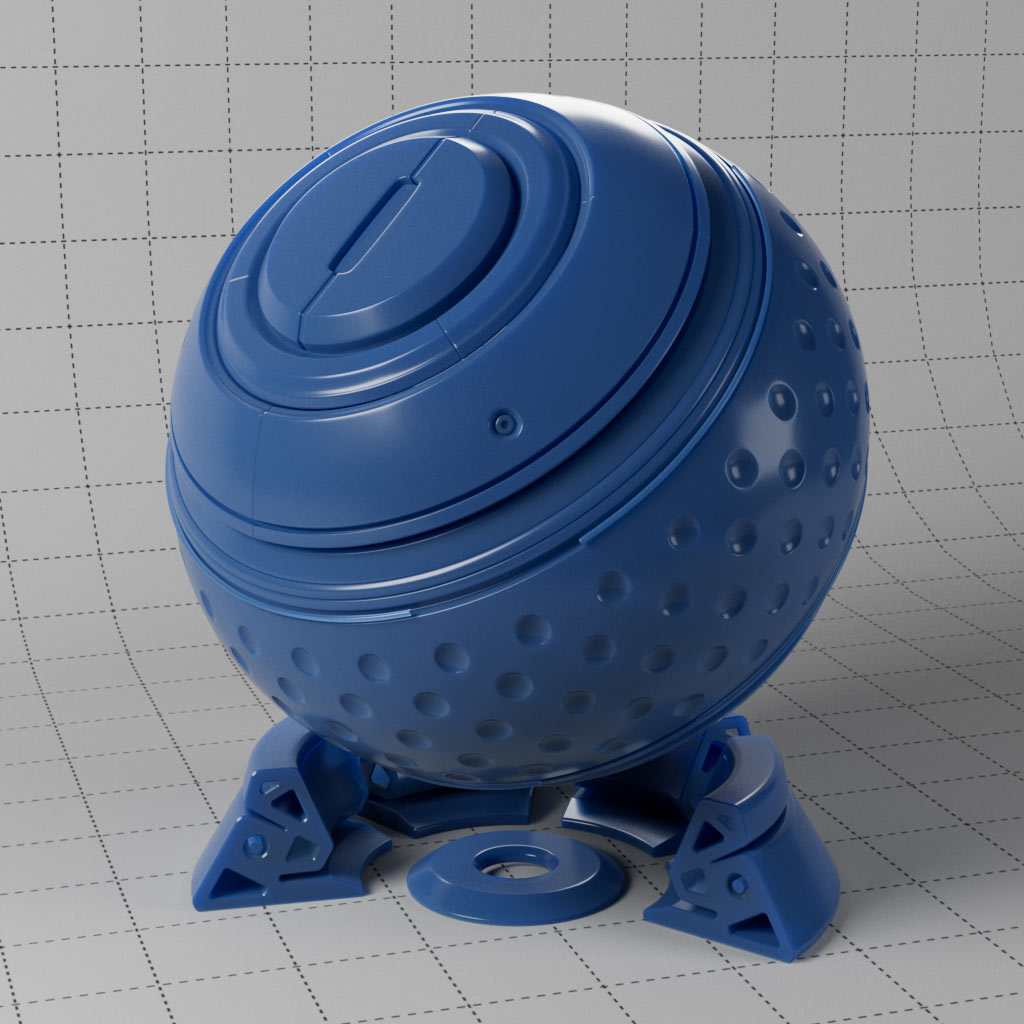
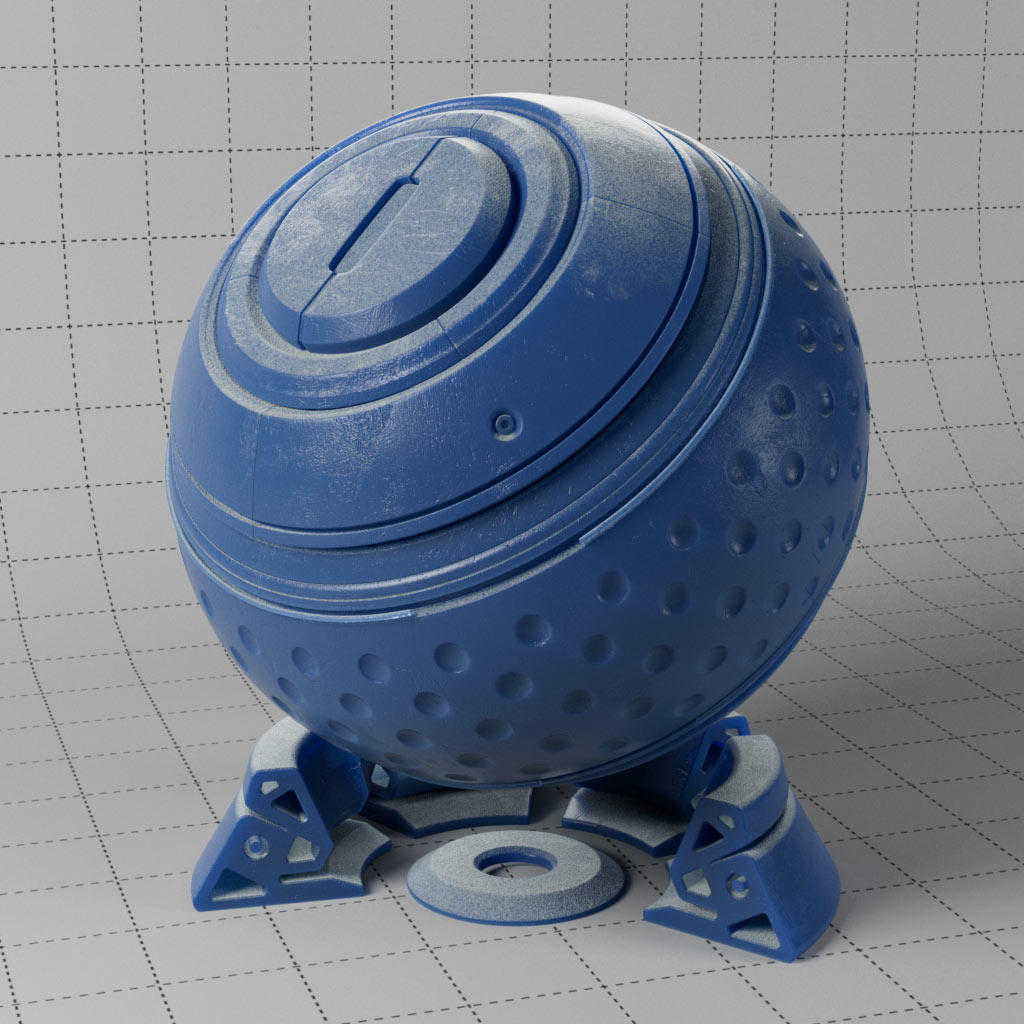
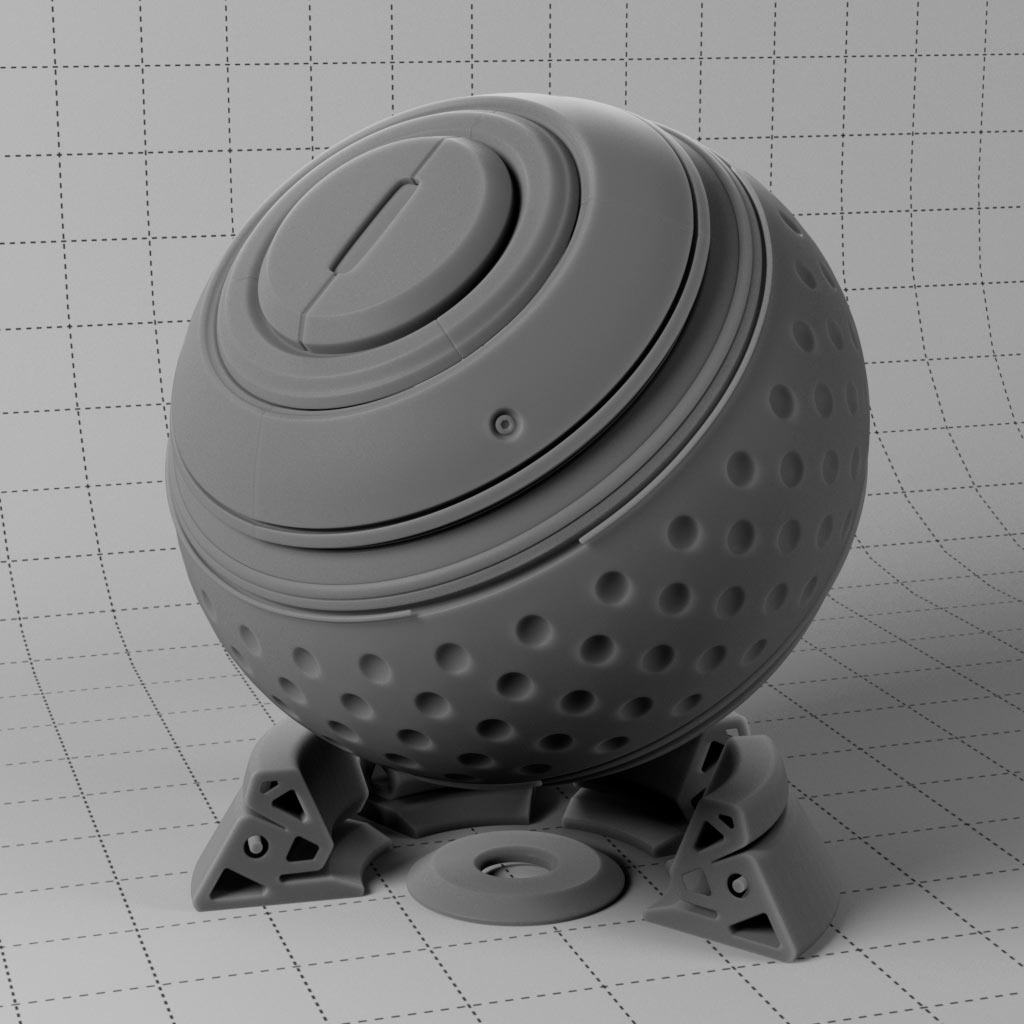

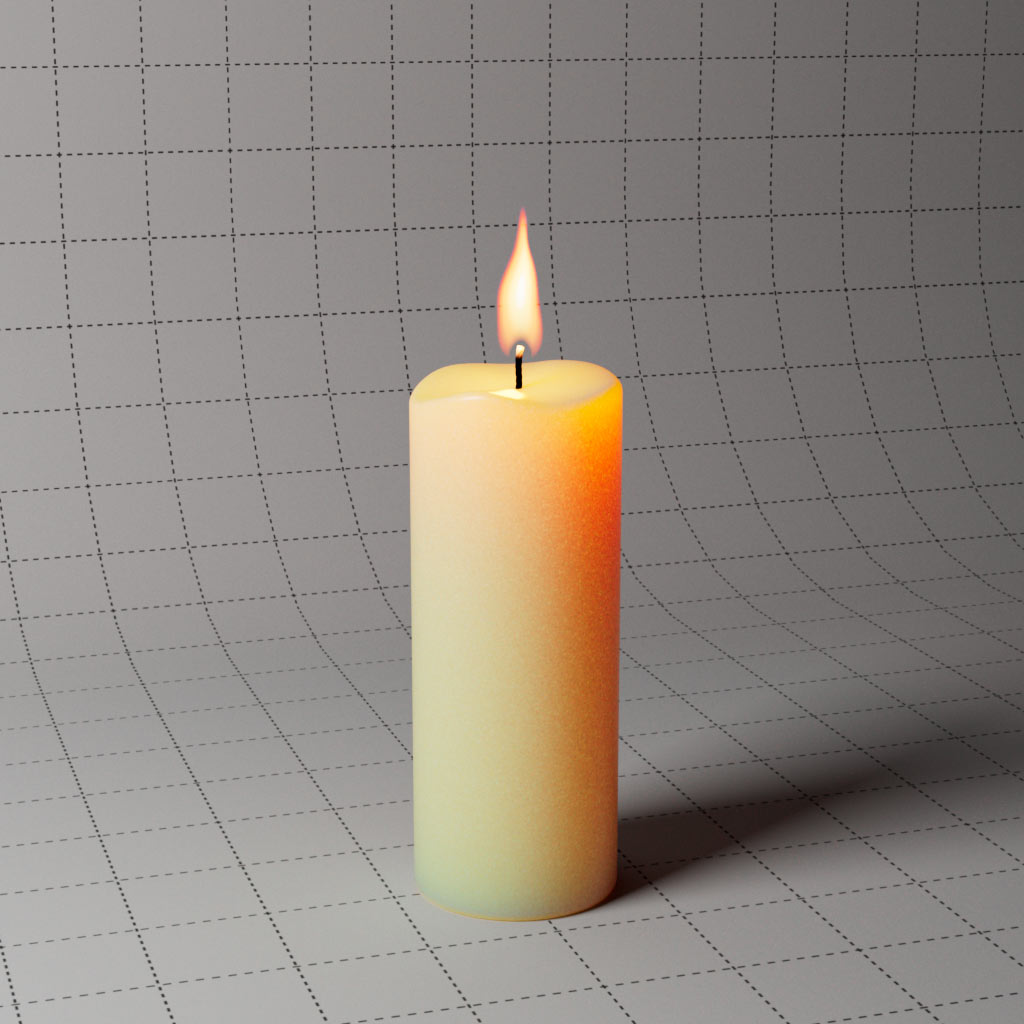
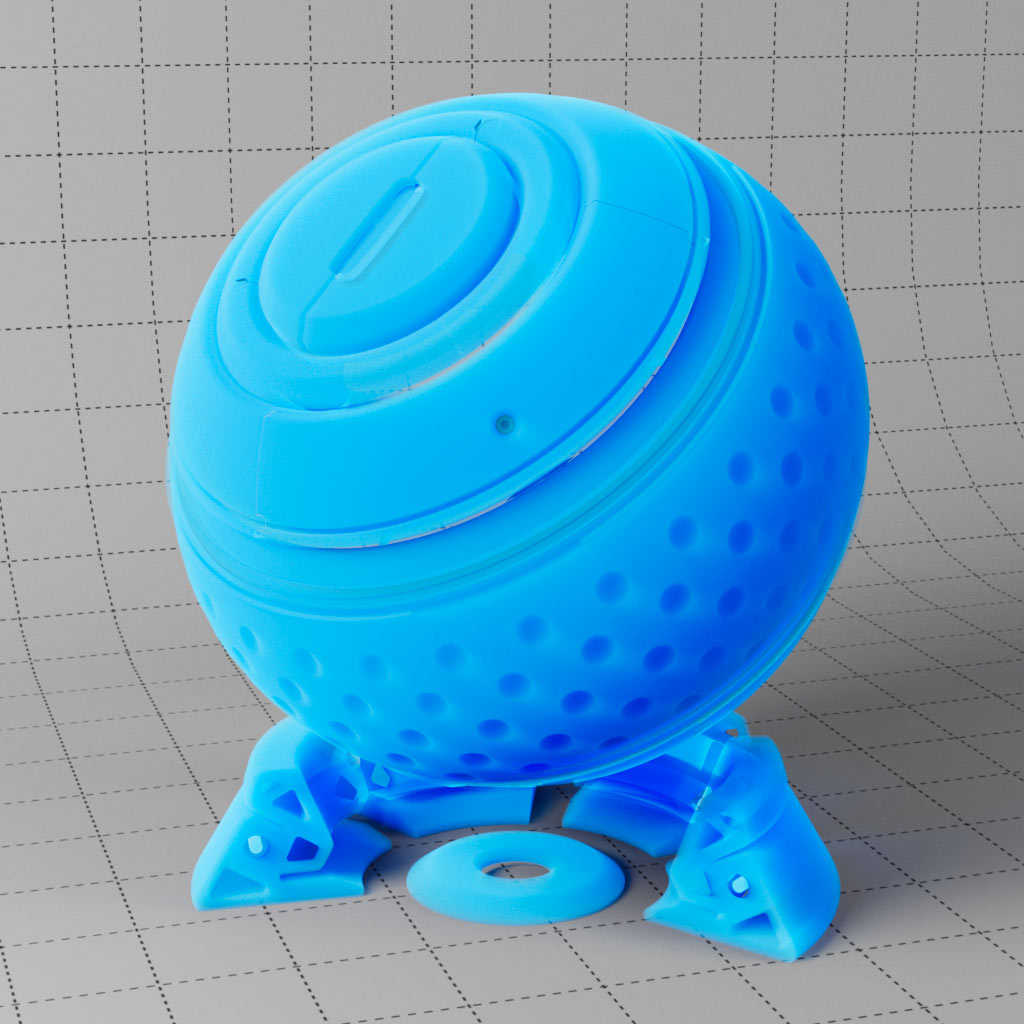
Three examples of using sub-surface scattering which scatters light in multiple directions inside the object surface to create translucent effects.
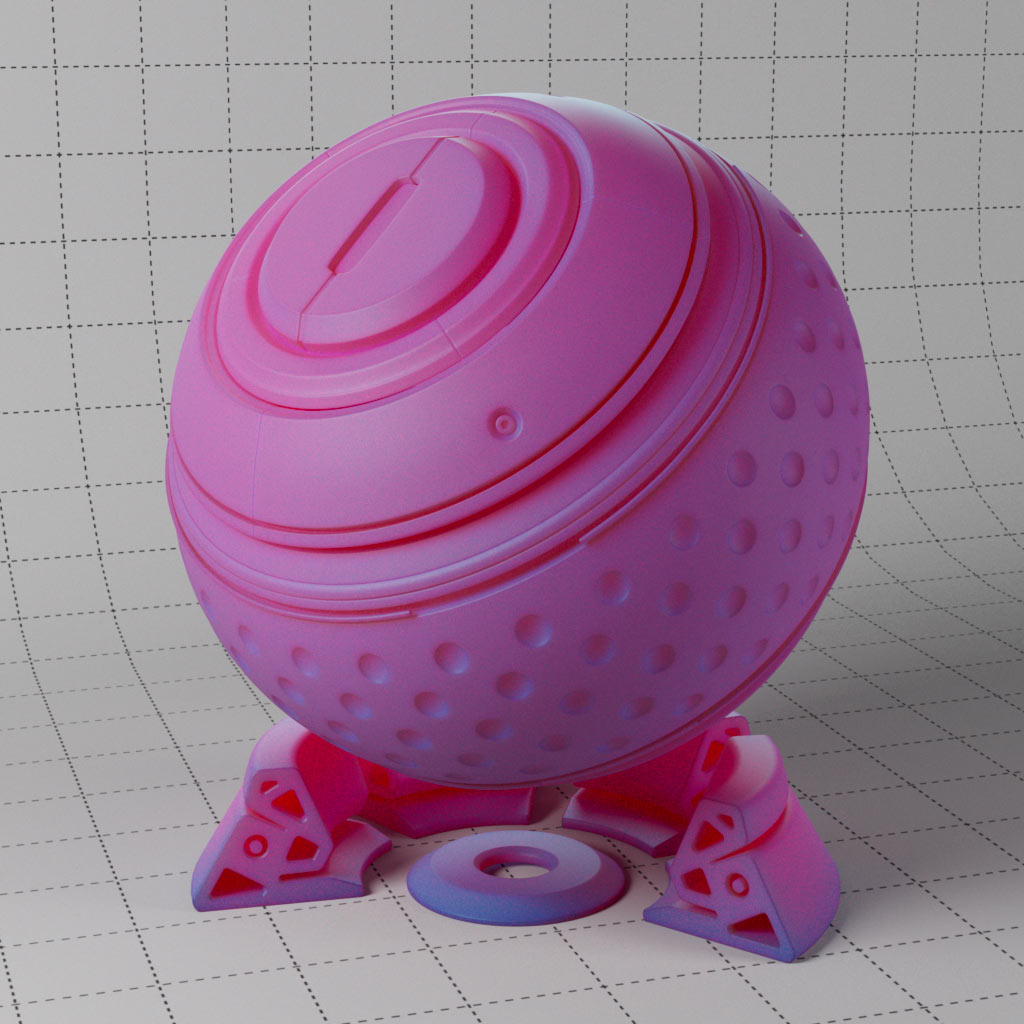
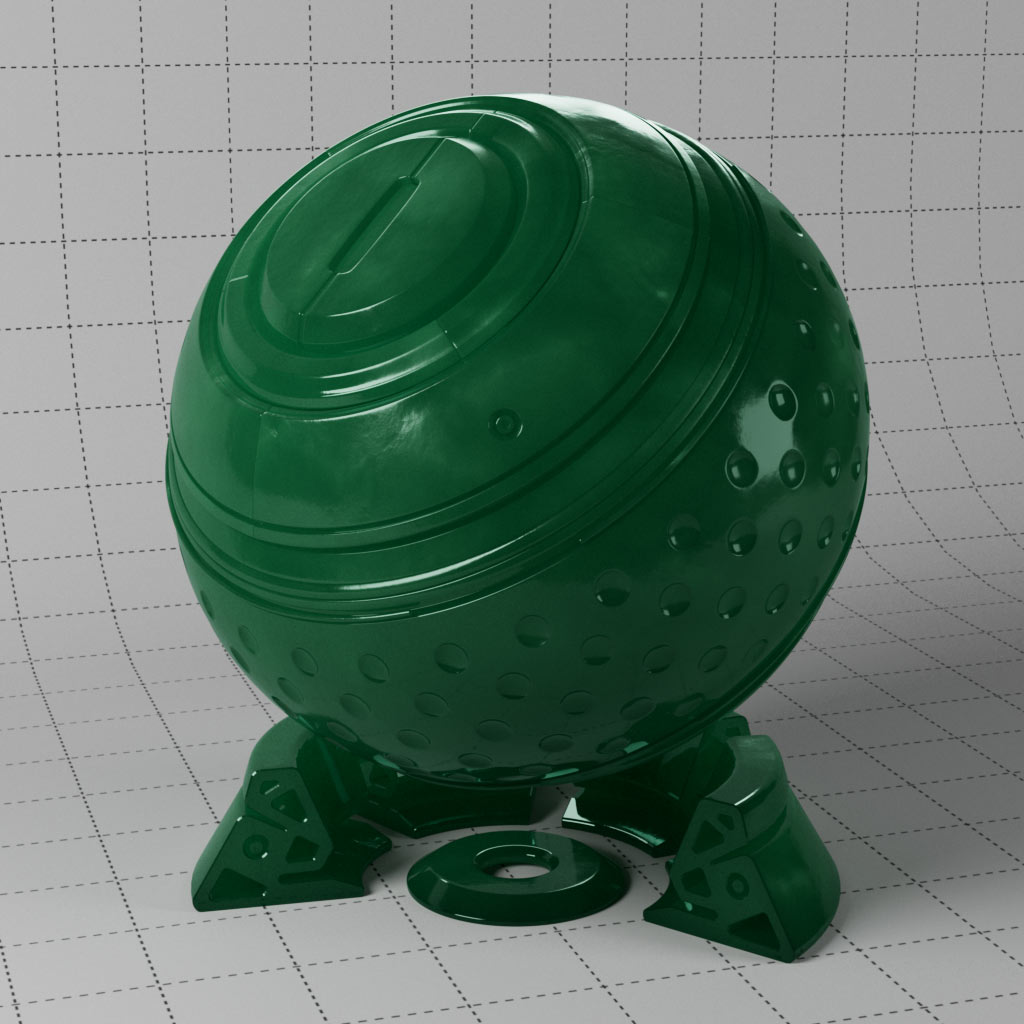
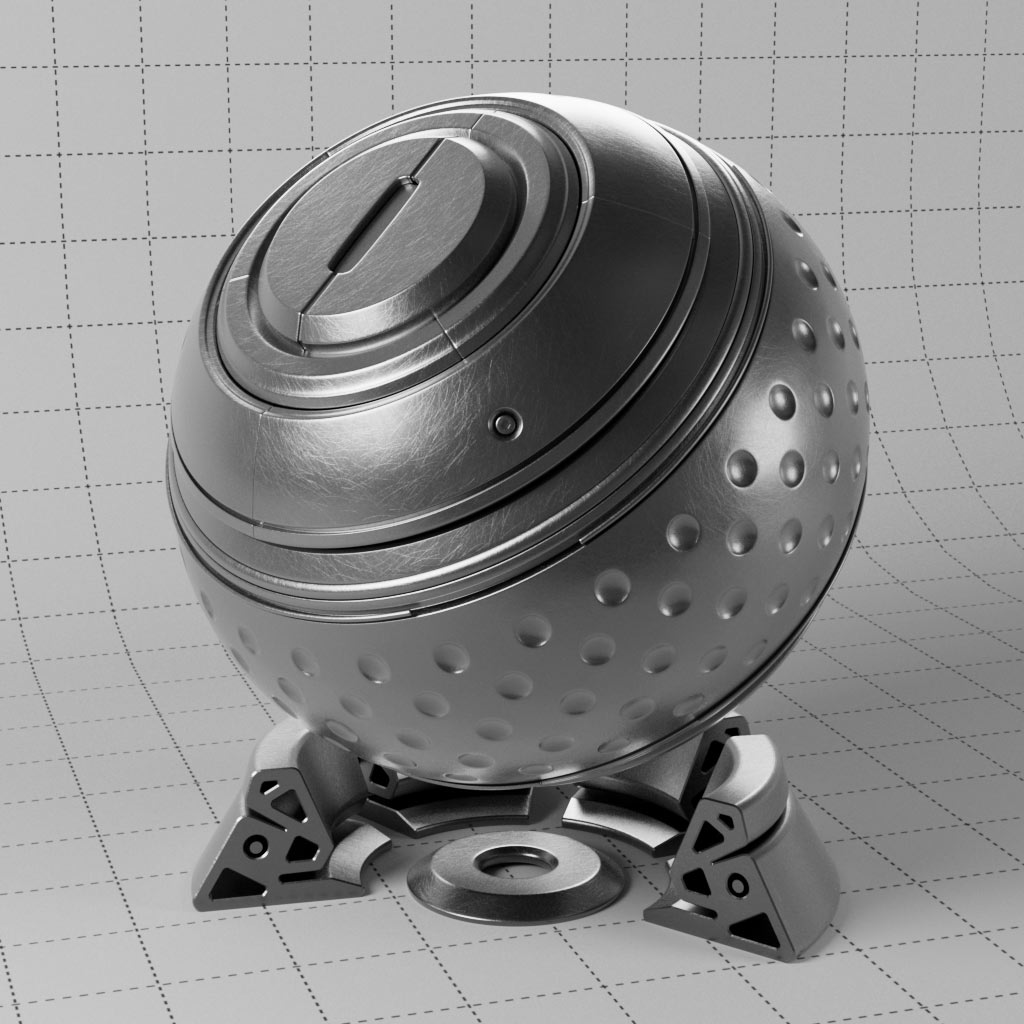
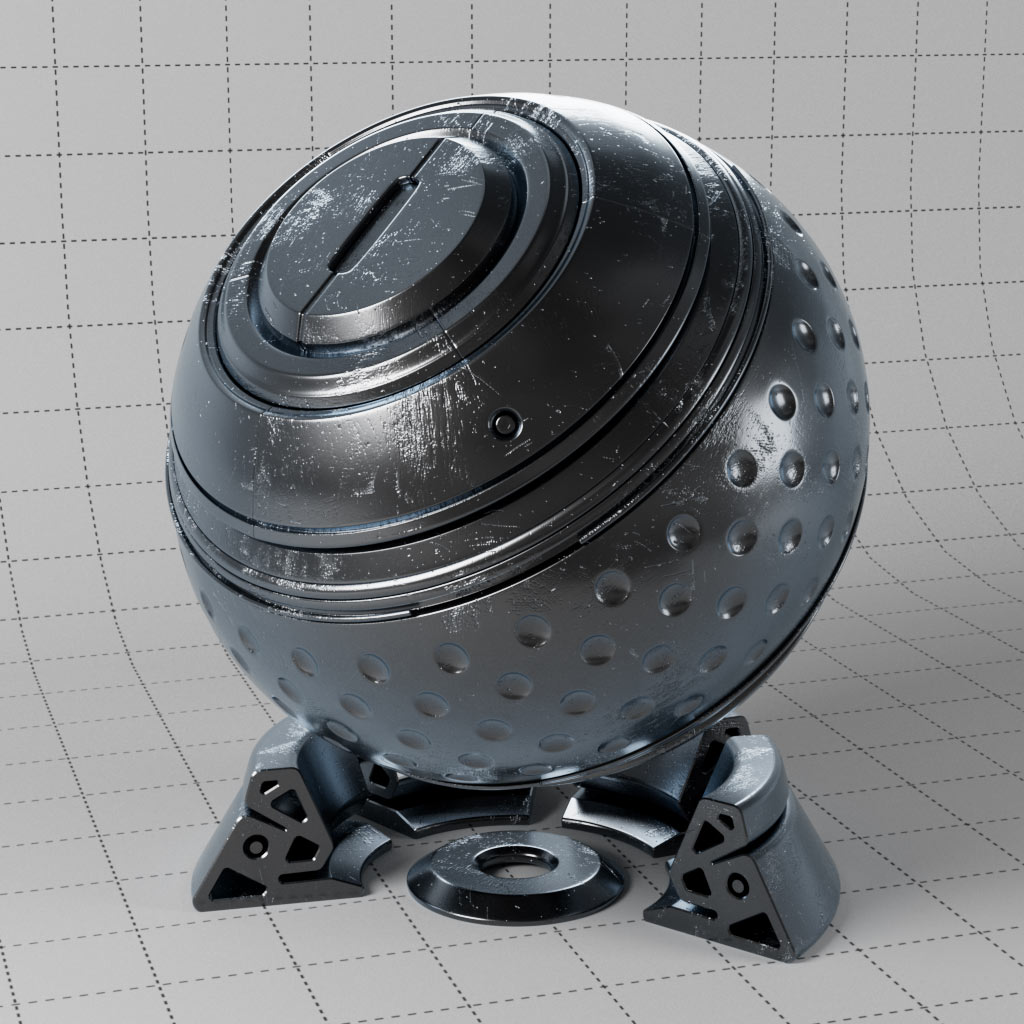
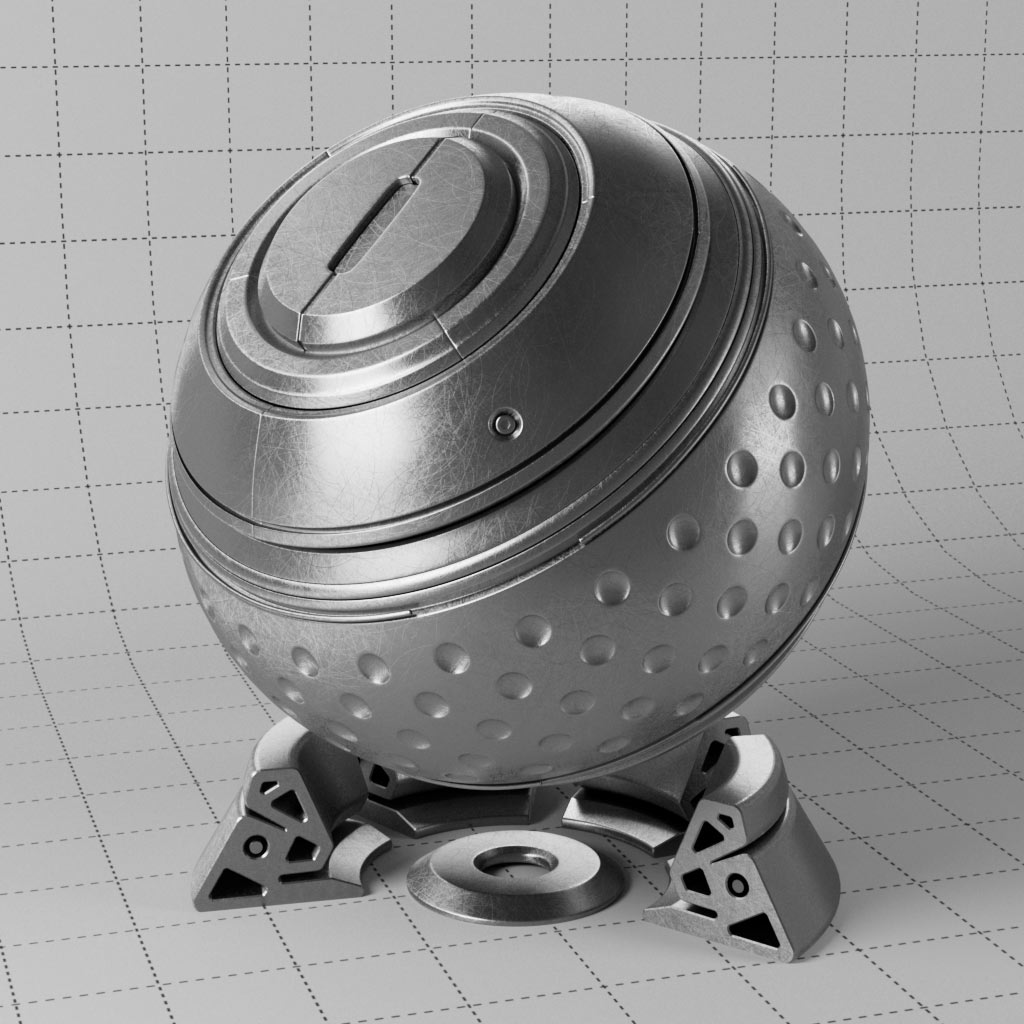
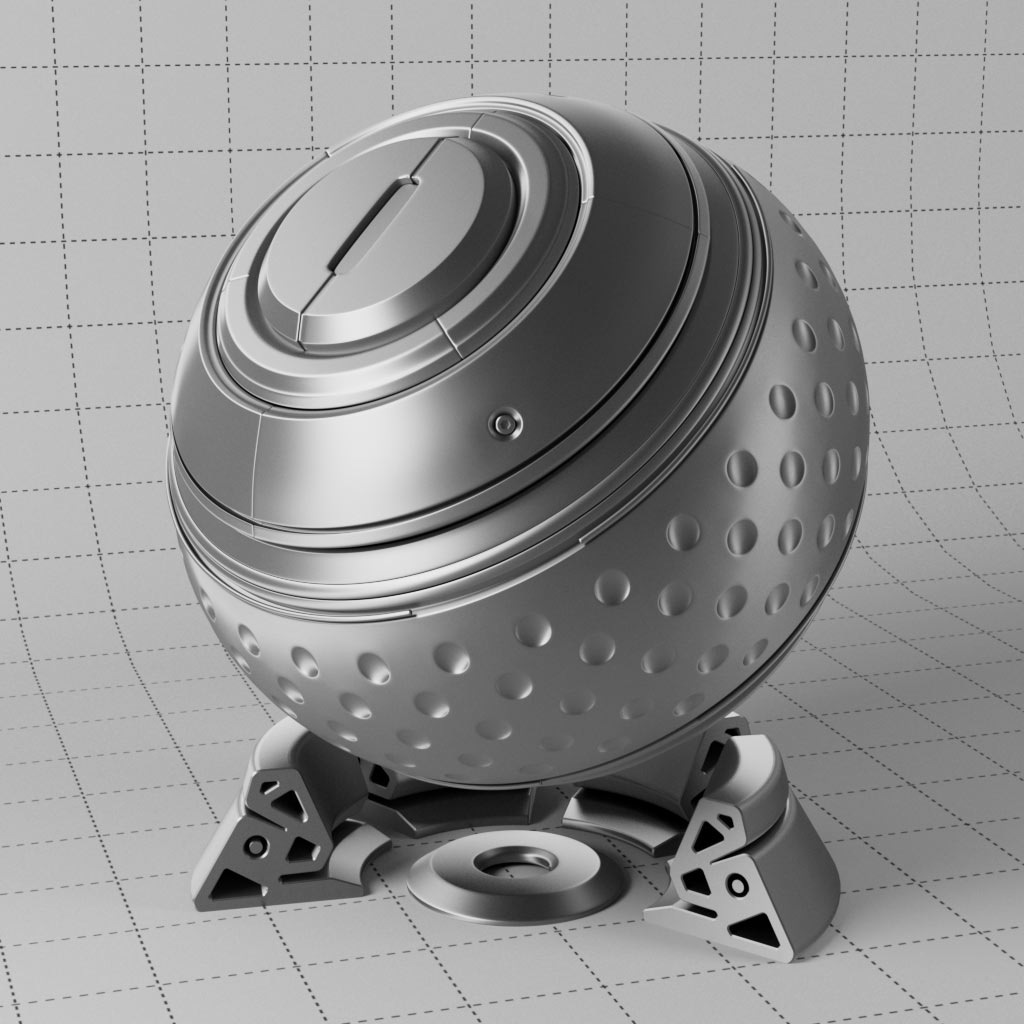
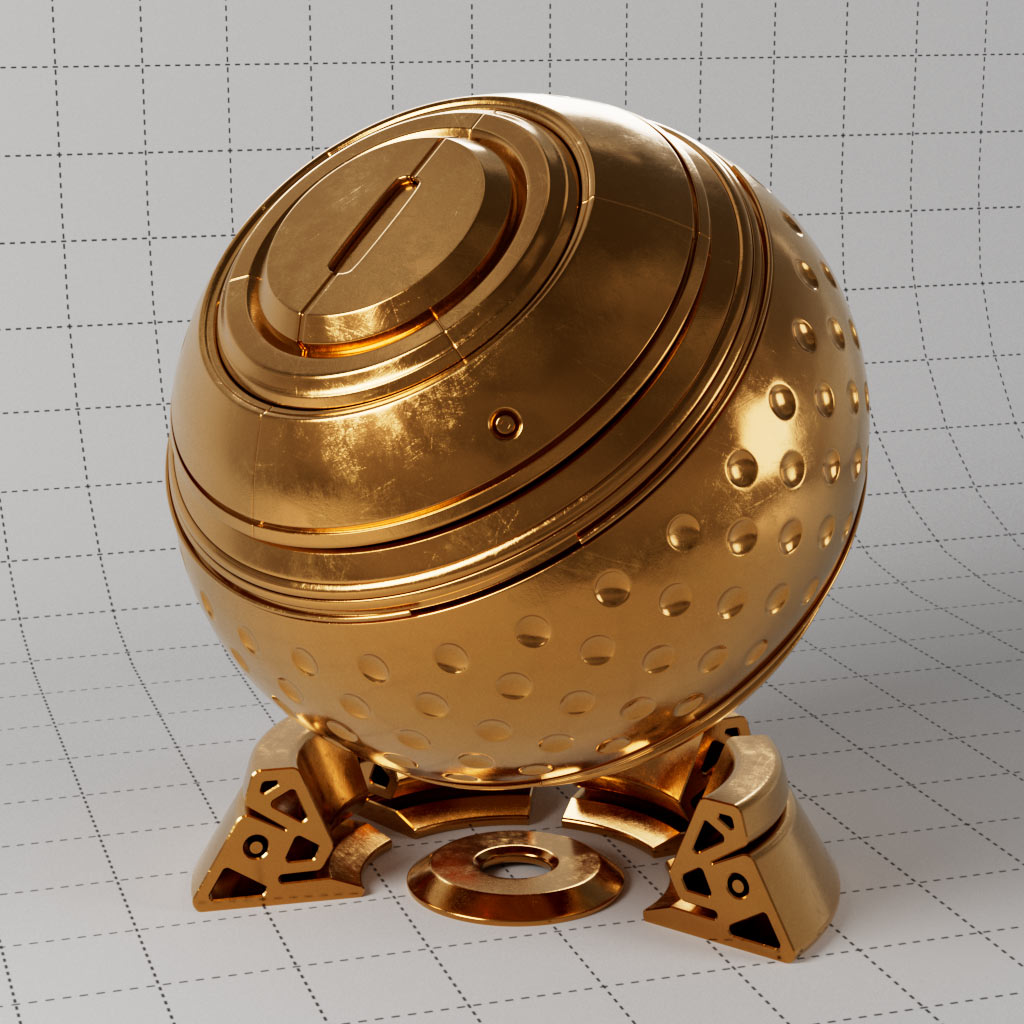
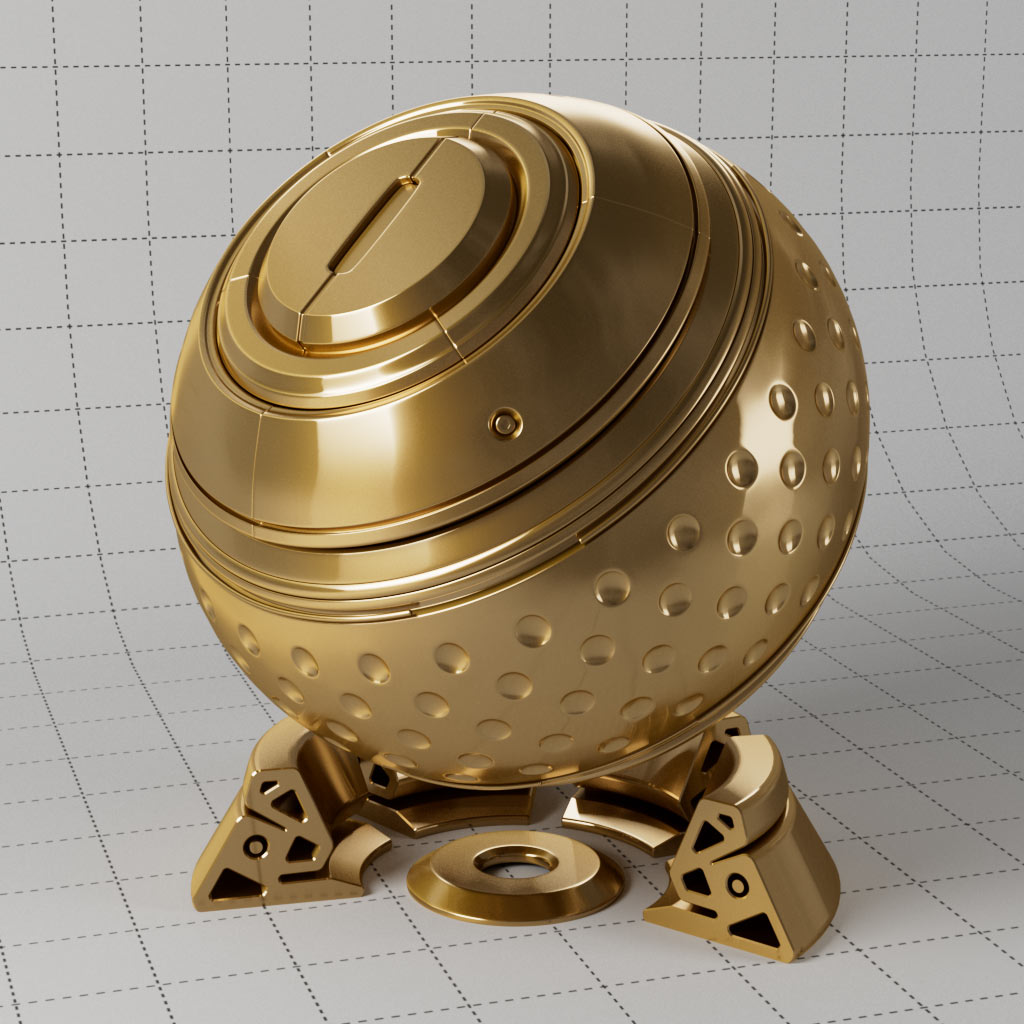
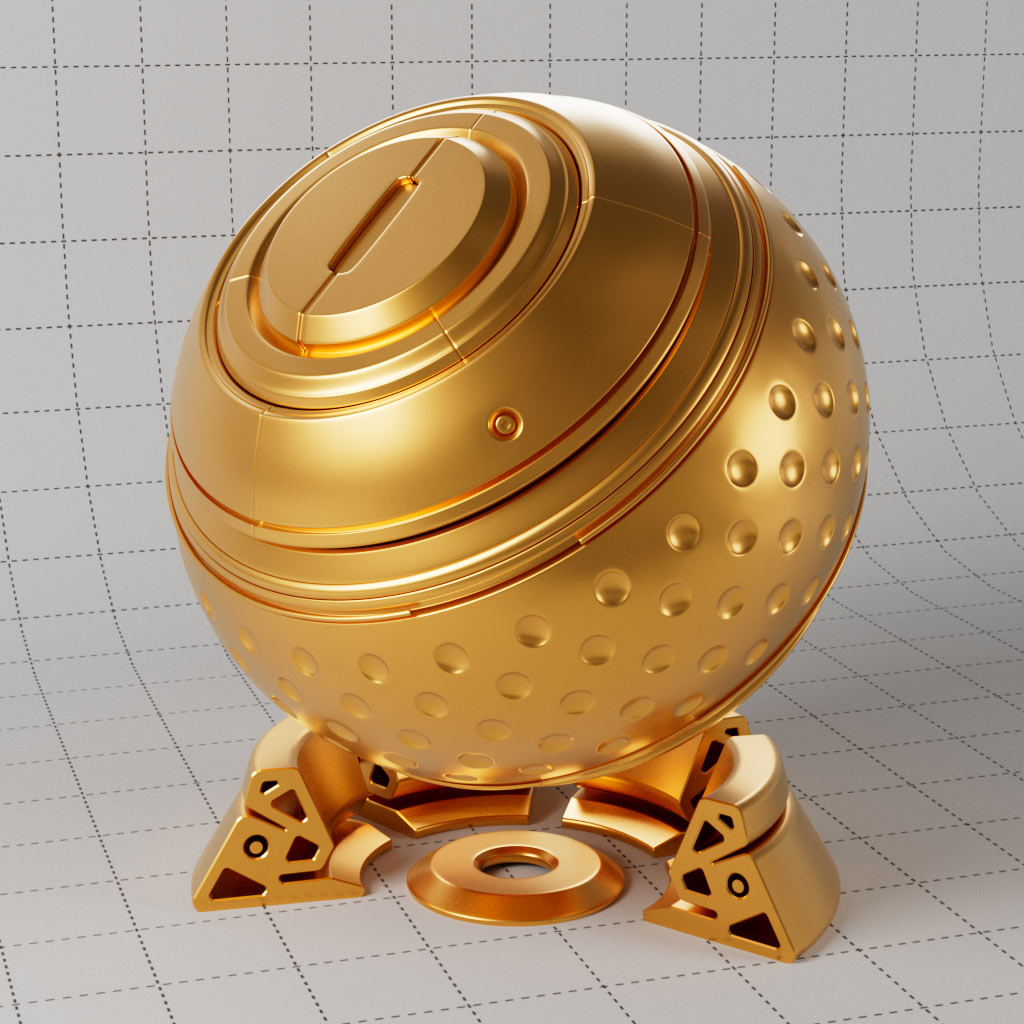
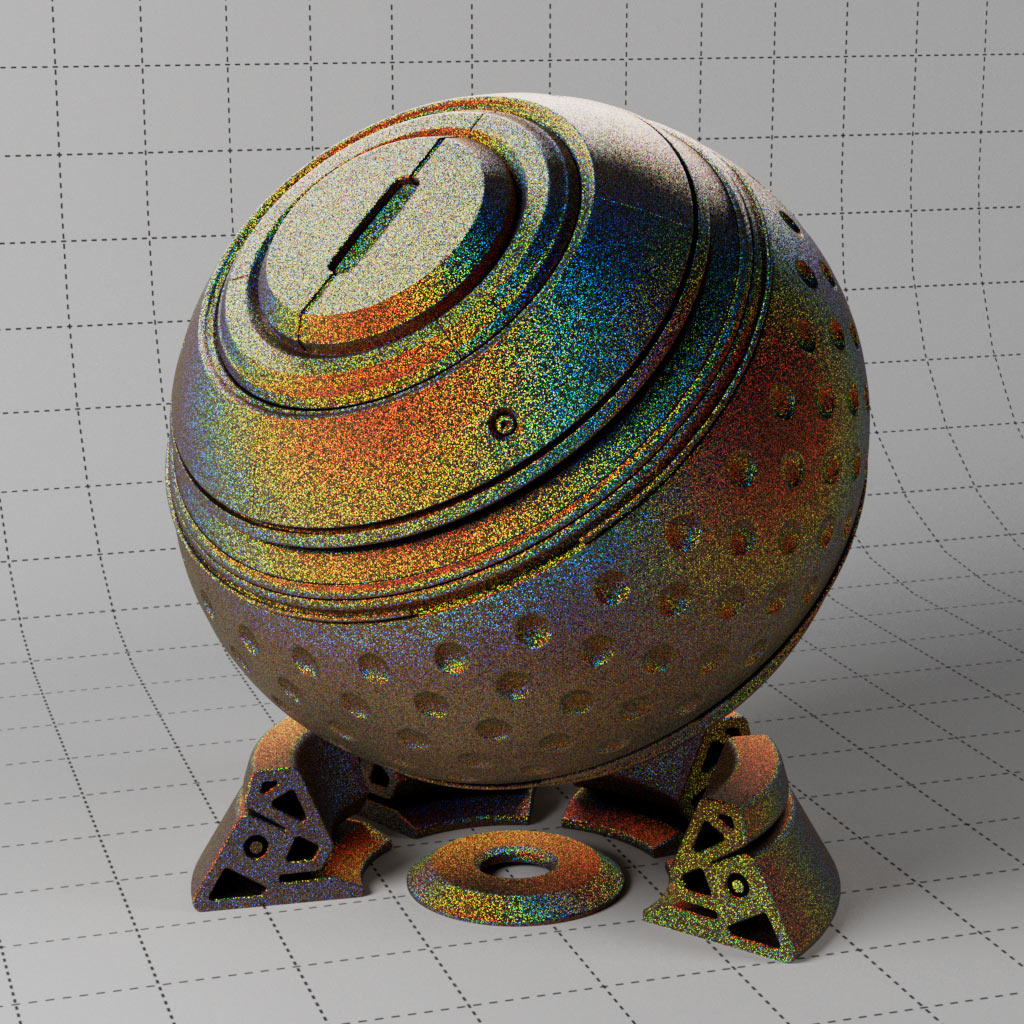
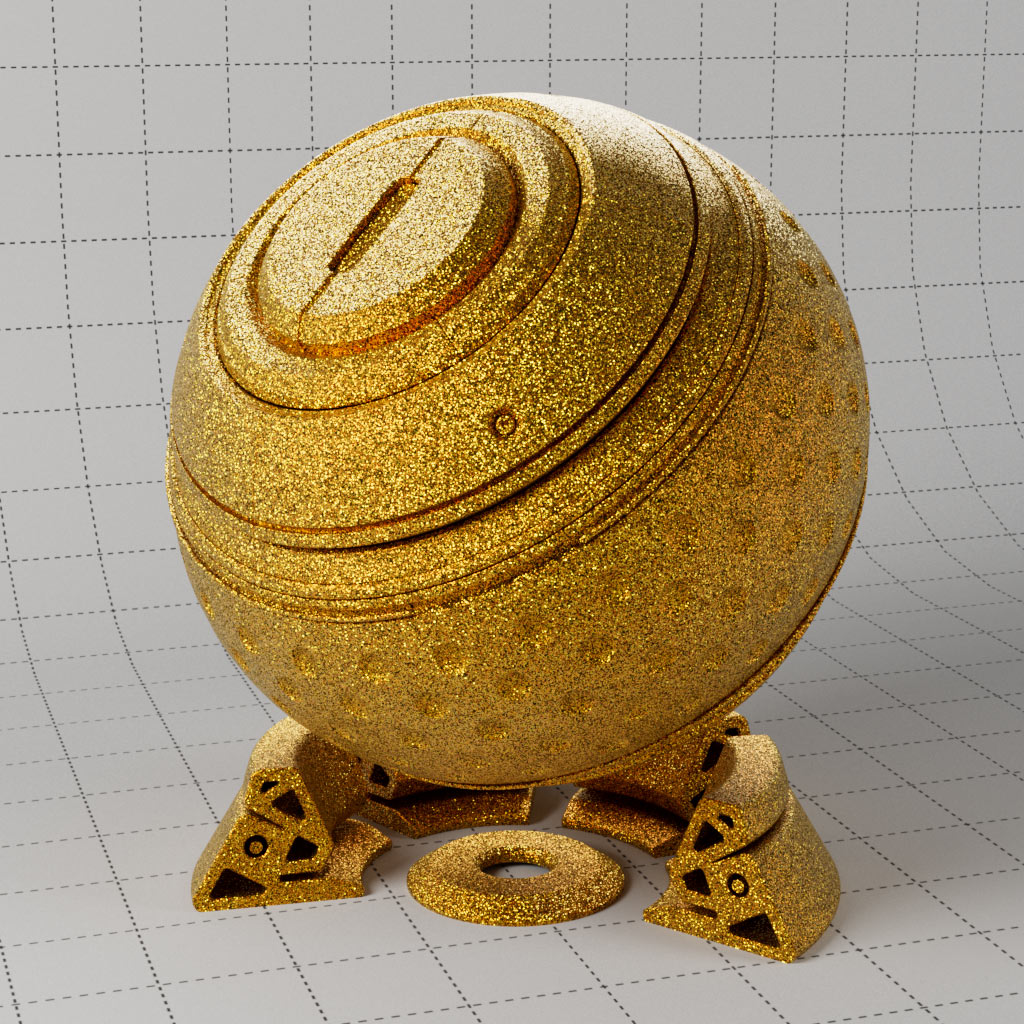
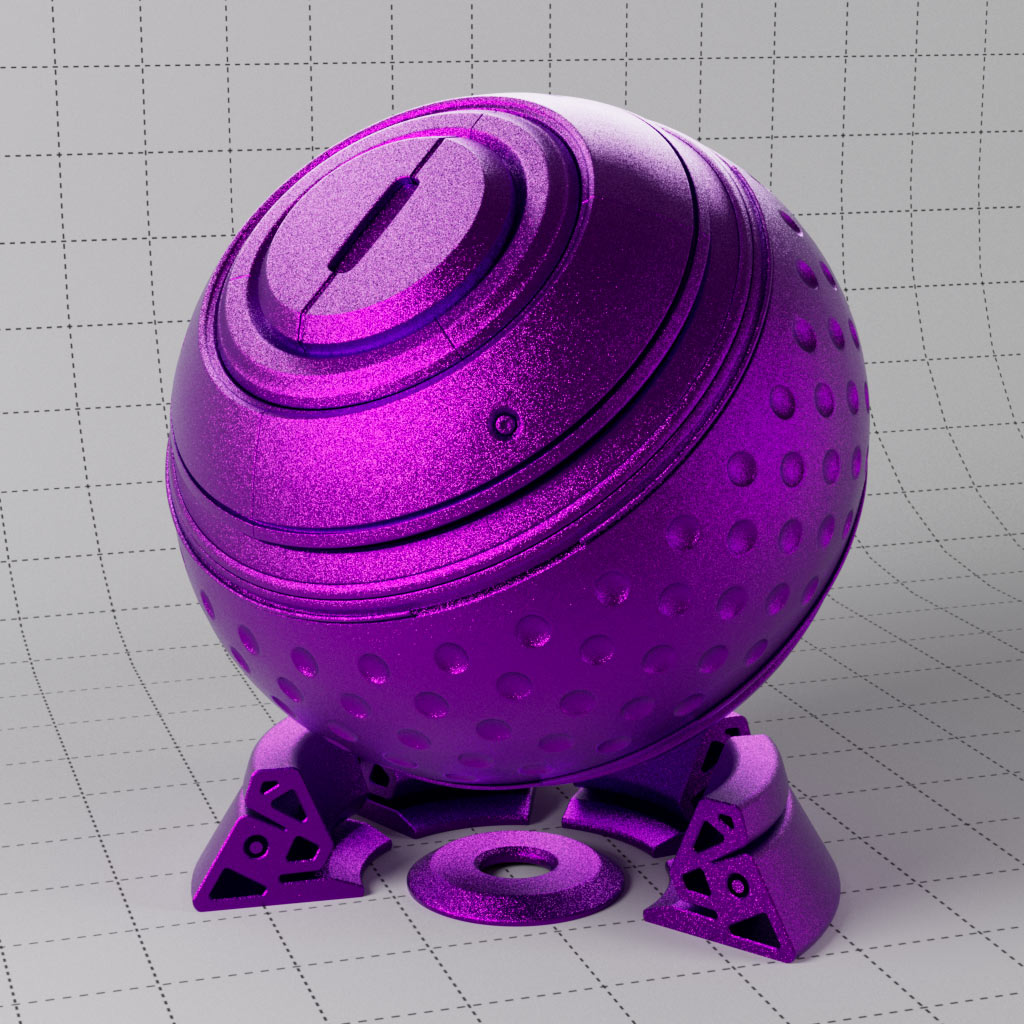
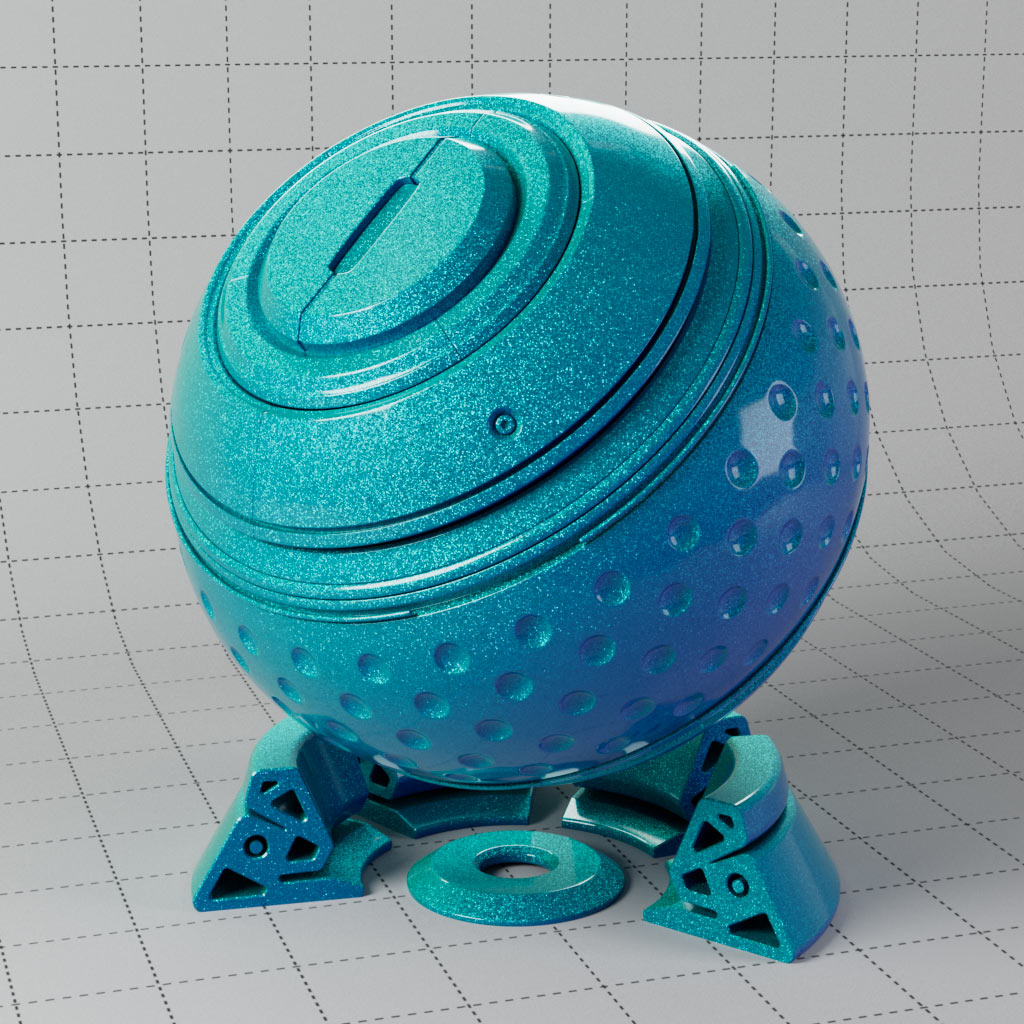
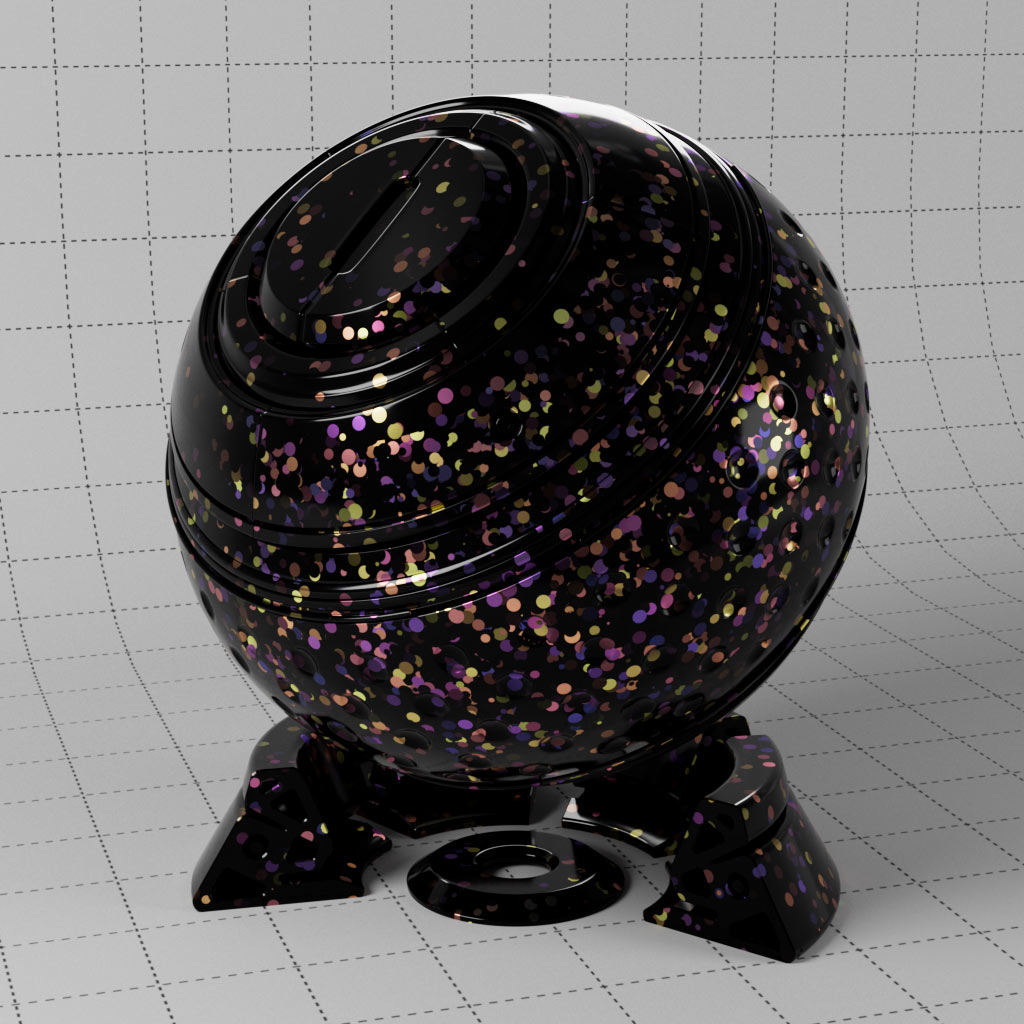
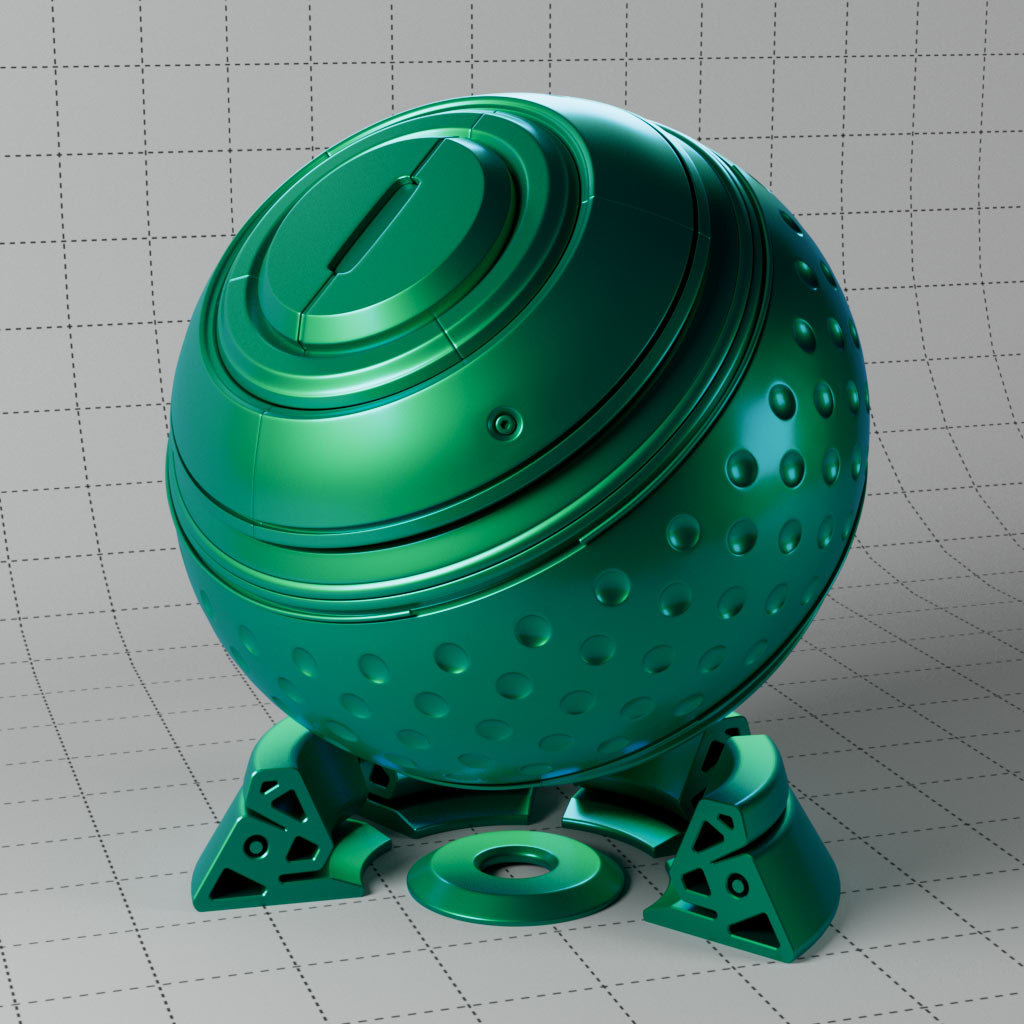
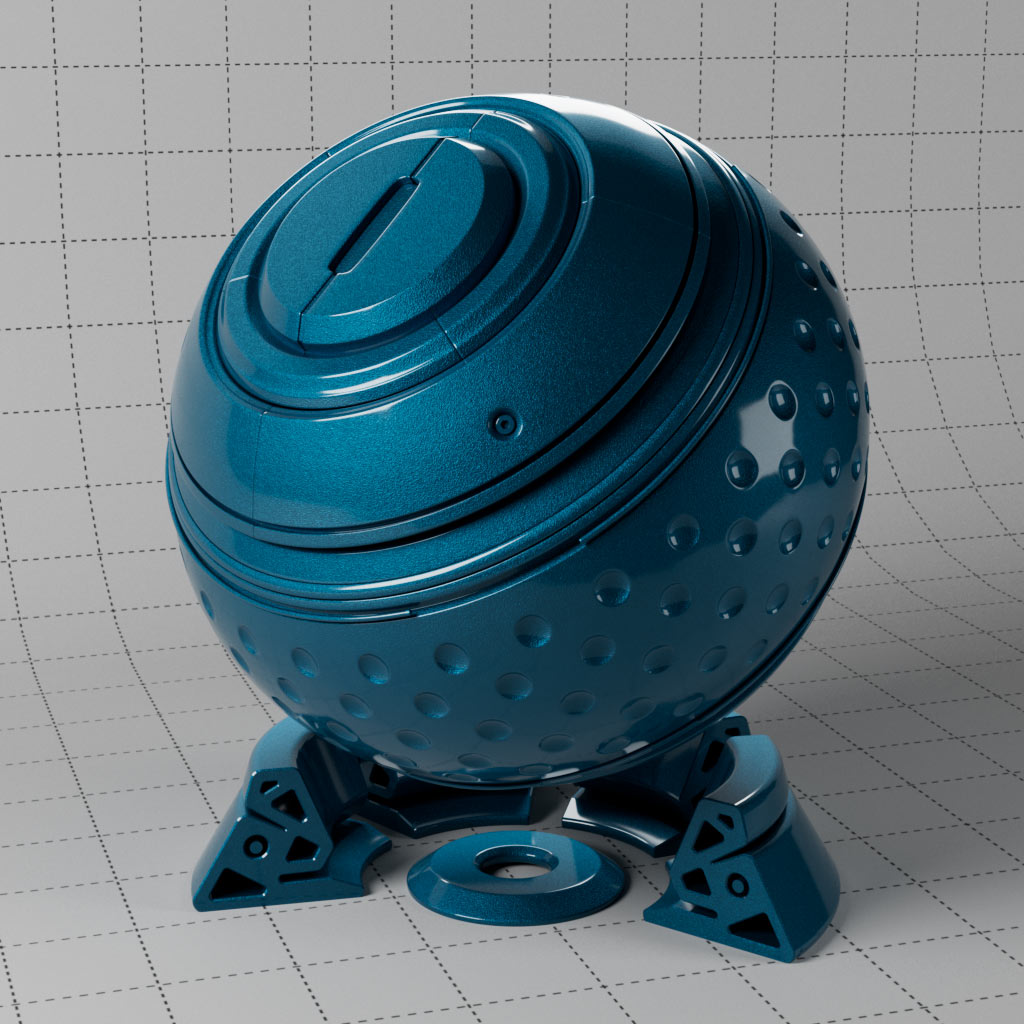
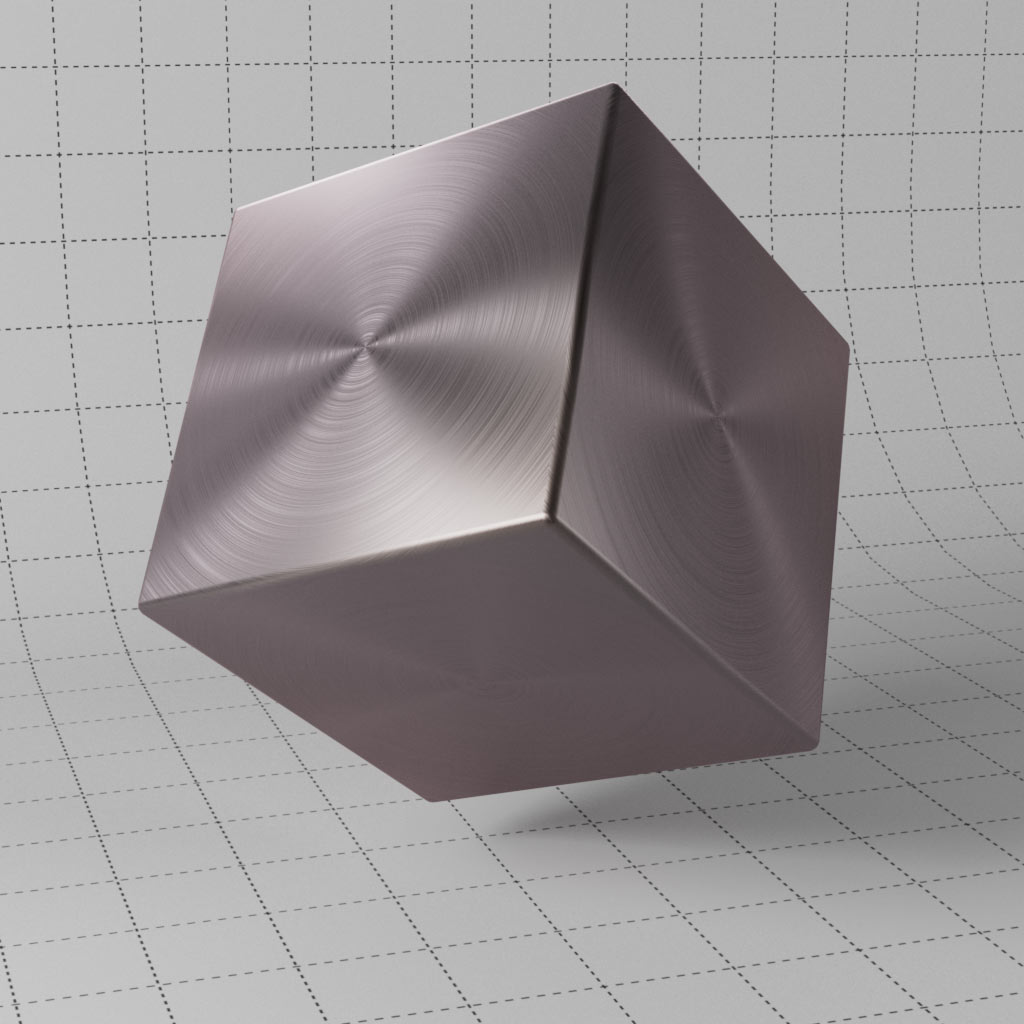
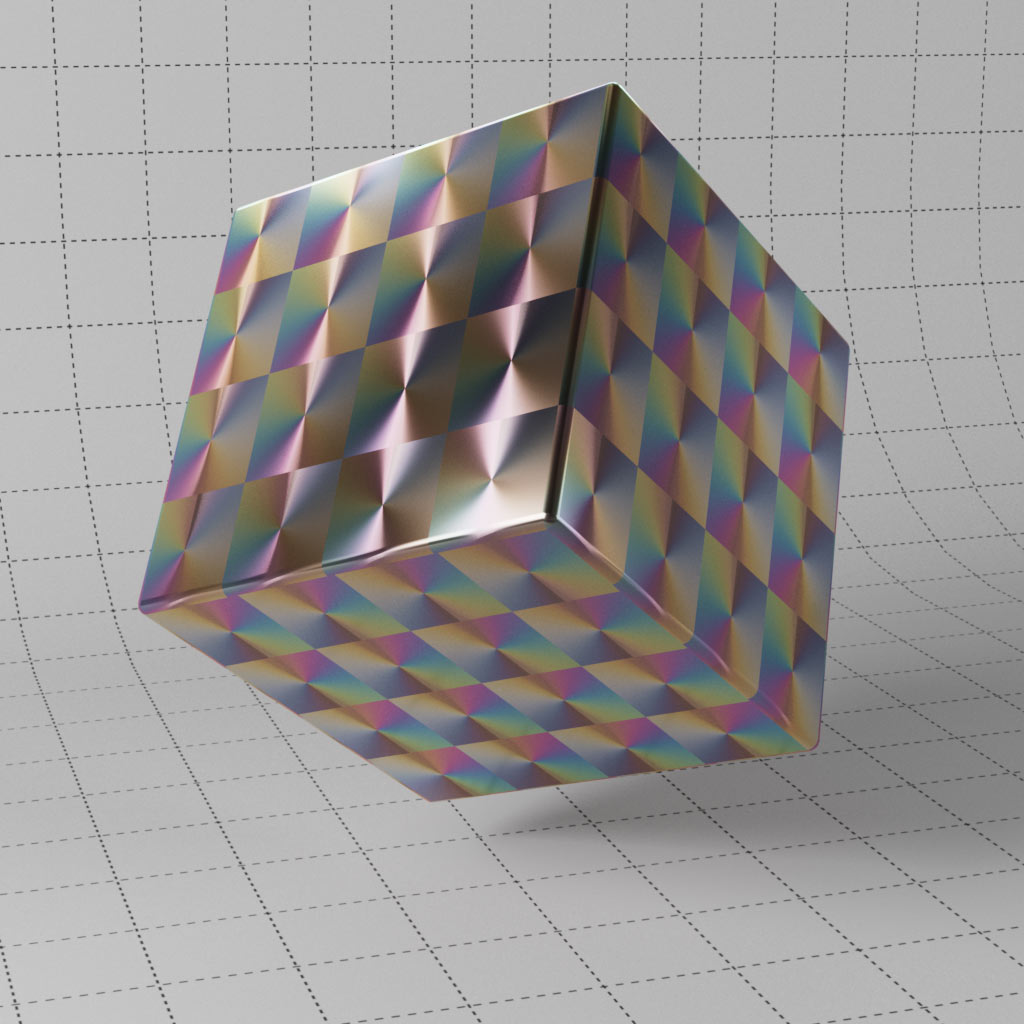
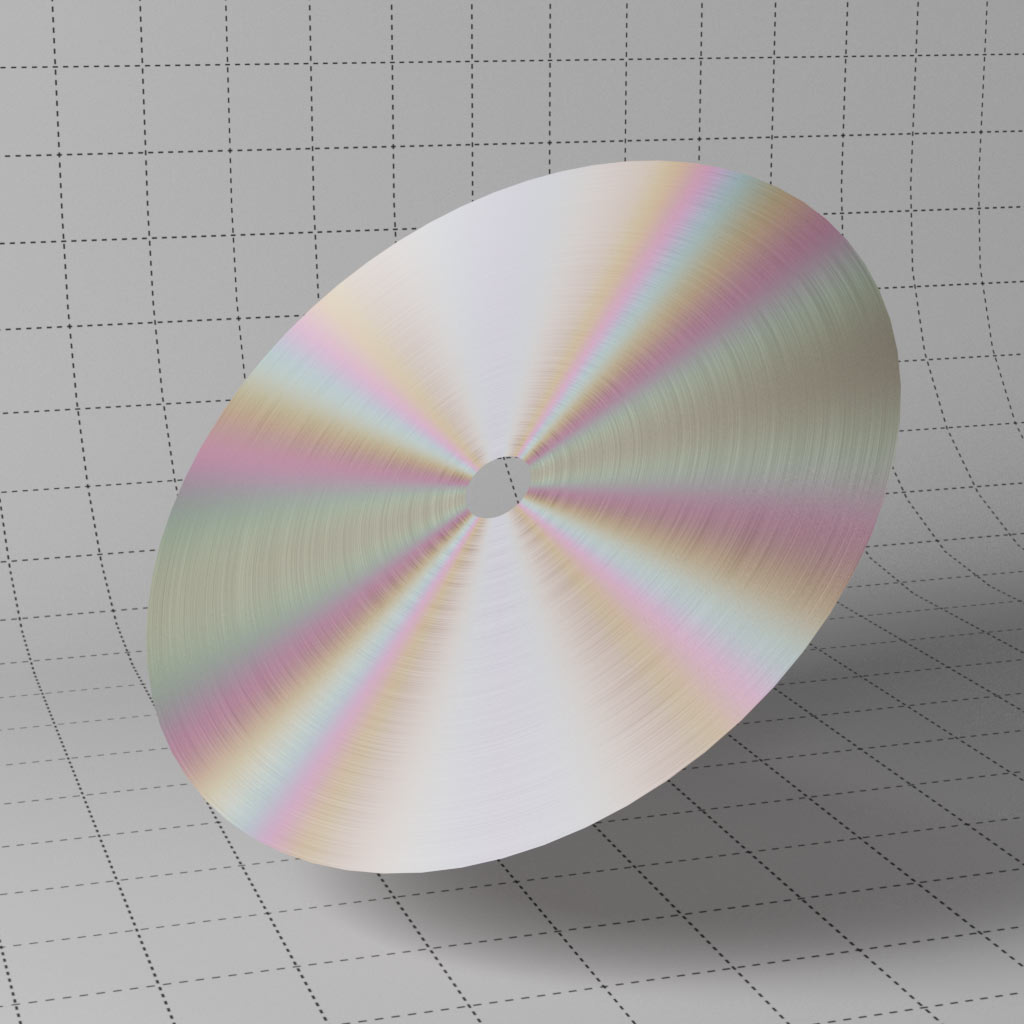
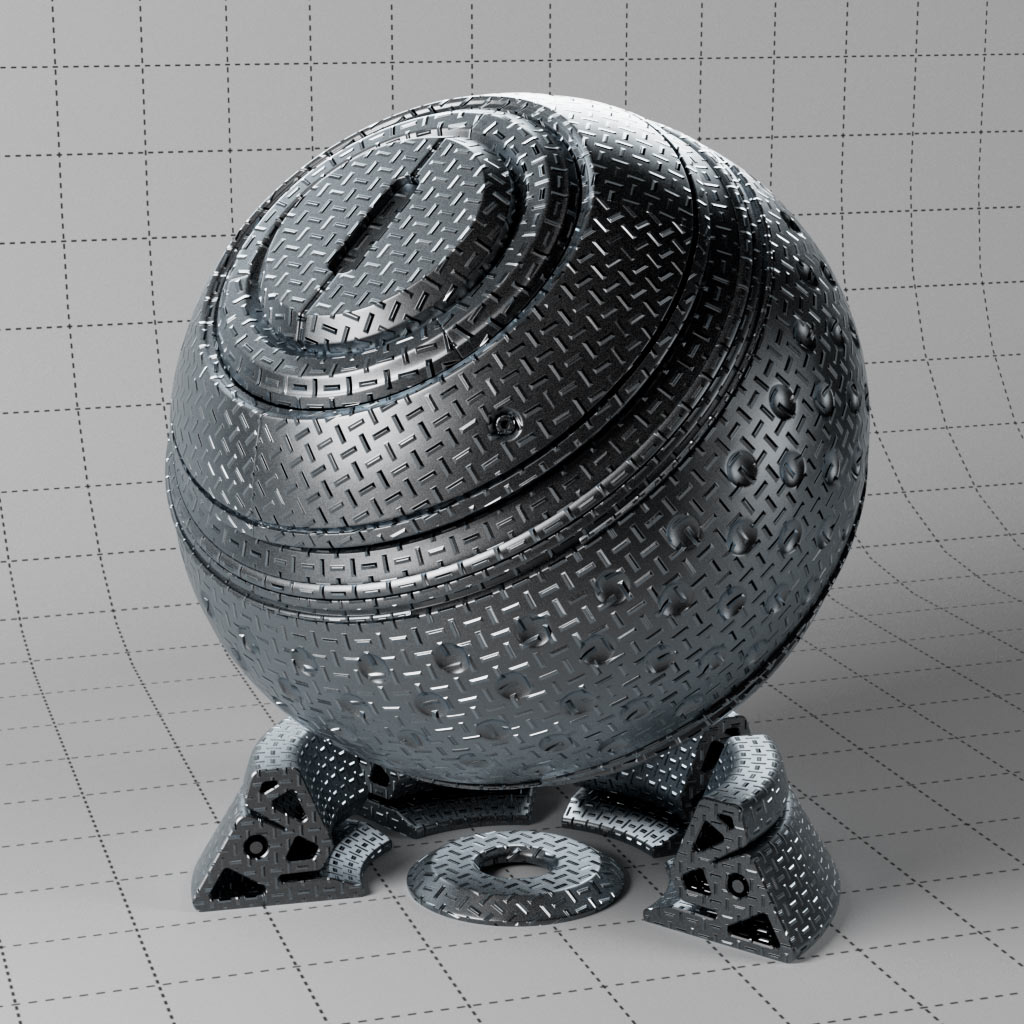
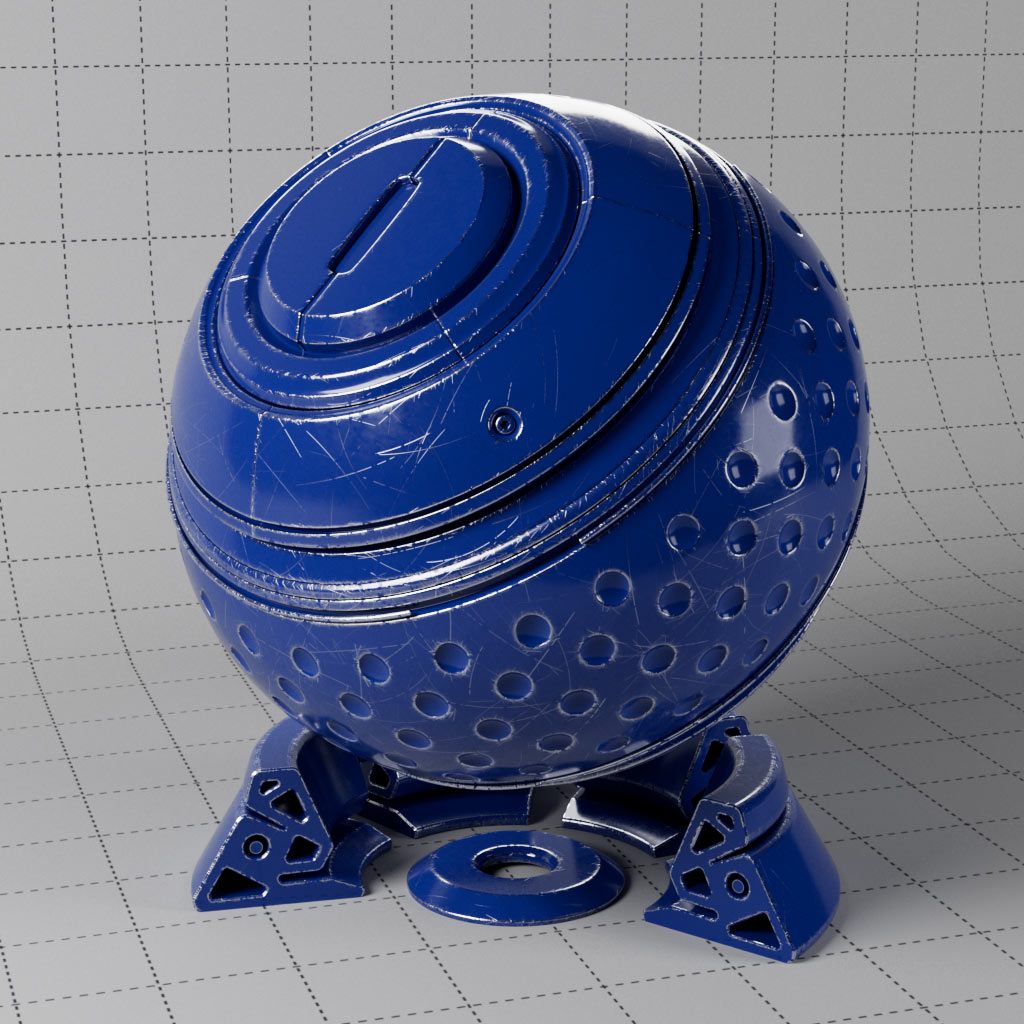
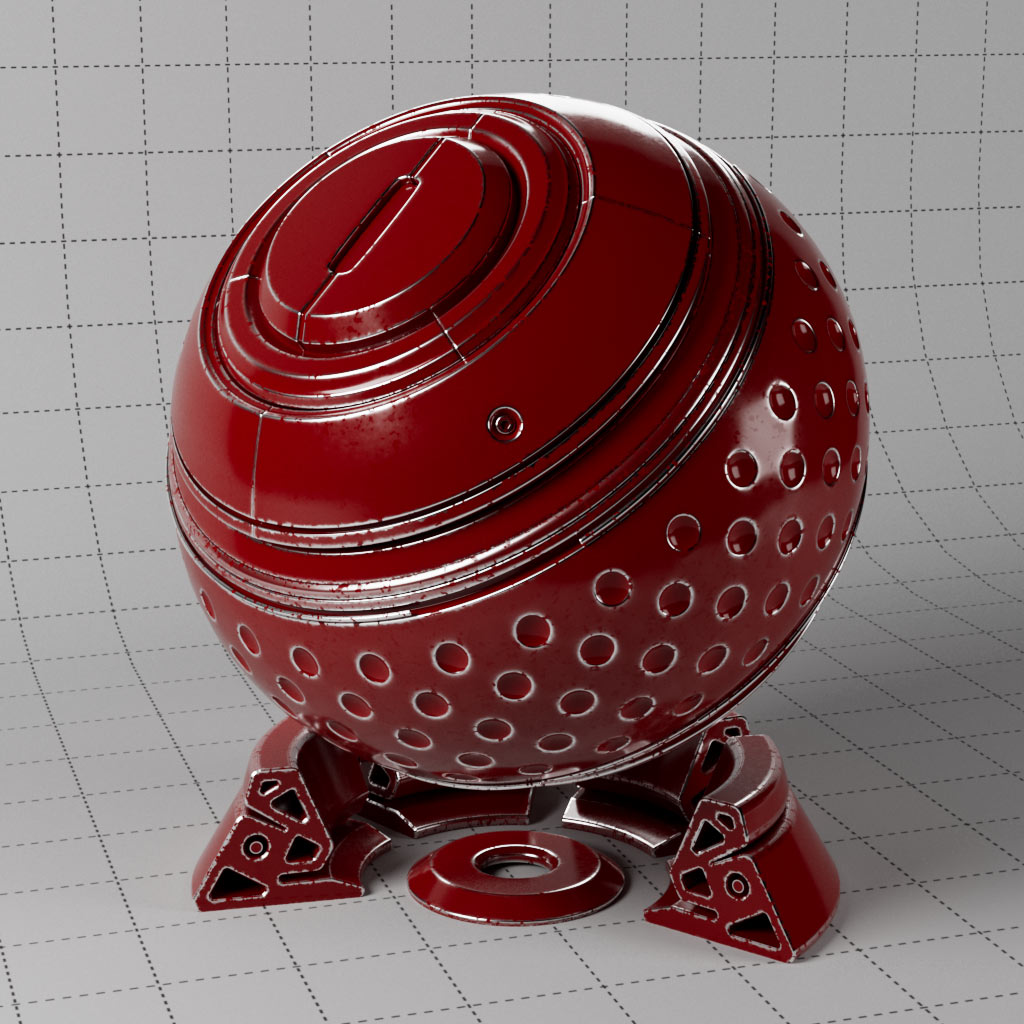
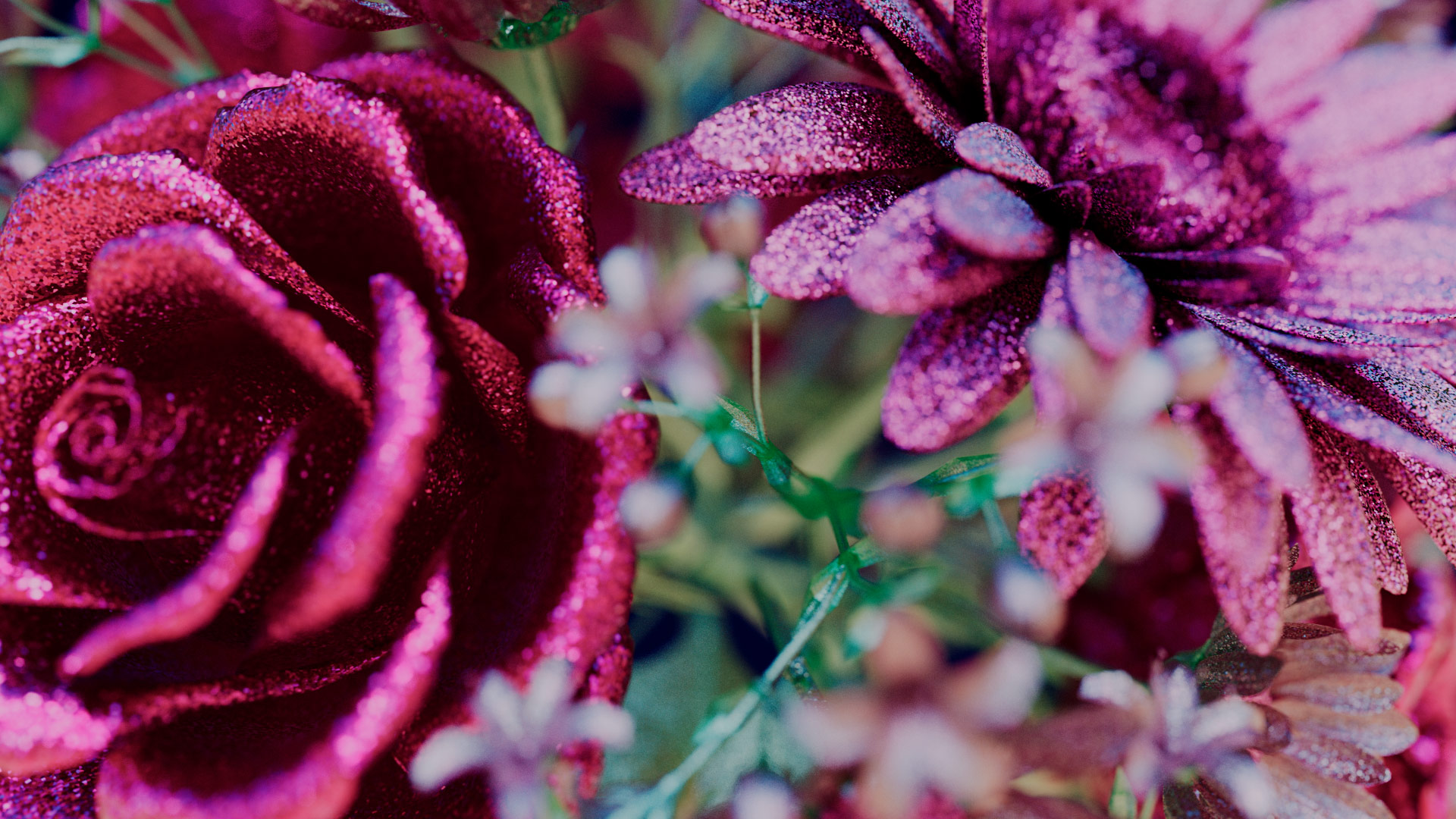
Exploring various metallic effects, adding thin film and scratches. This set includes the flakes shader for glitter and sparkles, combined with the coat layer for classic metal flake car paint. Create brushed metal with anisotropic highlights and repeating patterns.
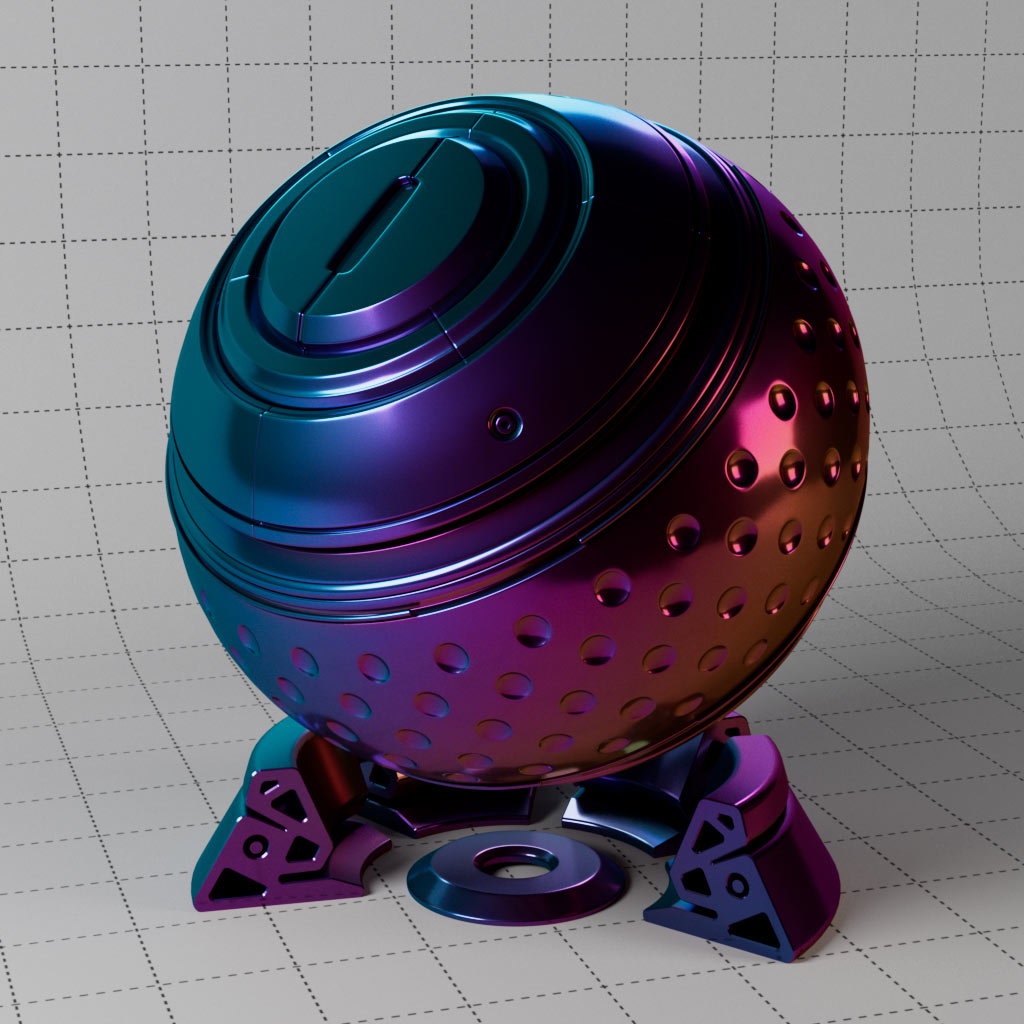
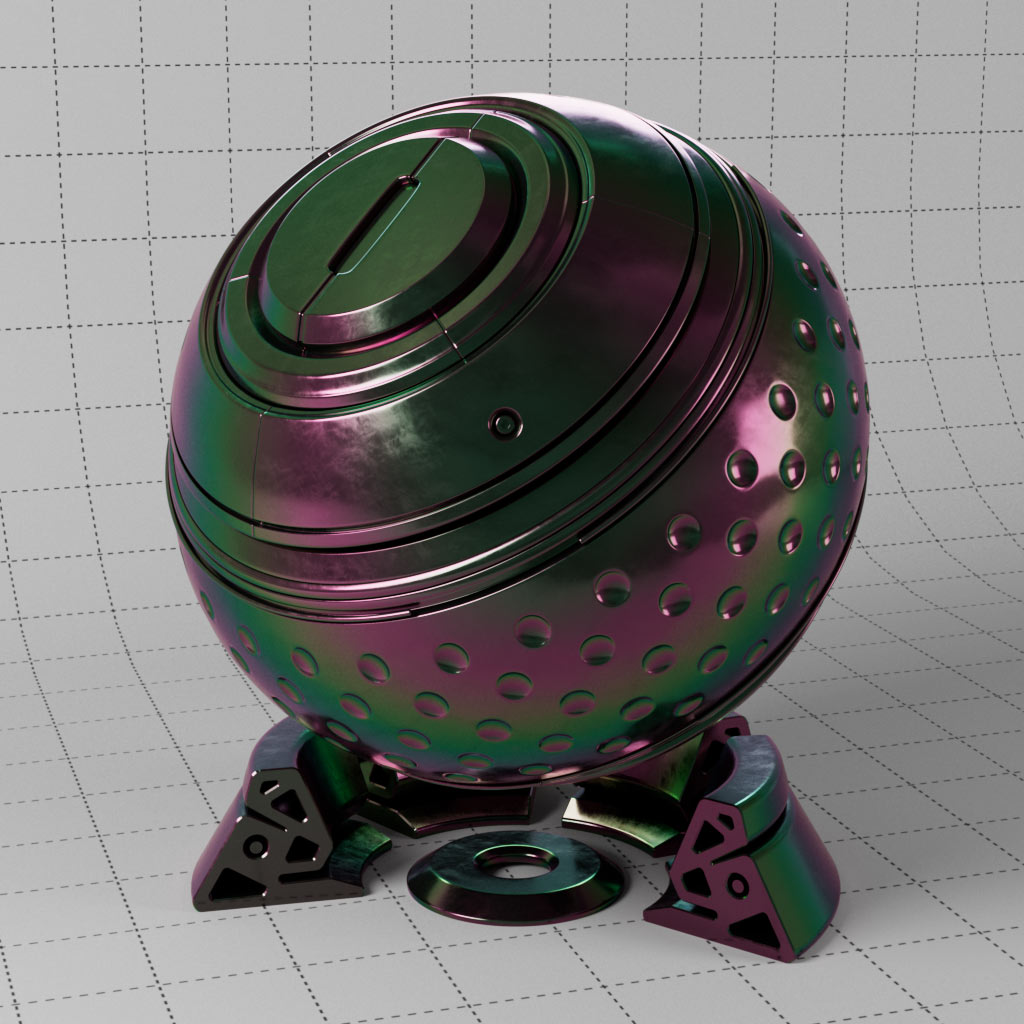
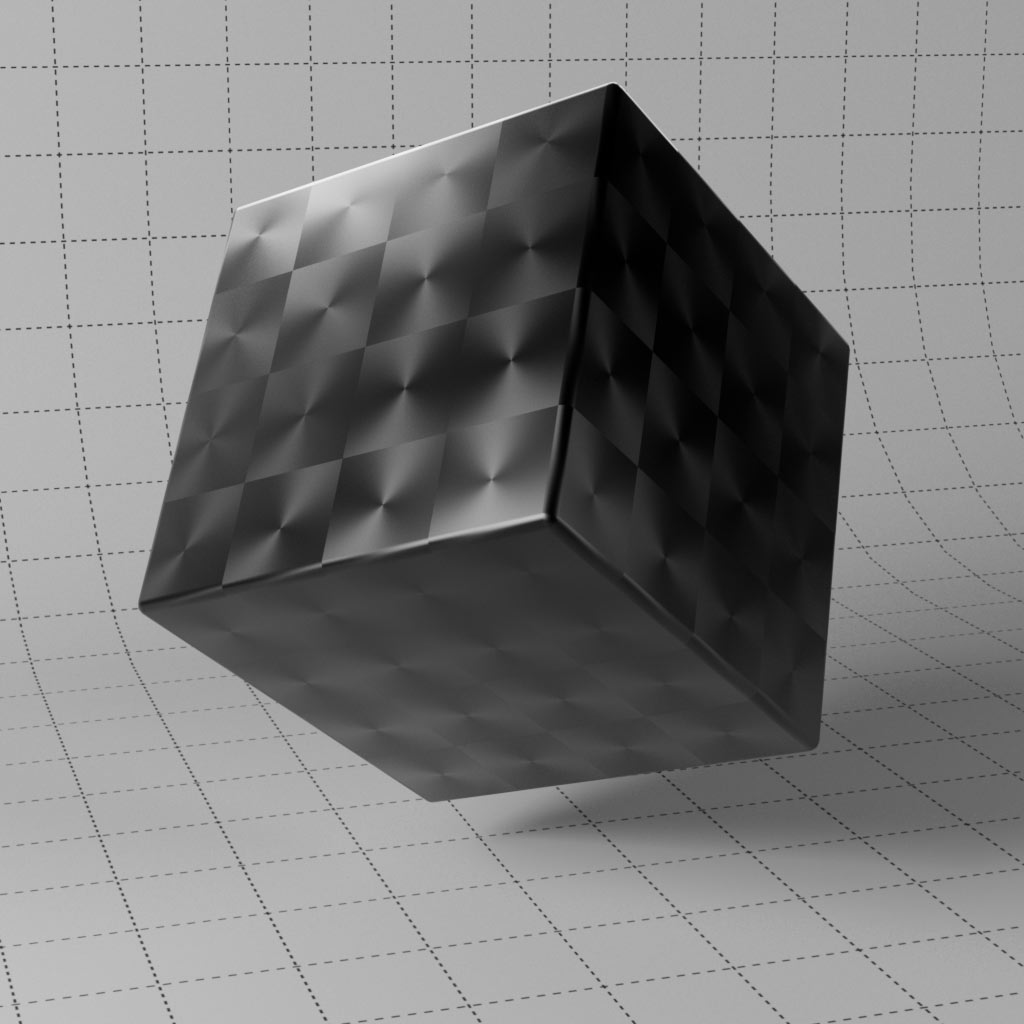
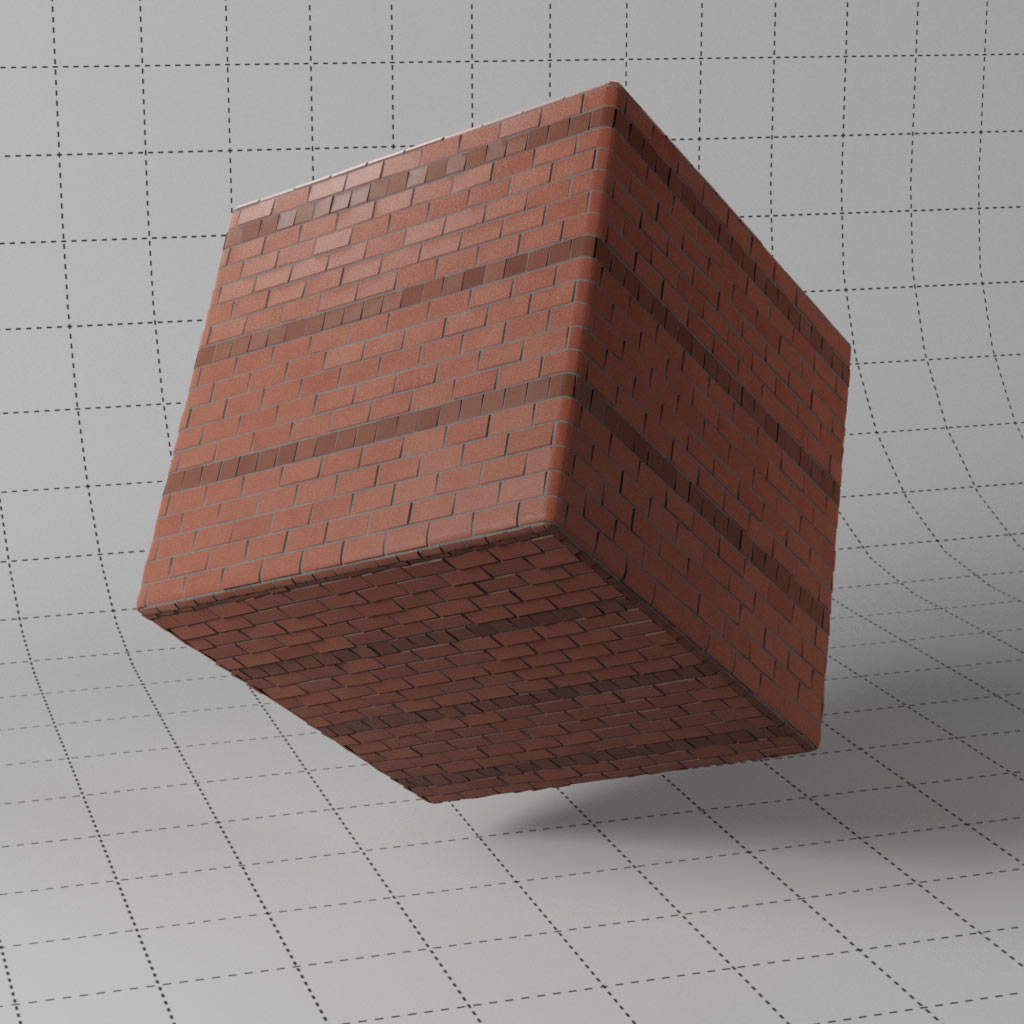
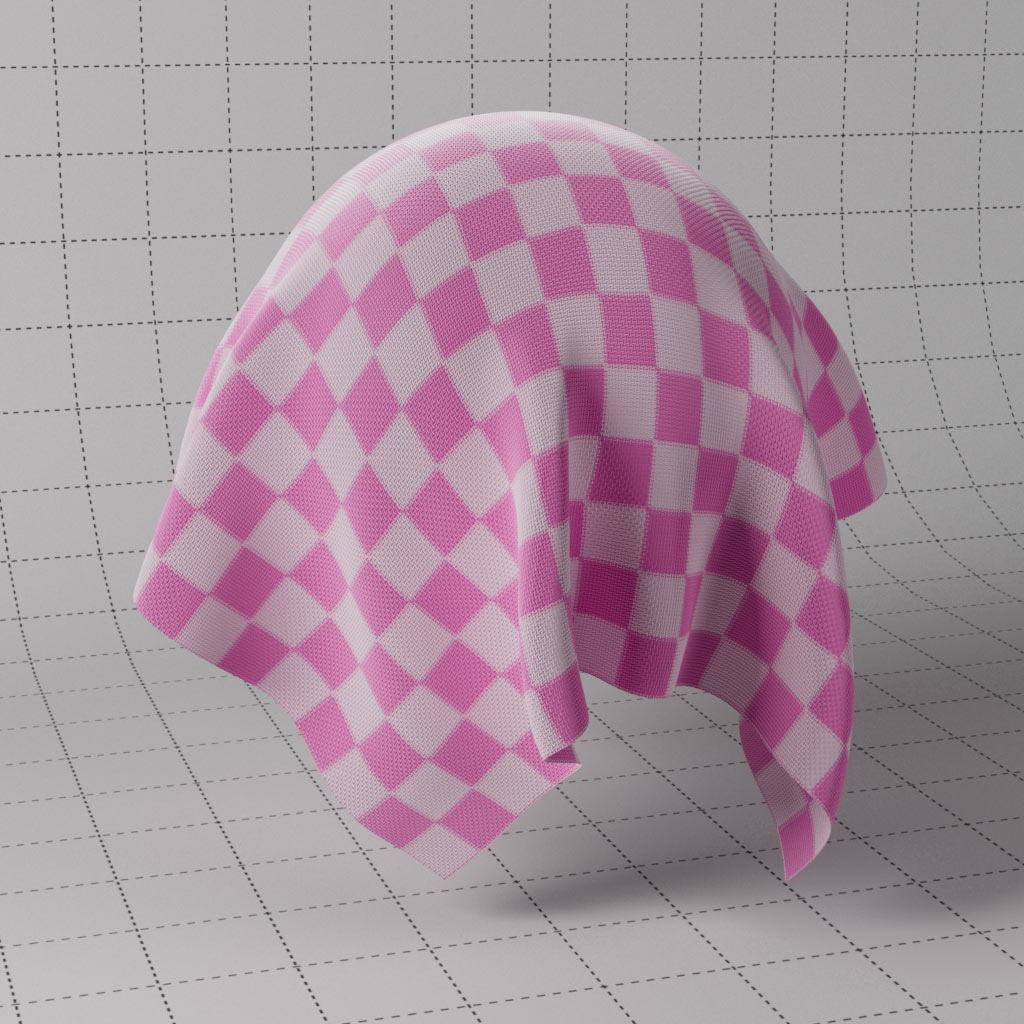
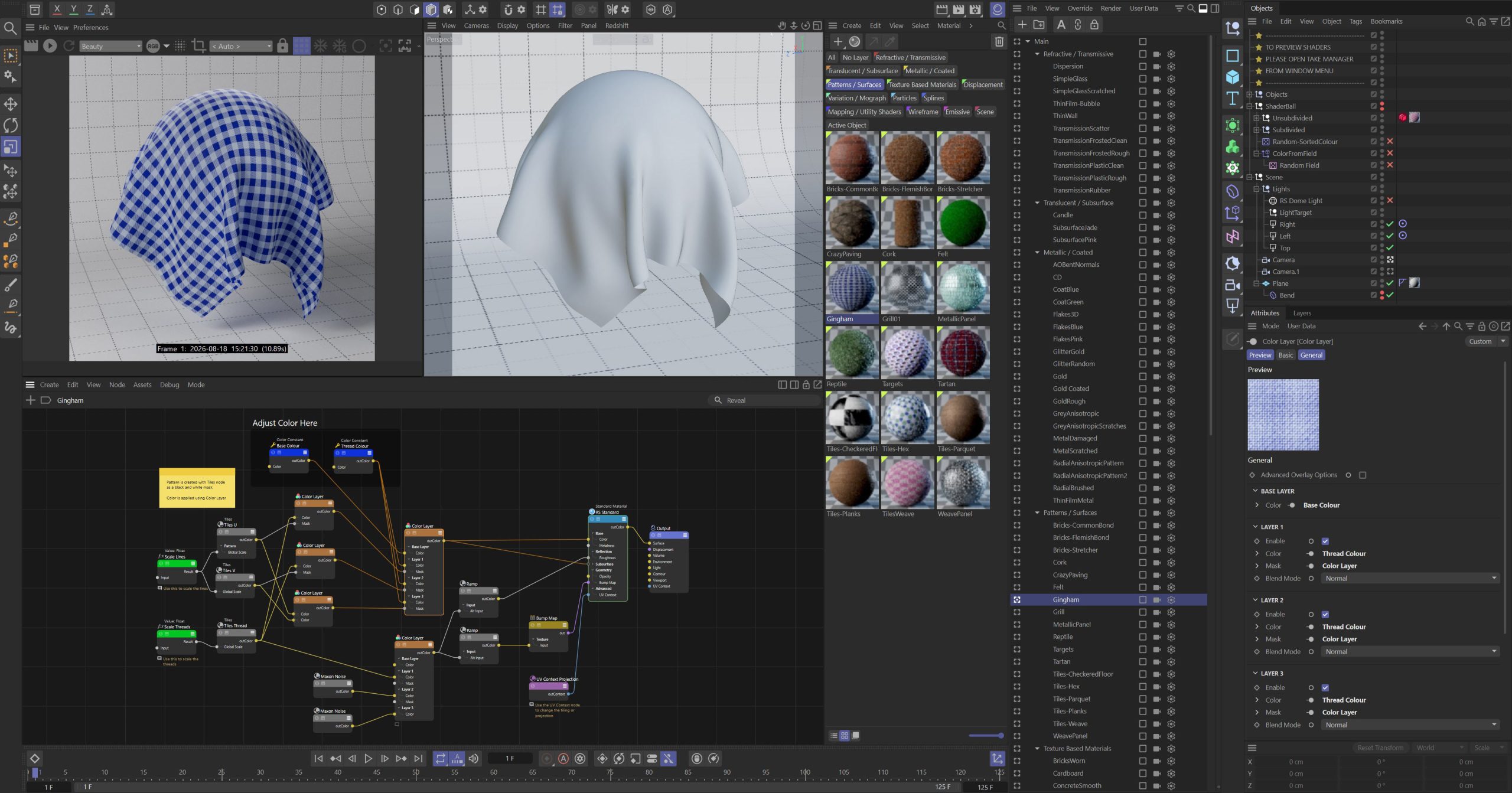
Redshift comes with many nodes for creating repeating patterns and shapes, these materials offer some great starting setups for creating brick, wood, paving and tiles patterns. Including some alternative approaches for these nodes. The tiles shader is combined to create geometric patterns such as tartan and gingham, all created procedurally in the material network.
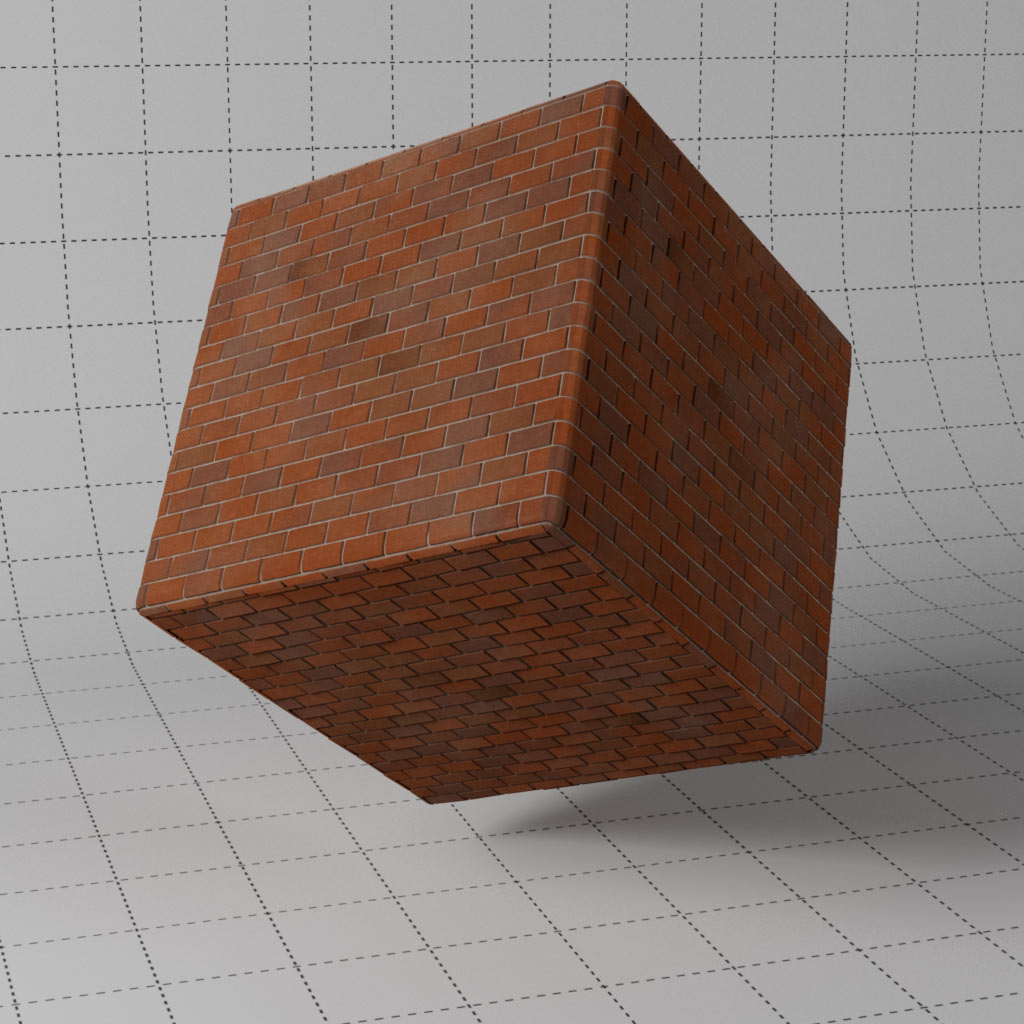
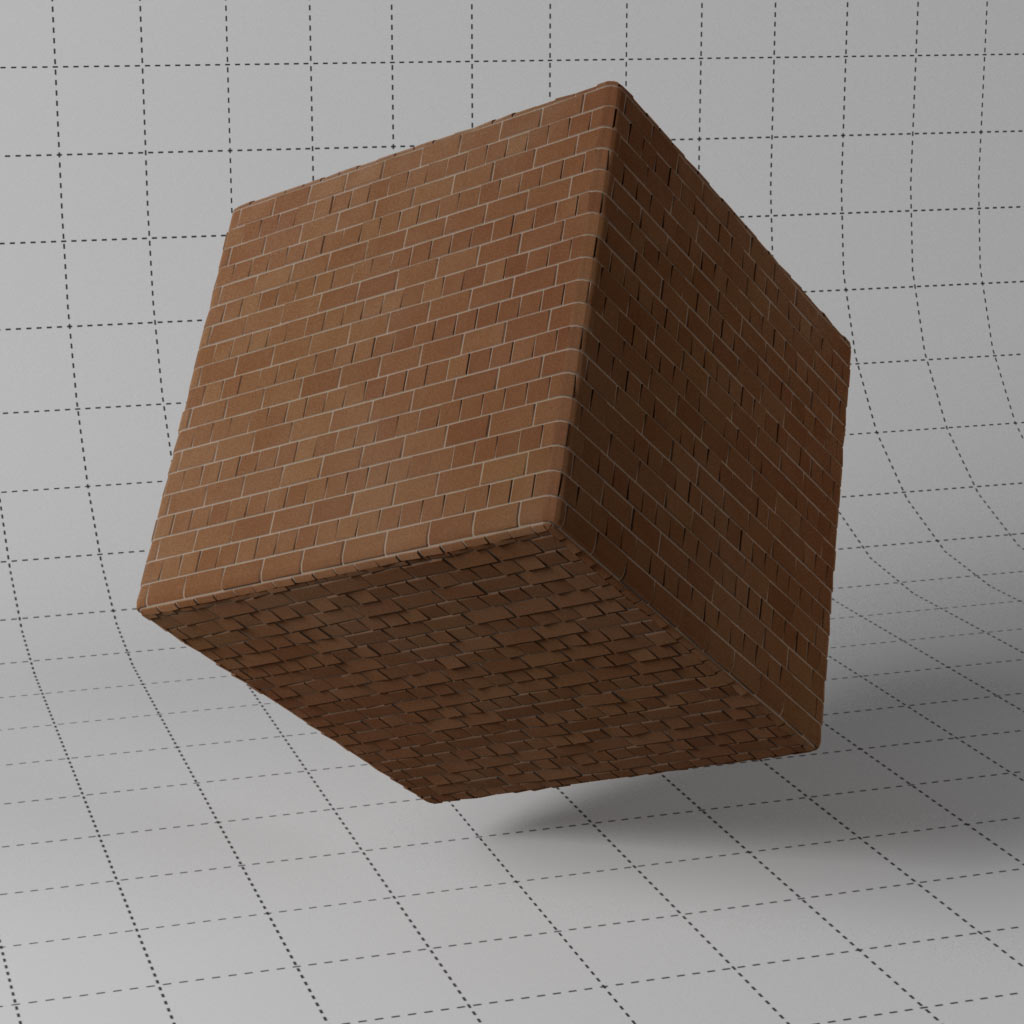
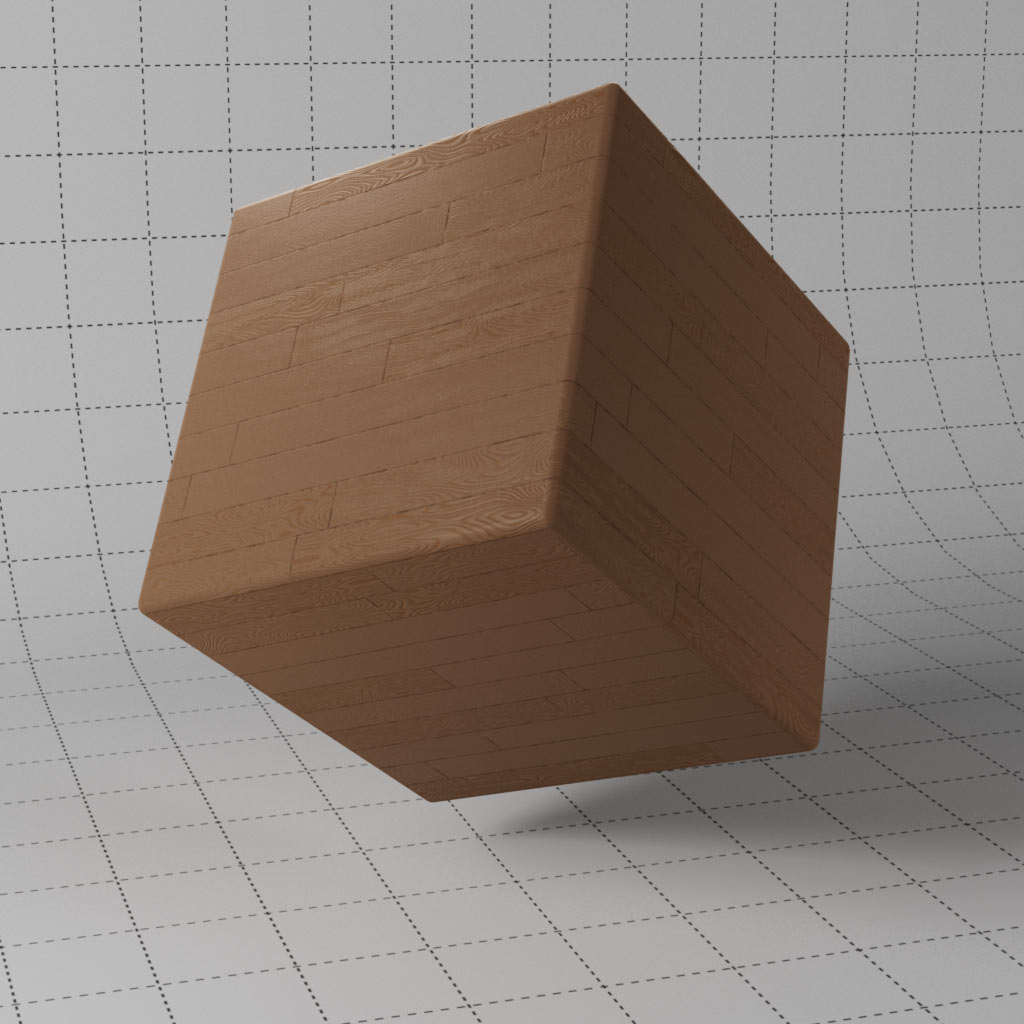
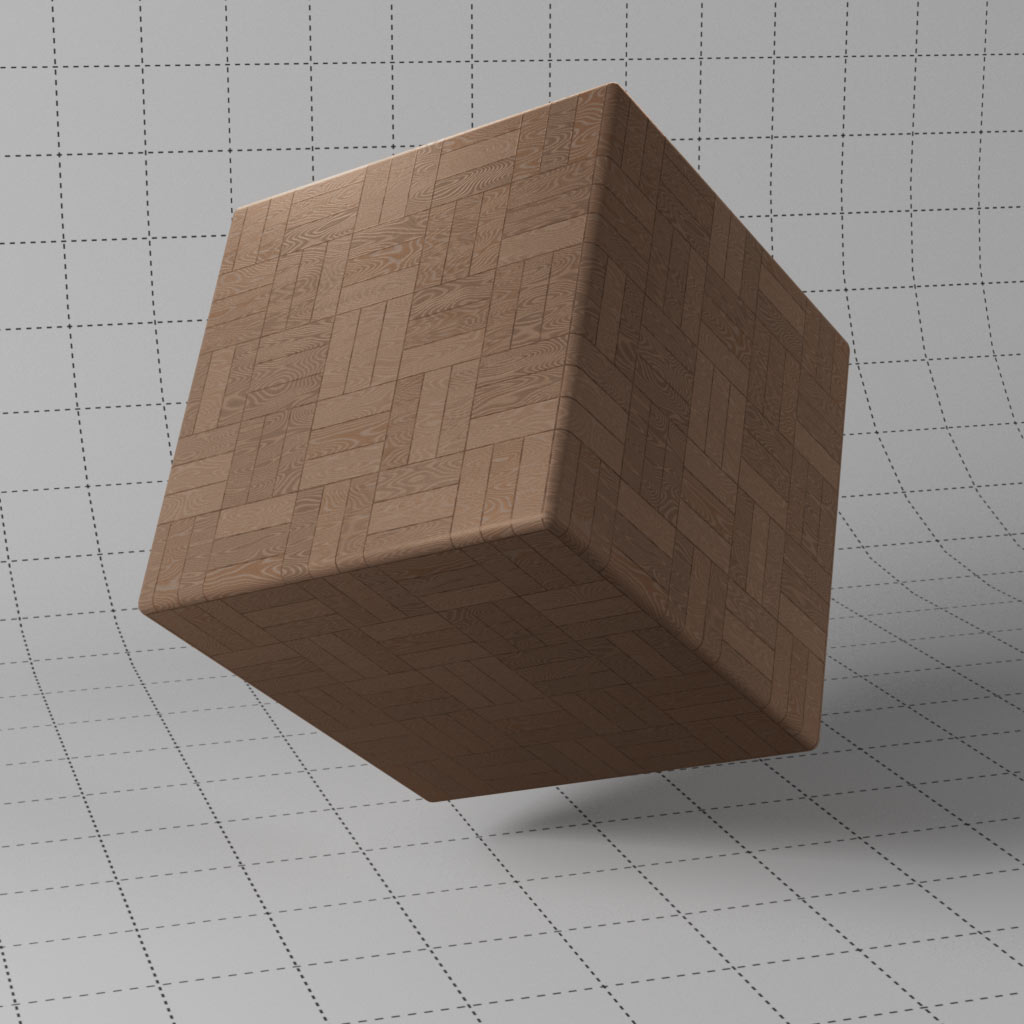
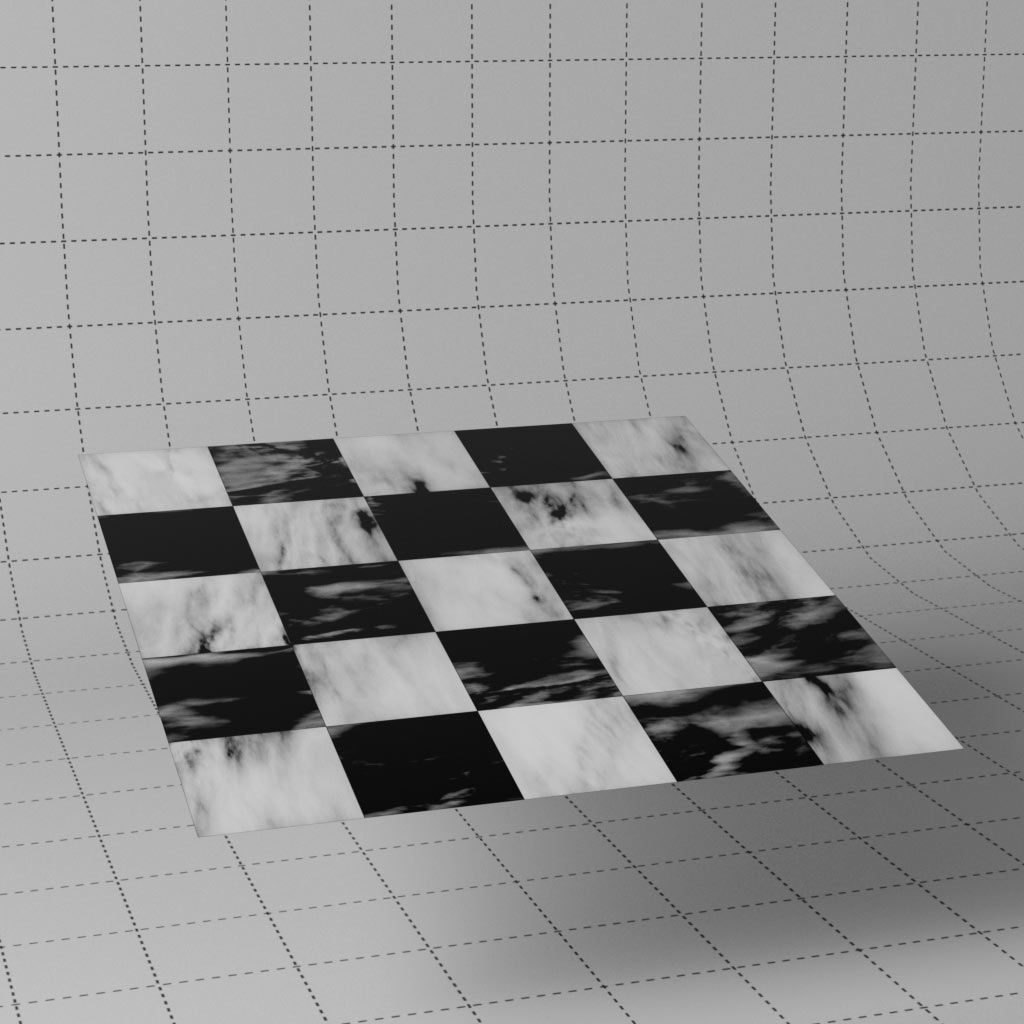
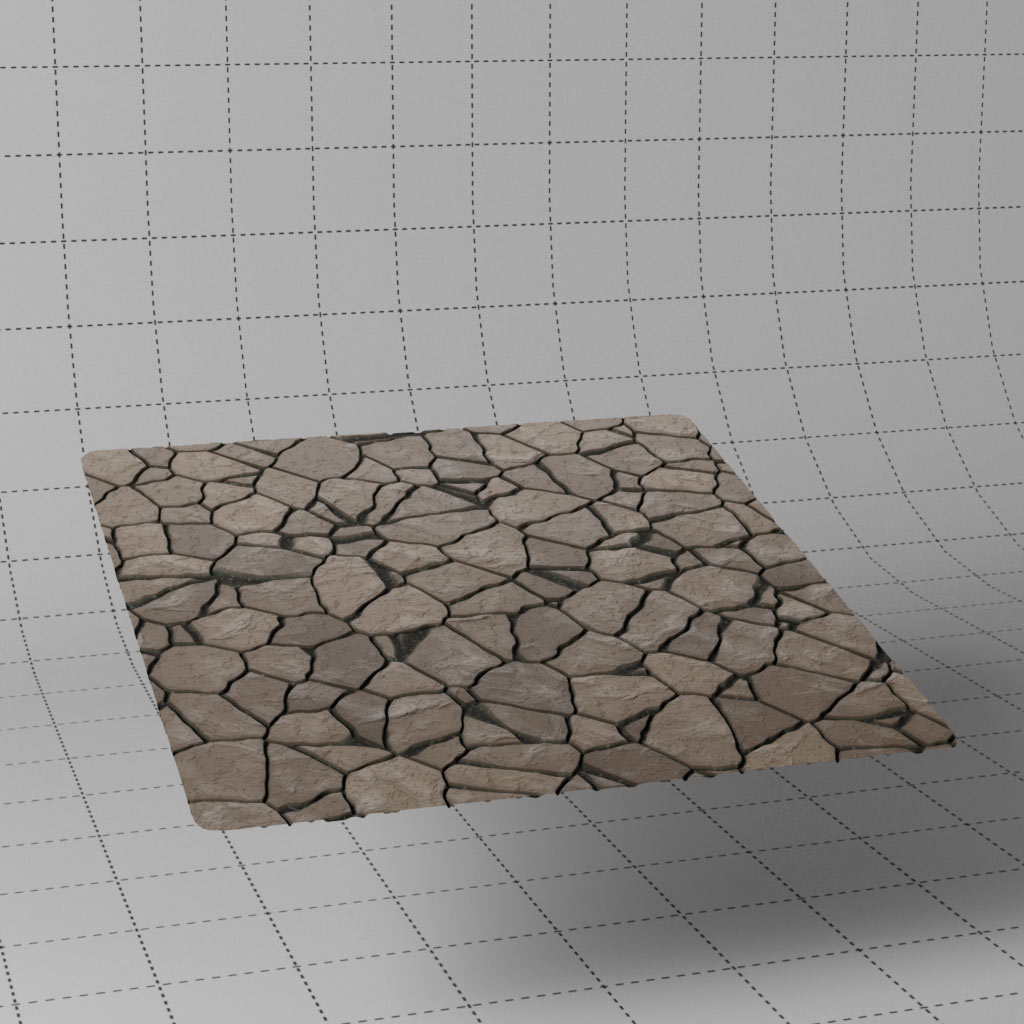
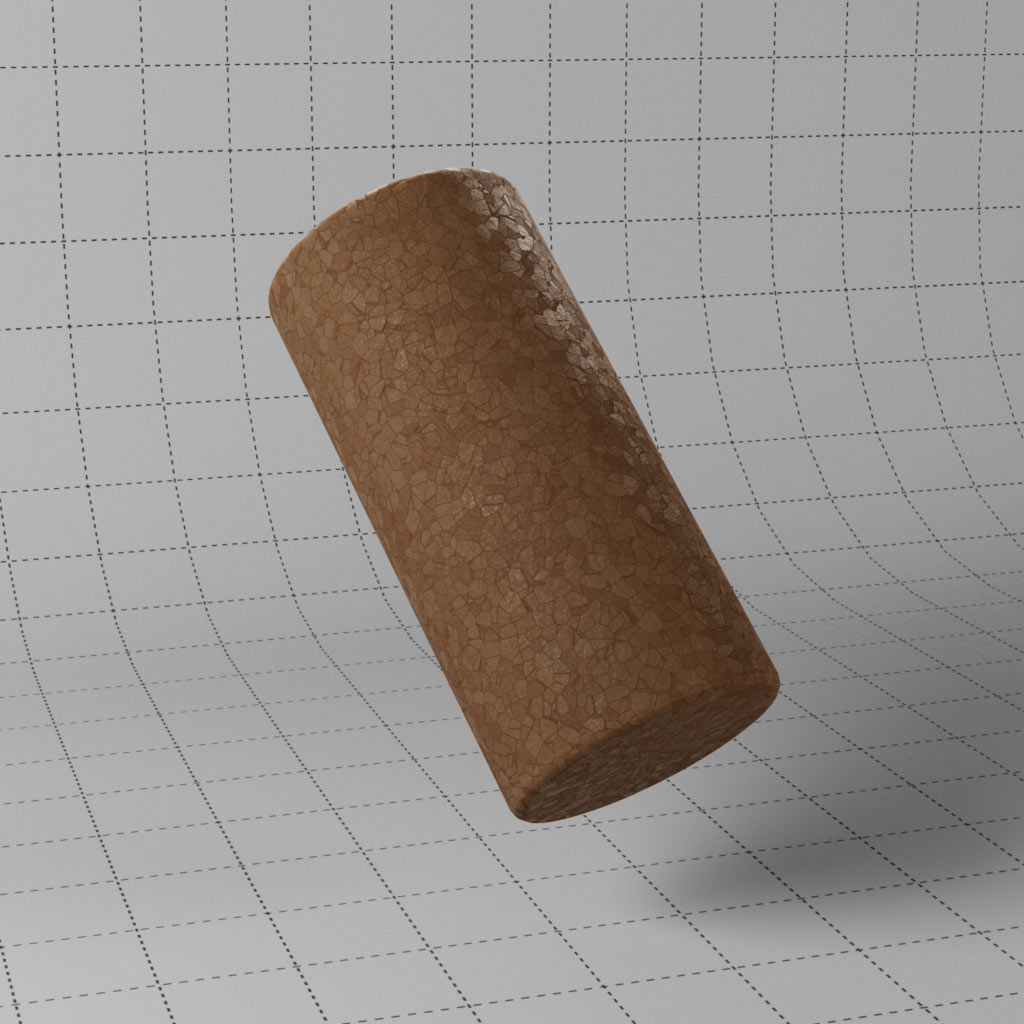
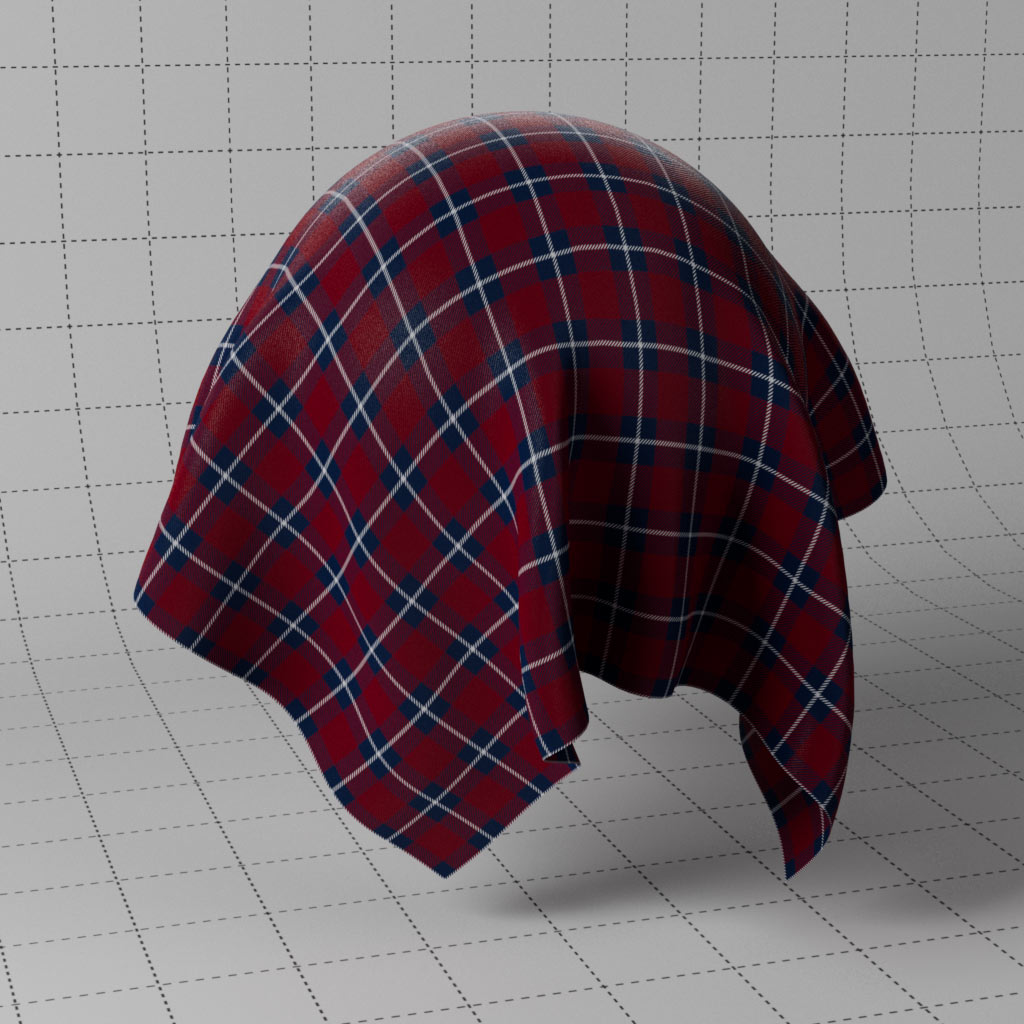
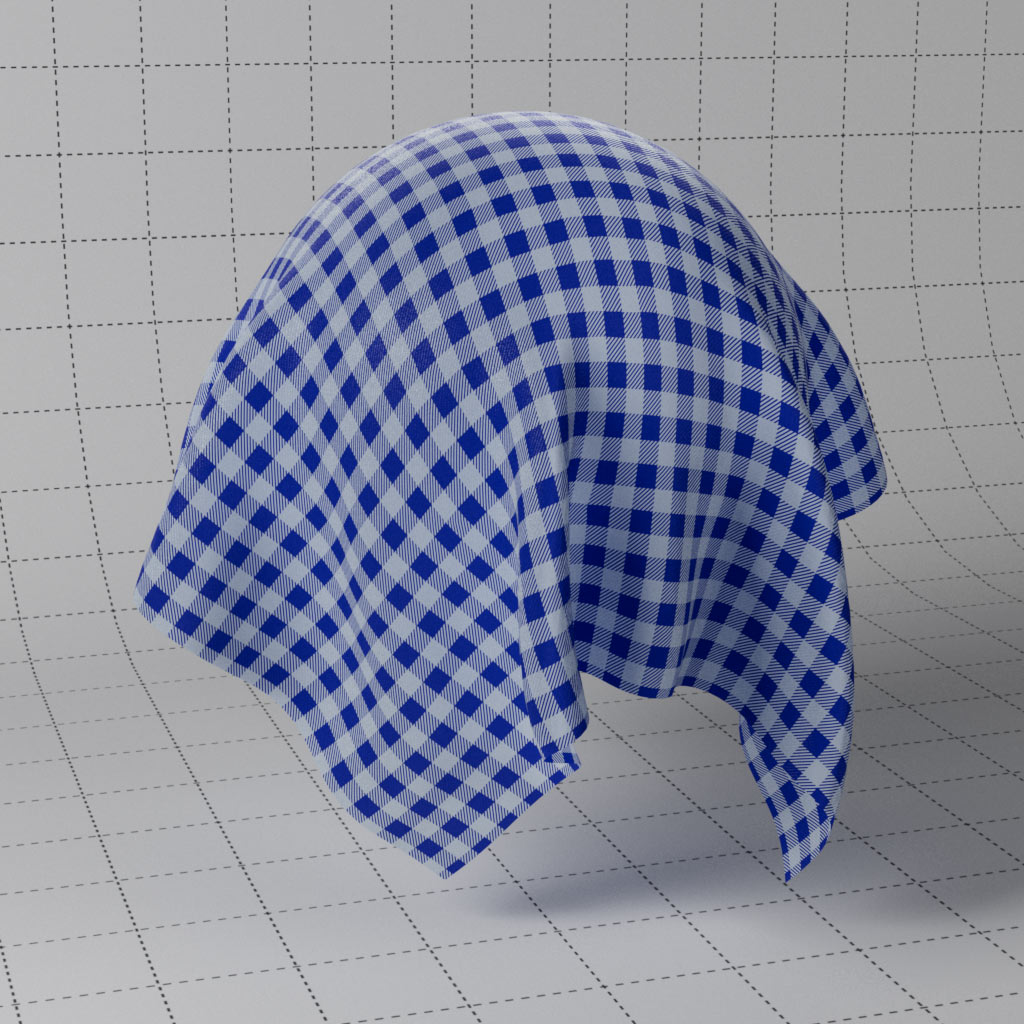
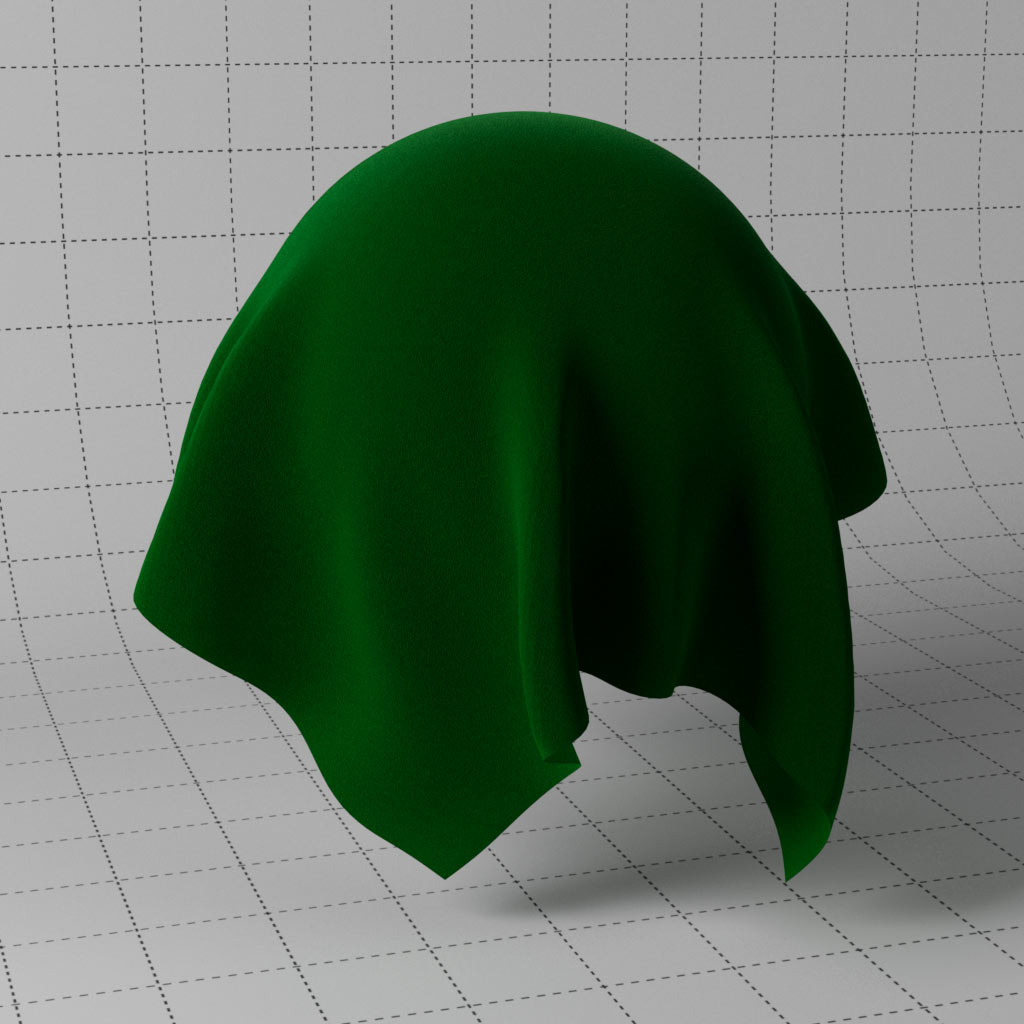
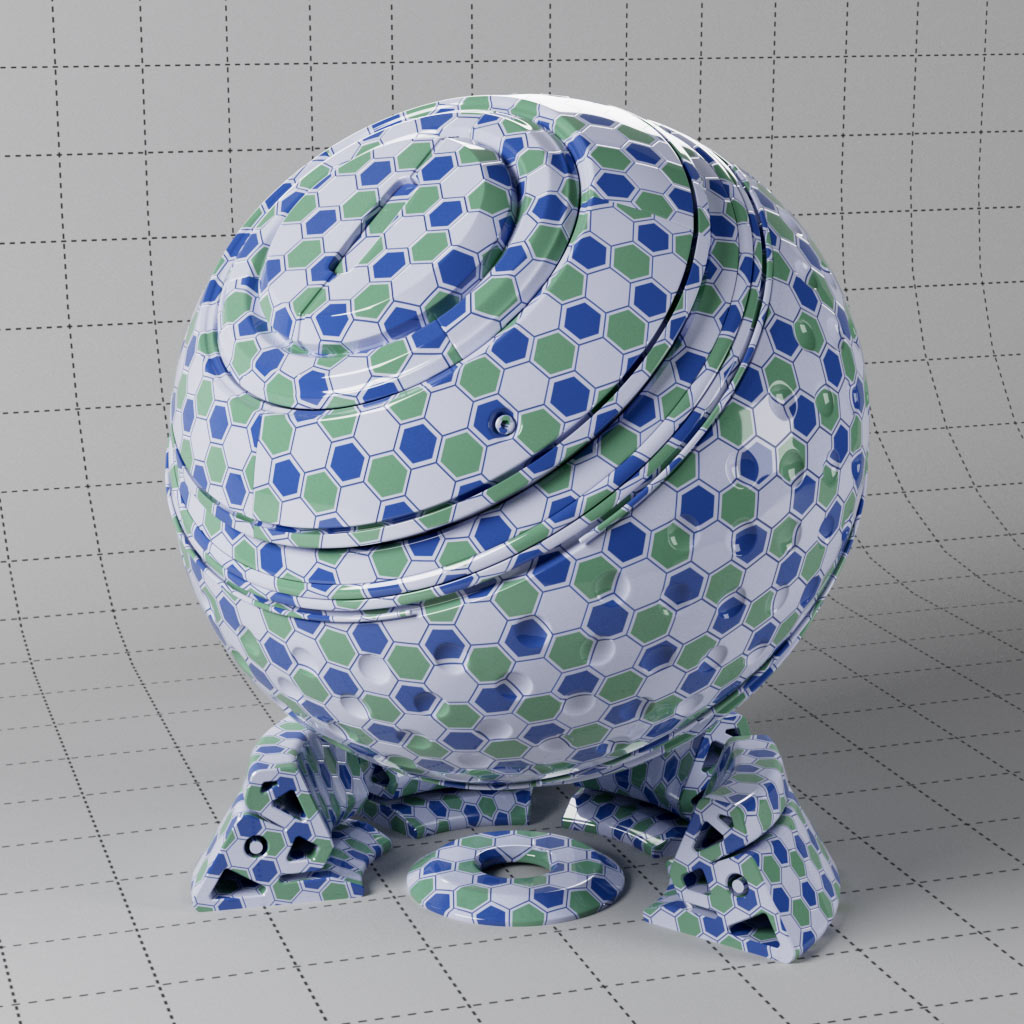
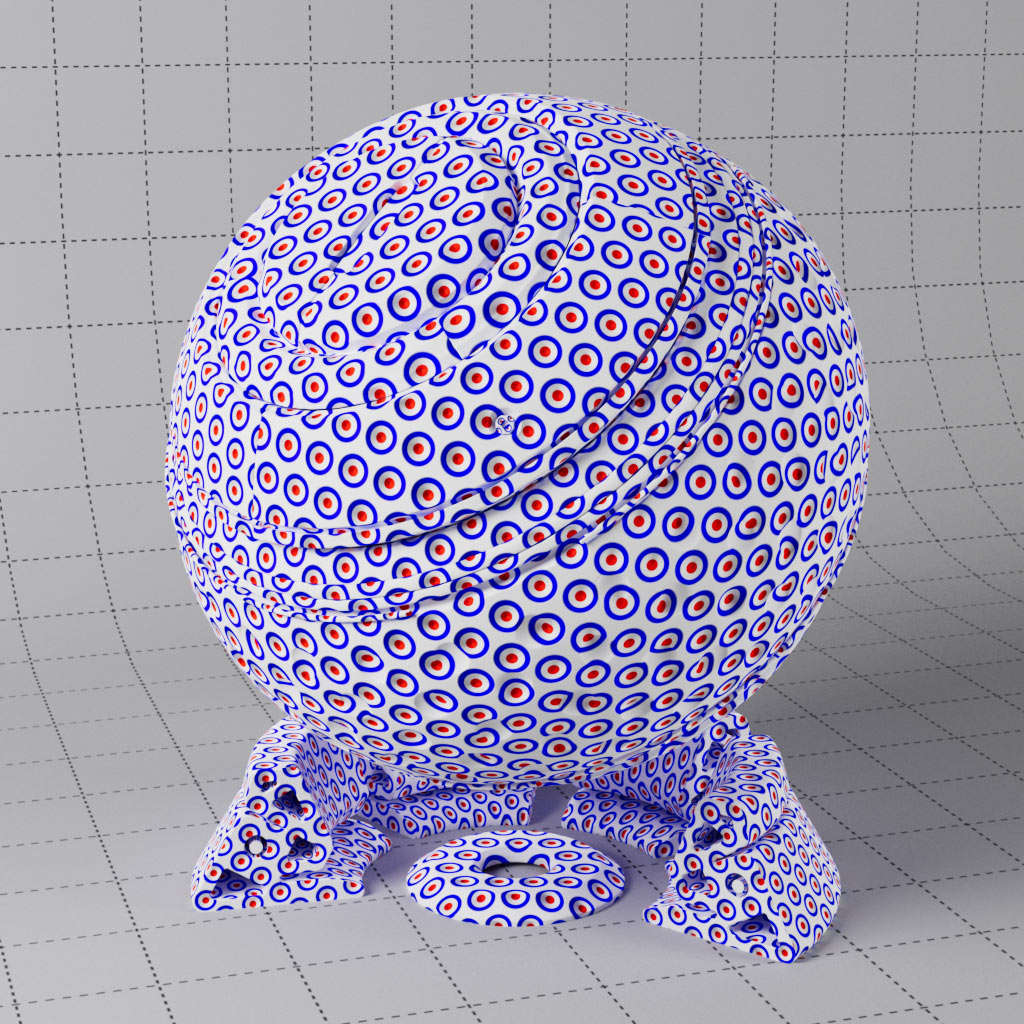
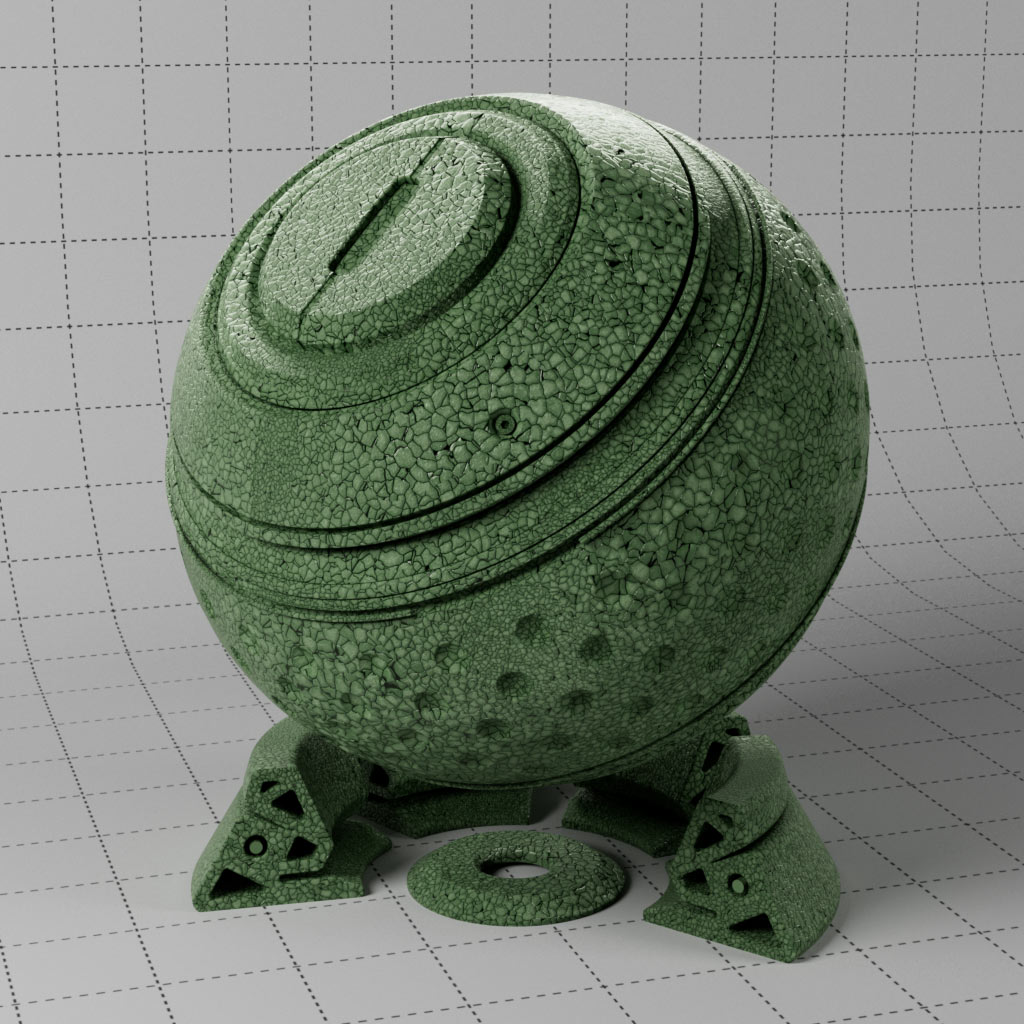
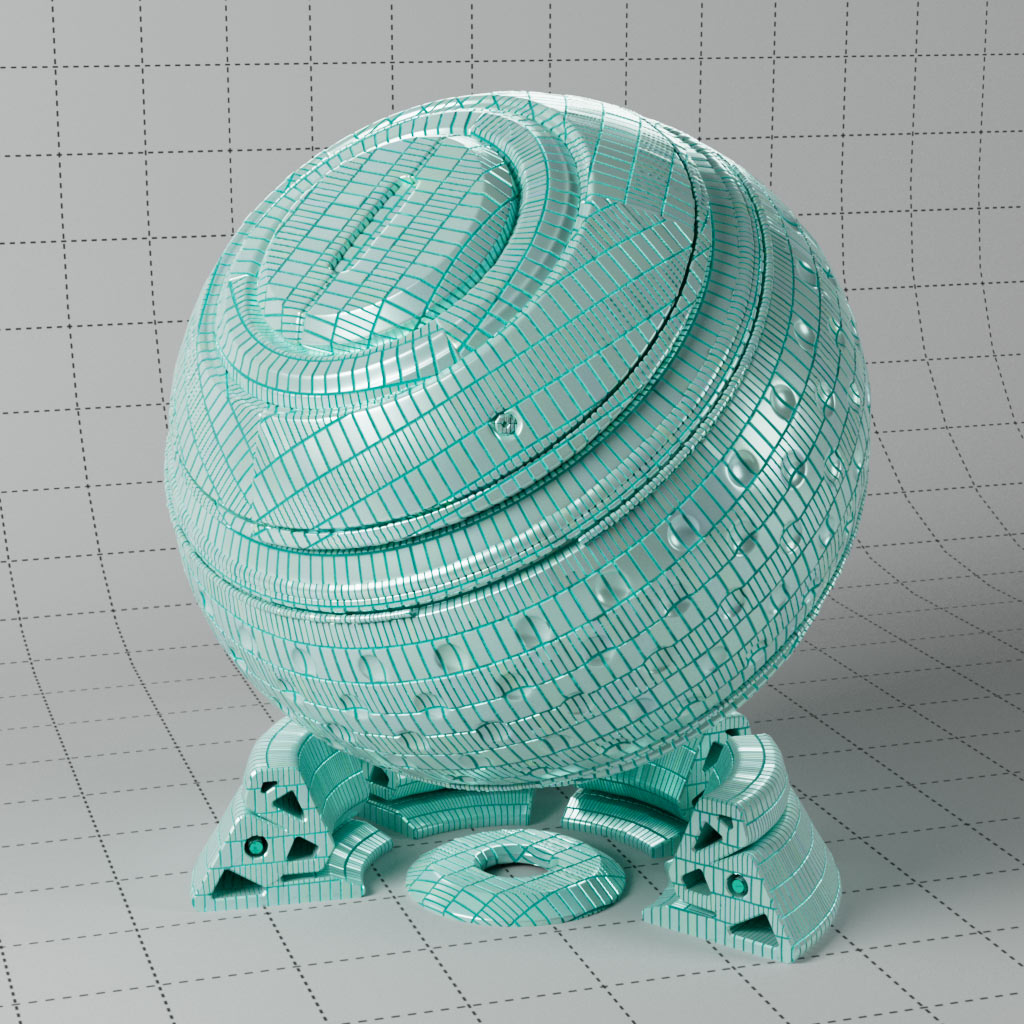
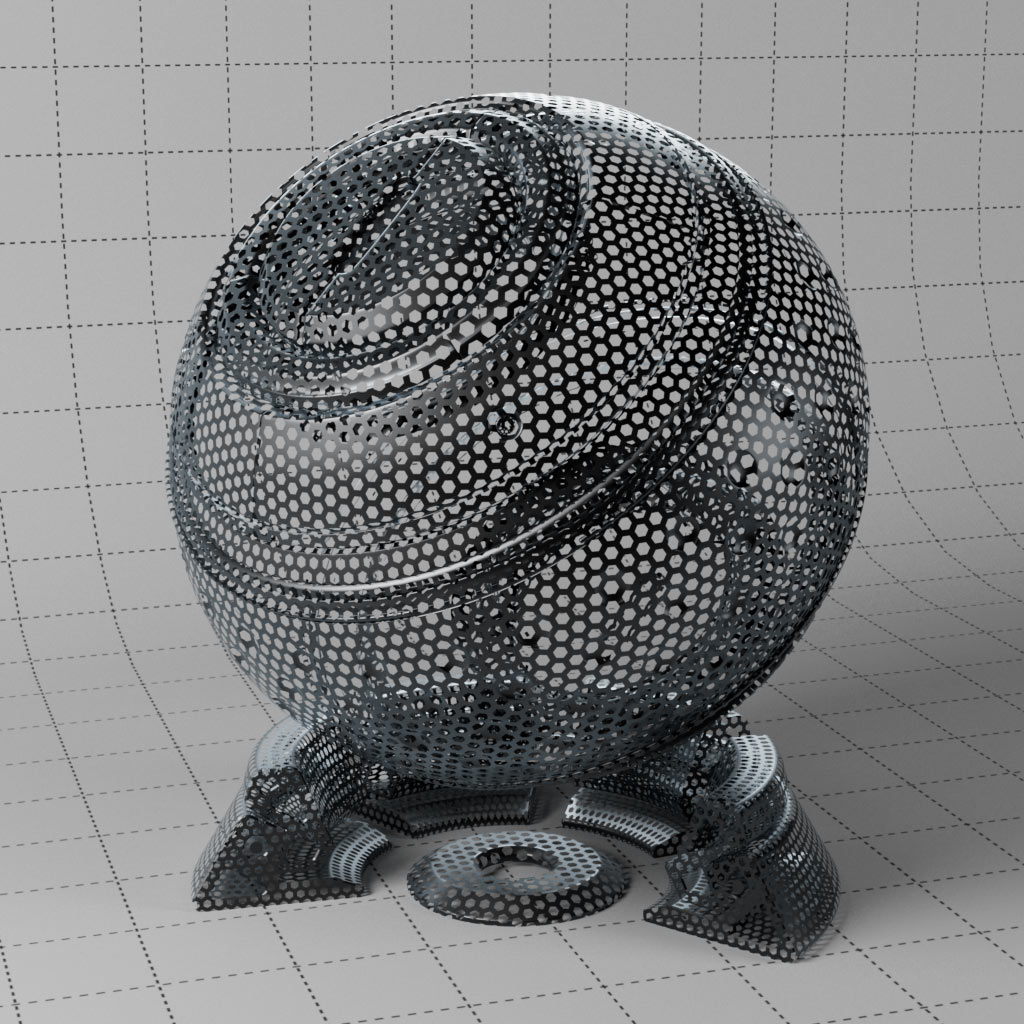
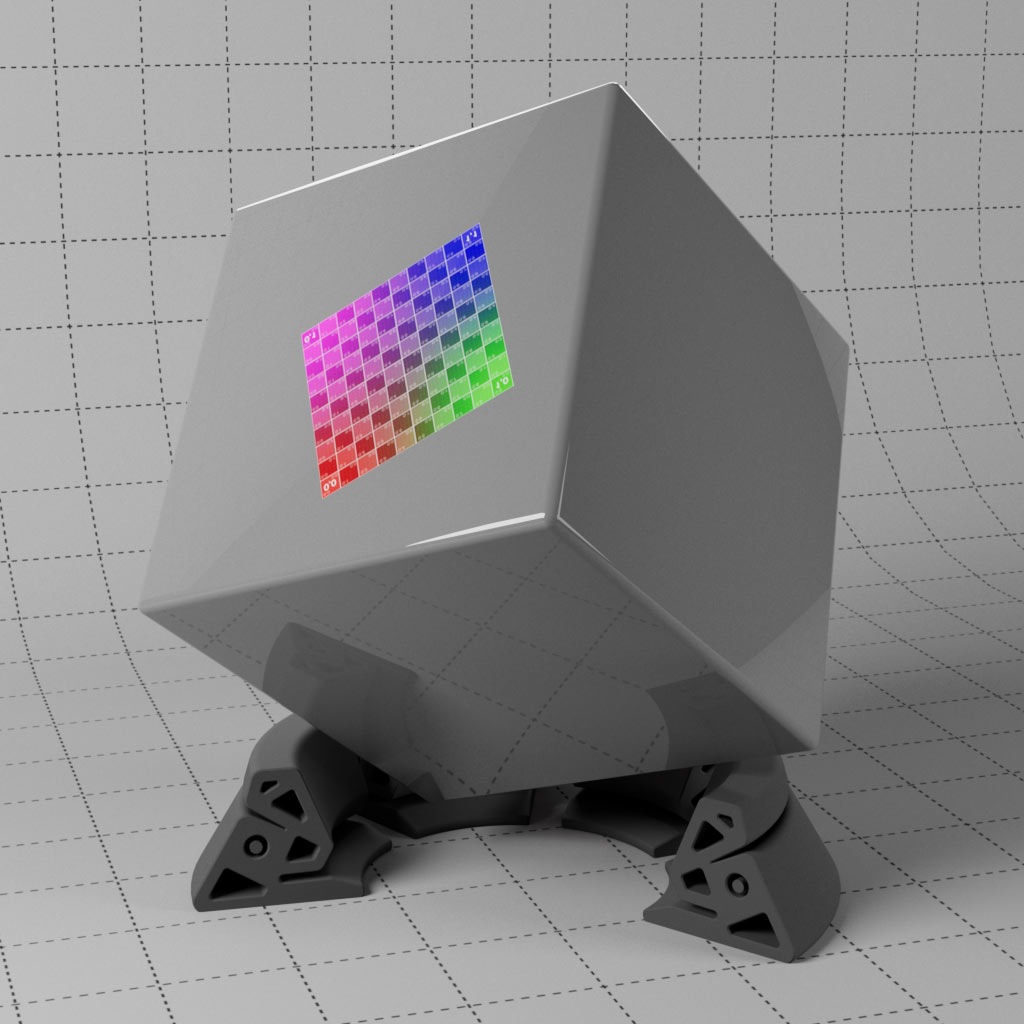
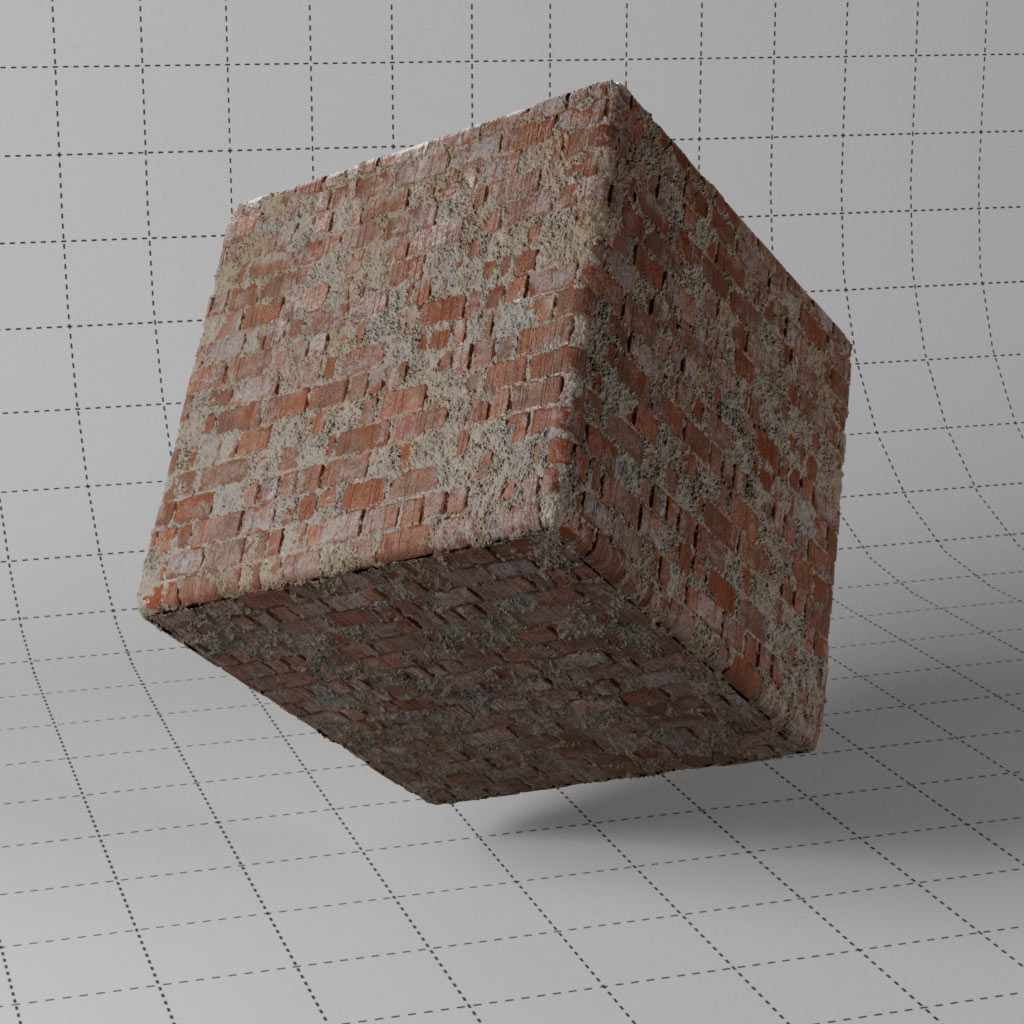
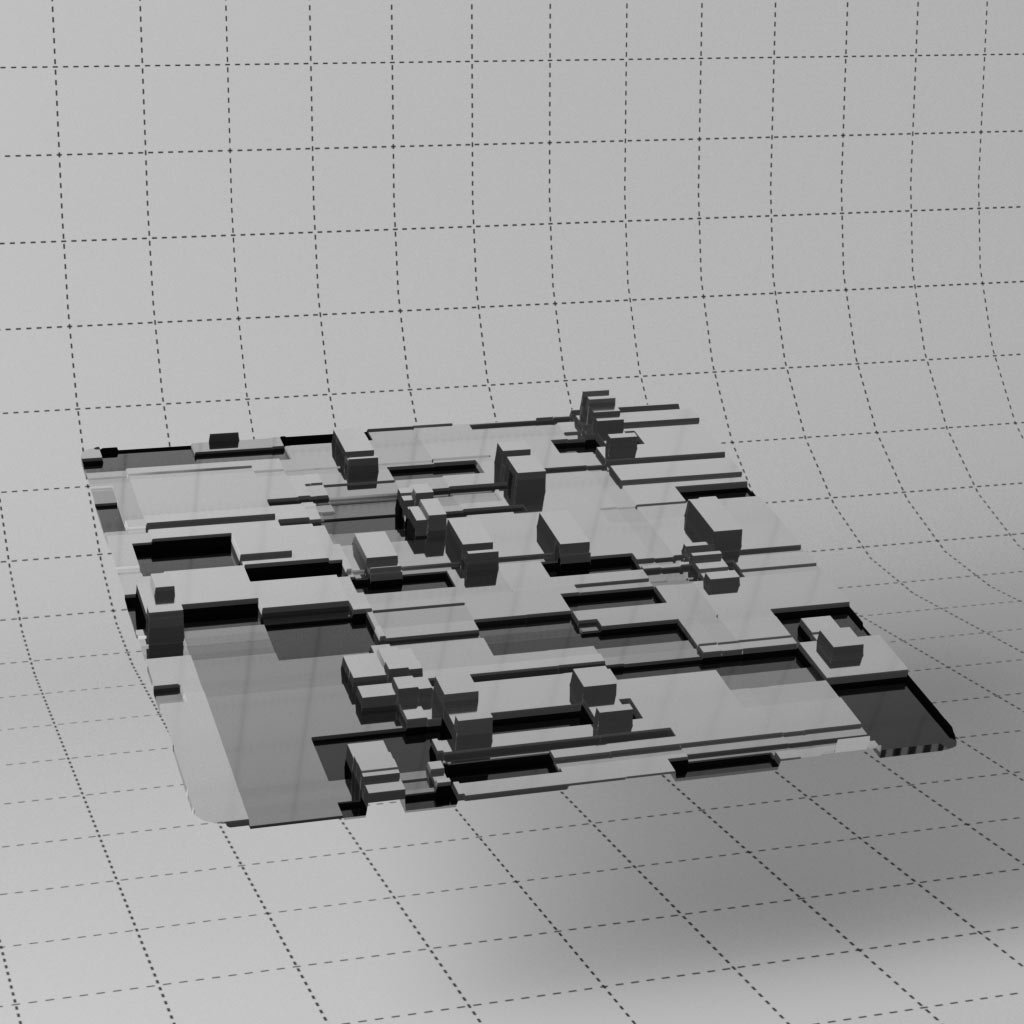
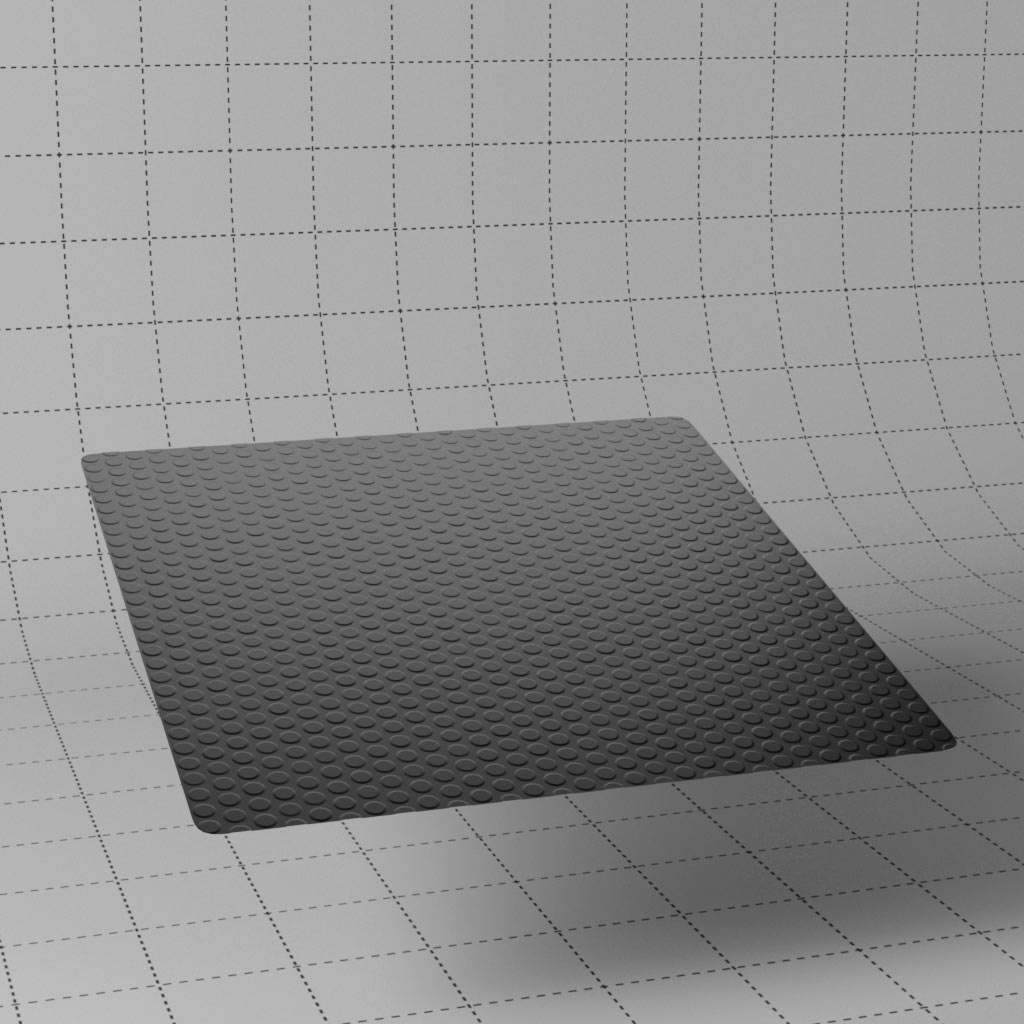
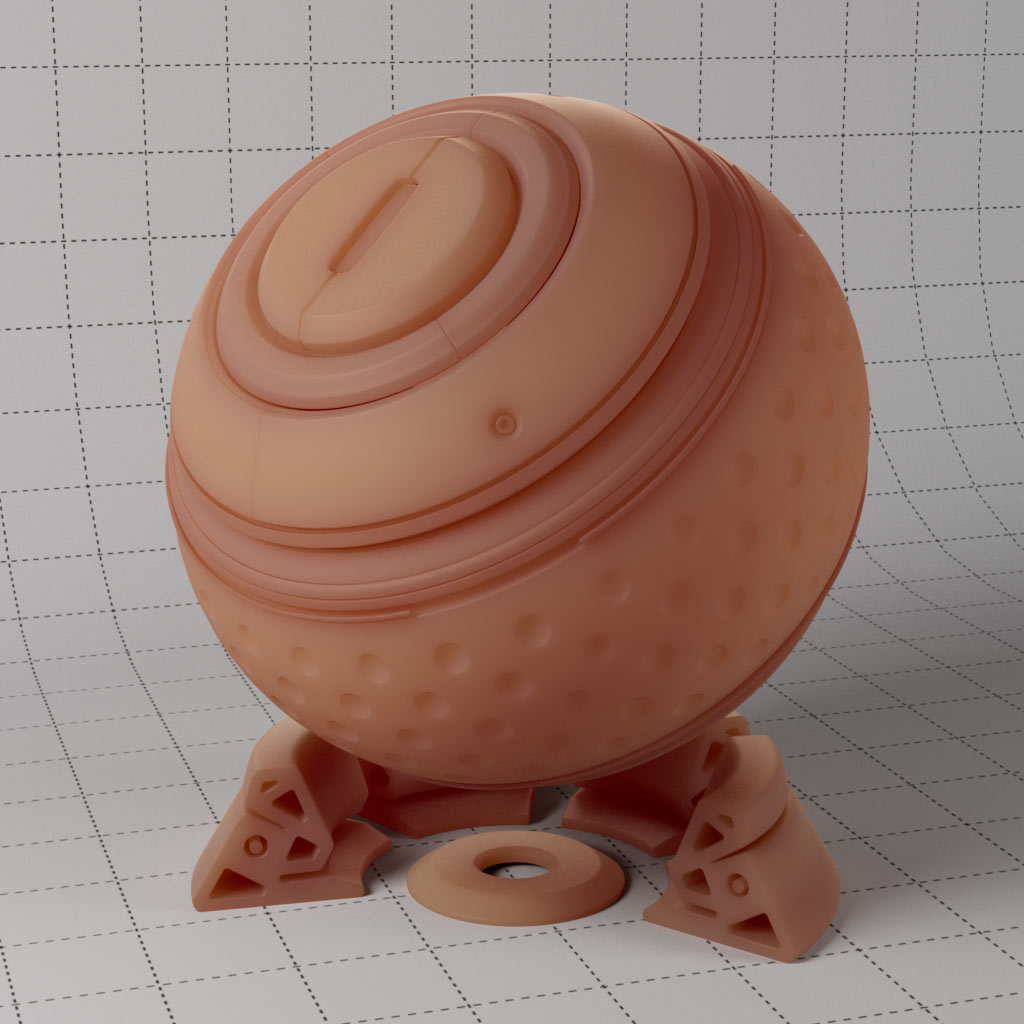
This set of materials use the classic PBR setup with diffuse, roughness, metal, normal and displacement texture maps. Textures created using substance designer, rendered seamless at 4K.
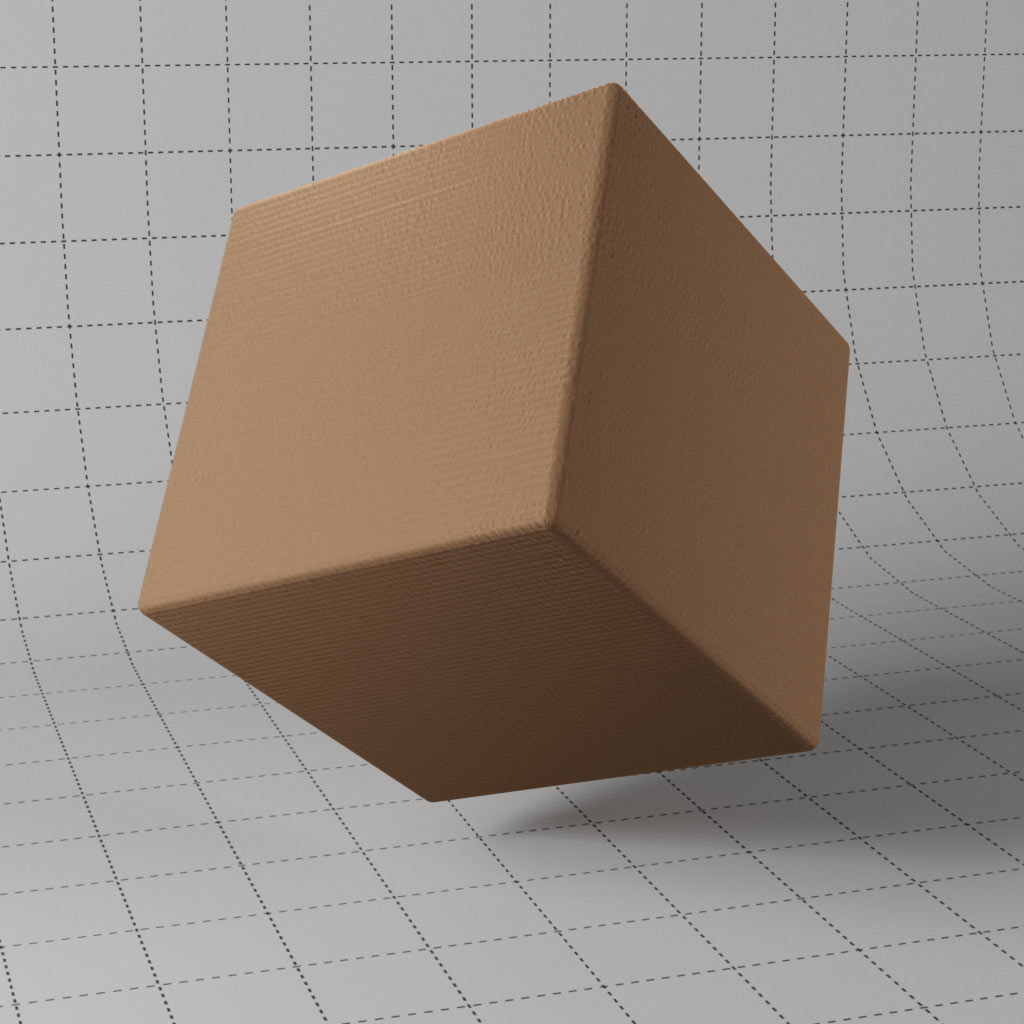
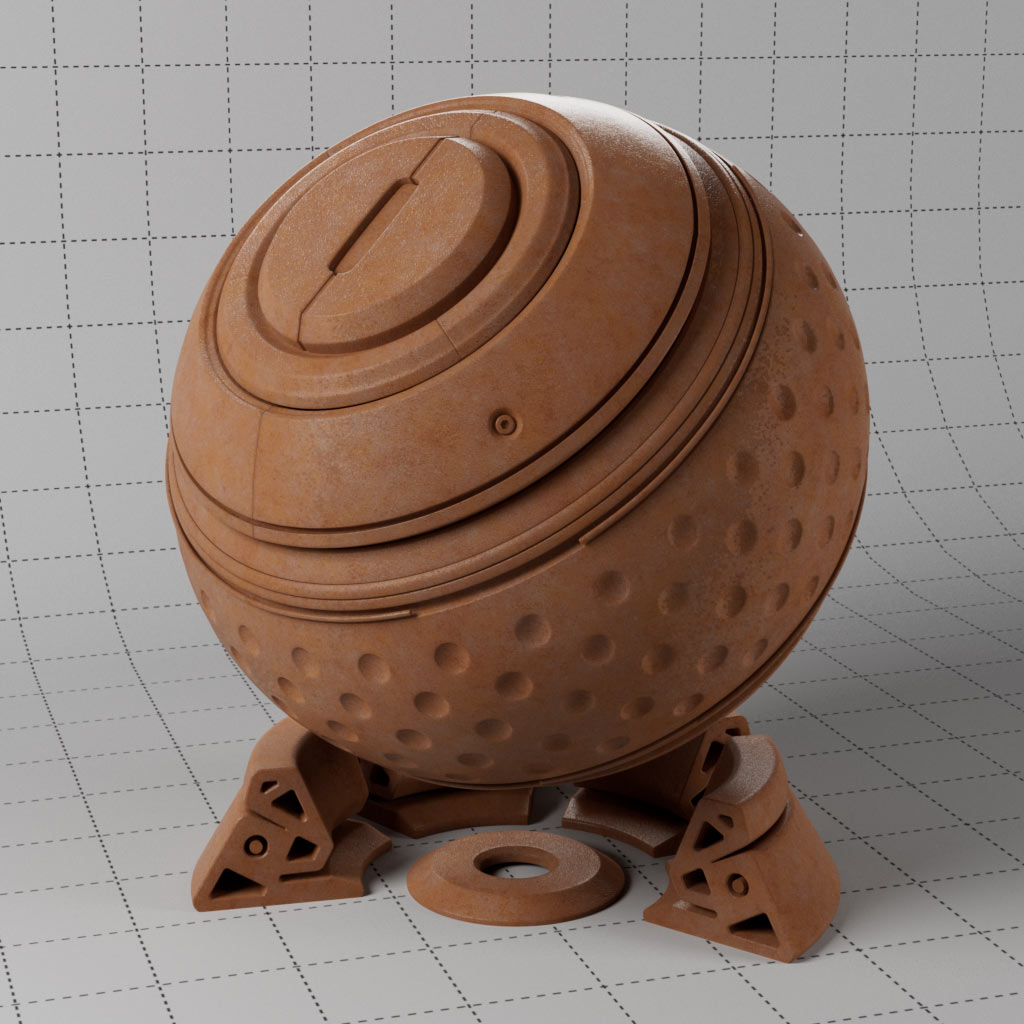
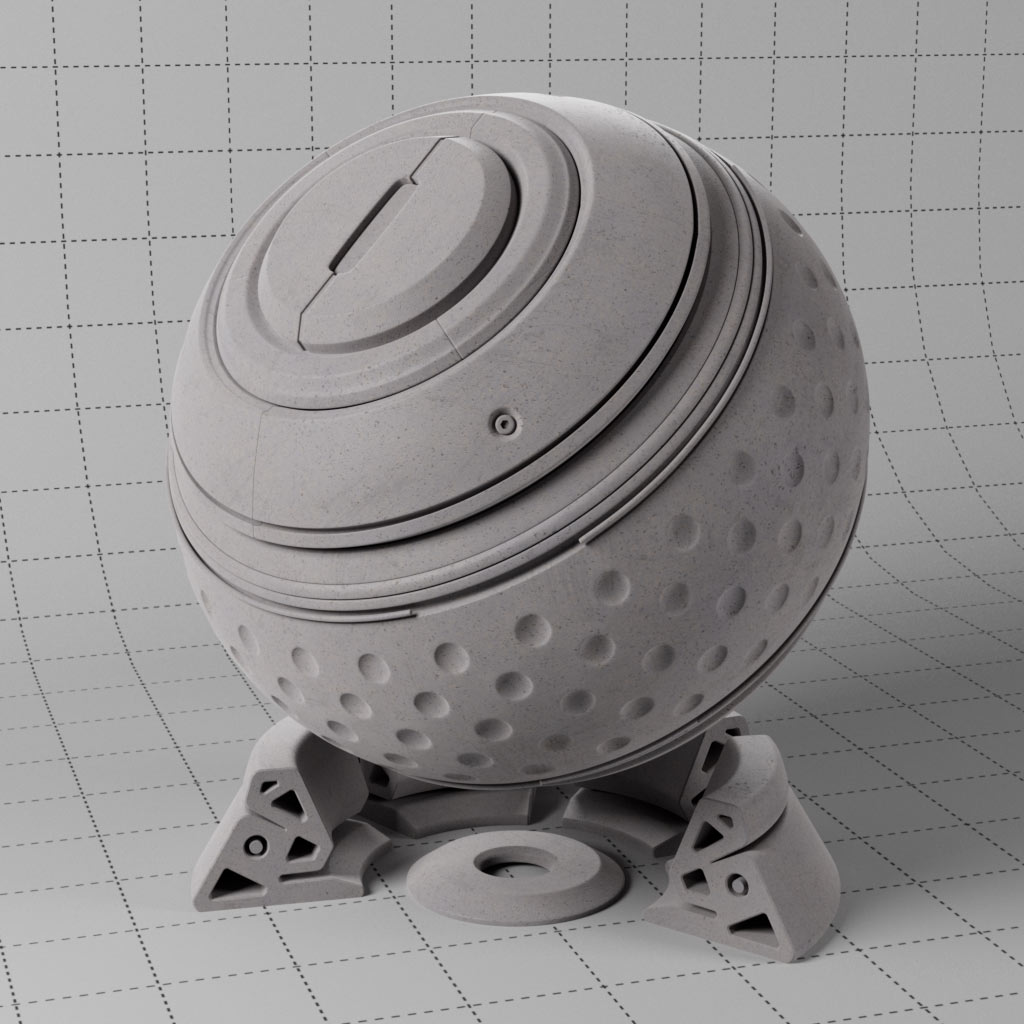
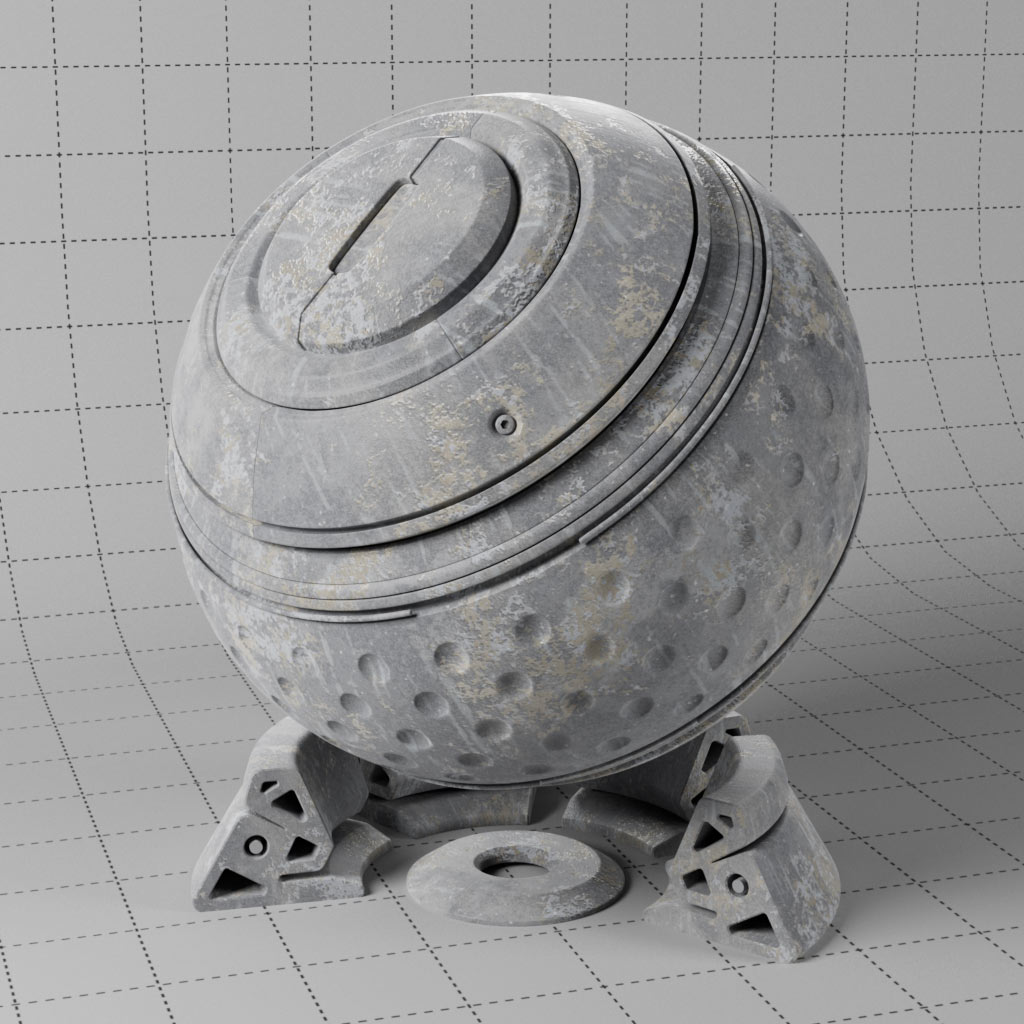
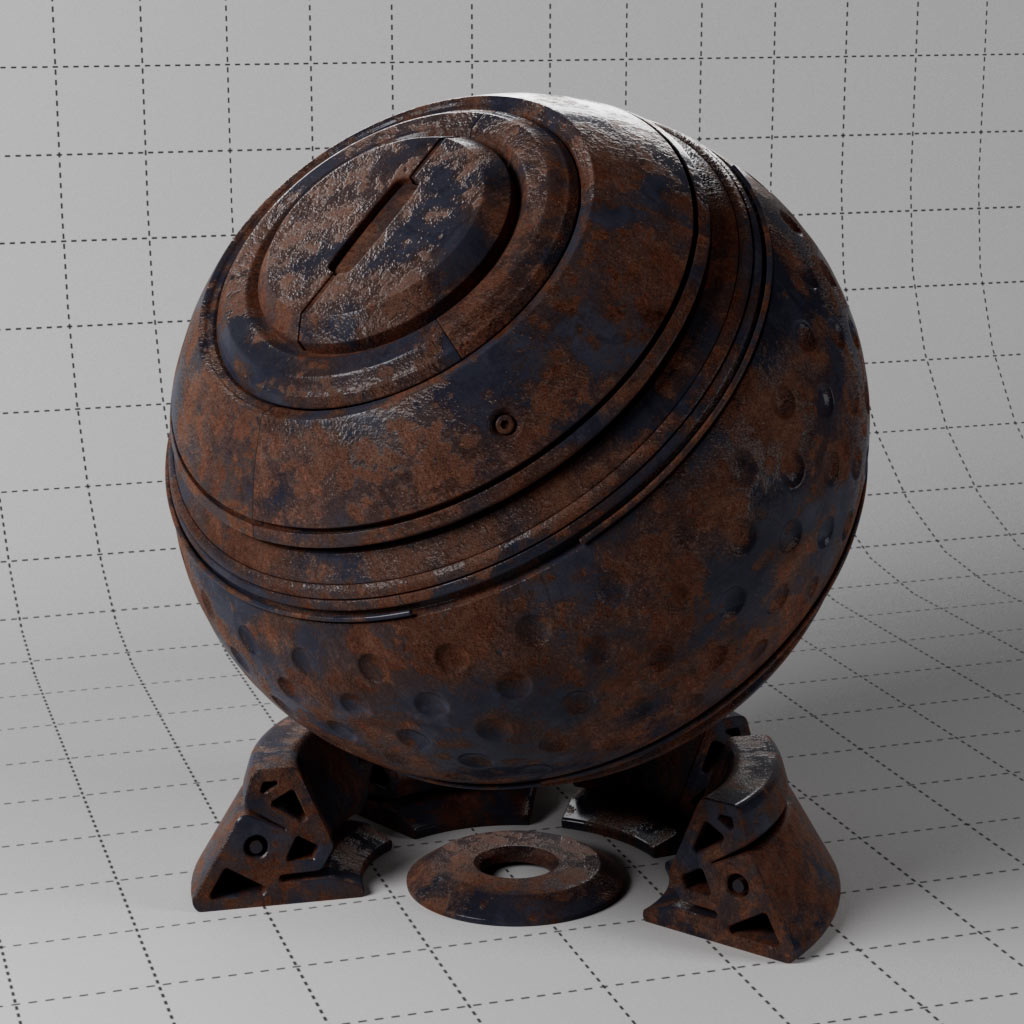
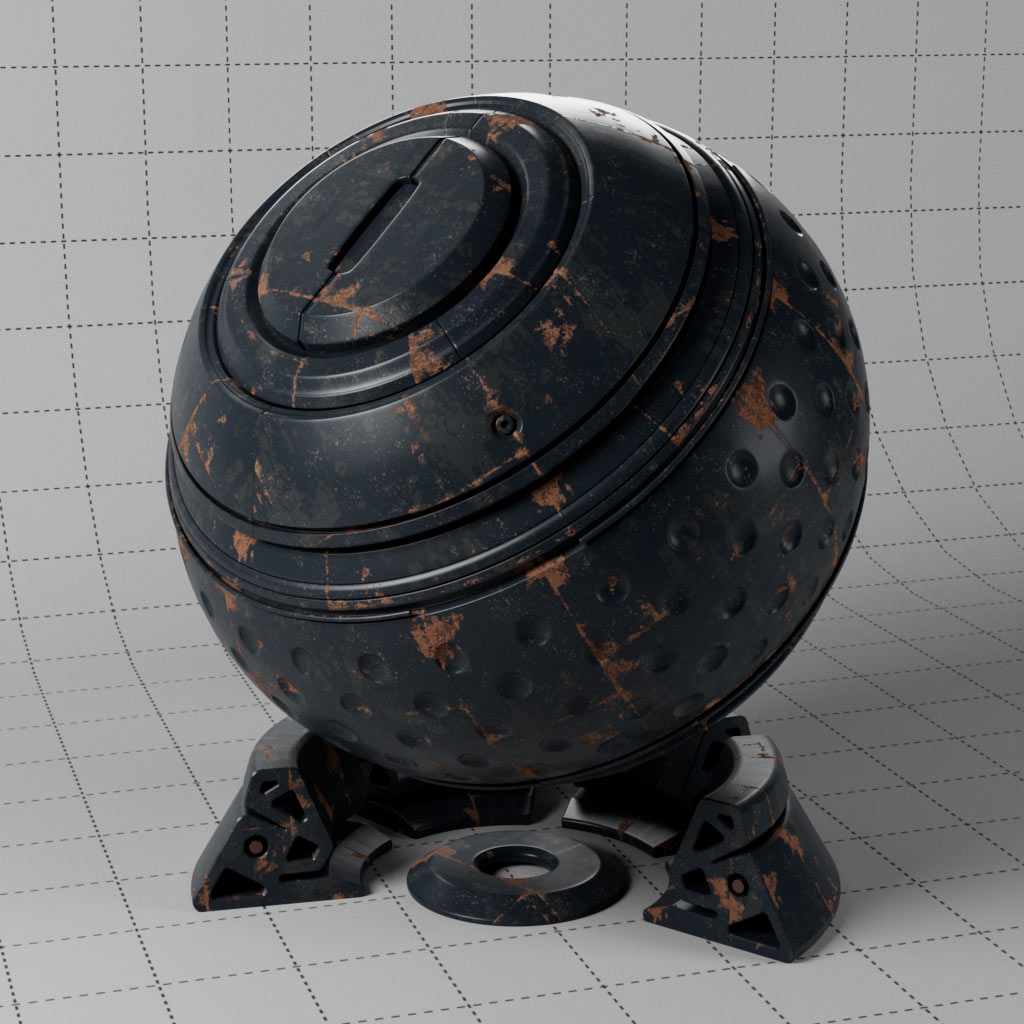
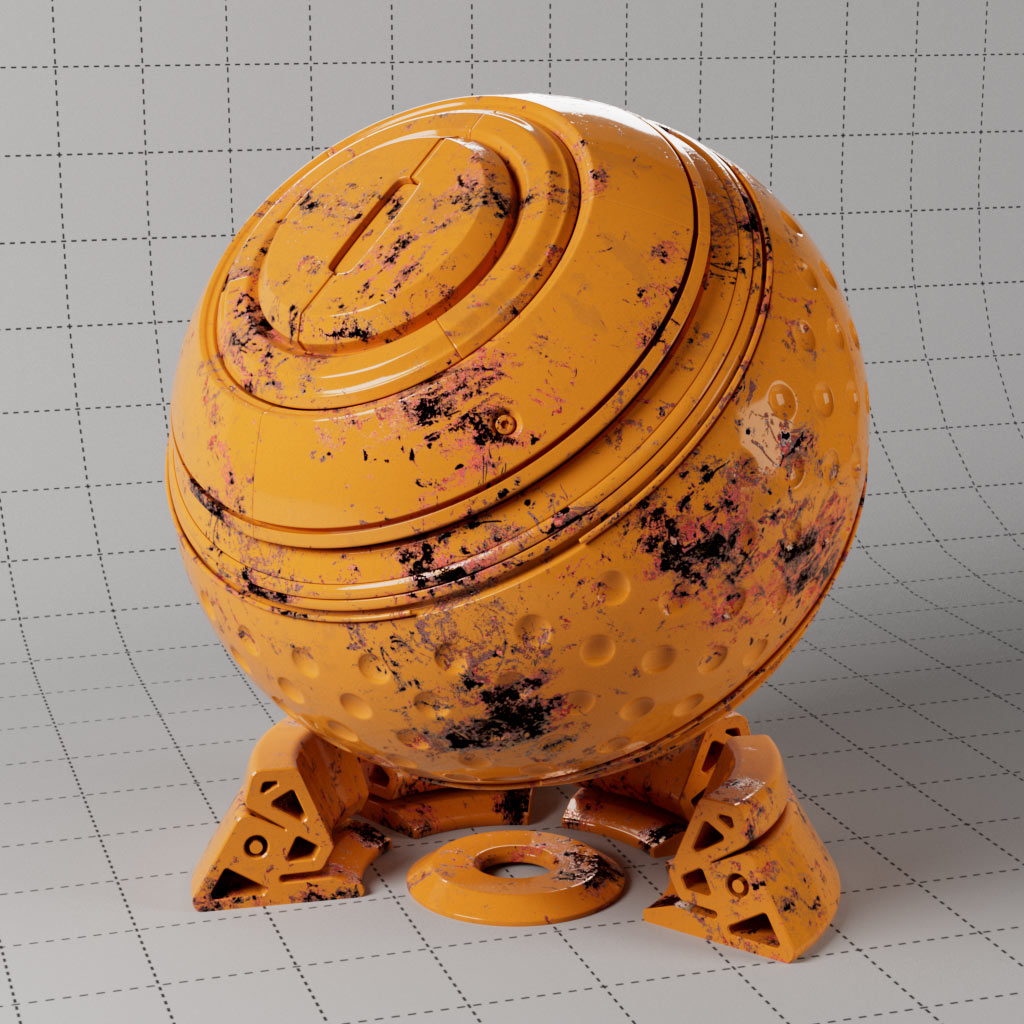
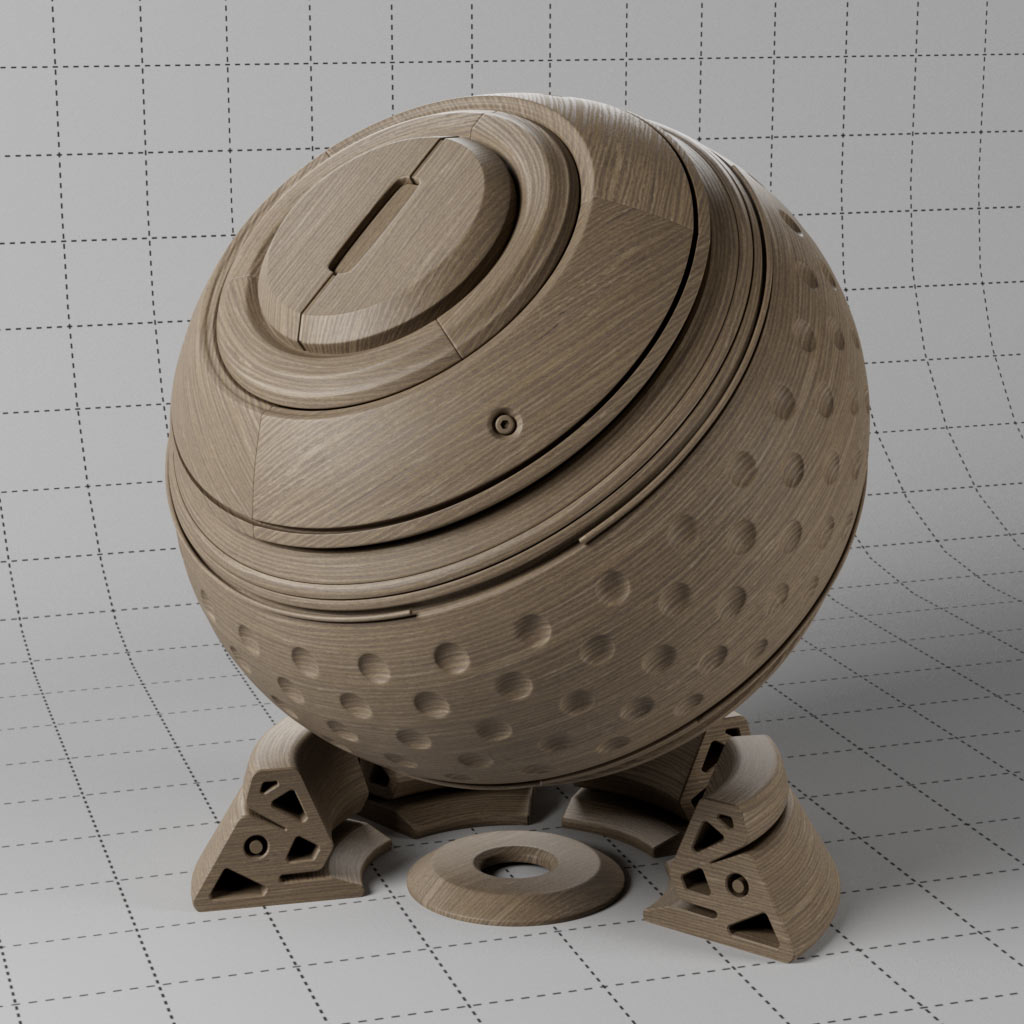
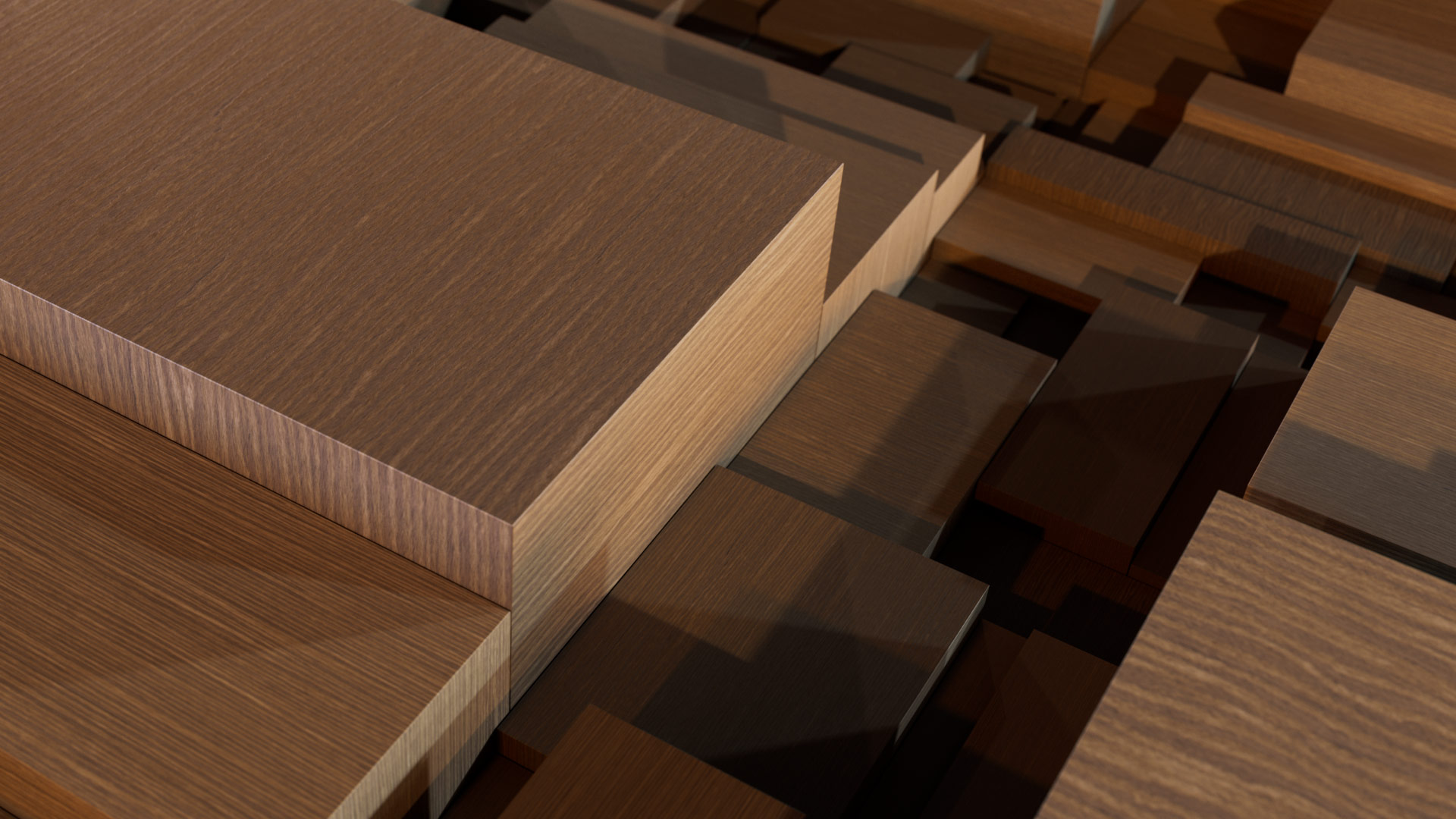
Displacement can be enabled globally in the render settings or enabled per object using the RS Render Tag. Redshift supports both vertex and texture based displacement and these materials offer a few examples of how to set this up. Check the RS Render Tag for each object to see the type of displacement used.
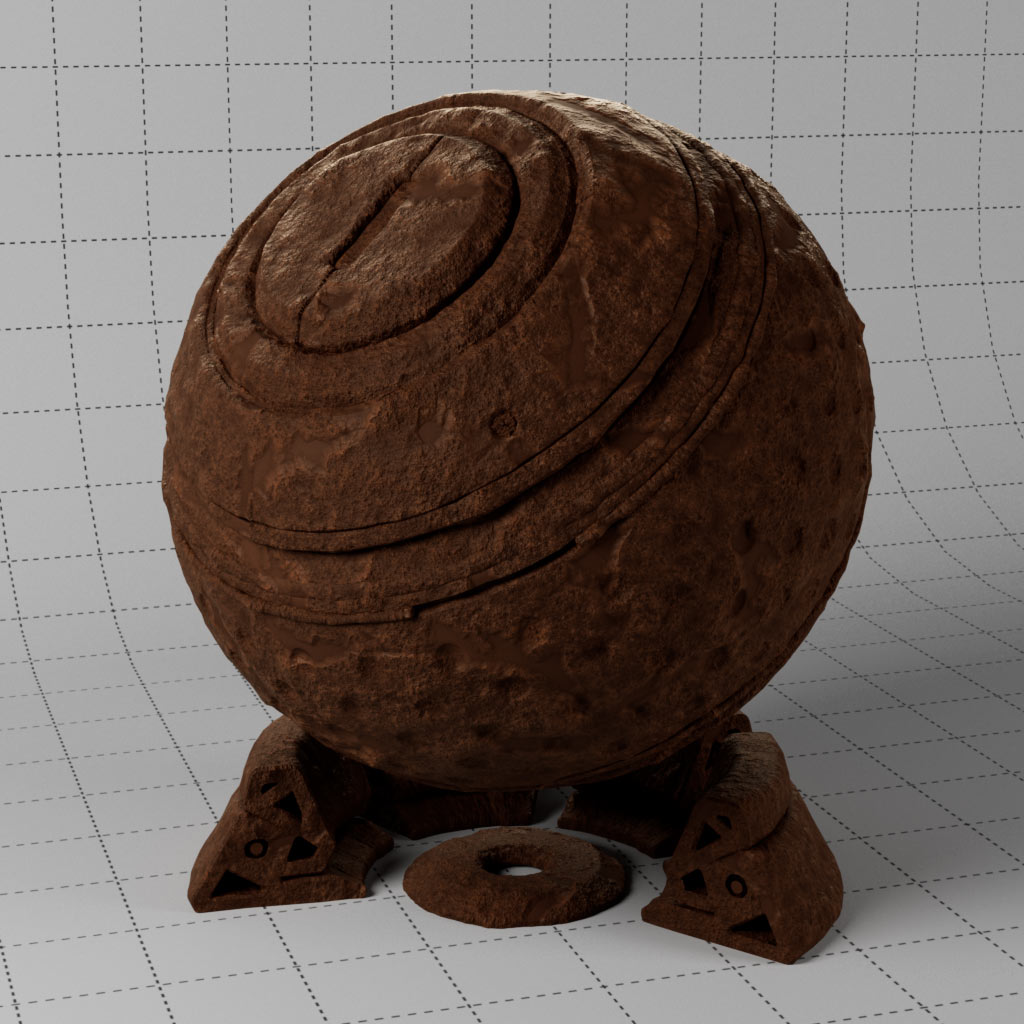
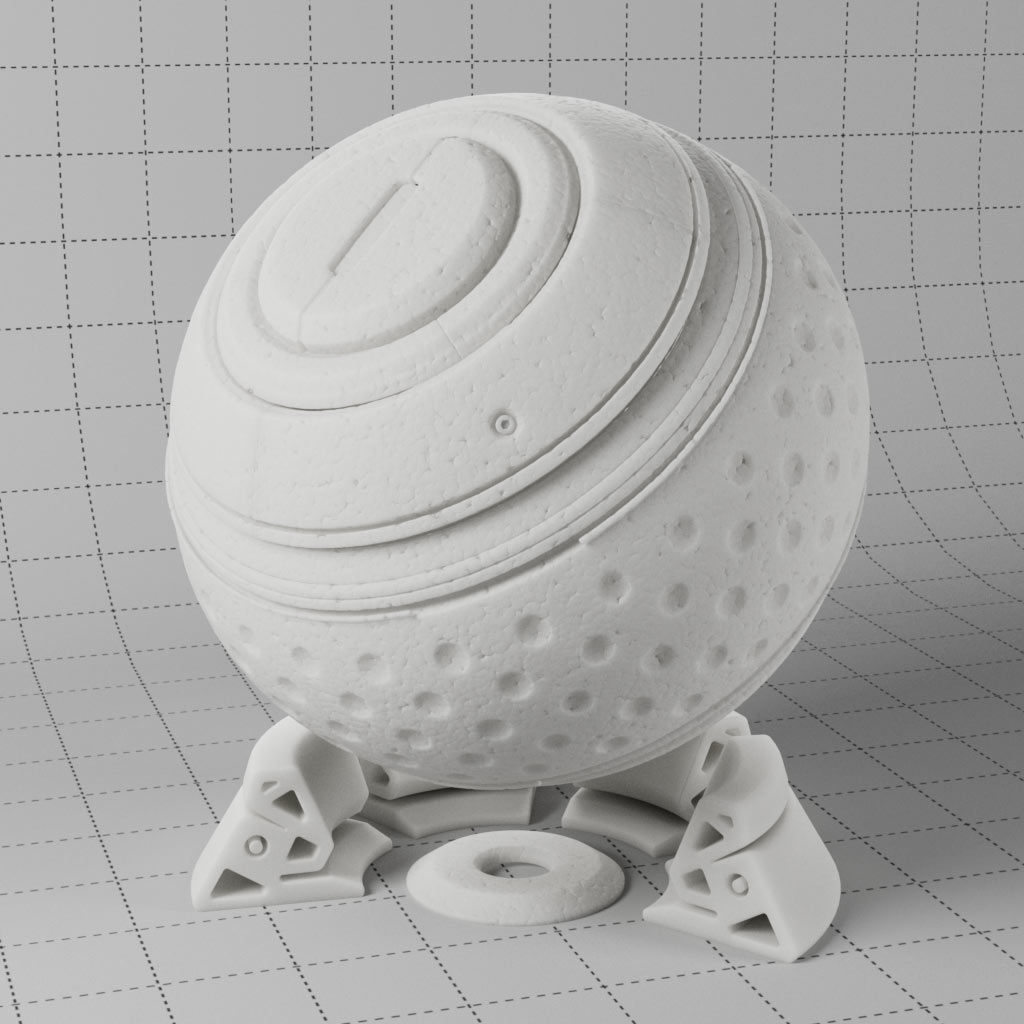
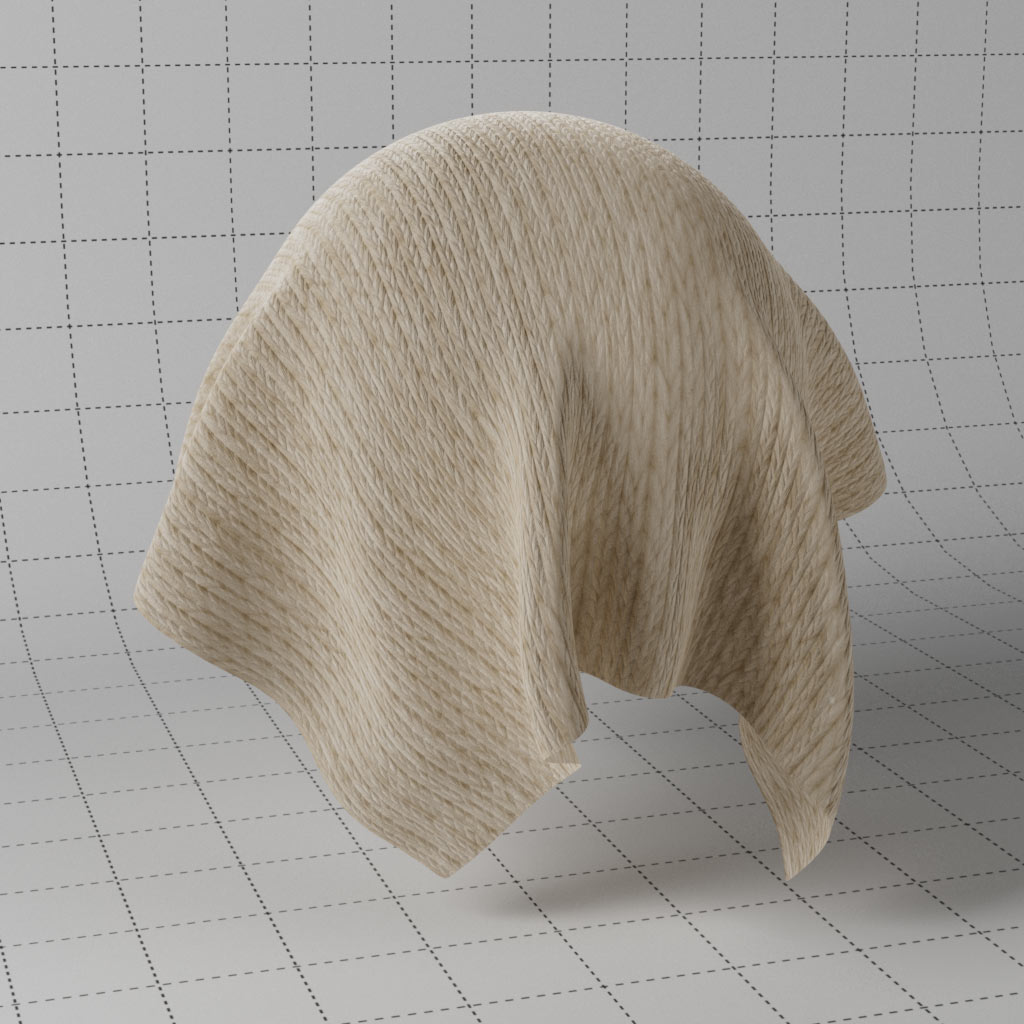
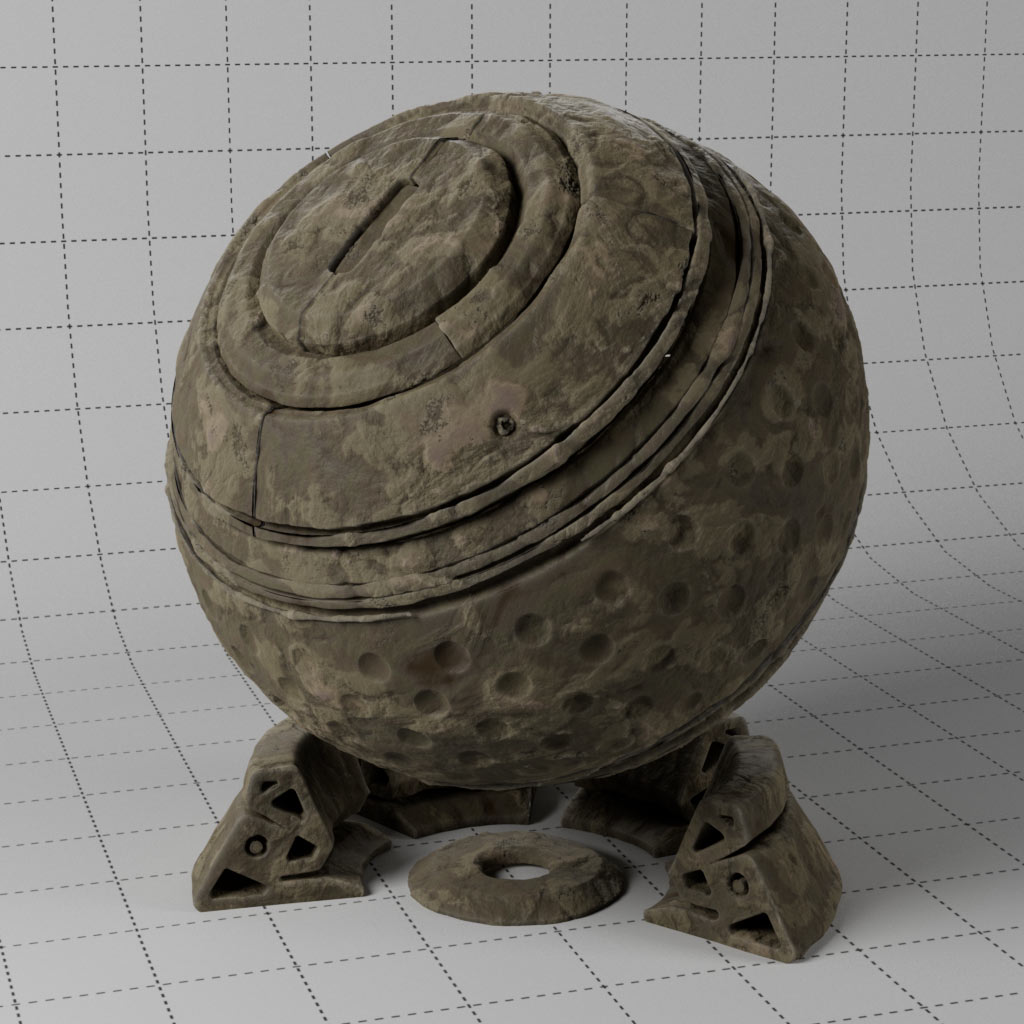
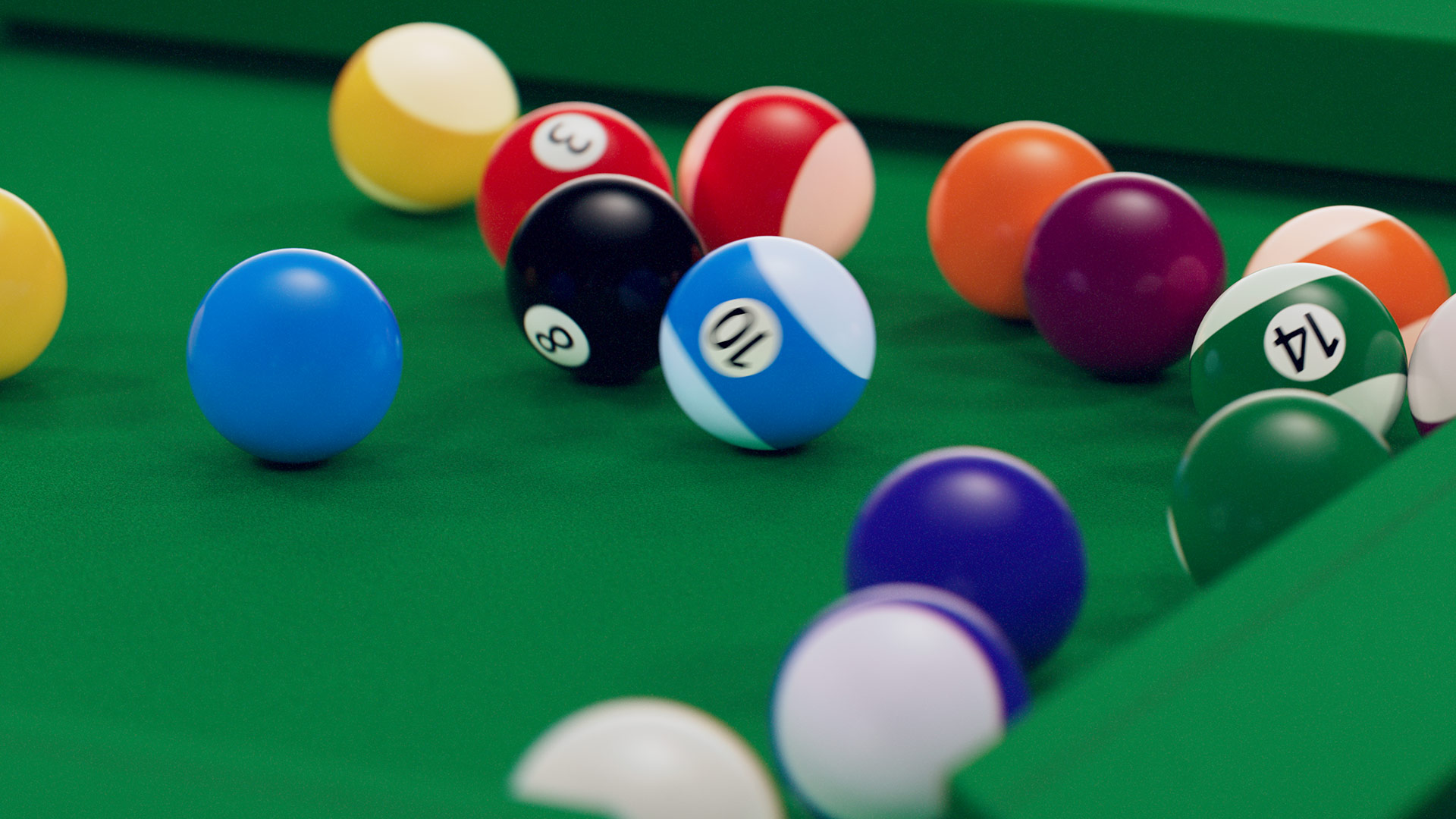
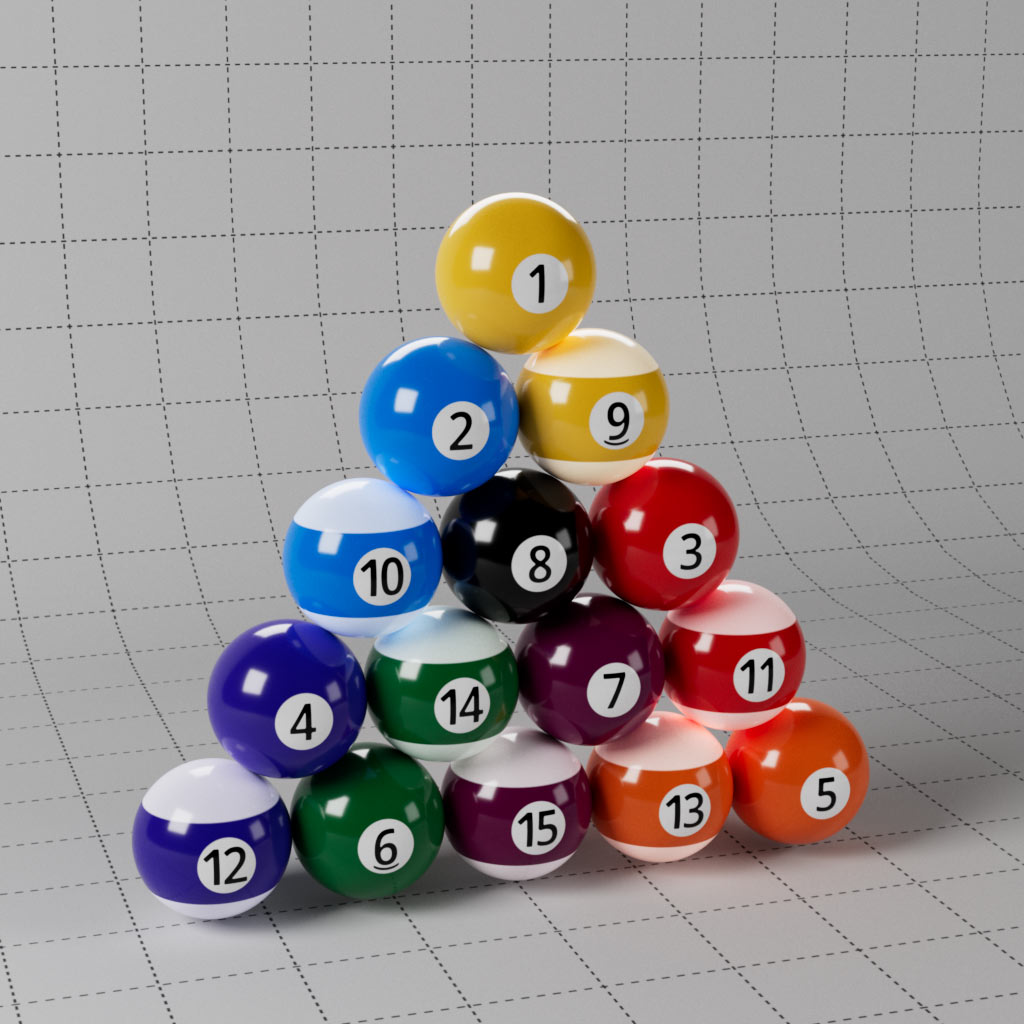
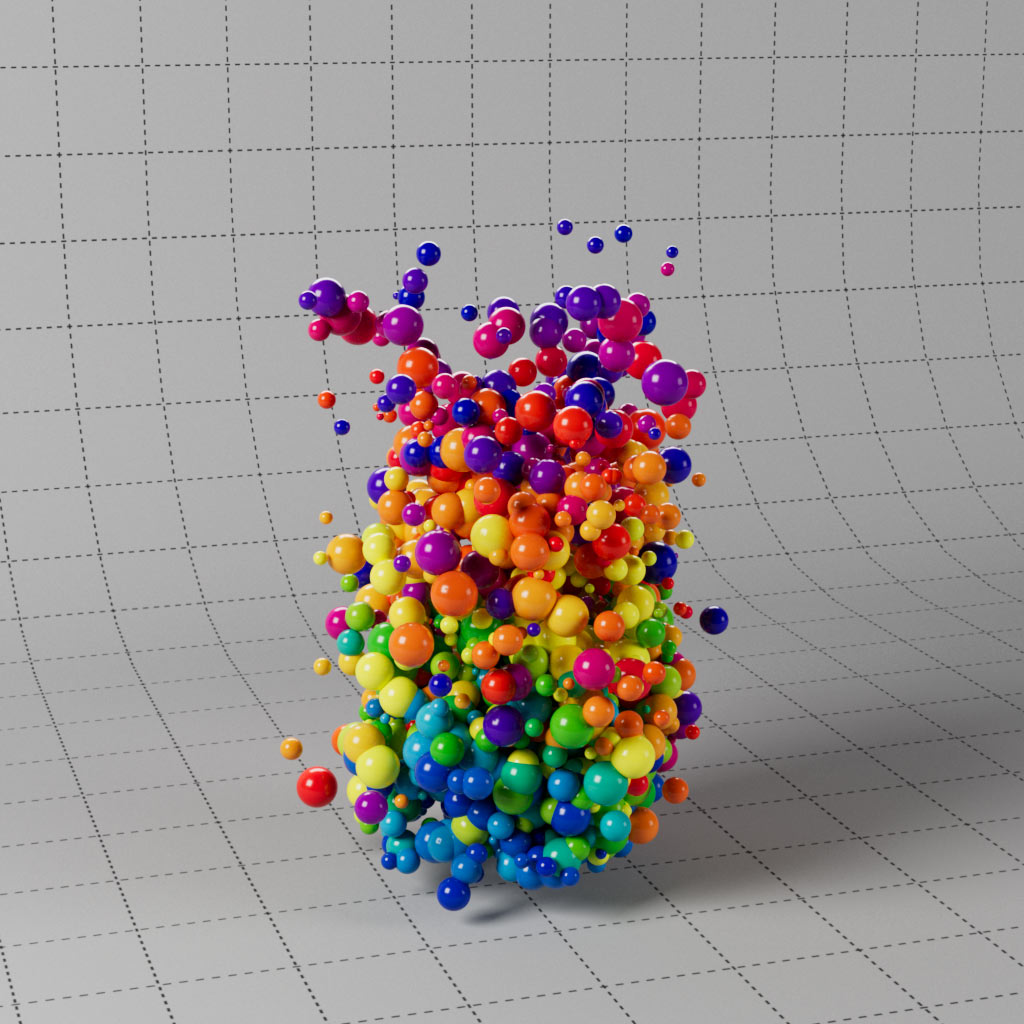
Render random coloured clones using one Redshift material and define the range of colours using Fields or with a Ramp. Easily randomise shader attributes with the Jitter Shader or Materials with Random Materials Switch. Several examples of a multi-shader network allowing you to combine multiple textures in one material channel, including a material to create a full set of pool balls.
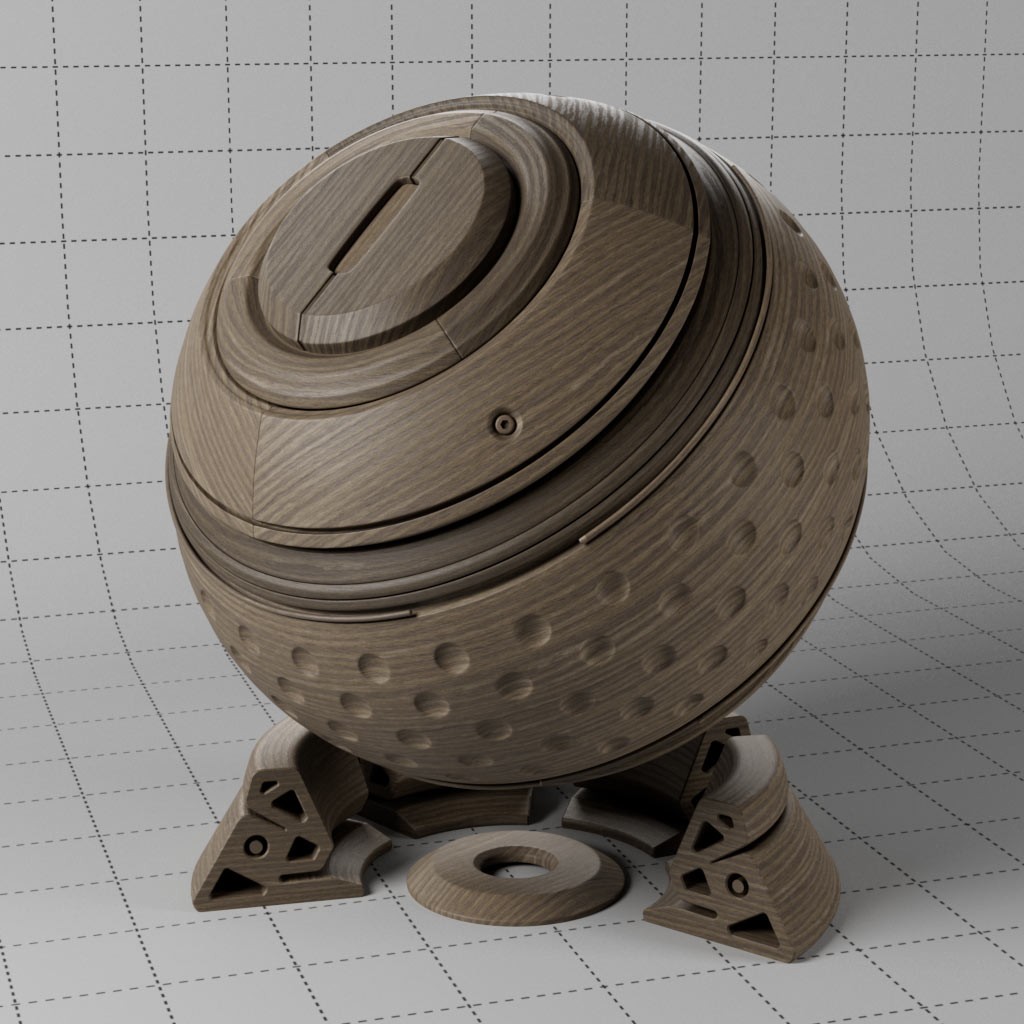
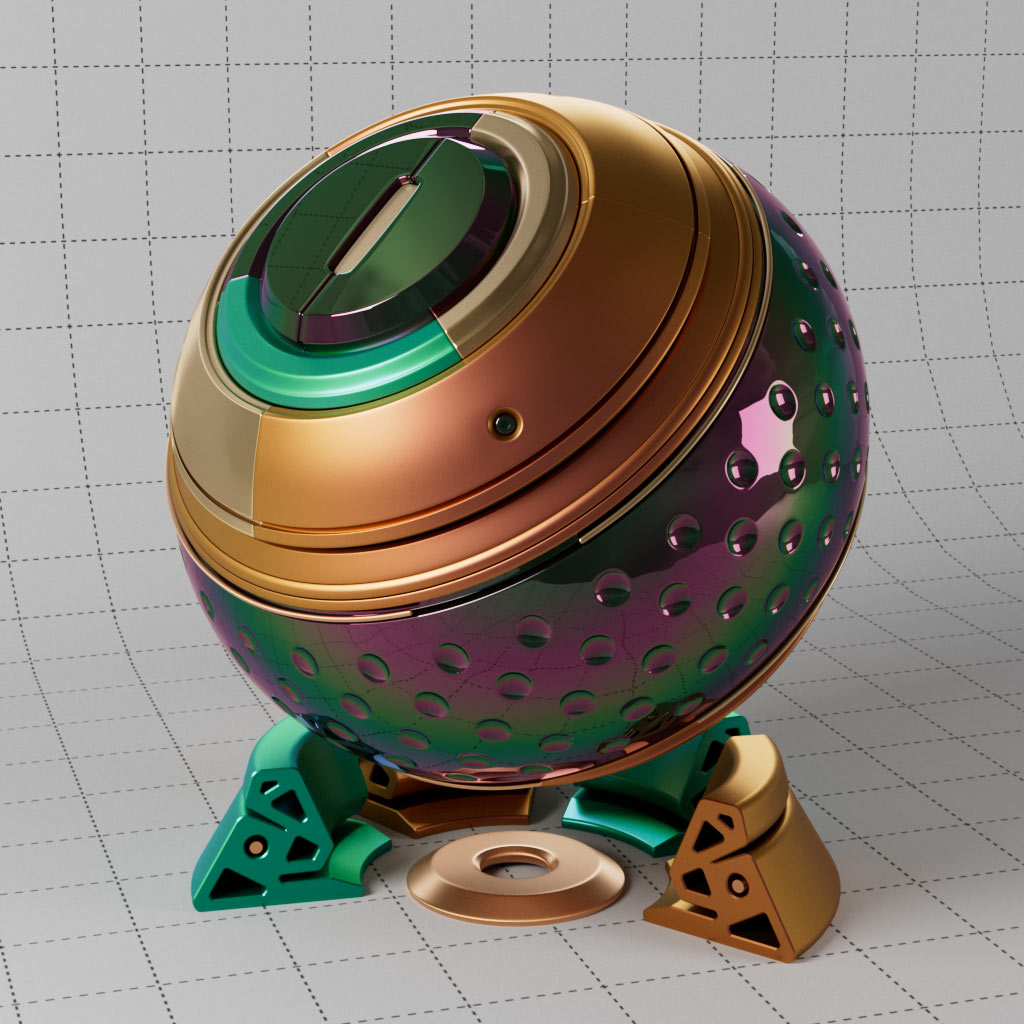
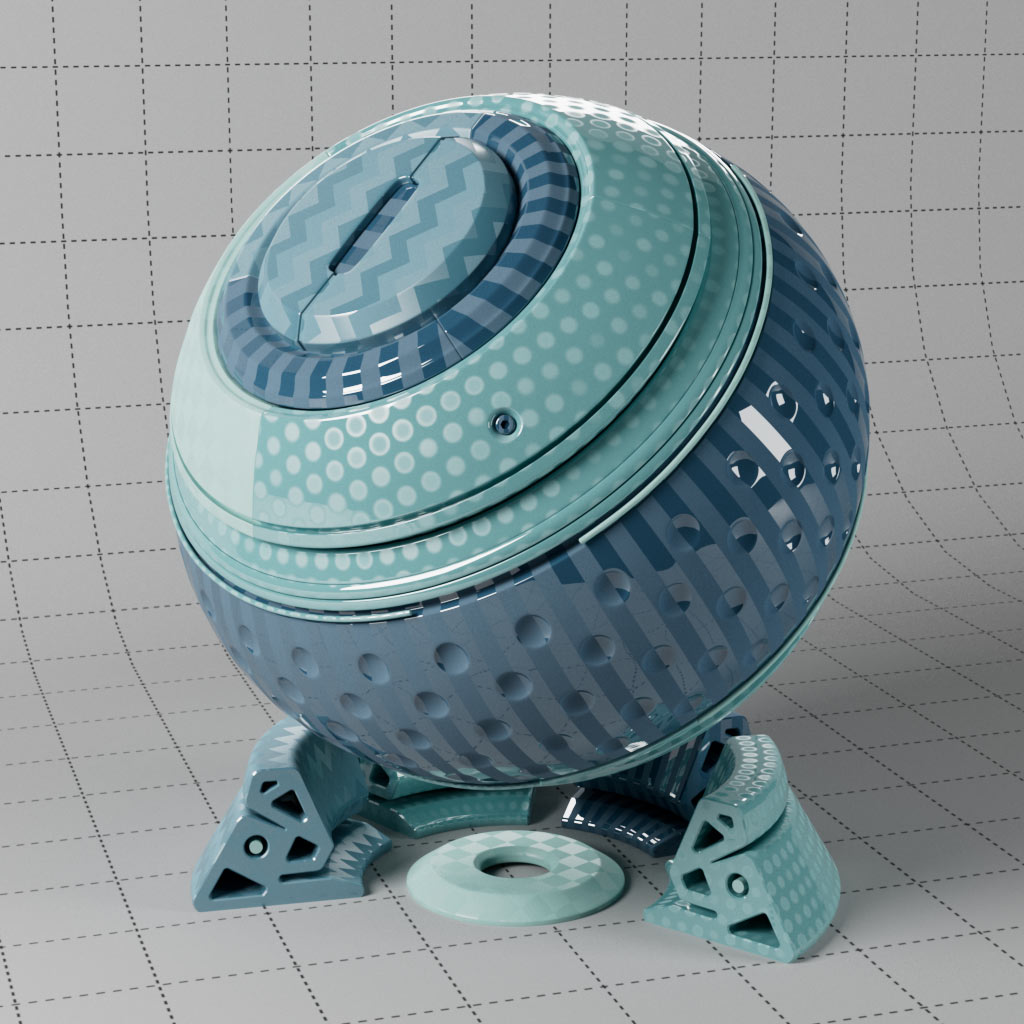
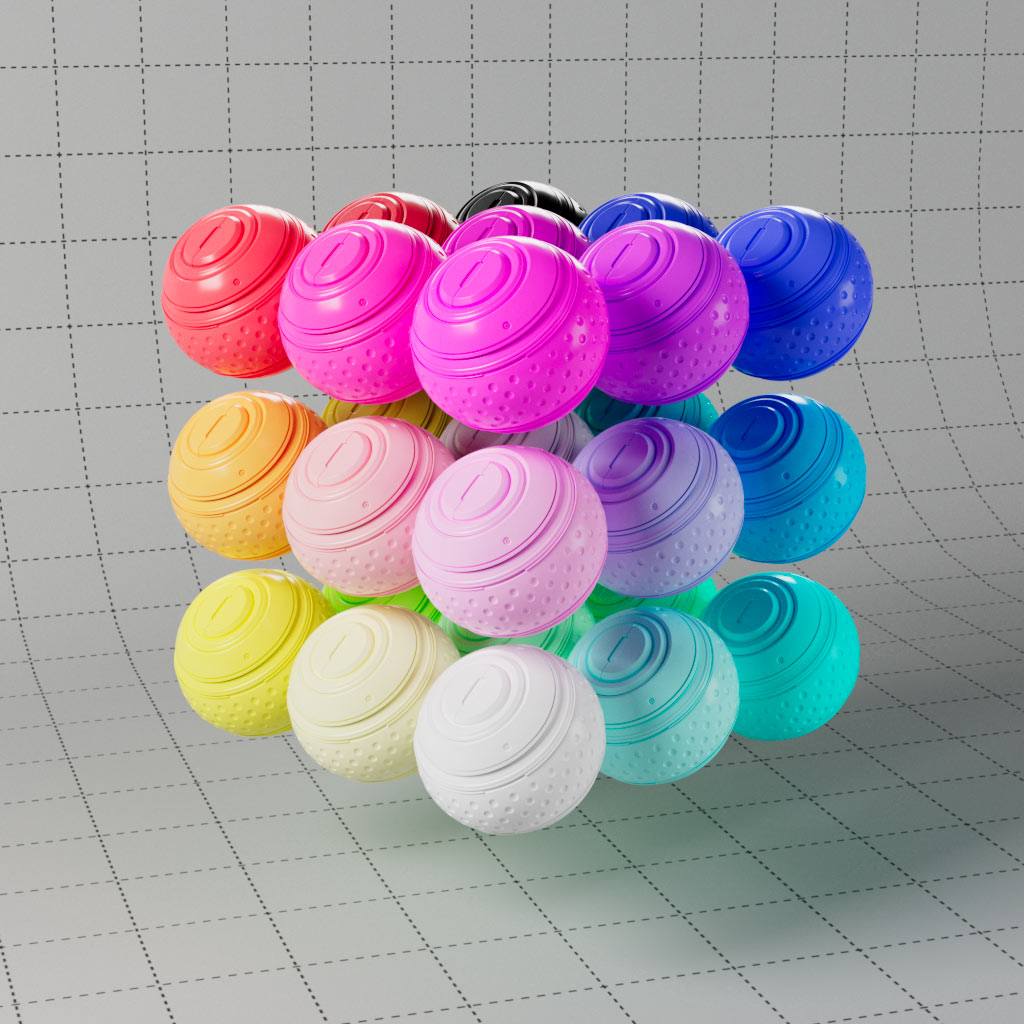
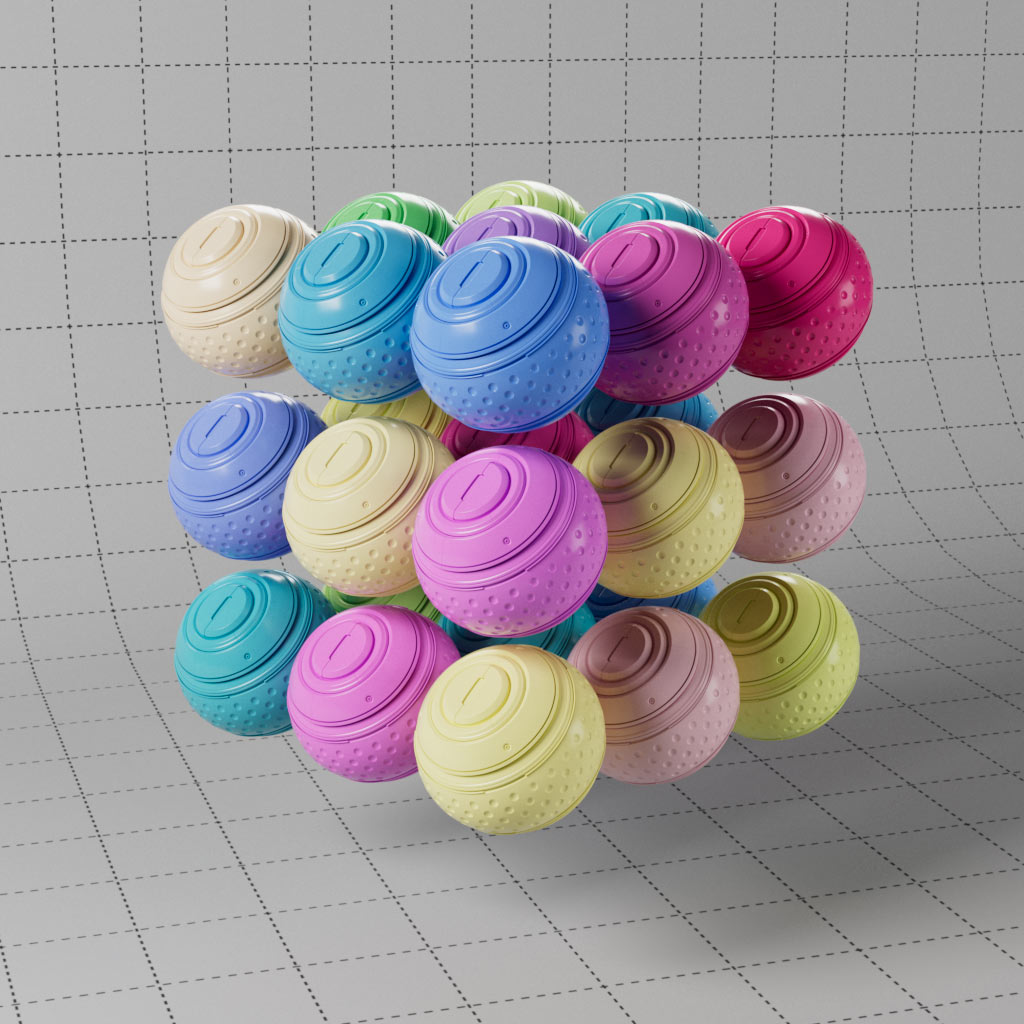
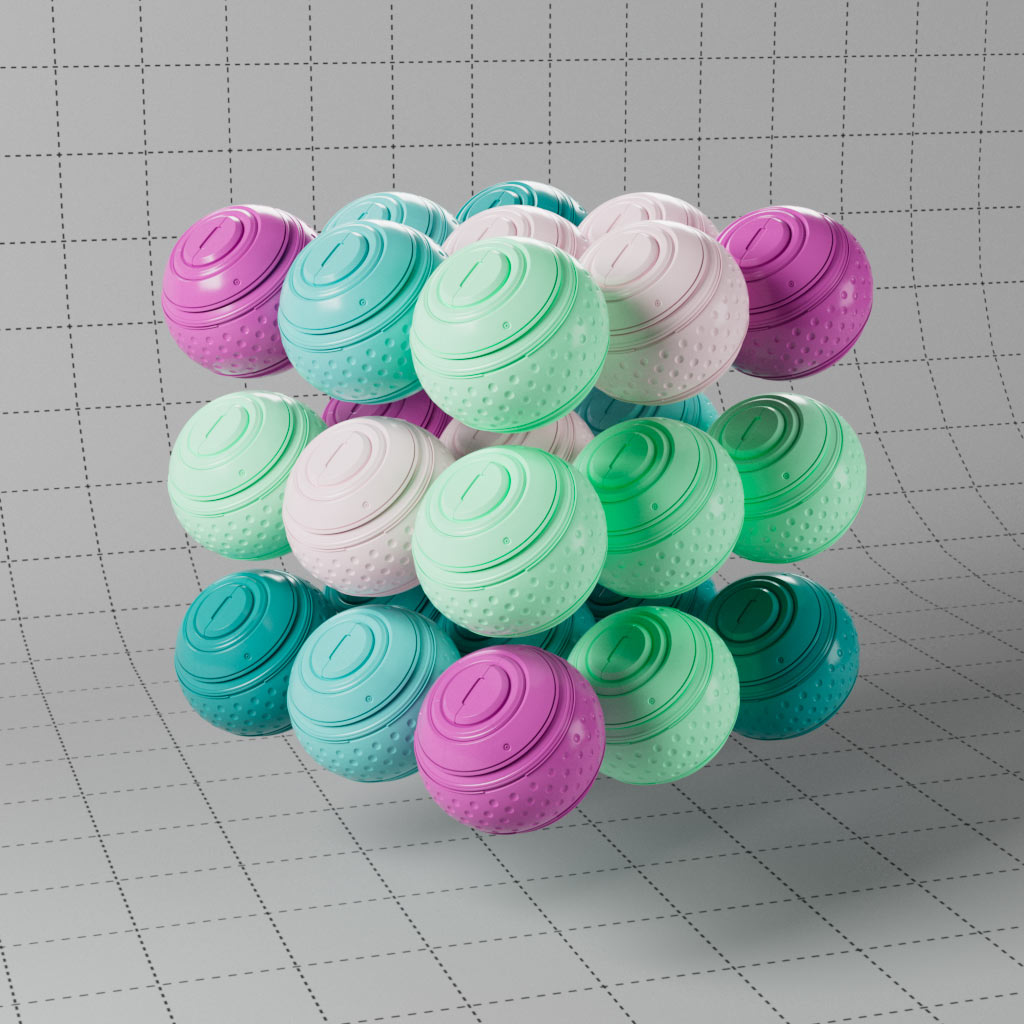
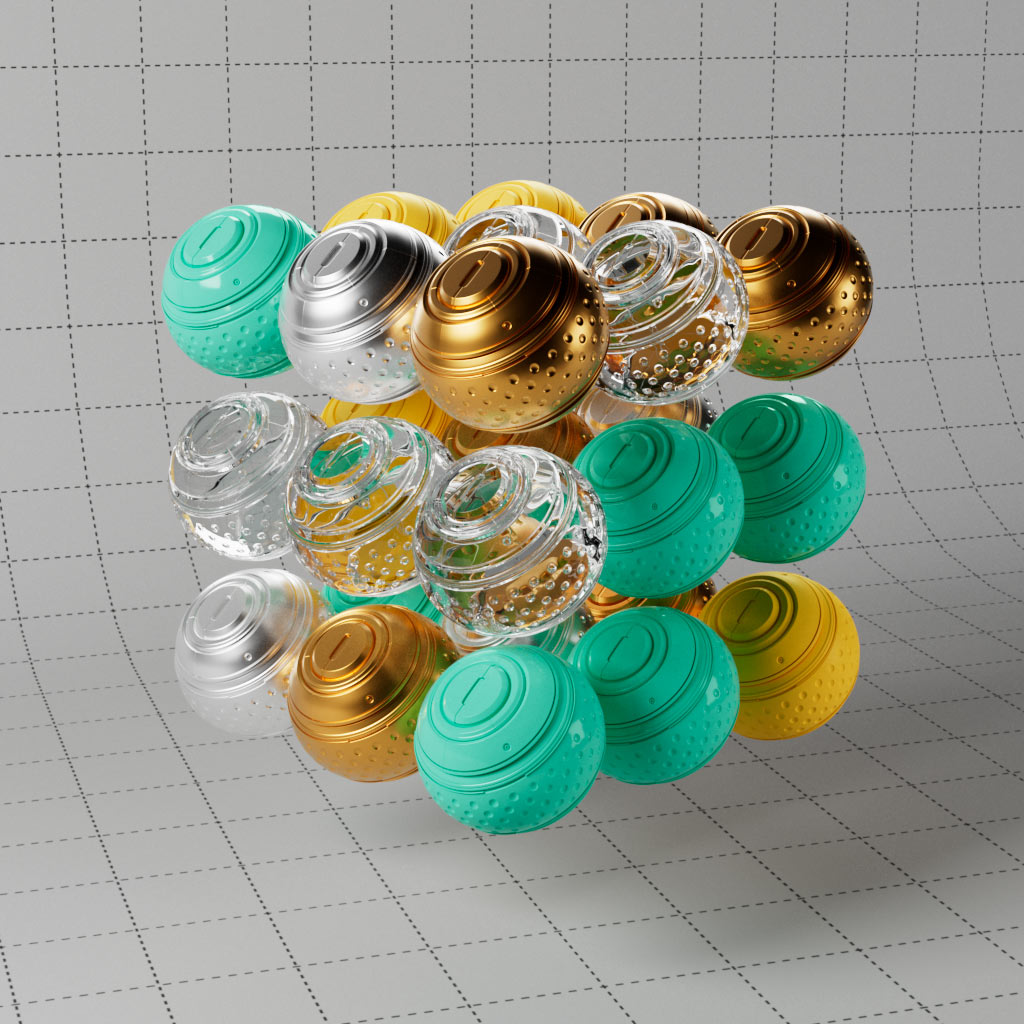
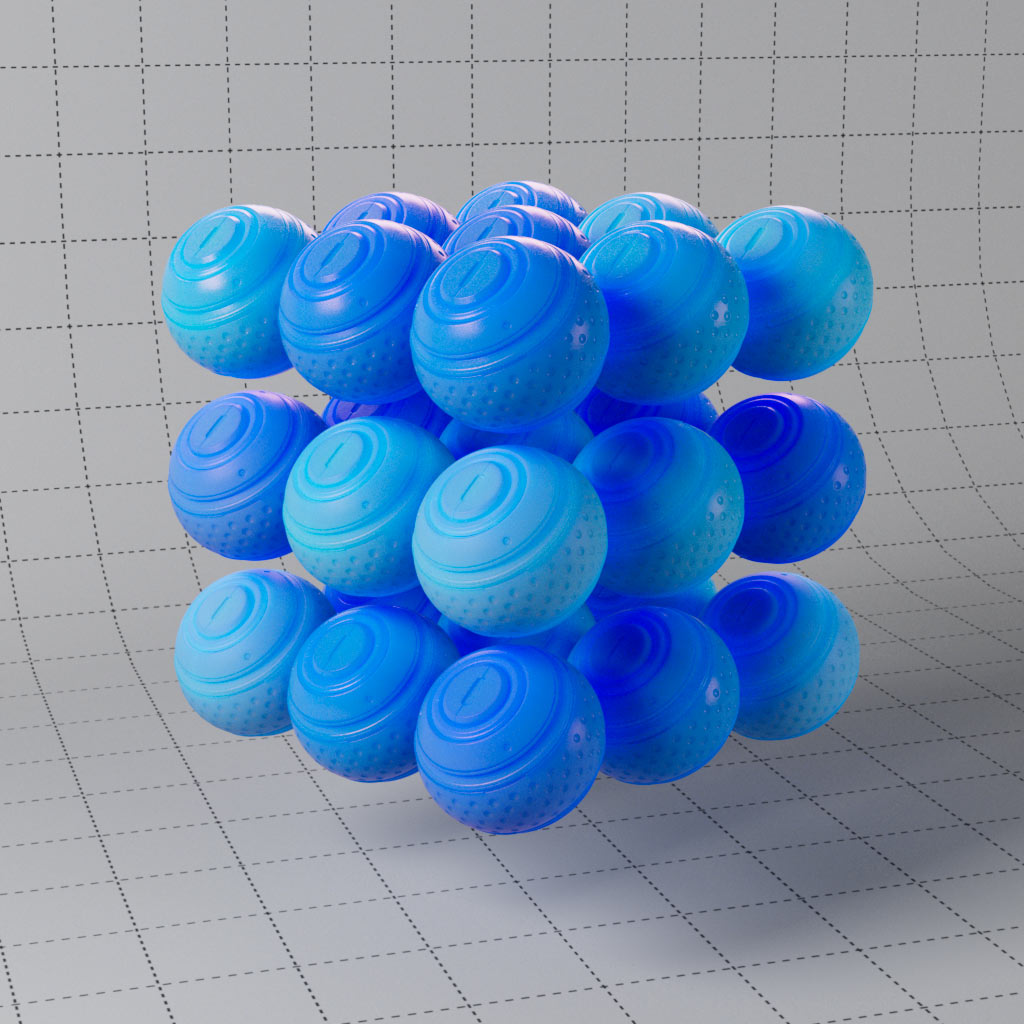
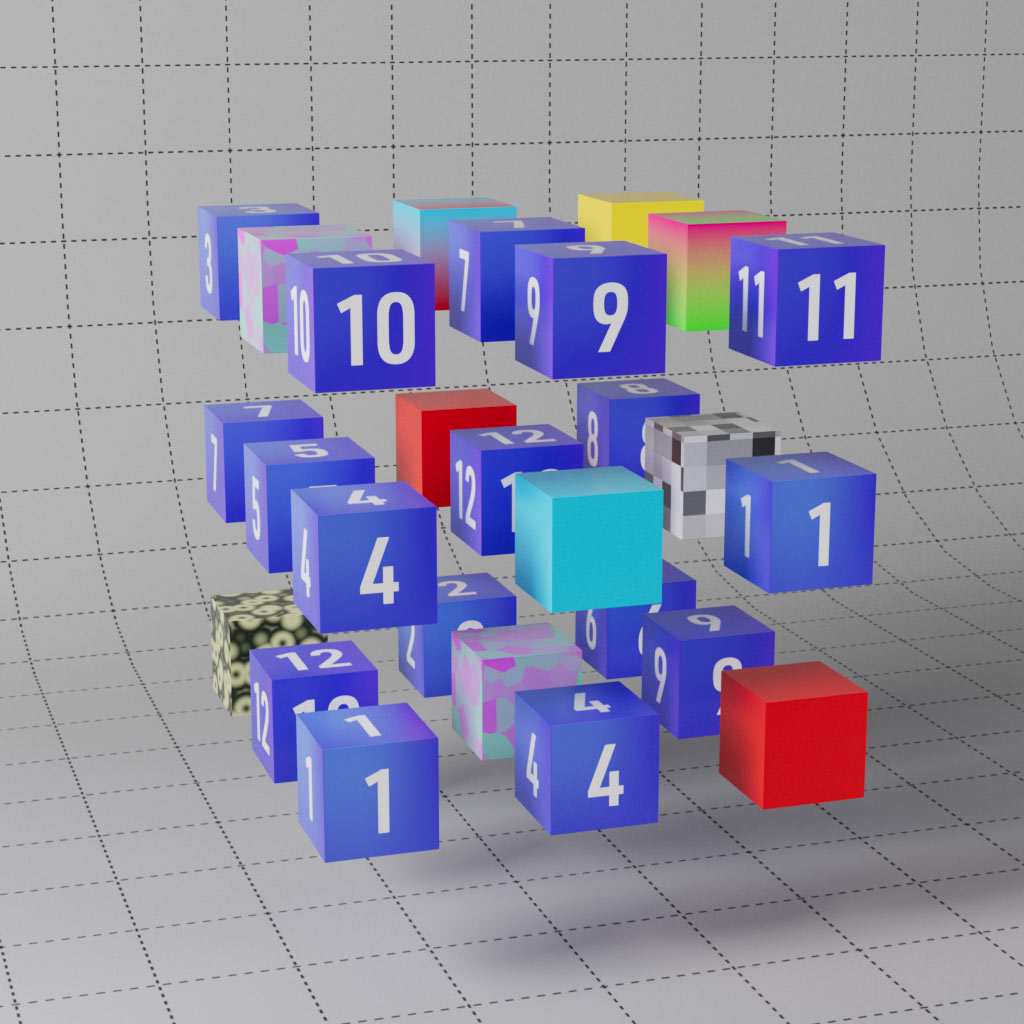
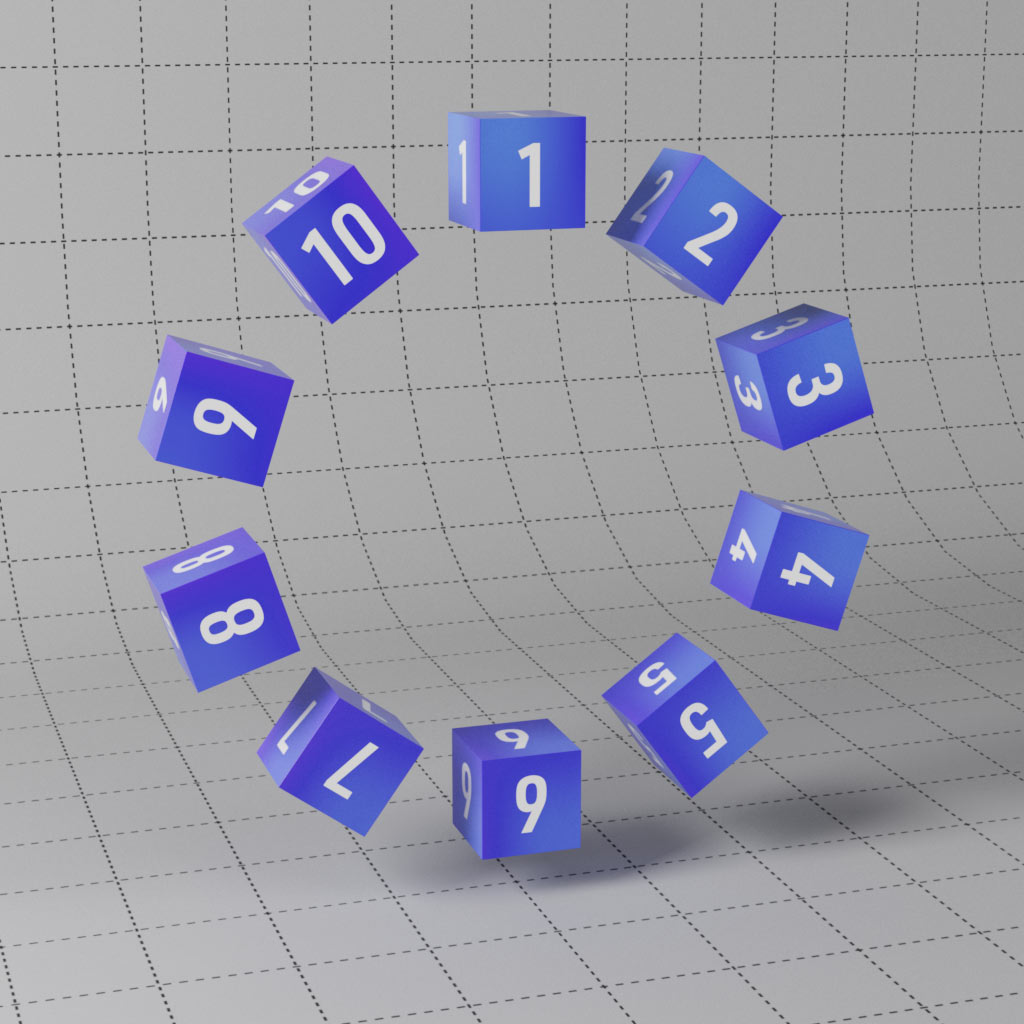
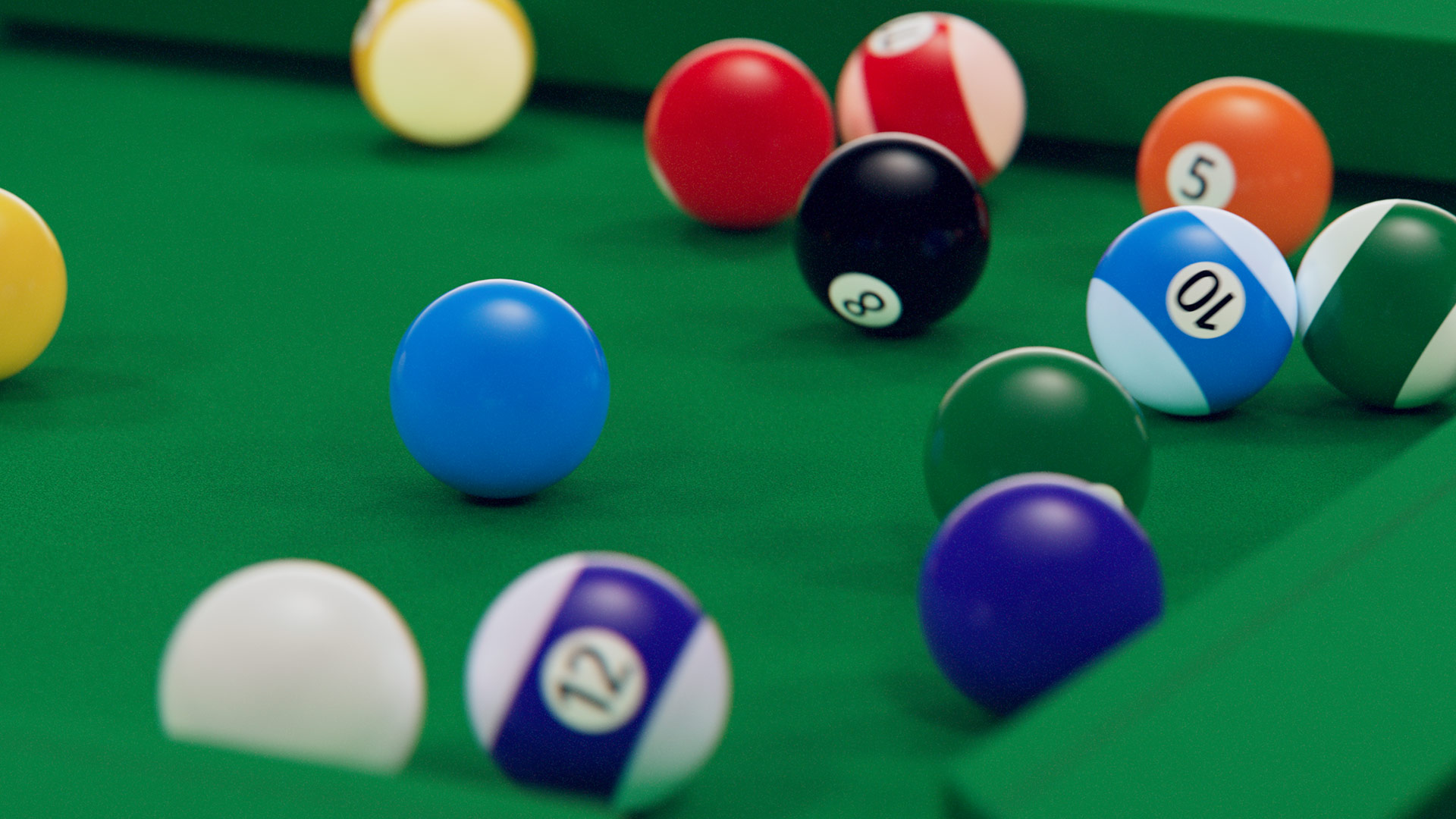
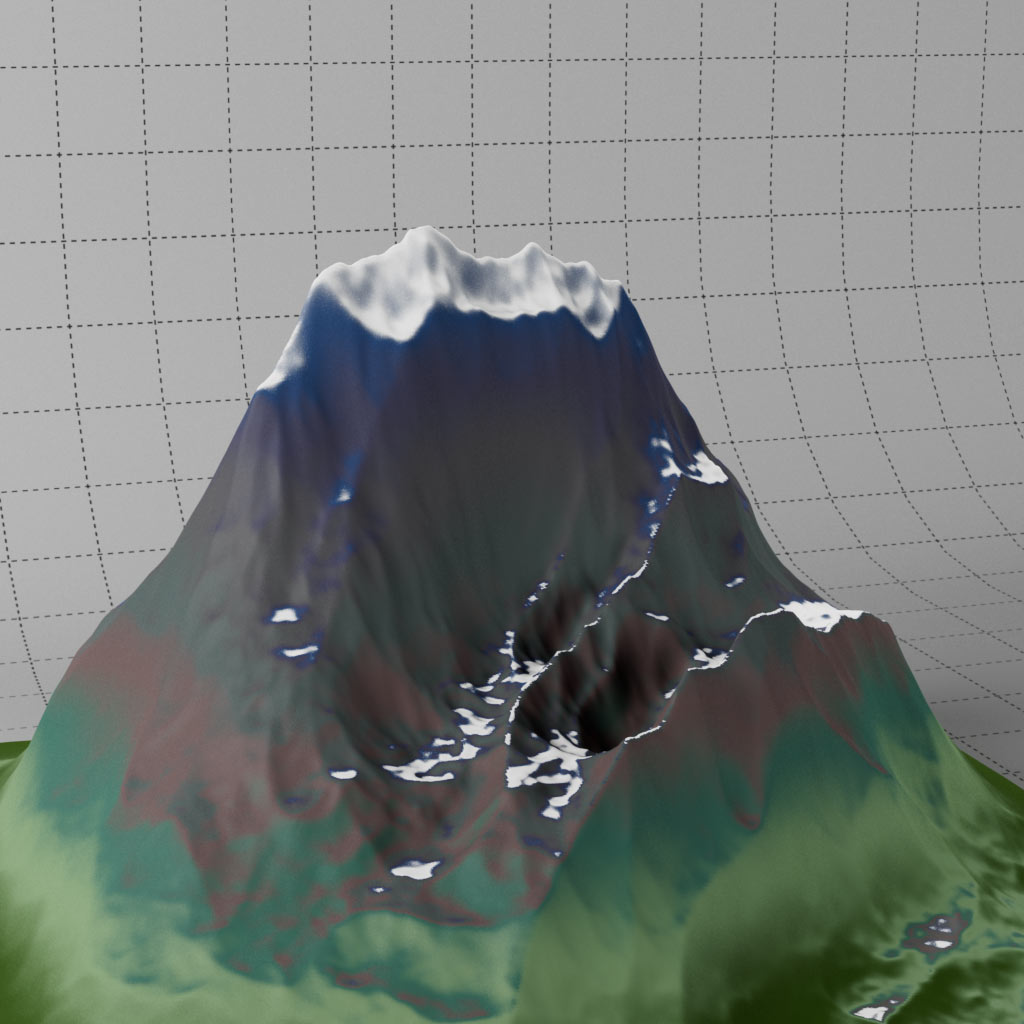
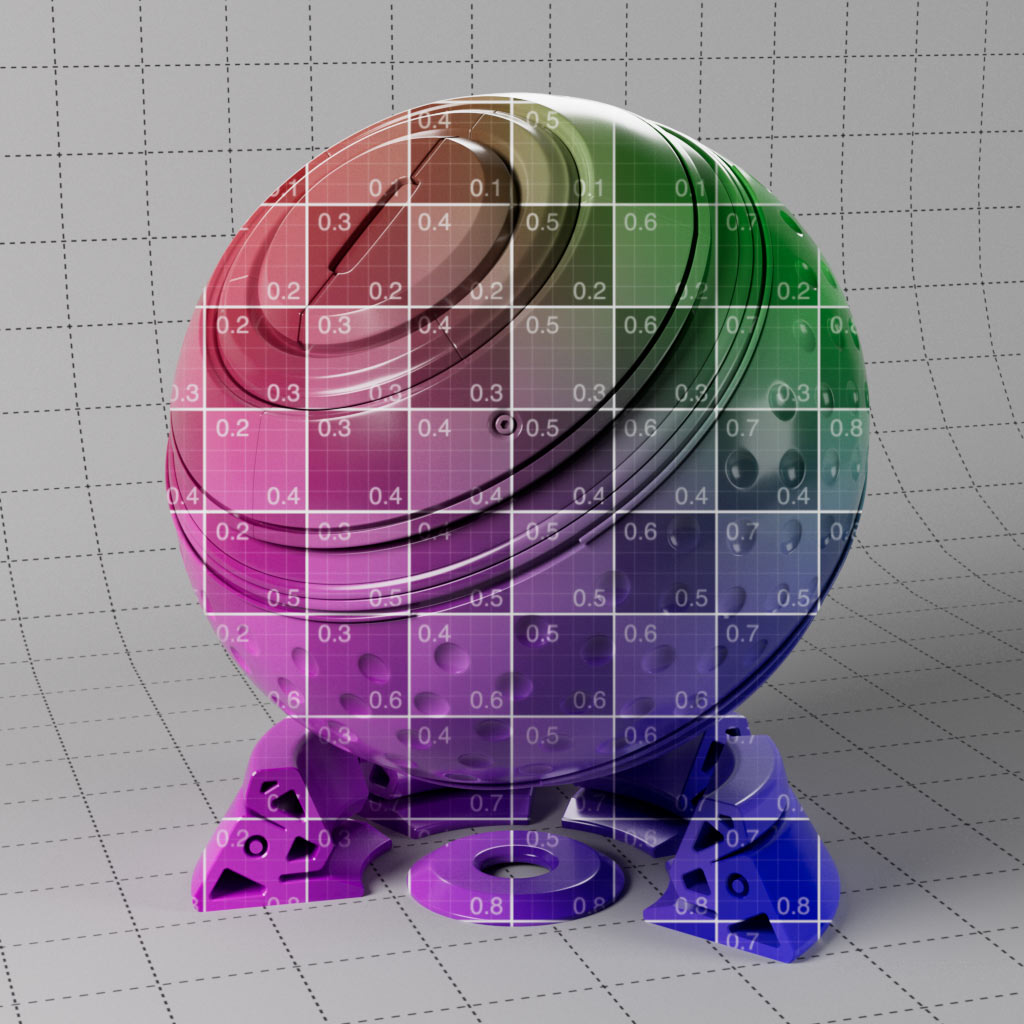
Some of the most helpful nodes in Redshift are covered here. Add wear and tear on edges or dust settling on the surface. Explore falloff types such as world, camera and object space to create unique effects. Use vertex maps to transfer color and weight attributes from geometry to material. Calculate distance for height effects or to add rust around the edges of object intersections.
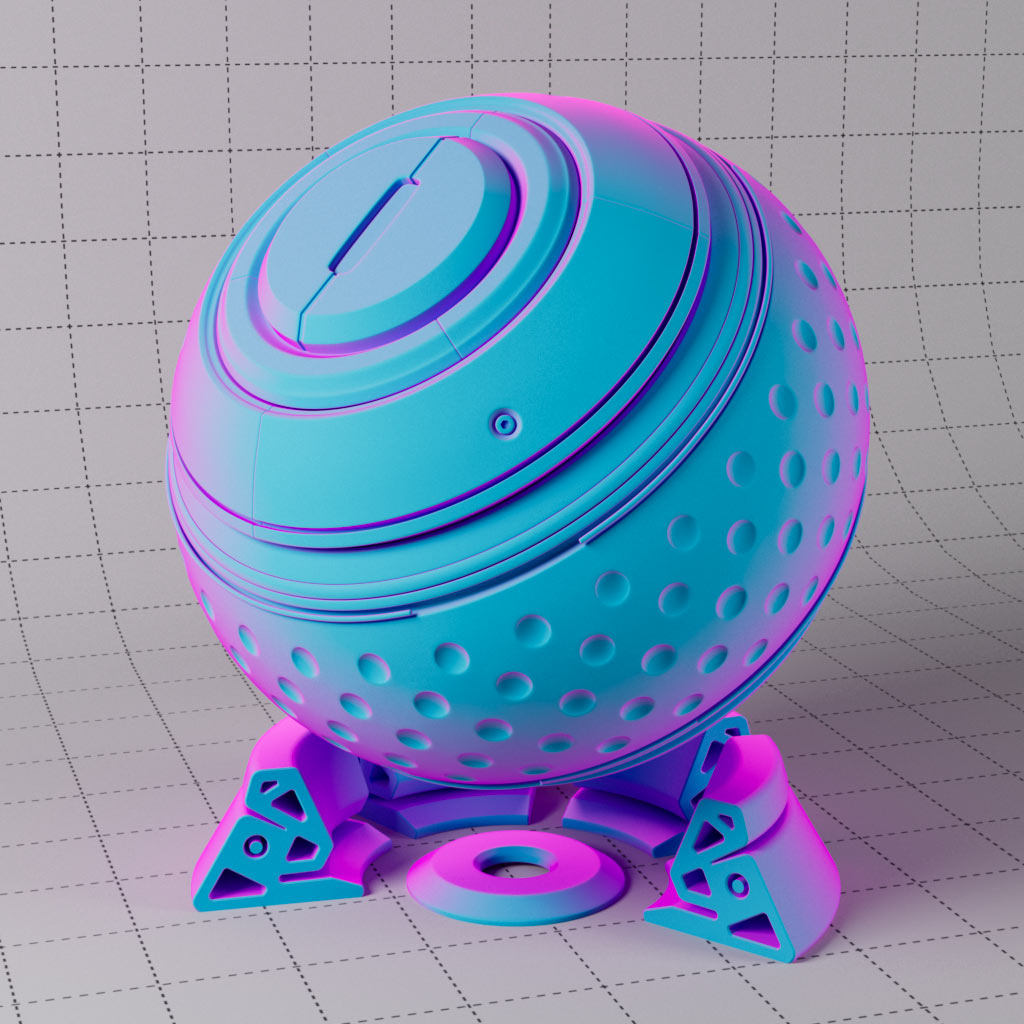
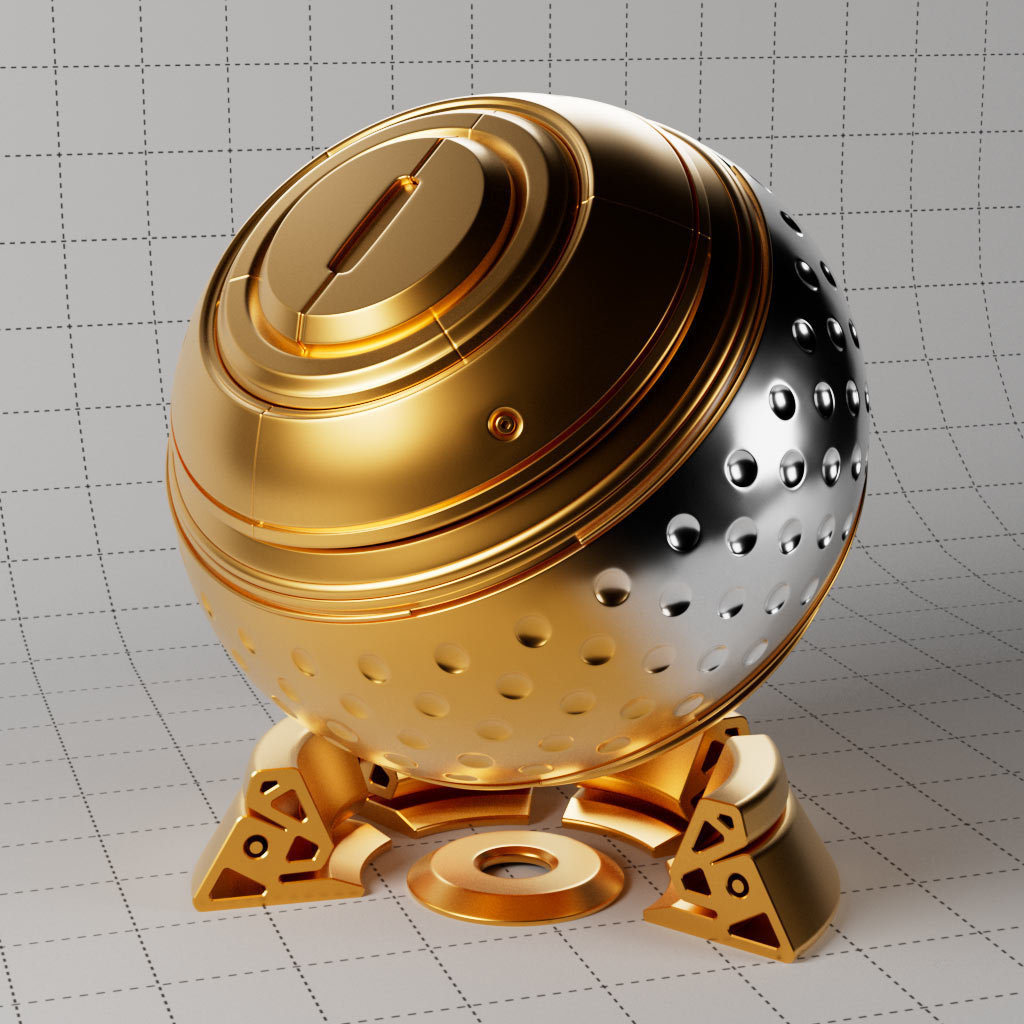
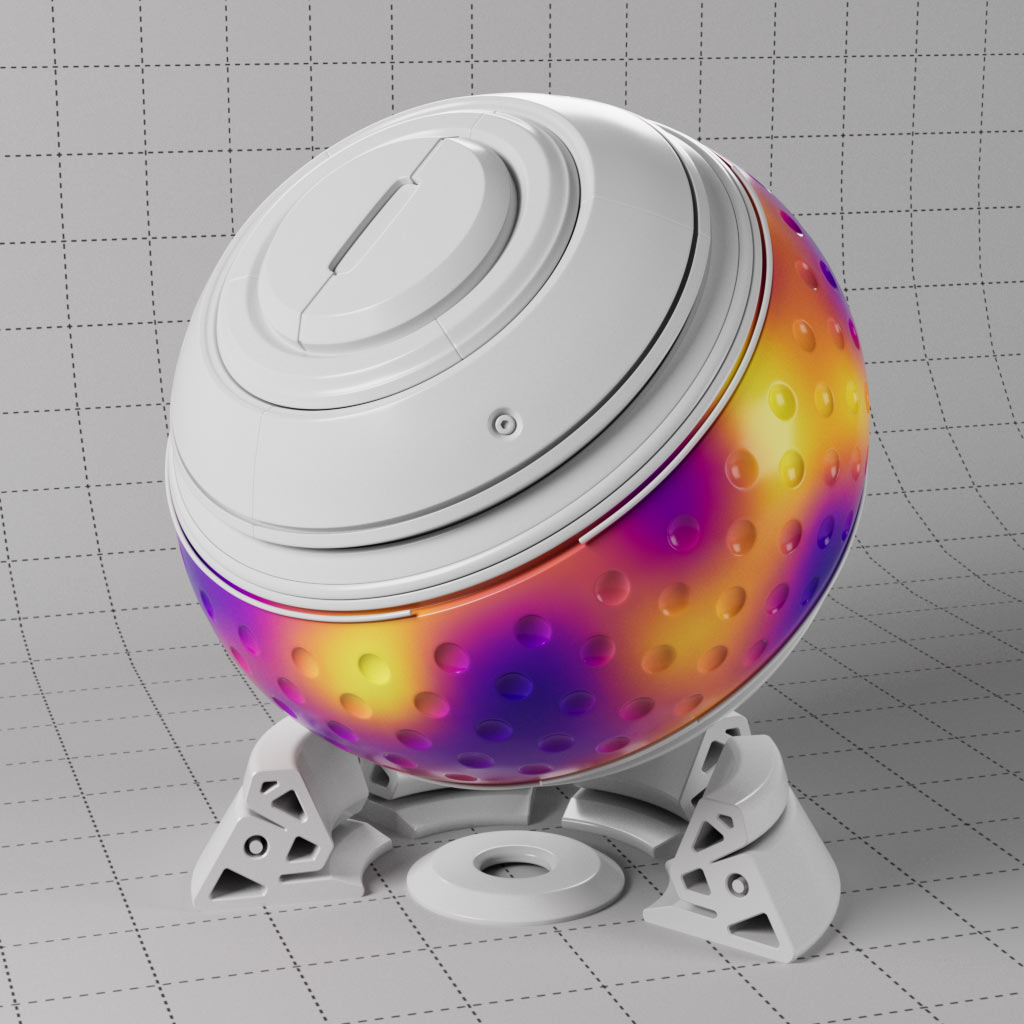
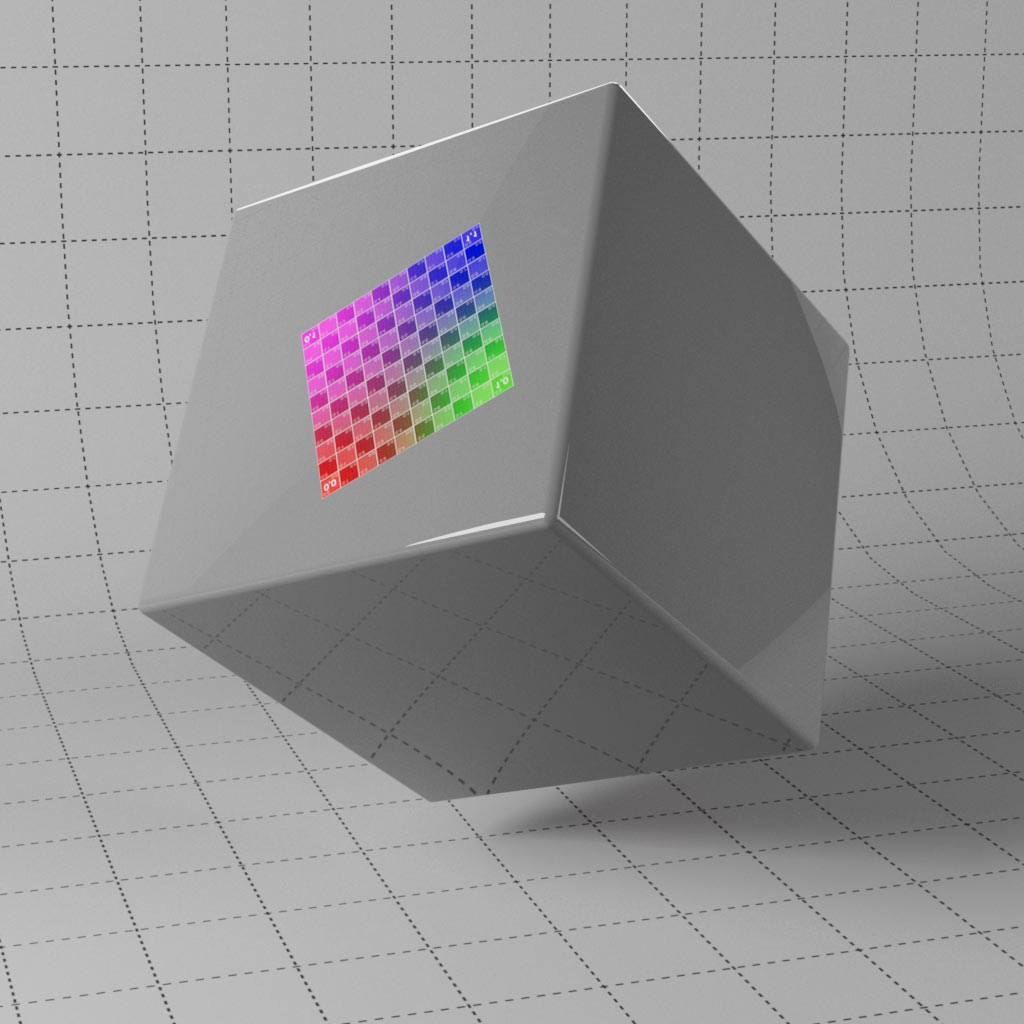
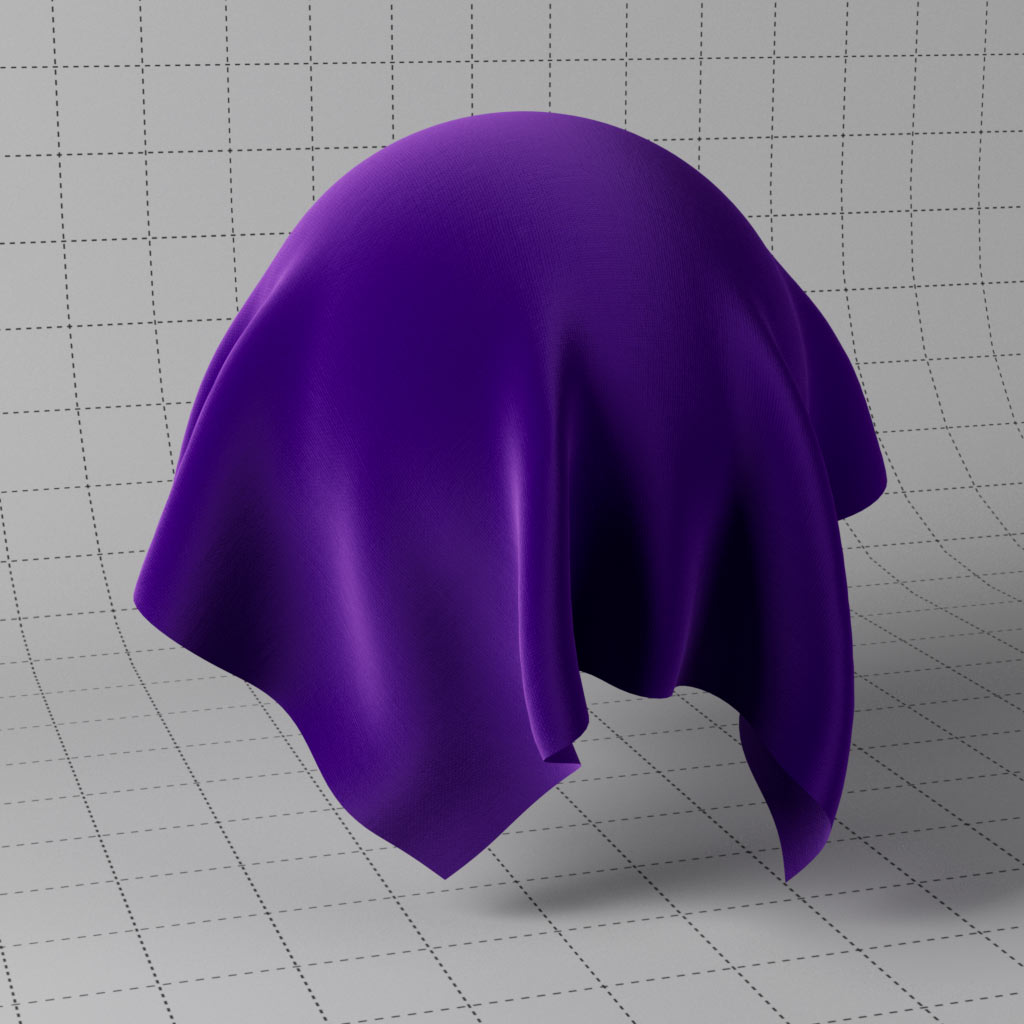
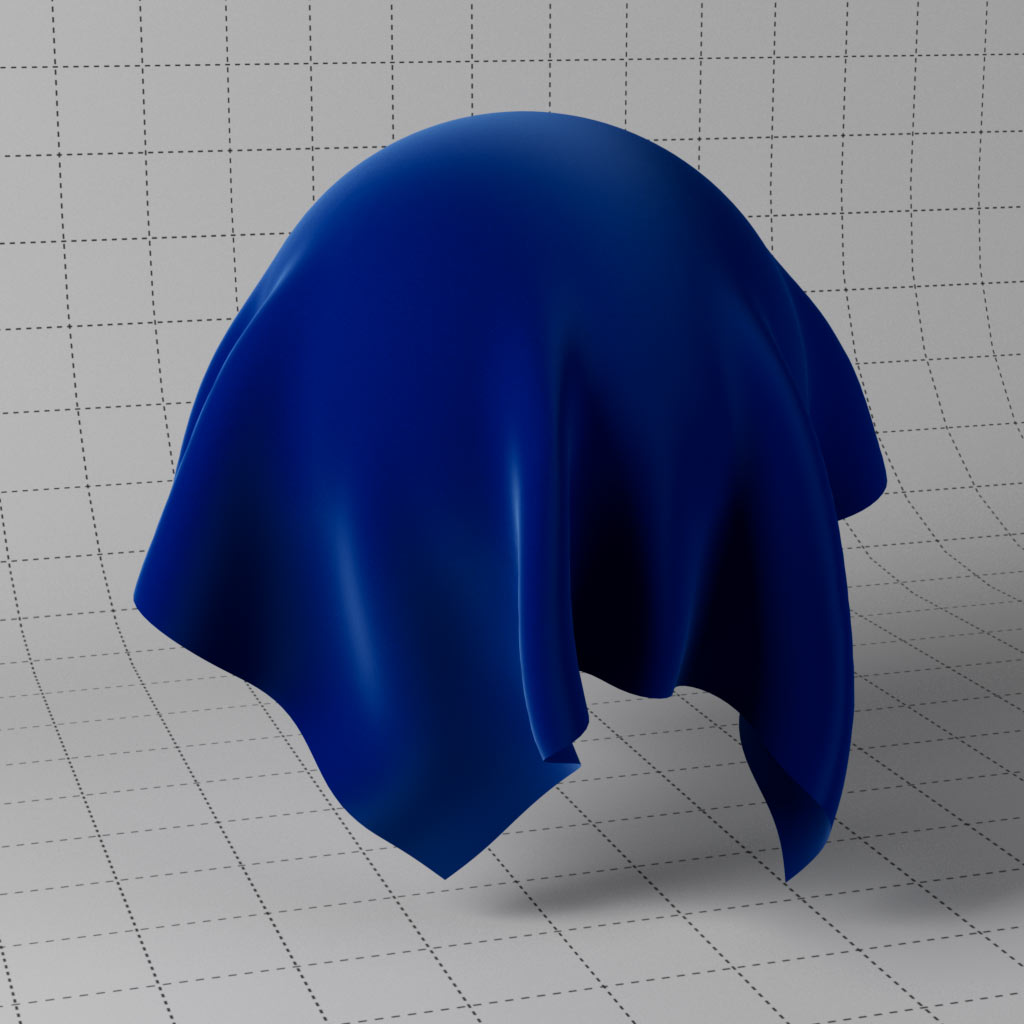
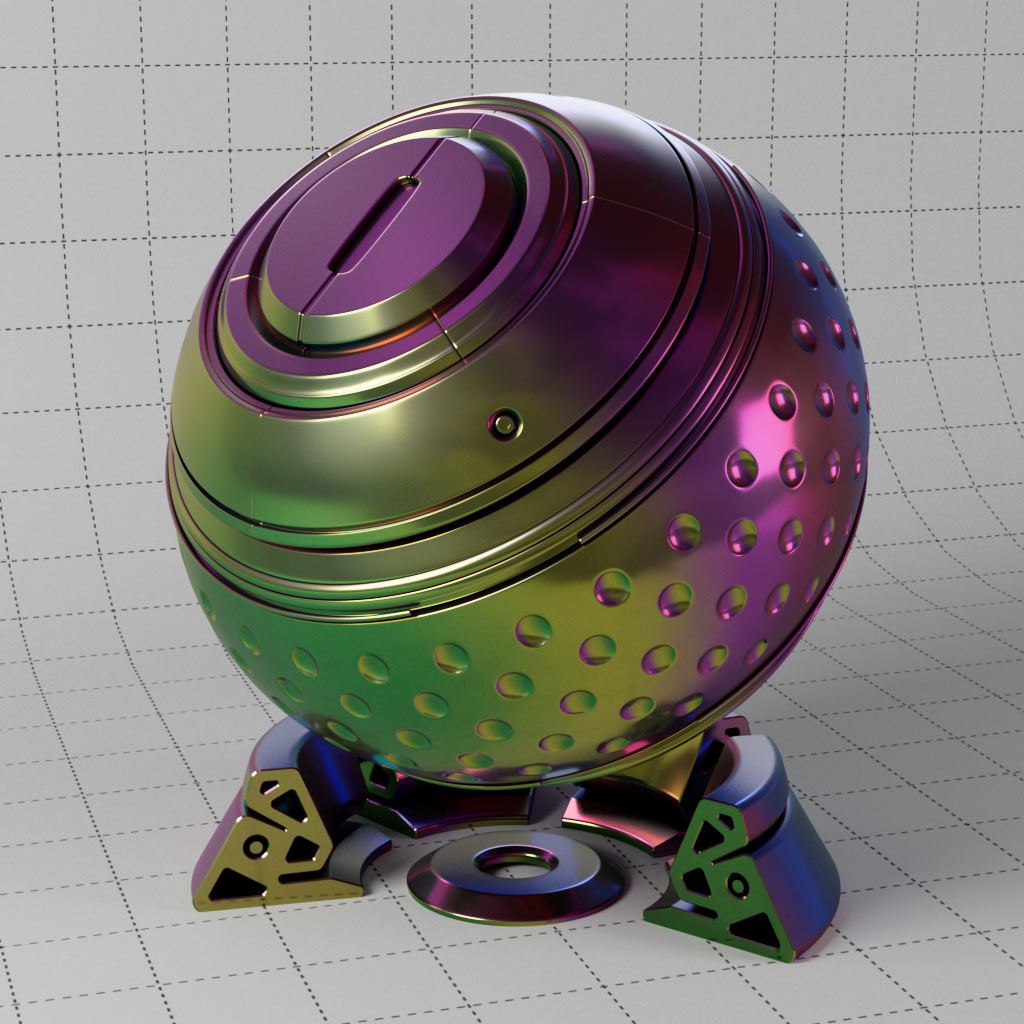
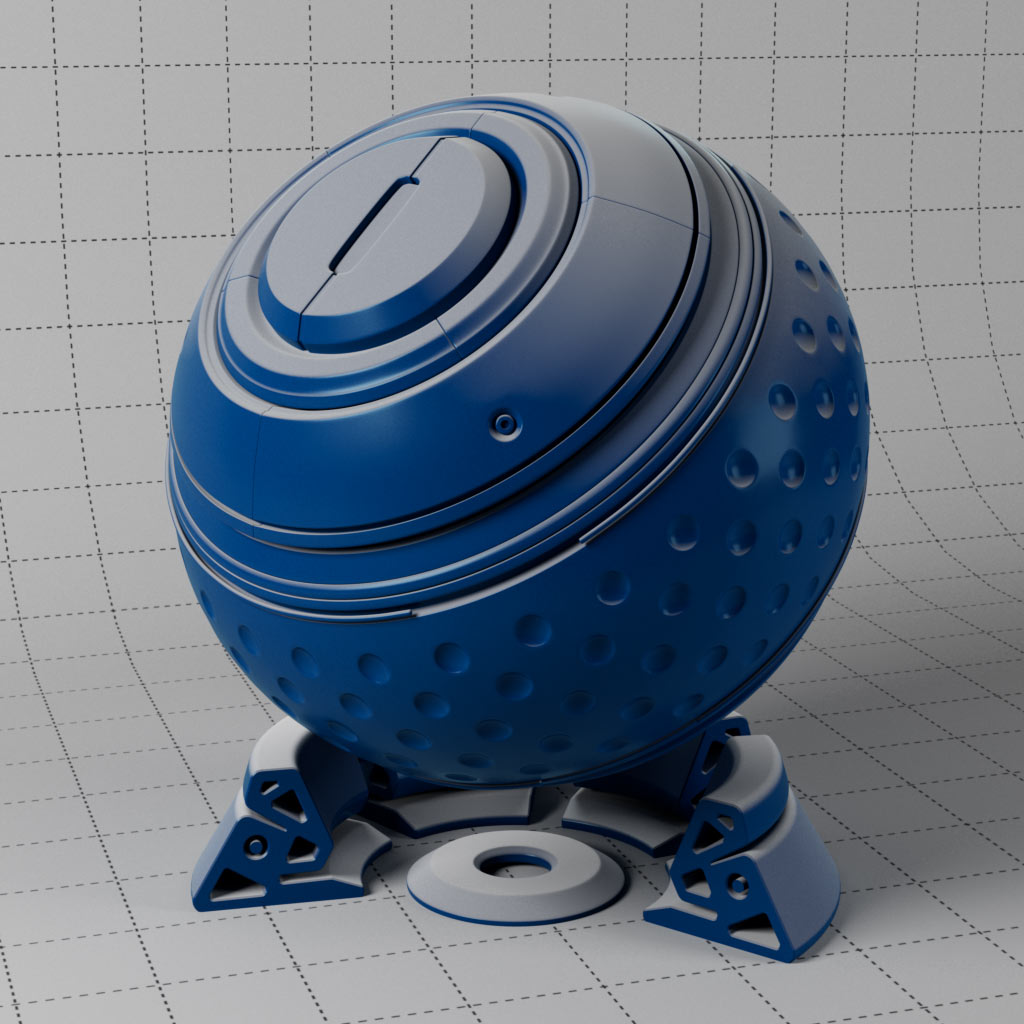
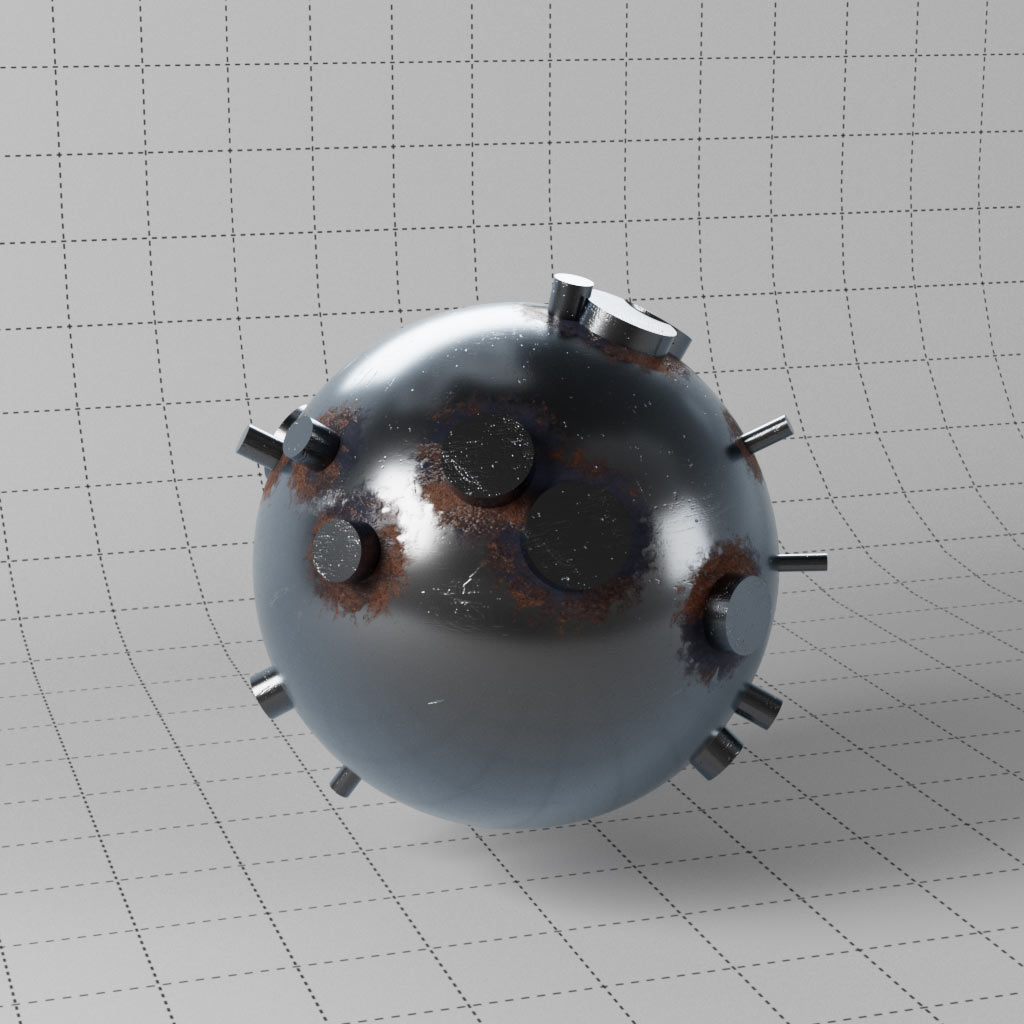
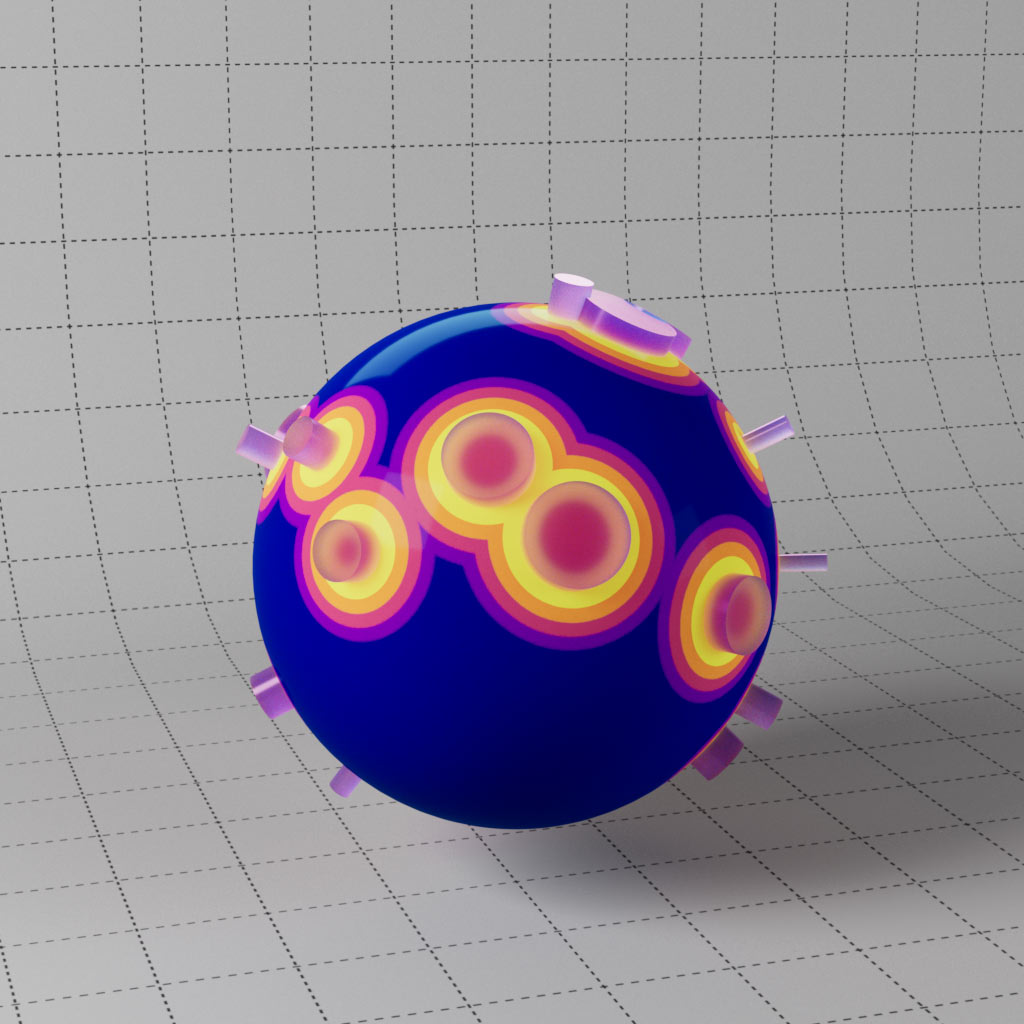
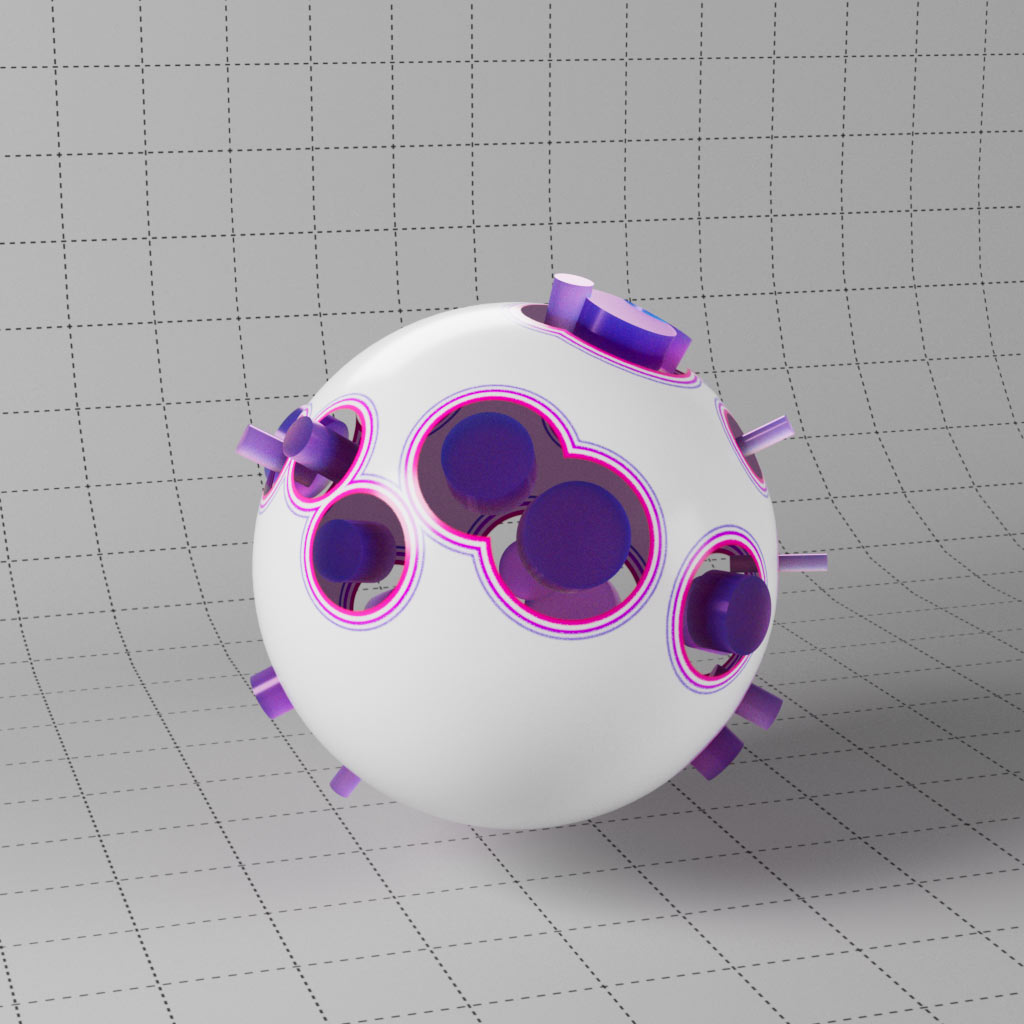
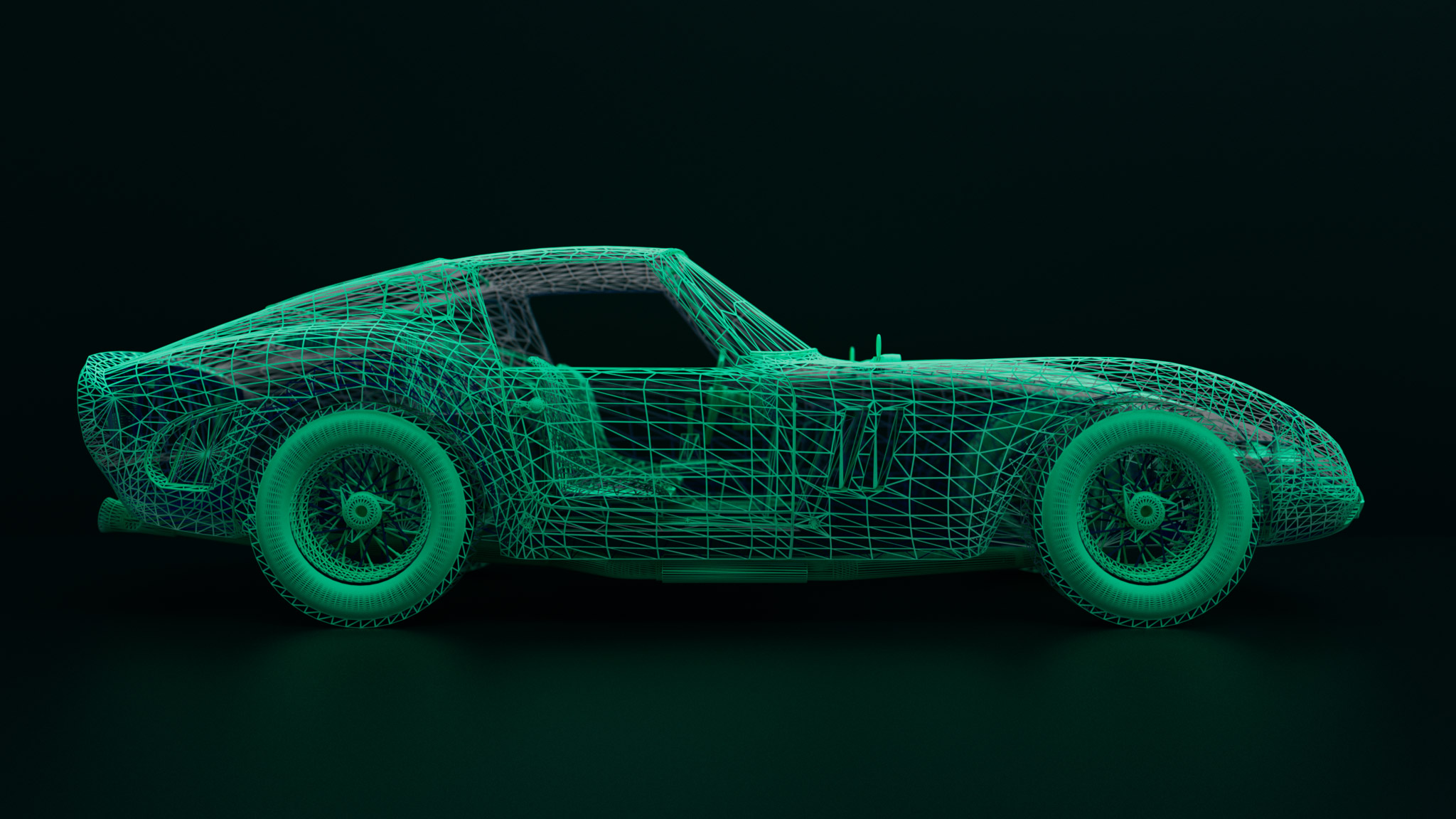
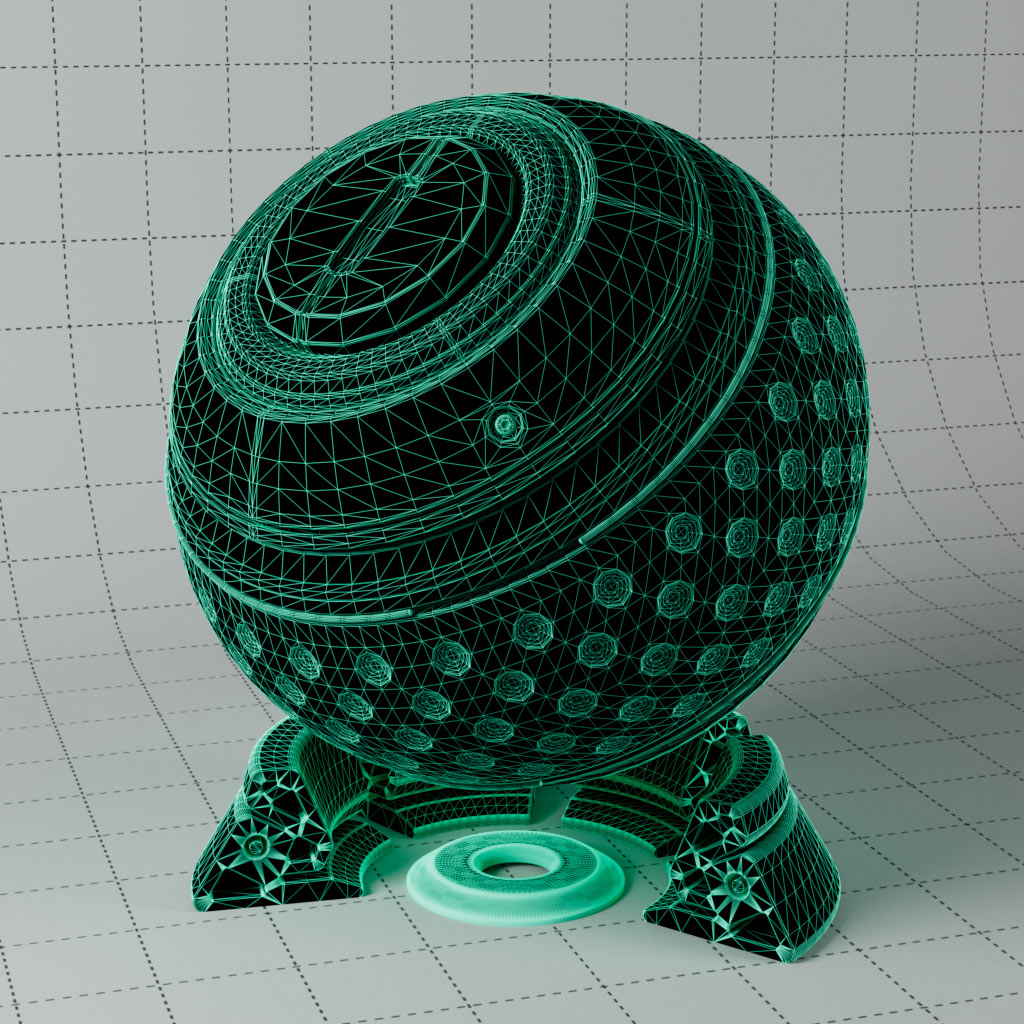
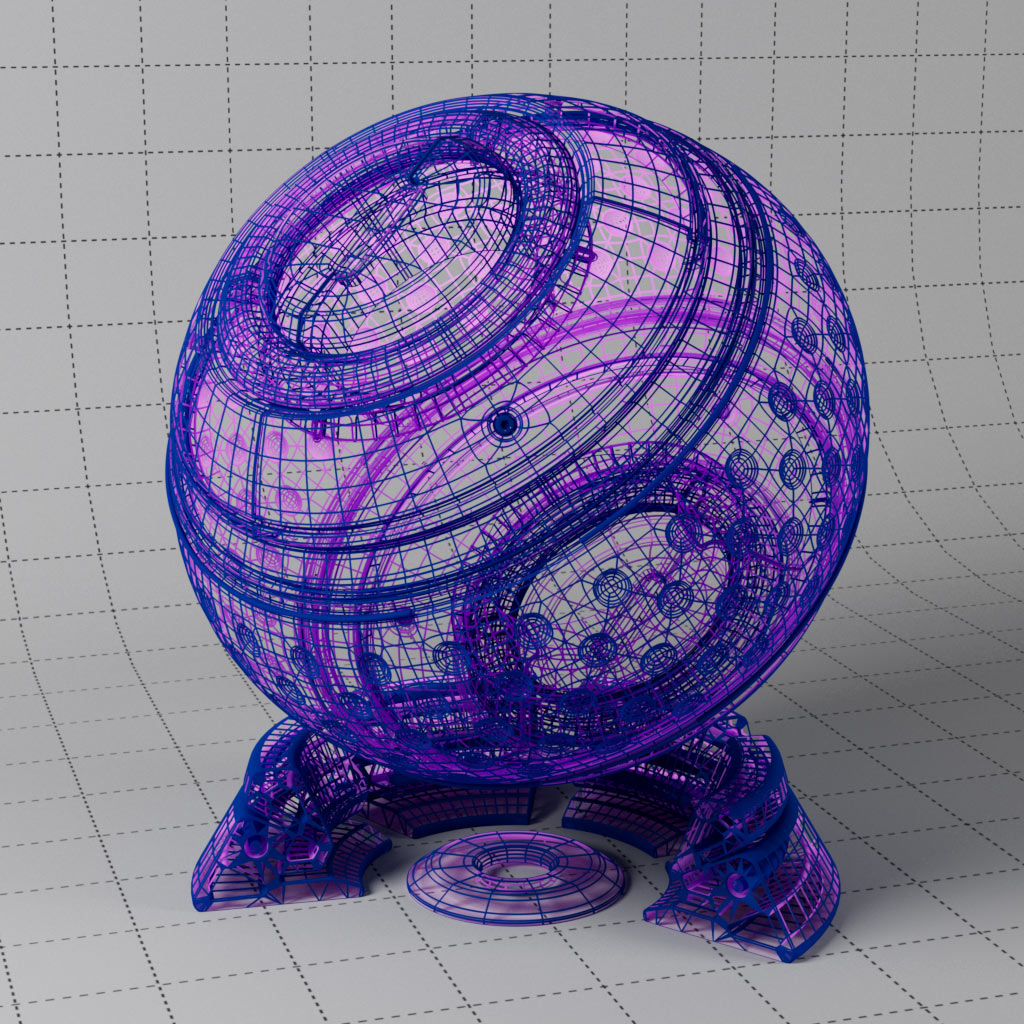
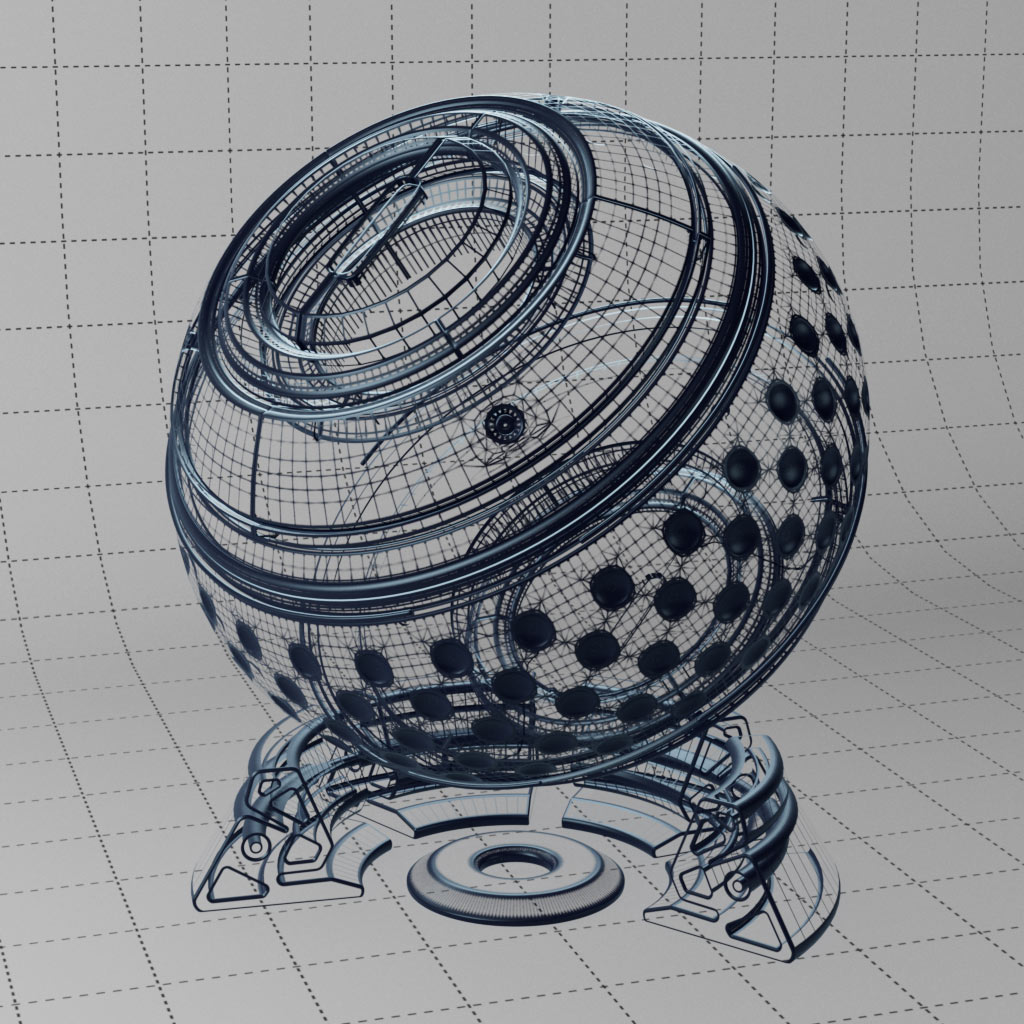
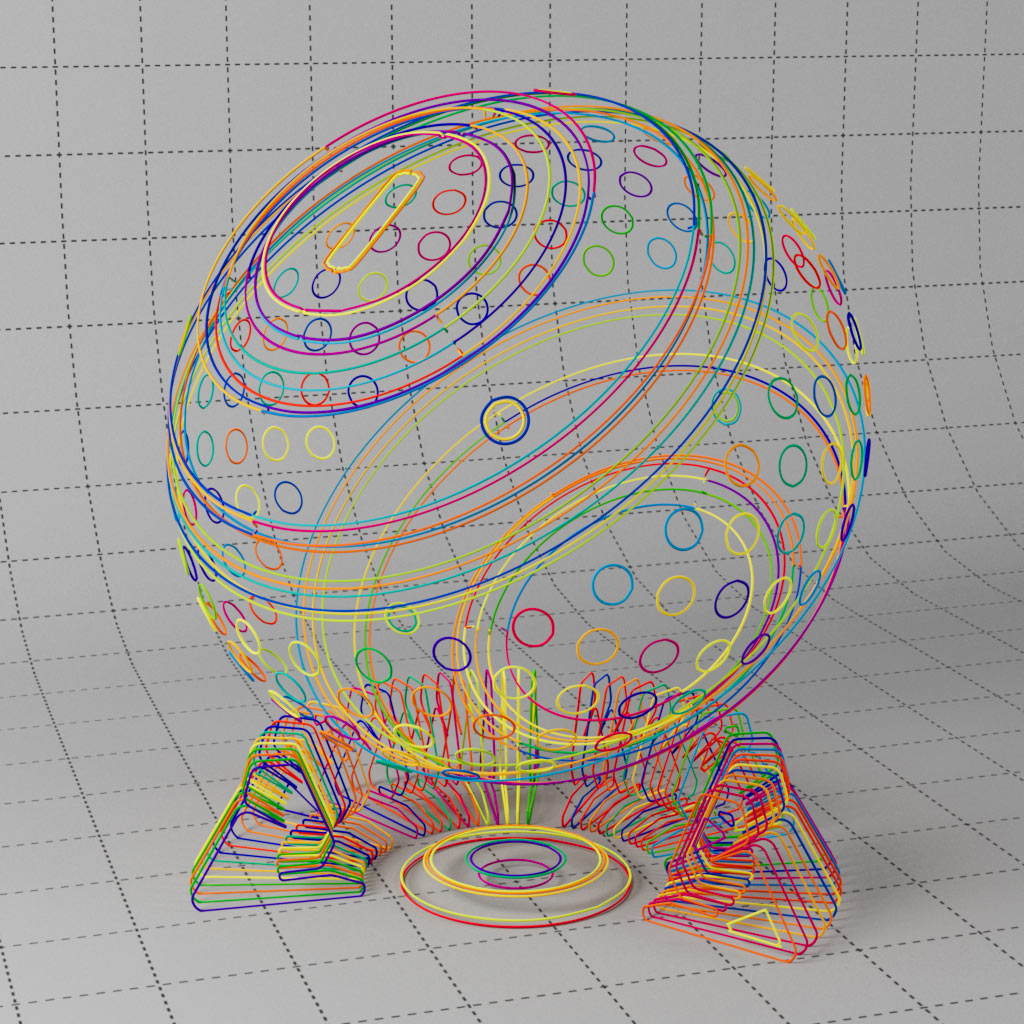
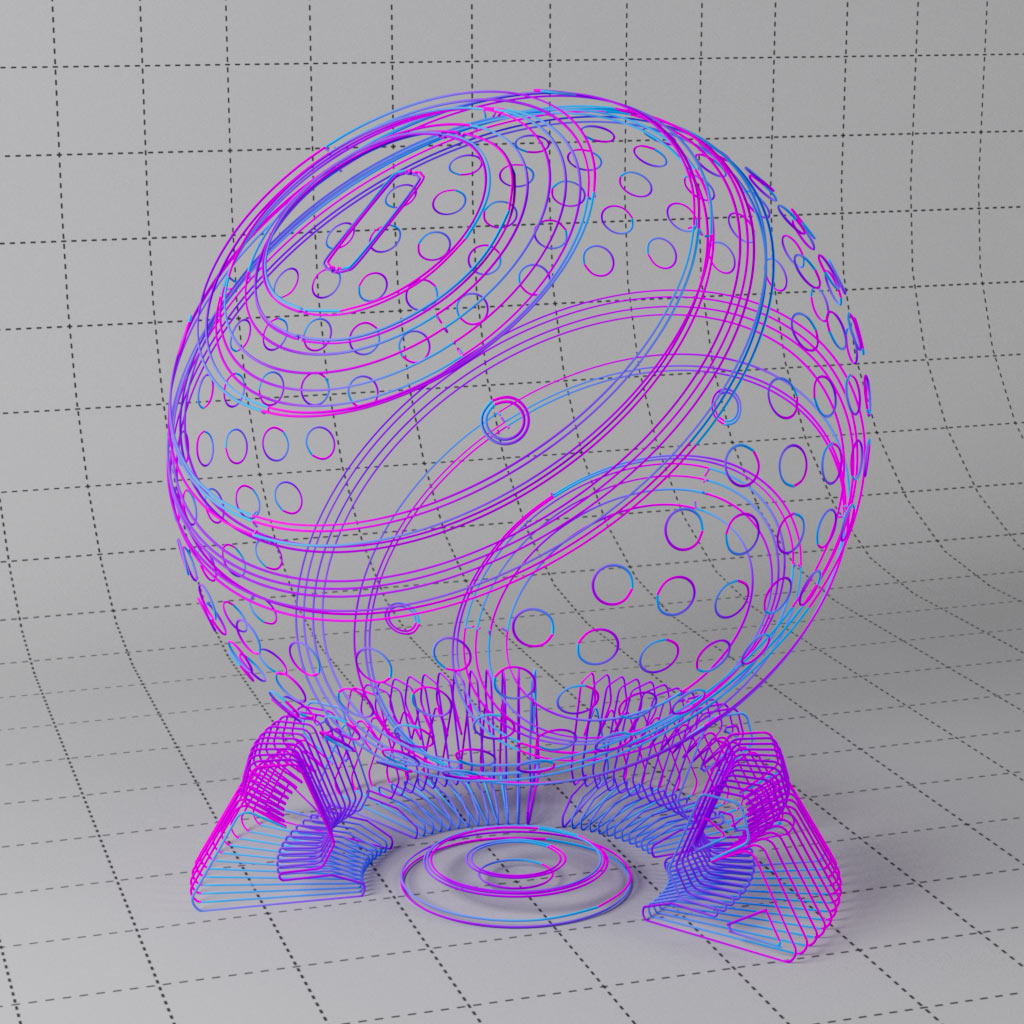
Three examples of how to render using the RS wireframe node, this is great combined with Ray Switch to colour the inside of your object differently. Also includes a variation using the distance node to create a wireframe, this allows for softer lines to be rendered.
This includes the Sprite shader, great for things like leaves etc where you need a lot of images repeated and it requires a very high ray depth, Sprite shader deals with this. Also includes a few examples of SSS with the old RS material. They are still very valid and have their uses for specific effects.
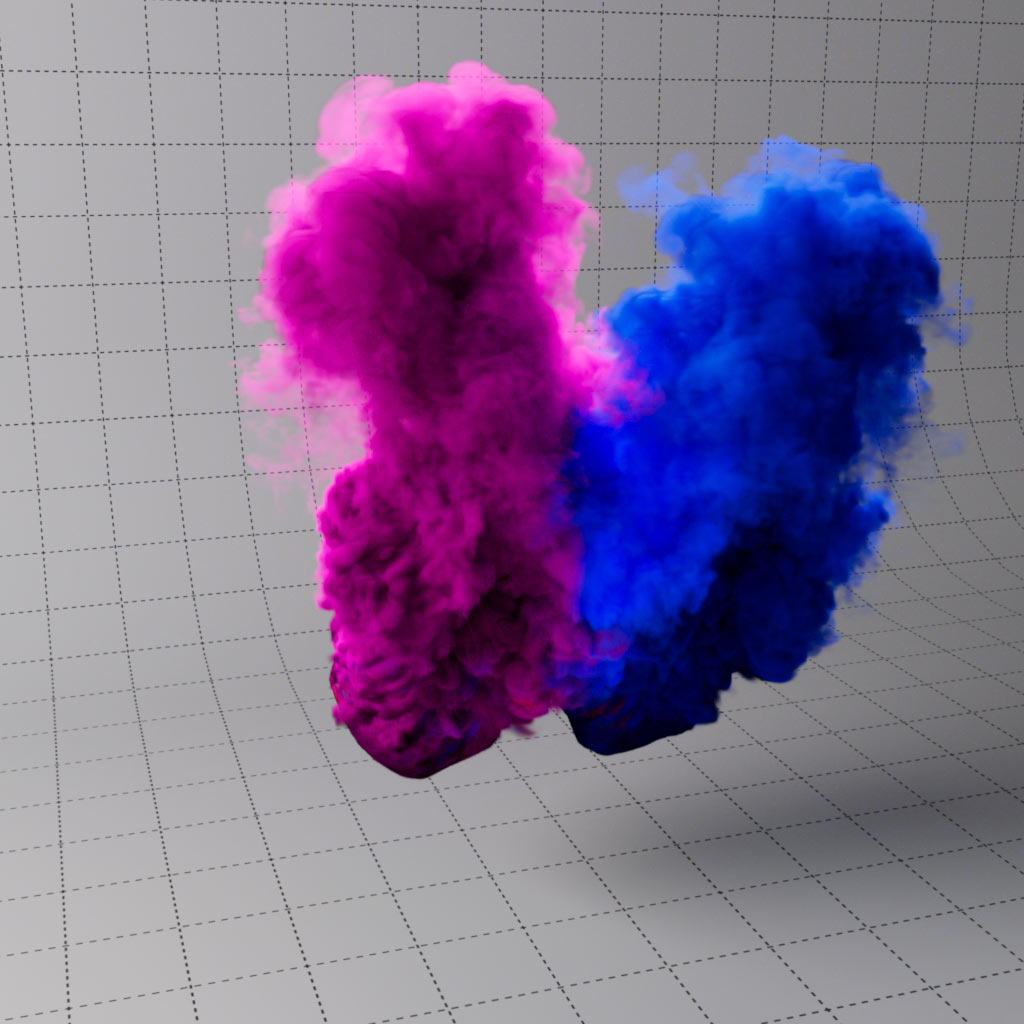
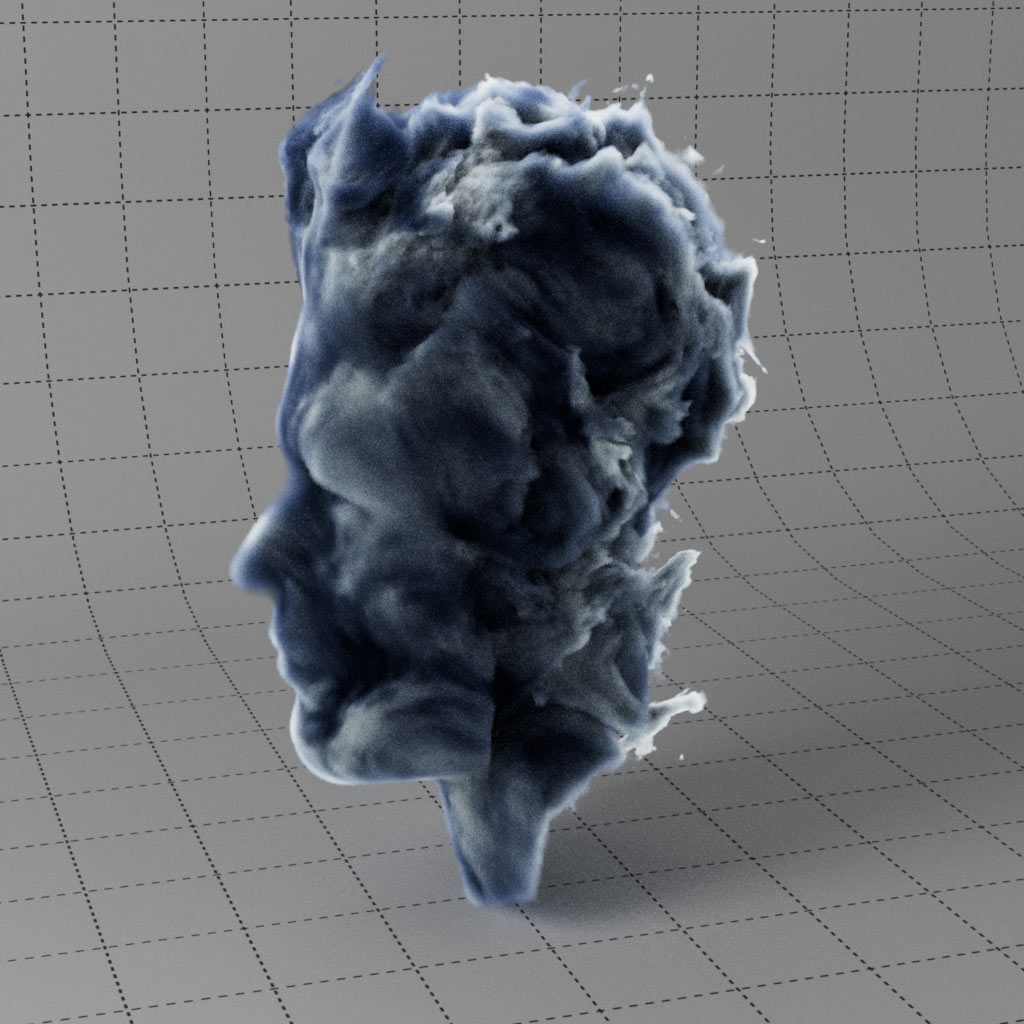
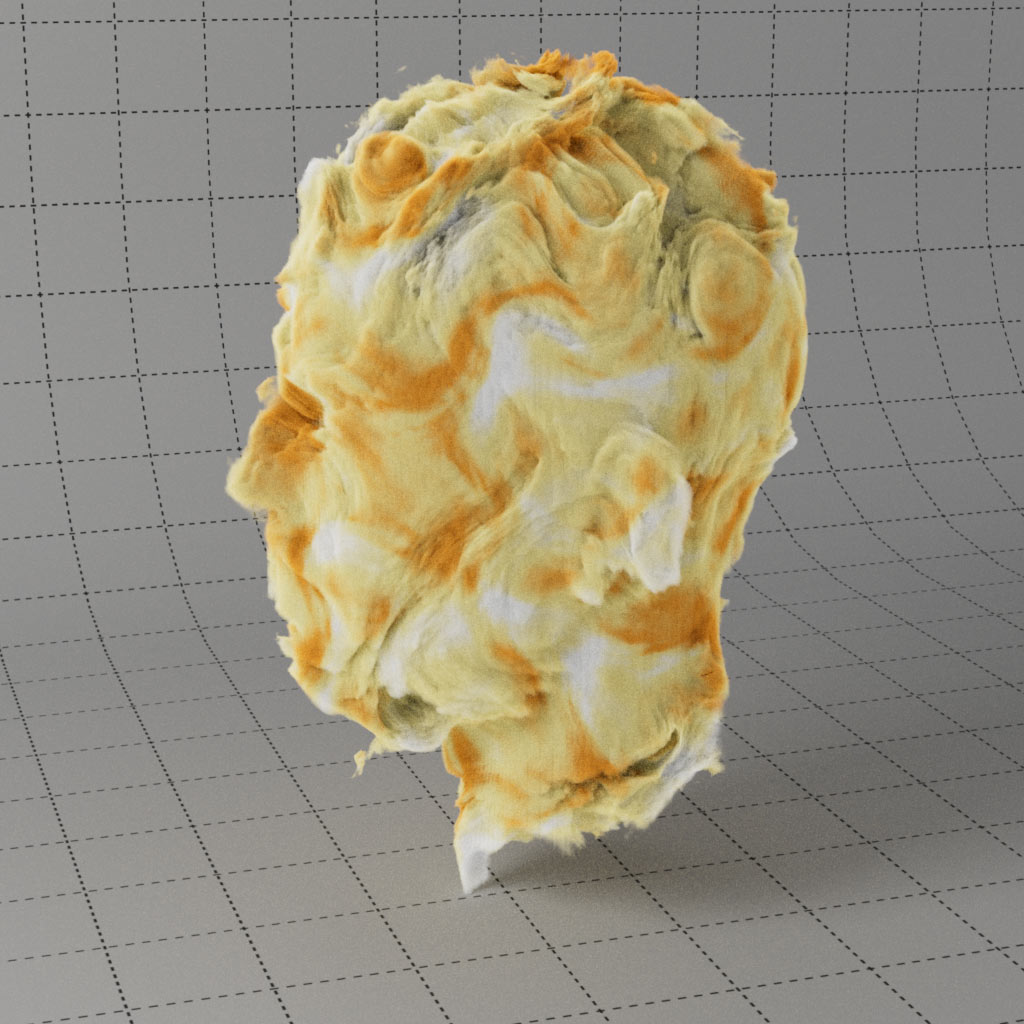
Render fire, smoke, clouds and multi-colored pyro with ease using these materials as a jumping off point. Redshift will render volumes imported with Volume Loader or RS Volume, you can also render the C4D native pyro system and Volume Builder. For the adventurous, there are two examples of using Volume Displacement, but beware of long render times.
Download includes three C4D project files with the full setup for rendering Fire, Dense Smoke and Colored Pyro. You can download the project, cache the simulation and render. All objects, materials and lighting setup ready for you to use and adapt for your own scenes.
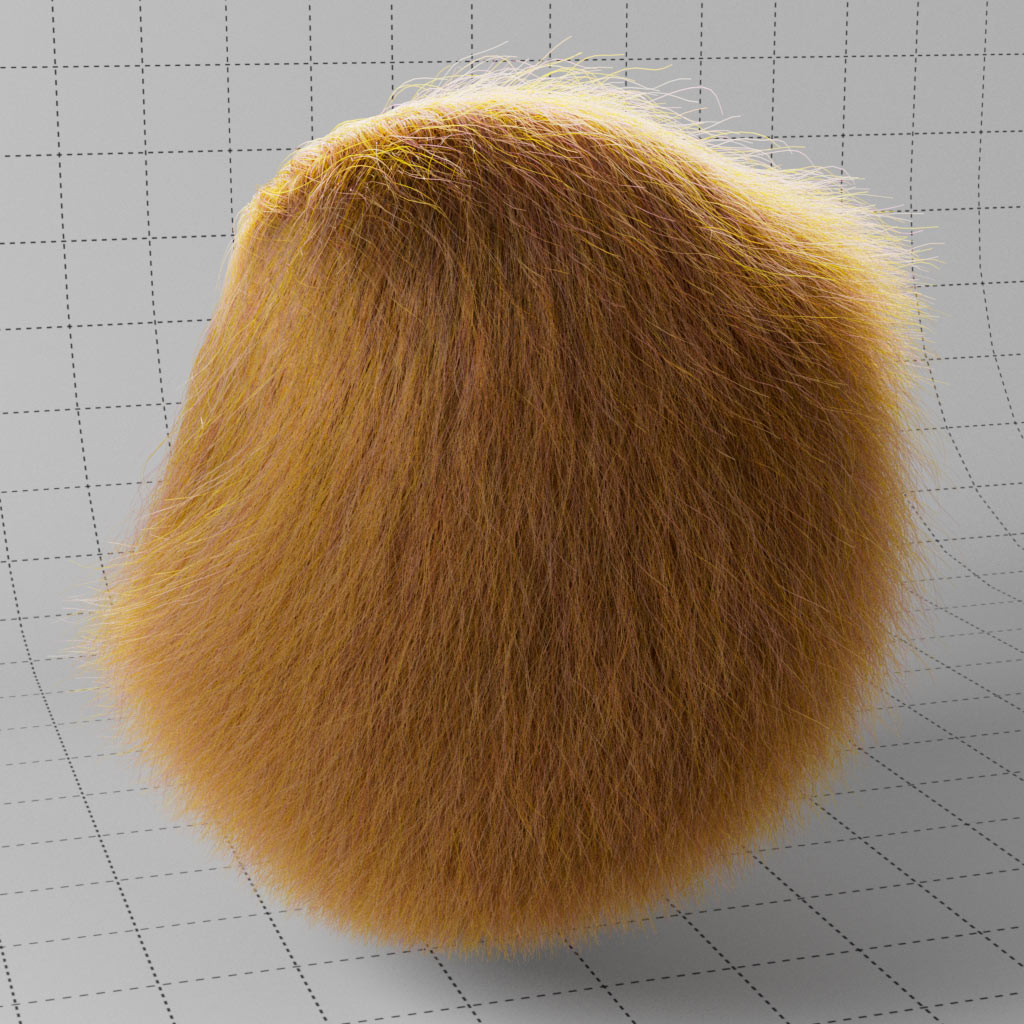
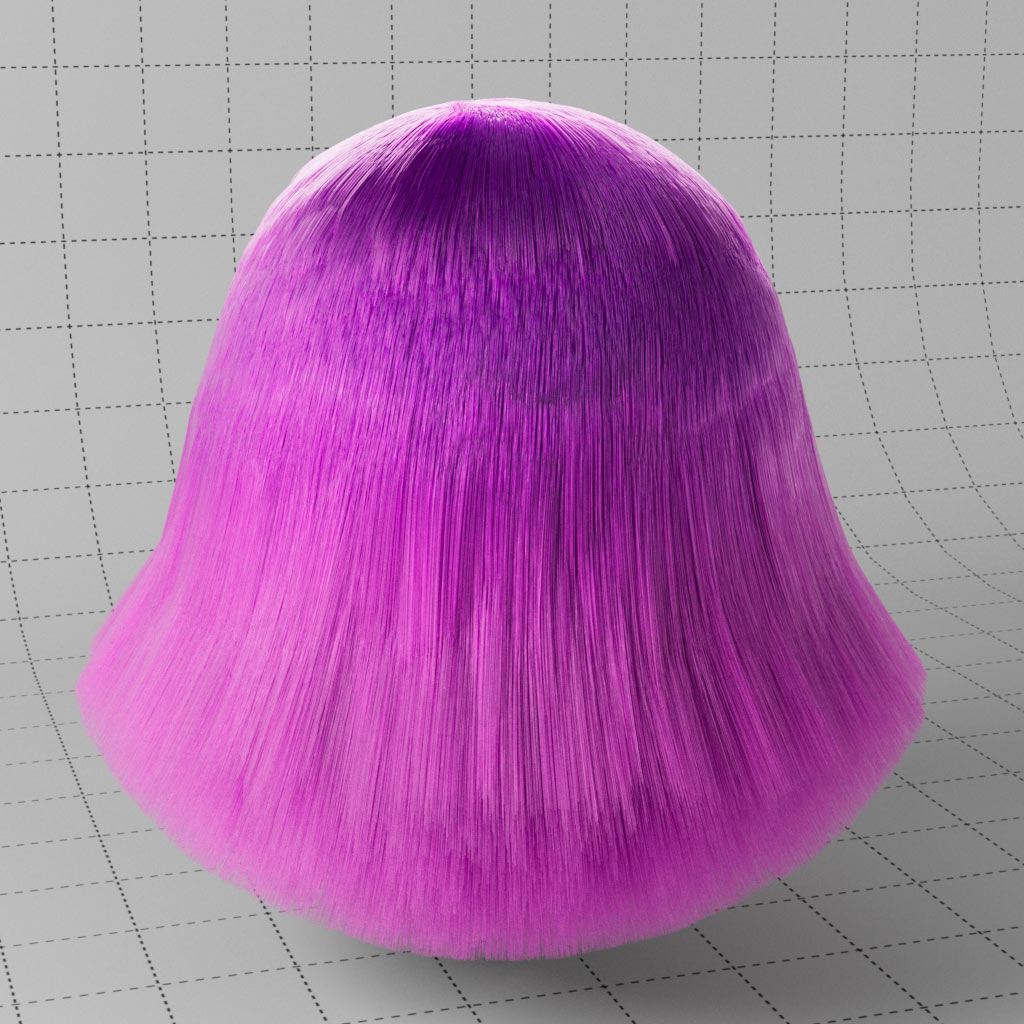
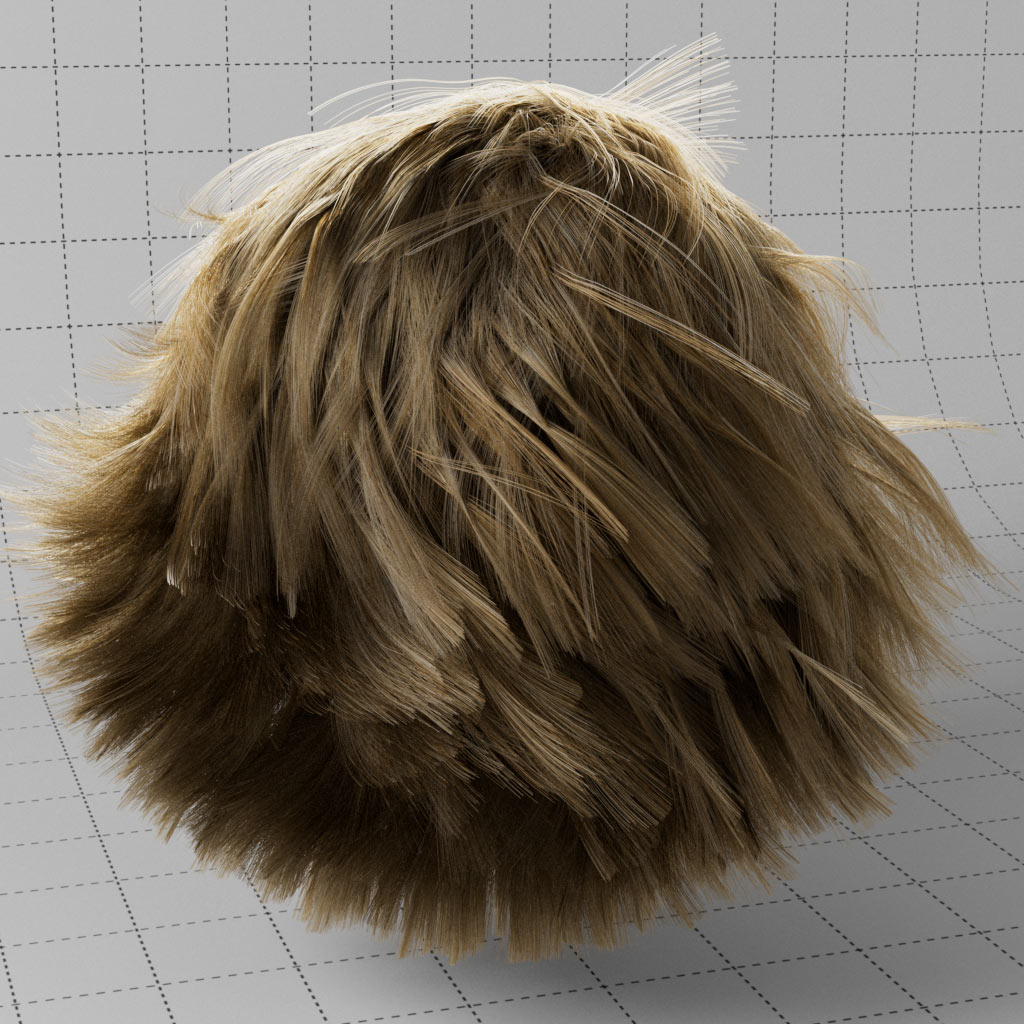
Three examples using the RS Principled Hair shader, this combined with C4D Hair Material allows you to create hairstyles with ease and combine with physical accuracy of melanin for rendering. Easily add randomness to the hair for a more natural look with the Hair Random Color Shader.
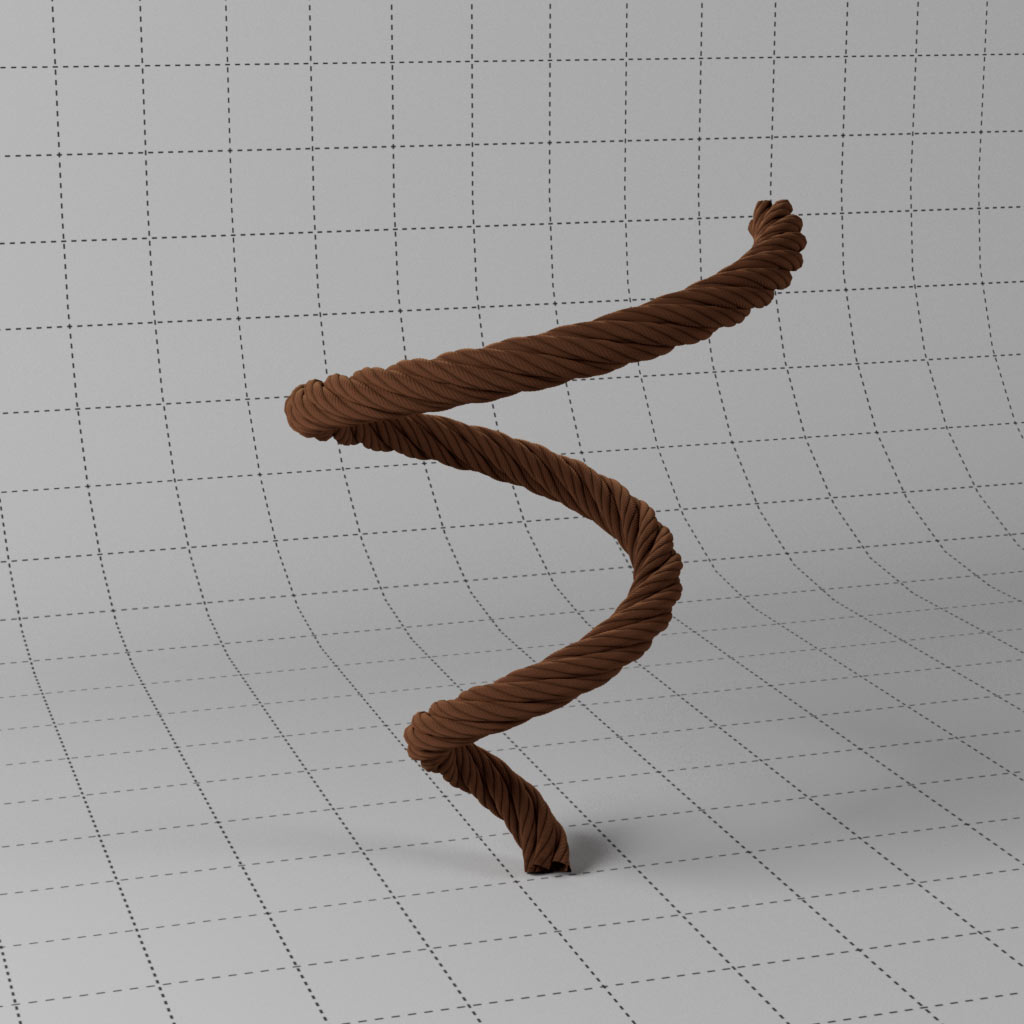
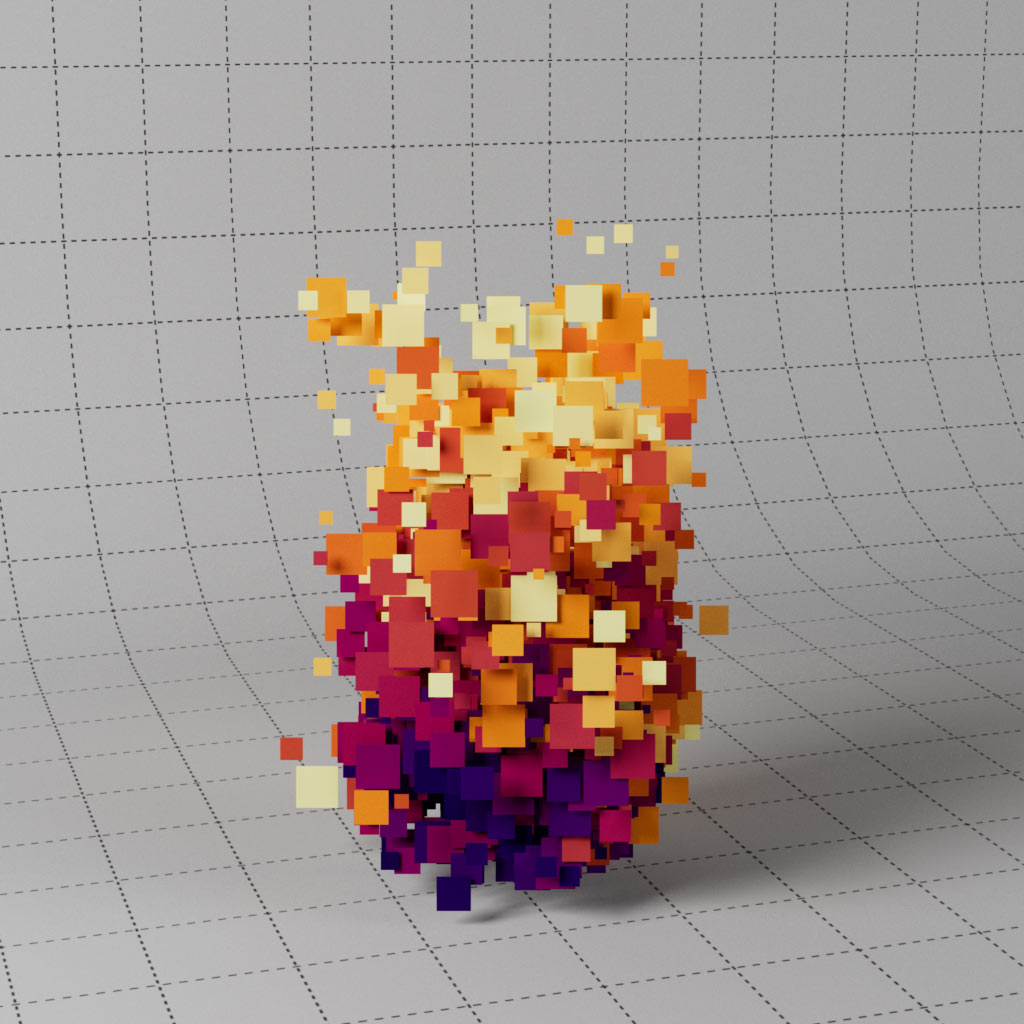
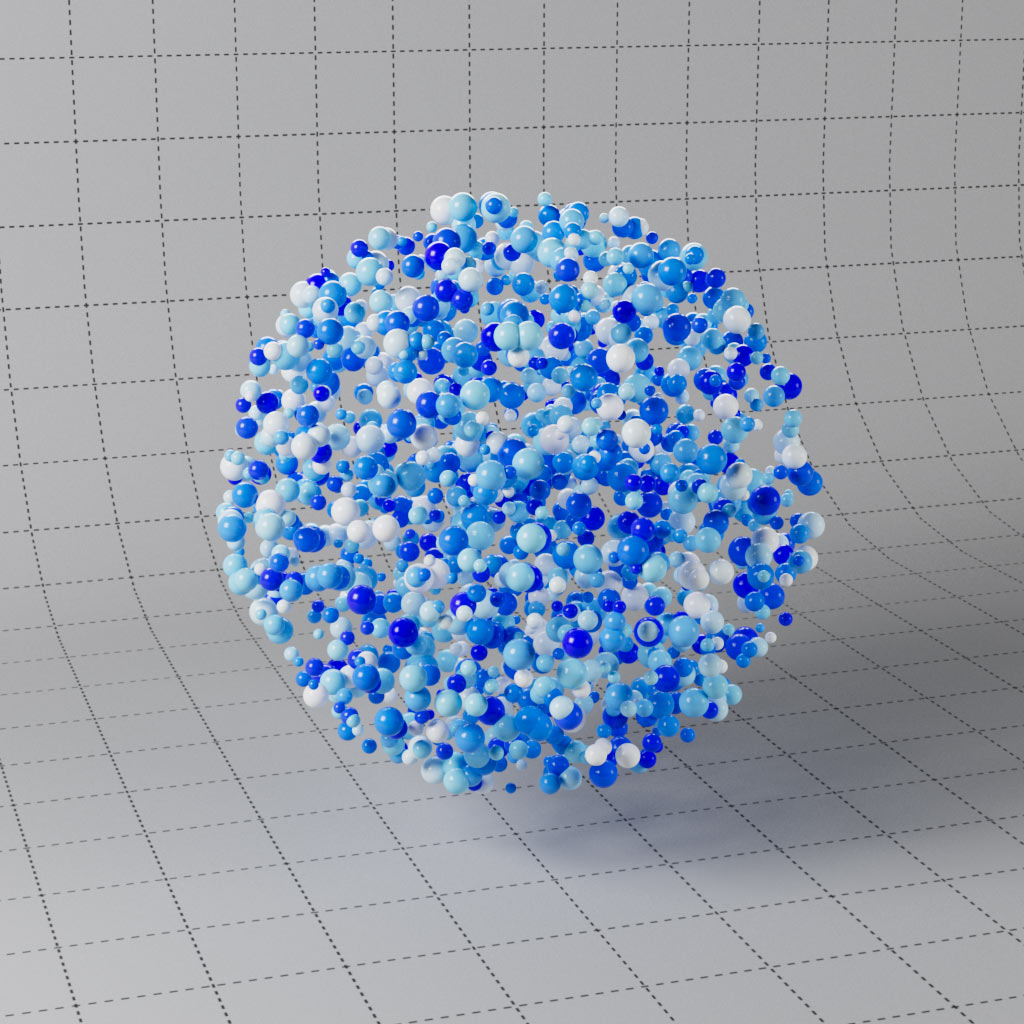
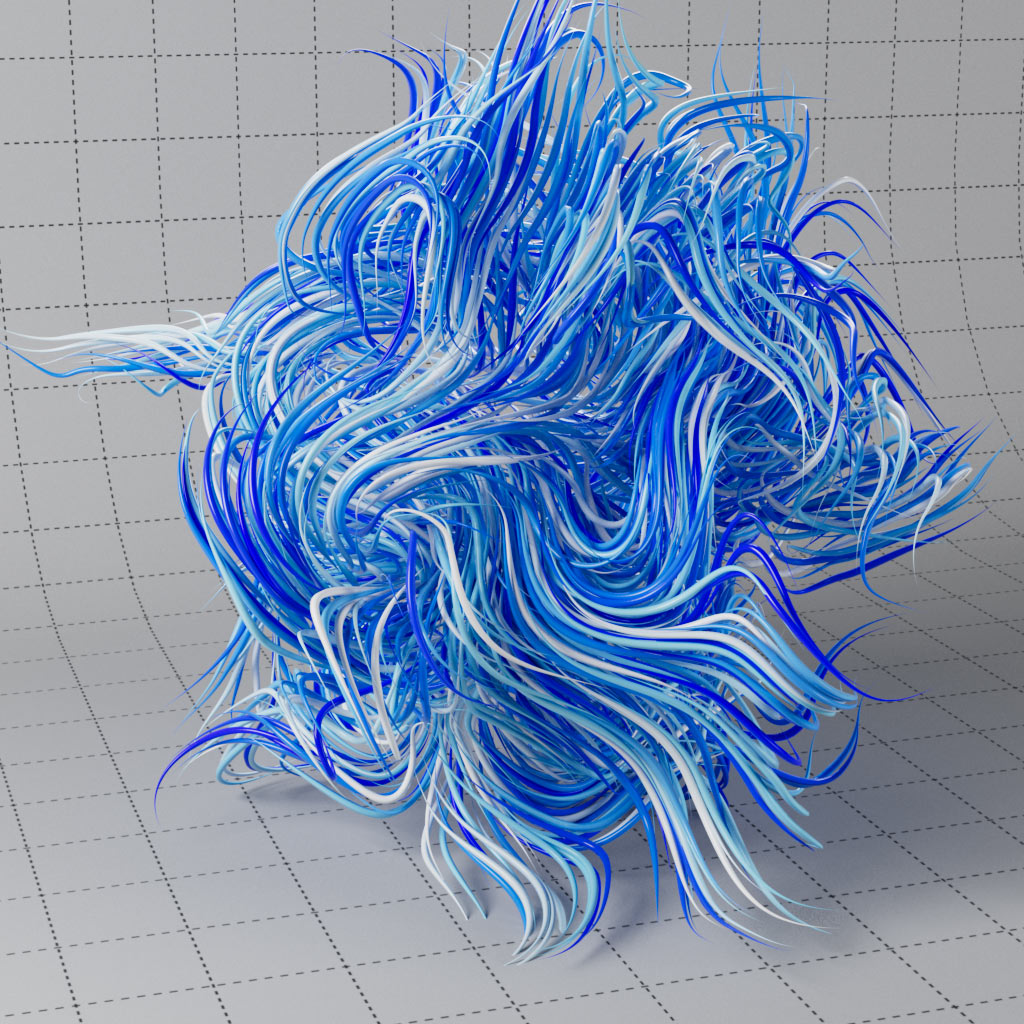
Access particle data such as age, color or ID to control parameters, remap age to a ramp for color over life or into opacity to fade your particles. Color your curves based on ID or map a gradient along using curve position. Also includes four X-Particle materials for accessing XP Emitter and XP Trail data for similar effects.
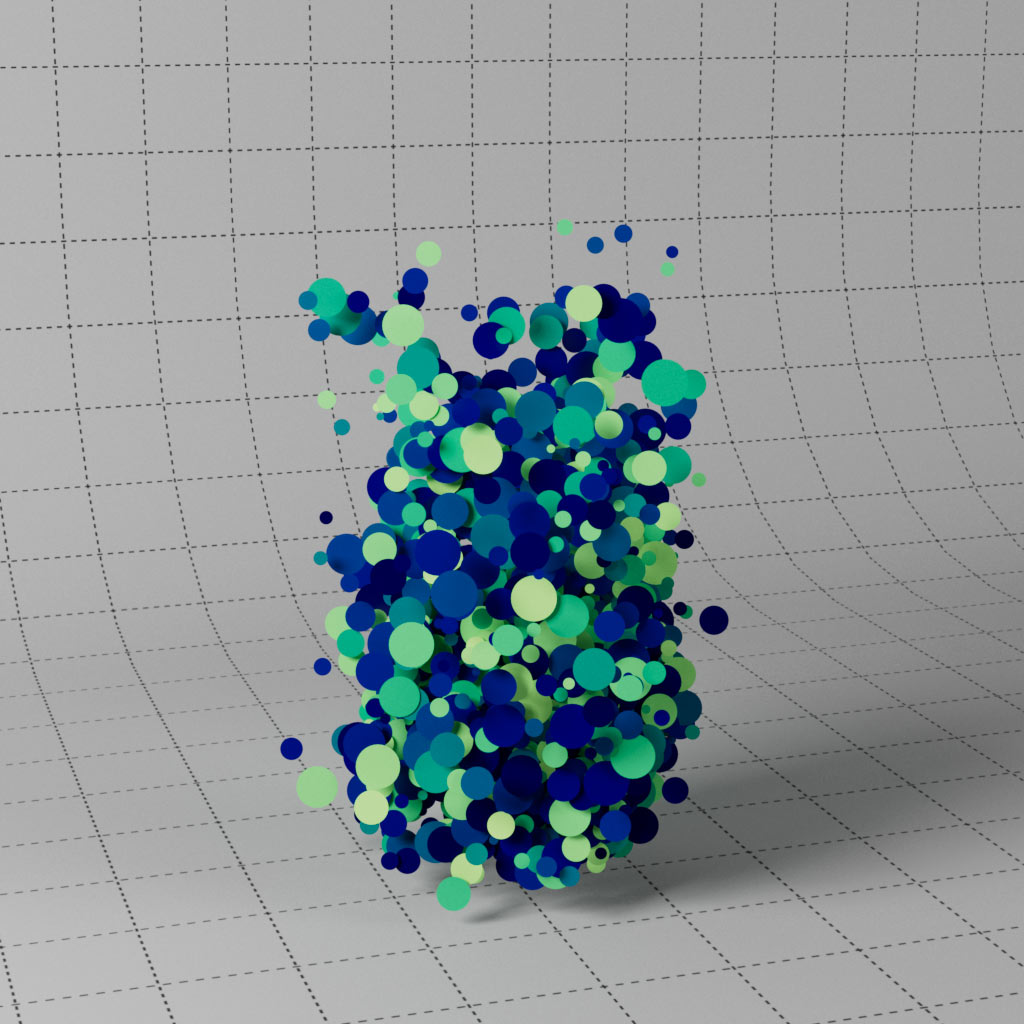
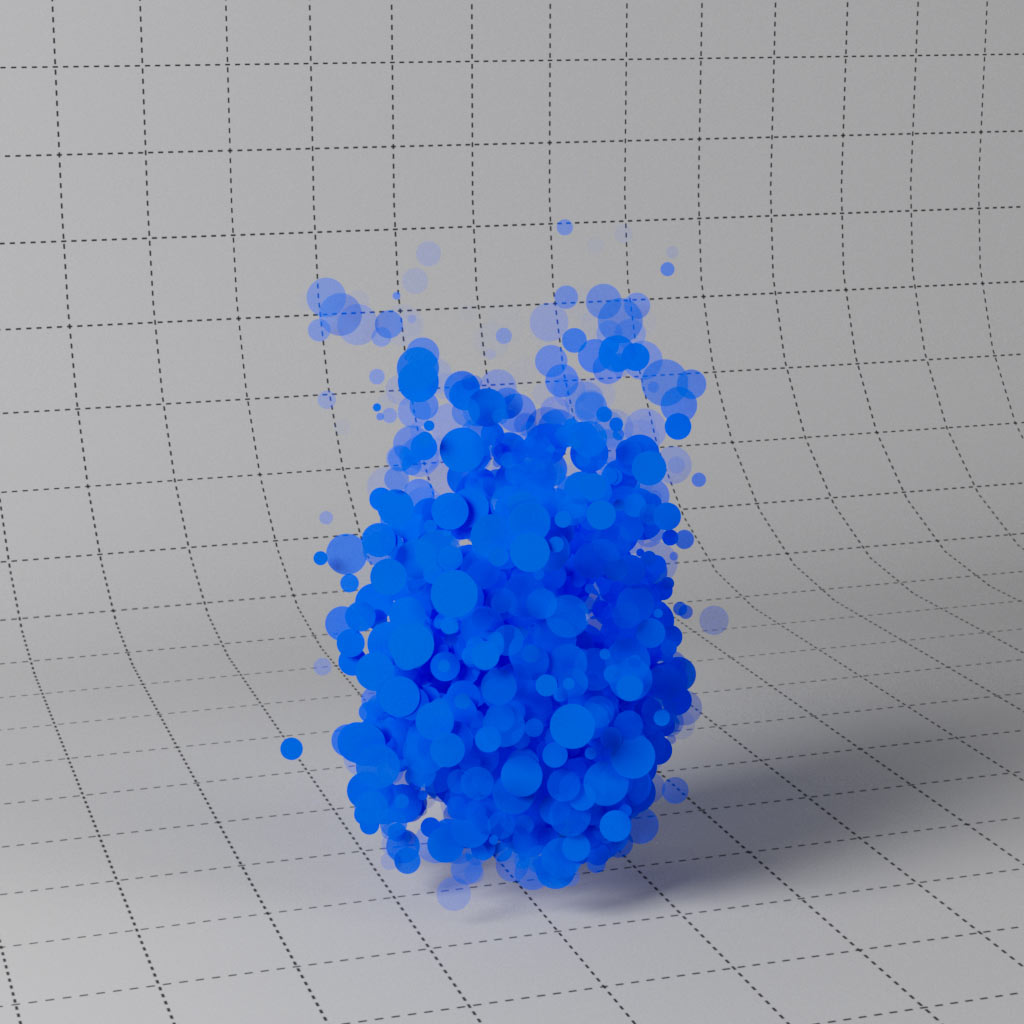
This includes AOV examples, demonstrating how to create various utility passes, such as cryptomatte or puzzle mattes from object & material ID, creating mattes from textures & shaders using custom AOVs, plus global AO & UVW passes. These are very useful when compositing your renders in post.